
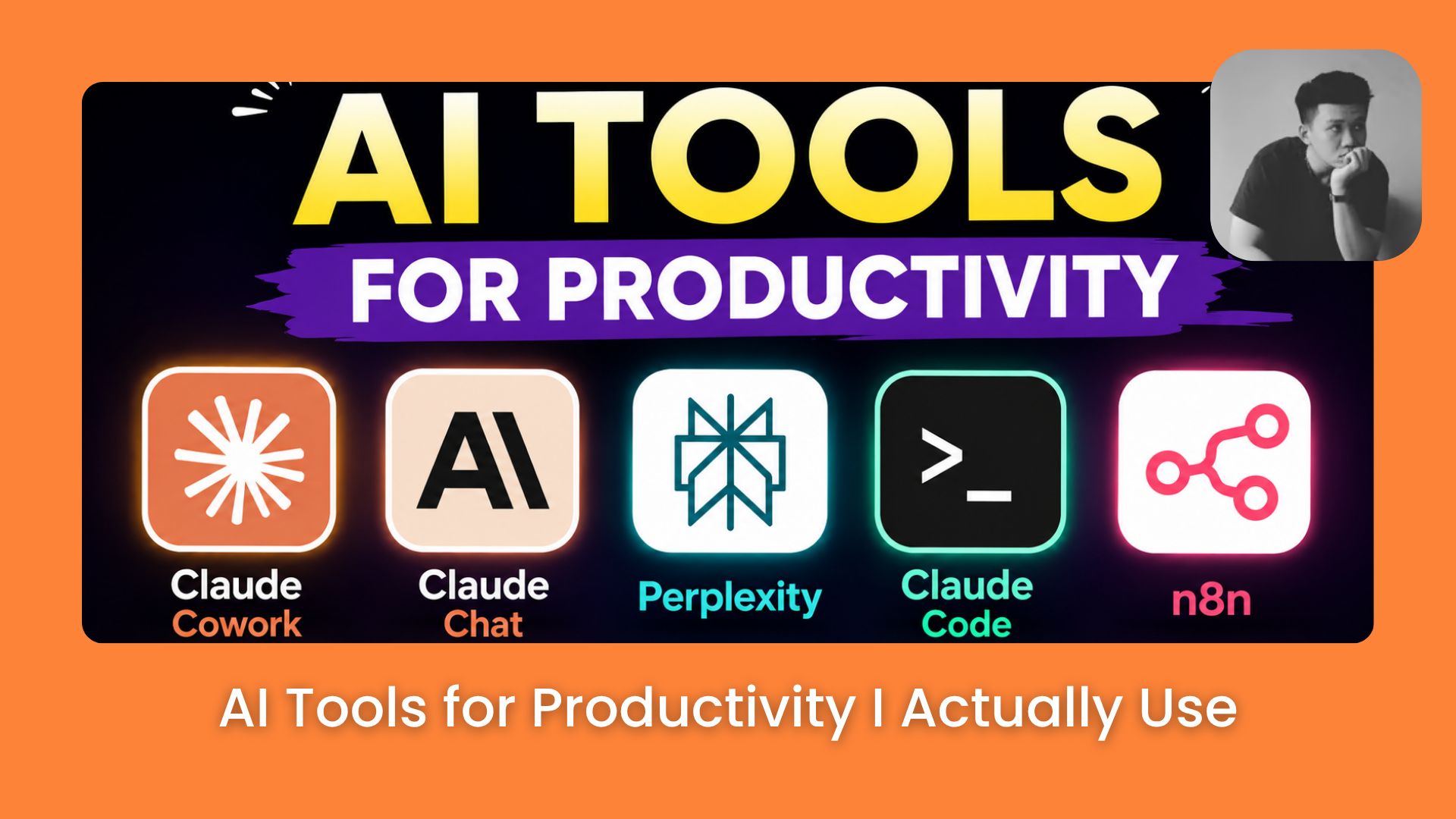
After writing 100s of AI tutorials at AI Fire, these are the 5 AI tools for productivity still open on my screen every day, and exactly when I reach for each one.. Ai Tools, Ai Automations.
TL;DR
Most people use too many AI tools for productivity and master none of them. A small stack used consistently beats a large one used randomly.
I’ll show you the 5 AI tools for productivity I use daily across writing, building, research, and automation. Each tool has a specific job in the workflow, and none made the list because of hype.
You’ll learn when to use Claude Cowork for automated morning briefs, Claude Chat for quick decisions, Perplexity for sourced research, Claude Code for building real products, and n8n for hands-off automation. Every tool maps to a specific part of the workday.
Key points
Running n8n on a VPS removes per-execution fees that compound fast at scale.
Switching AI tools for productivity before mastering one is the most common mistake.
Knowing which part of your day a tool solves is the only filter that matters.
Table of Contents
Introduction
If you’ve been reading AI Fire for a while, you’ve probably seen my name pop up pretty often.
I’m Neil, and writing AI tutorials is basically what I do here. 100s of them at this point, covering everything from prompt engineering to AI agents to tools most people haven’t heard of yet. Full list is here if you’re curious.

The question I get asked most is that:
Neil, you write about AI tools every single week. Which ones are actually open on your screen right now?
→ That’s what this article is for.
I. Why Most AI Tools for Productivity Fail You
A new AI tool drops every week, and there was a time when I’d try all of them.
After a while, it became obvious that the switching itself was the problem. I never use any tool long enough to understand what it can actually do for your workflow, so I stay stuck in “trying” mode forever.
Here’s one example of how I mix tools together now:

Google Flow combined with Claude, just 2 tools, but they cover most of what’s needed for a complete video and the results are way better than when I was jumping between 10 different things at once.
I’ll show you exactly which tools made the cut and why in the sections below.
II. AI Tools for Productivity #1: Claude Cowork
If there’s one tool that changed how my mornings work, it’s Claude Cowork. Every day starts with a morning brief that pulls together emails, calendar, and Slack updates automatically, all in one place before I’ve opened anything else.
Key points
-
Claude Cowork replaces 5 or 6 separate morning app checks with one automated workflow.
-
Custom workflows run automatically without any code, pulling real data from Gmail, Google Calendar, Notion, and Slack.
-
The morning brief surfaces only what matters, so the day starts with clarity instead of tab-switching.

What makes Claude Cowork different from a regular chatbot is that you can build custom workflows without writing any code.
Instead of asking it questions manually every morning, the workflow runs automatically and only surfaces what actually matters.
It connects directly to Gmail, Google Calendar, Notion, and Slack too, so it’s pulling real information from the tools you’re already using rather than anything you’ve copy-pasted in.
I’ll walk through how to set up a morning brief workflow like this step by step in a separate tutorial here:
But if you’re checking the same apps every morning, that’s exactly the kind of task Claude Cowork is built to collapse into one.
Learn How to Make AI Work For You!
Transform your AI skills with the AI Fire Academy Premium Plan – FREE for 14 days! Gain instant access to 700+ AI workflows, advanced tutorials, exclusive case studies and unbeatable discounts. No risks, cancel anytime.
Start Your Free Trial Today >>
III. AI Tools for Productivity #2: Claude Chat
Claude Chat stays open most of the day because questions keep coming up while I’m working and it’s the fastest way to get a quick answer on the spot.

When I need to think through a quick decision, draft a short message, or compare 2 options before committing to one, Claude Chat is where I go first.
What I like most is that there’s no setup needed with Claude Chat. Just open it and ask, and for someone writing tutorials all day, it’s the fastest thinking partner available, quicker than waiting on a teammate to reply.
In prompting, I drop both into Claude Chat and compare results on the spot. Here’s one example of that in practice:

With side hustles it’s different. I use Claude Chat to pressure-test whether an idea is actually viable, checking real constraints like execution cost and time before recommending anything to readers. Here’s one example:

And when building an AI system around real revenue, Claude Chat is where I think through each step of the workflow first, checking whether the logic holds before touching any other tool. Here’s one example of that:

Claude Chat handles everything that needs a quick answer on the spot, and when a workflow needs to run long-term, that’s when Claude Cowork comes in.
IV. AI Tools for Productivity #3: Perplexity
Claude Chat handles quick questions, but when research needs real sources before making a decision, Perplexity is where I go instead.

Unlike a regular chatbot, Perplexity returns results with direct citations, so it’s clear exactly where the information came from rather than just trusting the model’s output.
It’s most useful for comparing tools, fact-checking before publishing, or exploring a new topic without enough background to know what’s worth trusting.
That’s why Perplexity works well for anyone learning AI through hands-on practice rather than reading theory without direction.
Building a knowledge map before starting to learn saves a lot of wasted effort later, and Perplexity is the right tool for that first step. Here’s one example of that in practice:
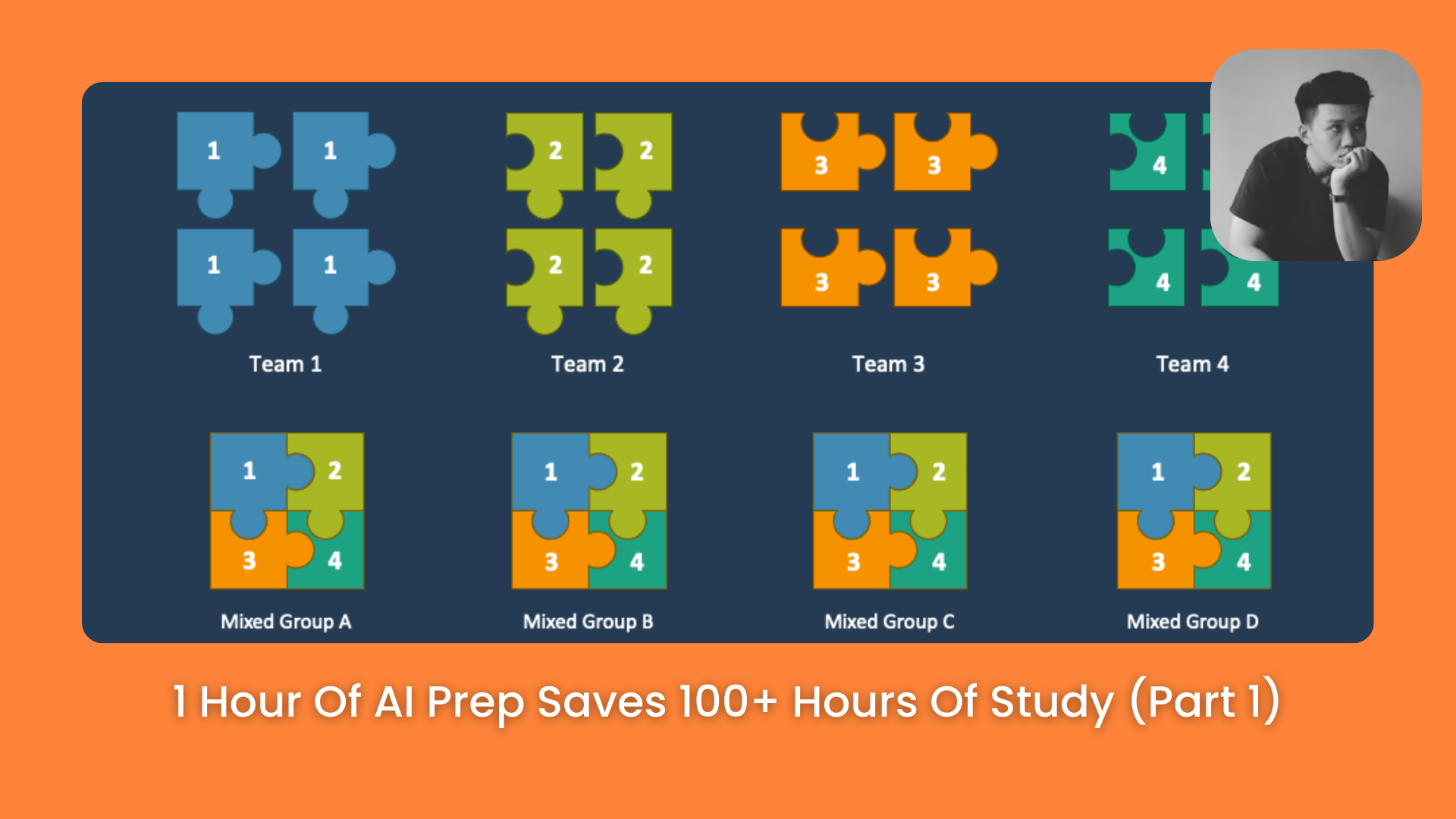
Once the map is there, Perplexity keeps being useful for researching each practical step along the way instead of guessing what comes next.
V. AI Tools for Productivity #4: Claude Code
When there’s actual code to write or a real product to build, Claude Code is my choice. It reads the entire project, plans the changes, edits files across multiple locations, runs tests, and commits the result without needing step-by-step guidance from me.

Claude Code works at the project level. Before touching anything, I ask it to explain the architecture first, and that one habit alone changes how every session goes.
The habit that saves me the most time is running /plan before any complex task. Catching a wrong approach in the plan stage takes 30 seconds, and fixing it after implementation can take 30 minutes or more.
Here’s a full breakdown of how I build that workflow from scratch:

Once I’m past the basics, I use Claude Code to run multiple subagents working in parallel on different parts of the same task, which is where it starts feeling less like a tool and more like a small team. Like this:
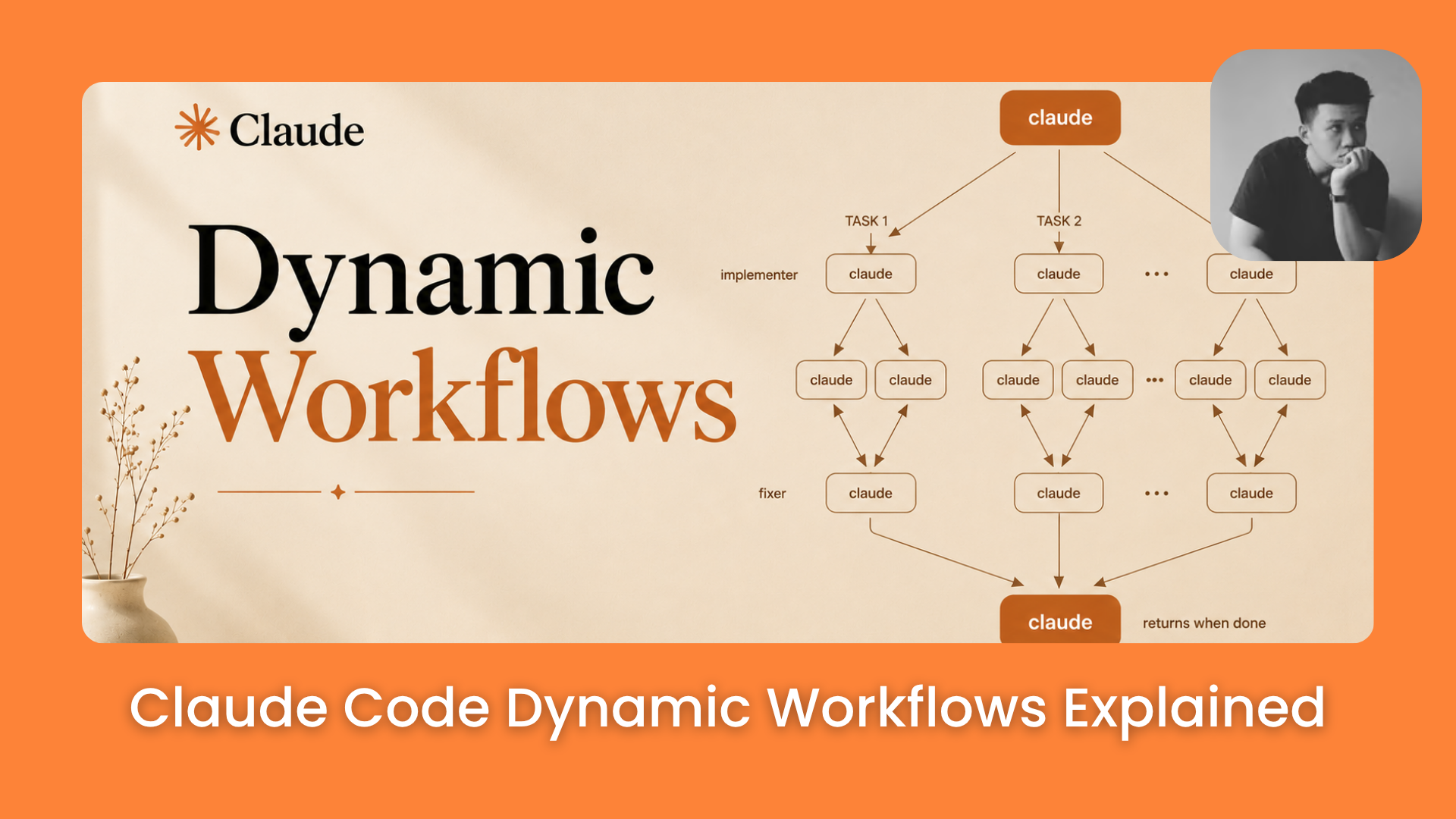
And for the workflow habits that actually moved the needle for me, from context management to self-checking steps to parallel sessions, this is the one I keep coming back to:

VI. AI Tools for Productivity #5: n8n
When a workflow needs to run automatically without me touching it, n8n is what makes that happen. It connects the tools I already use, pulls data from one place, processes it, and sends it somewhere else, all without needing to write code from scratch.

What I like about n8n compared to tools like Zapier is the hosting model. Running n8n on a VPS means the workflows run 24/7 at a flat cost, no per-execution fees that balloon as volume grows.
For anyone building serious automations, that difference adds up fast.
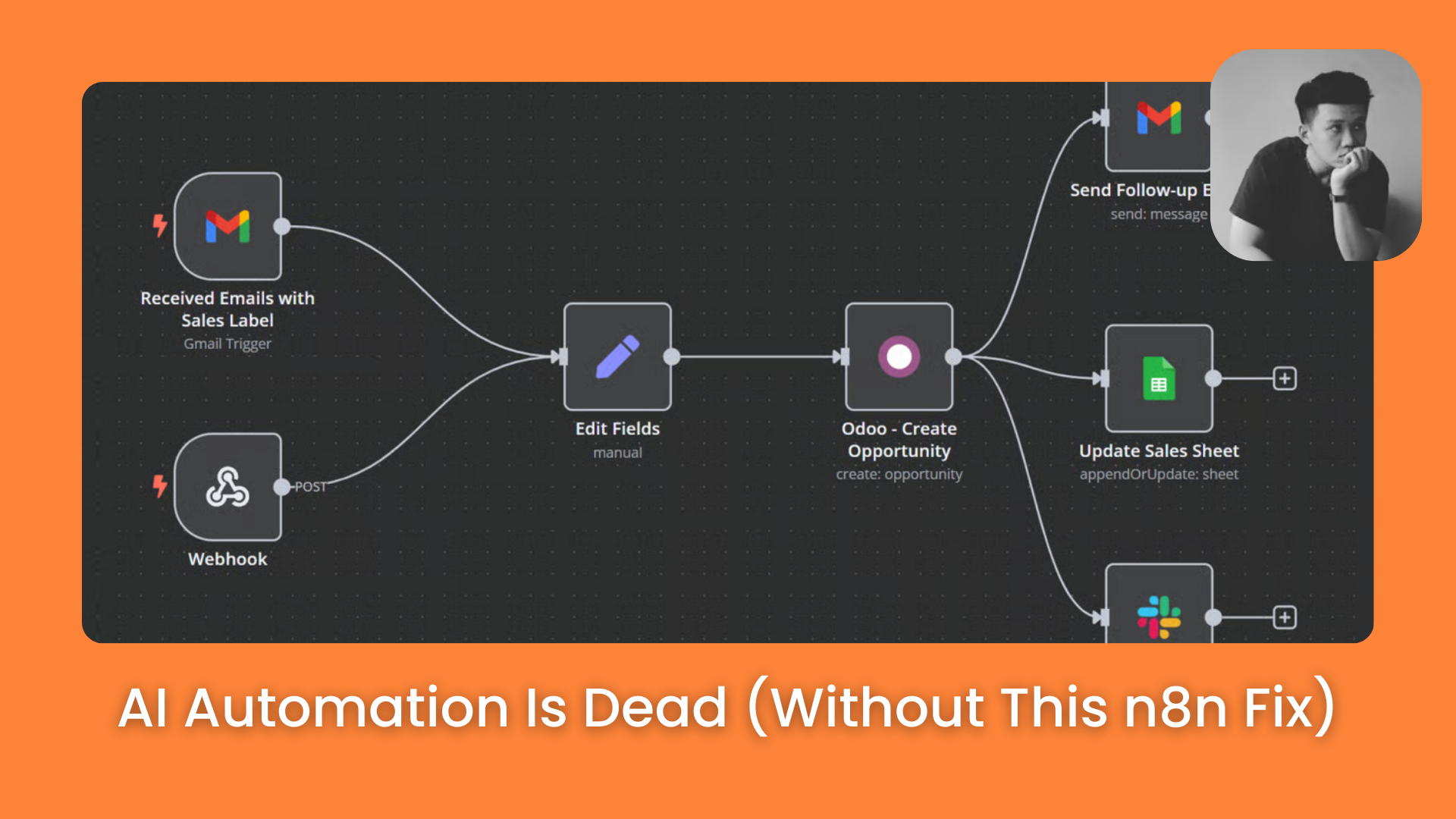
The mistake most people make when starting with n8n is jumping straight into AI agents before understanding how data actually moves through a workflow.
Getting comfortable with the basics first, things like triggers, JSON structure, and logic nodes, is what makes everything else work reliably. Here’s how I’d approach learning it from that angle:
Once the foundation is solid, n8n becomes a different tool entirely. Here’s a deeper breakdown of how to think about data flow and build workflows that actually hold up under real conditions:
VII. How I Pick AI Tools for Productivity
Every time a new tool drops, the first question I ask isn’t “what does this do” but “which part of my day actually needs this.” If I can’t answer that in 30 seconds, I don’t bother trying it.
That’s the simplest framework I’ve landed on after trying enough tools to know that popularity isn’t the filter and obscurity isn’t a reason to ignore something either. The only thing that matters is whether it solves a specific part of the workday.
With the 5 tools in this list, each one has a clear place:
|
Tool |
When I reach for it |
|---|---|
|
Claude Cowork |
Morning brief and automated workflows |
|
Claude Chat |
Quick answers and thinking through decisions on the spot |
|
Perplexity |
Research that needs real sources before acting |
|
Claude Code |
Building actual products or internal tools |
|
n8n |
Processes that need to run automatically without me there |
None of these made the list because they were trending.
They made it because I know exactly what each one does for my workday, and that’s the only reason I’d recommend any of them.
Conclusion
AI tools for productivity don’t work if you treat them like a collection. They work when each one has a job, and you know exactly when to reach for it.
The 5 tools in this list are the ones that actually stayed in my workflow after everything else got cut. If you’re starting out, don’t try all of them at once. Pick the one that fits the most obvious gap in your day and go from there.
And if you want to see how I apply these tools across hundreds of tutorials, the full list is here.
If you are interested in other topics and how AI is transforming different aspects of our lives or even in making money using AI with more detailed, step-by-step guidance, you can find our other articles here:
-
Sonnet 5 vs Opus 4.8: Same Result, 50% Cheaper? Read This Before Switching
-
The New Way to Build Profitable AI Websites With Gemini 3 (It Starts With One Page)
-
5 Powerful AI Loops You Need to Try Right Now (Easily Set Up in 5 Minutes)*
-
Build a Simple AI Loop Inside Any Normal Claude/ChatGPT Chat (Copy-Paste Version)*
-
5 Proven Claude AI Side Hustles Paying More Than Your Full-Time Job Even in 2027!?*
*indicates a premium content, if any
Leave a Reply