
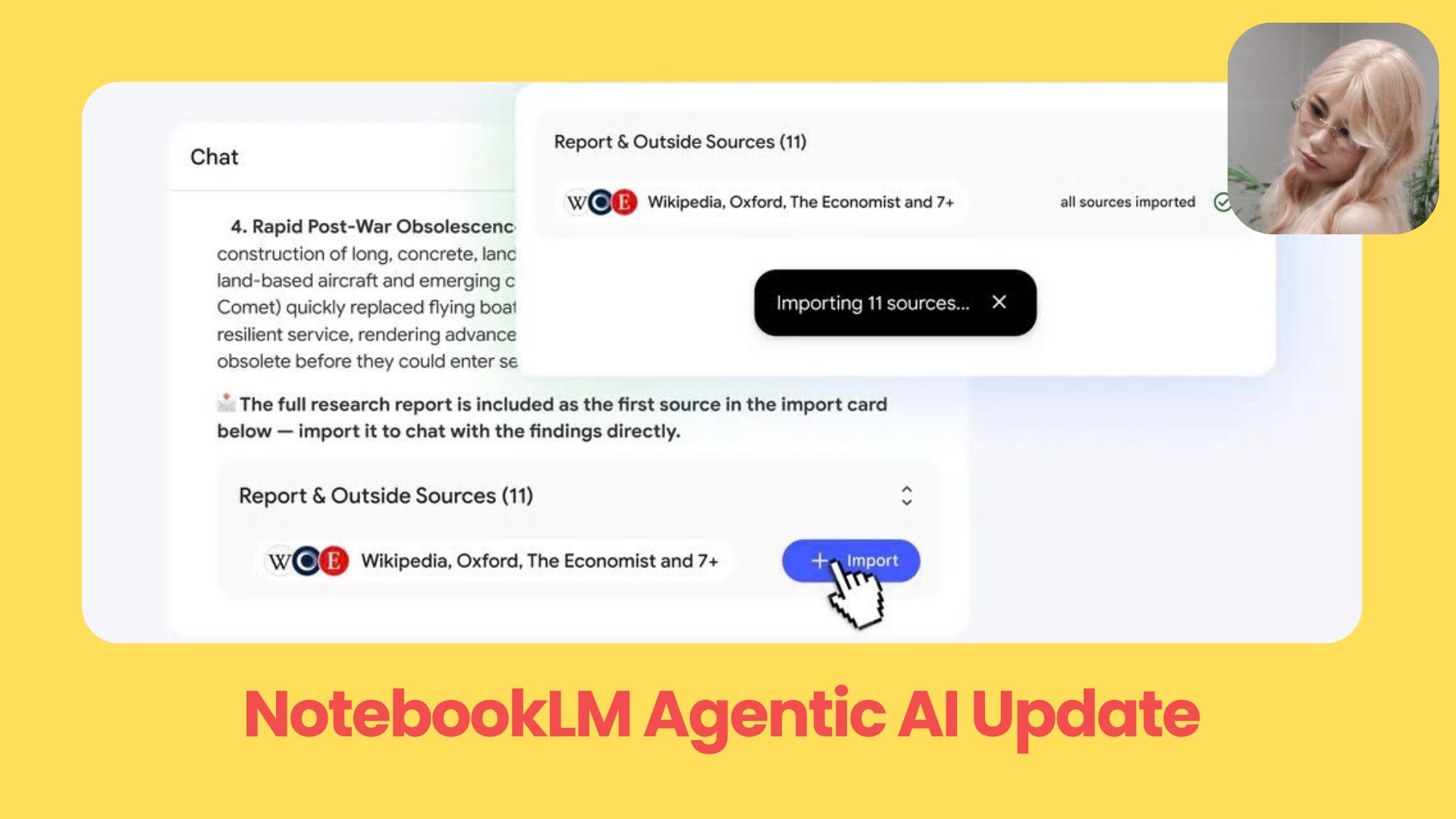
Google NotebookLM is moving beyond PDF summaries with agentic research, source discovery, charts, downloadable files, and coding-style workflows.. Ai Fire 101, Ai Workflows.
TL;DR
This NotebookLM update turns Google NotebookLM from a document Q&A tool into an agentic research workspace. NotebookLM Agentic AI can help you find sources, analyze documents, create charts, export files, and prepare cleaner context for coding workflows.
The biggest change is how the workflow starts. You no longer need a perfect folder of sources before using it. You can begin with a rough question, and NotebookLM can help suggest sources, compare ideas, and organize the research.
It also moves closer to finished work. Instead of only giving chat answers, Google NotebookLM can create reports, slides, spreadsheets, Markdown files, CSVs, JSON, and charts.
Key points
Important fact: The new system beats the old one over 65% of the time across five evaluation areas.
Common mistake: Treating NotebookLM like a simple PDF summarizer.
Practical takeaway: Use it to clean messy research before sending it into a report, deck, or coding agent.
Table of Contents
Introduction
Most people still think Google NotebookLM is a place where you upload PDFs, ask questions, and get a clean summary.
That version is starting to feel old.
This NotebookLM update turns Google NotebookLM into an agentic research assistant that can find sources, reason across documents, run deeper analysis, create charts, export files, and even support coding-style workflows.
Twitter tweet
In this guide, I’ll walk you through what changed, why this matters, and how this NotebookLM Agentic AI update could make NotebookLM one of the most useful AI research tools right now.
I. NotebookLM’s New Brain & Cloud Computer
Now, NotebookLM Agentic AI can work through a task with more context, more tools, and more room to reason.
1. A Smarter Engine For Deeper Research
Google NotebookLM is now powered by Gemini 3.5 Flash and Antigravity. In normal words, that means the chat experience should feel more thoughtful and more useful when you ask bigger questions.
NotebookLM can now help with tasks such as:
-
reading across long documents and finding the important points
-
breaking a complex research question into smaller steps
To make this clear, I’ll use 3 report links as the running example throughout this article: Goldman Sachs, McKinsey, and the World Economic Forum.
Here’s the kind of task this update is built for:
Pull every quantitative estimate of AI's impact on work from all three reports - Goldman Sachs (two-thirds of jobs exposed, ~one-fourth of work automatable, 300M full-time jobs globally), McKinsey (30% of hours automatable by 2030, 12M occupational transitions), and WEF (jobs displaced vs. created) - normalize them into one consistent format, and build a bar chart comparing them.
This is where the secure cloud computer has to pull numbers from reports that use different units, clean them up, compare them, and turn the result into a chart.
A normal chatbot would usually describe the idea in broad words. This workflow asks NotebookLM to actually do the work.
2. Each Notebook Now Has A Secure Cloud Computer
This is the part that makes the update feel huge.
Each notebook now includes a secure cloud computer with 100+ curated software skills. That means Google NotebookLM can use a controlled workspace to handle more advanced work inside your notebook.
Here’s the simple version:
|
Old Google NotebookLM |
New Google NotebookLM |
|---|---|
|
Answers questions from your uploaded sources |
Works through multi-step research tasks |
|
Summarizes documents |
Analyzes, compares, and organizes information |
|
Gives text responses |
Helps create structured outputs and files |
|
Depends heavily on your prompts |
Can guide parts of the research process |
It gives each notebook more working power. You are giving NotebookLM a task and letting it help you move from raw sources to a clearer result.
3. Who Gets It First?
This Google NotebookLM update is rolling out first to Google AI Ultra subscribers.
After that, it is expected to expand to other paid plans.
So if you do not see the full NotebookLM Agentic AI experience yet, that may be why. But the direction is clear: Google NotebookLM is moving toward a much more active research assistant, not a passive place to store documents.
II. NotebookLM Agentic AI Research
The most important part of this NotebookLM update is agentic research.
Now, it can help you build the research process from the beginning. You can start with a loose idea, a messy question, or a topic you barely understand, and NotebookLM Agentic AI can help turn that into a real research workspace.
1. You No Longer Need Perfect Sources To Start
Before, Google NotebookLM worked best when you already had everything prepared.
You had to collect the links, upload the PDFs, add the notes, organize the documents, and then ask questions. That was useful, but it still meant you had to do a lot of the hard work before NotebookLM could help.
Now, the workflow is much easier.
You can start with something rough, such as:
I want to understand whether AI is actually going to destroy jobs or just change them - help me figure out where to start.
From there, NotebookLM can help you find useful sources, suggest what to add, and guide the research direction.
I only have this one Goldman Sachs report so far. Help me build out a proper research base on AI's impact on jobs - what else should I add, and what angles am I missing?
2. NotebookLM Can Help Find Better Sources
NotebookLM Agentic AI can search the web, find high-quality sources, and suggest adding them to your notebook.
My notebook only has US and global macro reports. Search the web for credible sources on AI's impact on jobs in the European Union, suggest the best ones, and ask me before adding any to the notebook.
The important part is control. It does not randomly fill your notebook with links you did not approve. It suggests sources first, then asks for your permission before adding them.

|
What you need |
How NotebookLM Agentic AI helps |
|---|---|
|
A starting point |
Turns a rough idea into a research direction |
|
Better sources |
Finds useful web sources and suggests them |
|
More control |
Adds sources only after you approve them |
|
Deeper context |
Connects new sources with your existing files |
That makes the workflow feel much safer. You still decide what belongs in your notebook, but you do not have to hunt for every source by yourself.
3. It Can Reason Across A Topic
This is the part I care about.
A normal document chatbot can answer questions from one file. That is fine when the task is simple. But real research usually means you need to compare ideas across many sources.
For example, you may want to ask:
Compare these reports and tell me where they disagree on how much work AI could automate - and explain why the numbers differ.
That means you can use it for work such as:
-
finding related research from an author, topic, or company
-
comparing different viewpoints before writing a report
Find other work by the McKinsey Global Institute authors, or related MGI reports, that expands on the automation estimates in this document.
Google NotebookLM is becoming less passive and more helpful during the messy part of research, where you are still trying to figure out what matters.
III. Downloadable Outputs with Real Files
This is one of the most useful parts of the NotebookLM update.
Google NotebookLM can now create real downloadable files. That changes the workflow a lot because research usually does not end with “thanks for the summary.”
With NotebookLM Agentic AI, the output can become the deliverable.
1. From Chat Answers To Finished Work
Now, Google NotebookLM can help you move from source material to a usable file faster. You can give it research notes, business documents, raw data, or long reports, then ask it to organize everything into a format you can download.
For example:
Turn these three reports into a short PDF brief with the key numbers, where they agree, and where they disagree - something I can send to my team.
2. File Formats You Can Create
The new NotebookLM update supports many output formats, which makes it useful for different types of work.
|
Output format |
Best use case |
|---|---|
|
|
Final reports, summaries, research briefs |
|
Word doc |
Editable documents, proposals, drafts |
|
Markdown |
Technical notes, coding-agent context, documentation |
|
Excel / CSV |
Data analysis, tables, campaign reports |
|
PowerPoint |
Presentations, meeting decks, project updates |
|
JSON |
Structured data for technical workflows |
|
Images |
Visual assets and generated graphics |
Extract every quantitative assumption and methodology from the three reports into a clean Markdown file I can pass to my coding agent as context.
The important thing here is flexibility. You can ask Google NotebookLM to create the type of file that fits the work.
3. Charts And Data Visualization Become Easier
You can upload raw information, campaign data, sales numbers, survey results, or research findings, then ask NotebookLM Agentic AI to turn them into charts or clean tables.
A simple prompt could be:
Pull the automation and productivity estimates from all three reports, and turn them into charts I can use in a presentation - show what each report predicts and where they diverge.
That is much better than manually reading rows of data and trying to find patterns alone.
For small businesses, this could help answer simple but important questions:
-
Which campaign brought the best result?
-
Is this worth scaling next month?
For researchers, it can turn messy findings into a clearer report. For teams, it can turn scattered updates into something ready for a meeting.
IV. Performance And Real-World Use Cases
This NotebookLM update also comes with a clear performance jump.
The new system beats the previous version over 65% of the time across 5 key areas: accuracy, multilingual support, large document analysis, document creation, and advanced research.
The biggest gains are in the areas where Google NotebookLM needs to do more than answer one simple question.
|
Area |
Win rate against the old system |
|---|---|
|
Large document analysis |
69.9% |
|
Advanced web research and source directory |
78.2% |
|
Overall top evaluation areas |
Over 65% |
That matters because NotebookLM Agentic AI is built for longer, messier work. It needs to read more, compare more, and keep track of more moving parts.
1. For Researchers: From Messy Sources To Clear Reports
For researchers, the value is not only chart creation. The bigger value is having one place to compare sources, check assumptions, and see how different reports arrive at different numbers.
For example, you could upload several papers and ask:
Compare these reports, pull out the key numbers on AI’s impact on work, explain where the estimates agree or disagree, and turn the findings into a short report with a table.
That saves a lot of time, especially when you are trying to understand a topic from many angles.
2. For Technical Teams: A Lightweight Coding Research Assistant
This is where the “agentic coder” angle starts to make sense.
Google NotebookLM is not replacing your coding agent. But it can become the research layer before the coding work starts.
You can use it to read new documentation, compare package updates, summarize API changes, and turn everything into a clean Markdown file. Then you can send that file to Claude Code, Cursor, or another coding agent as better context.
A simple workflow could be:
|
Step |
What NotebookLM does |
|---|---|
|
1 |
Research new docs or package changes |
|
2 |
Condense the important parts into Markdown |
|
3 |
Export the file and give it to your coding agent |
Instead of dumping random links into your coding tool, you can let NotebookLM organize the research first.
3. For Teams And Small Businesses: Faster Decisions
This Google NotebookLM update is also useful outside research and coding.
A program manager can upload dense specs and ask for a simplified guide, roadmap, or slide deck. A small business owner can upload sales numbers, campaign data, and ad spend, then ask what worked and what should be scaled next.
The benefit is simple: you get from raw information to a clearer decision faster.
That is why NotebookLM Agentic AI feels much bigger than a normal product update. It helps with the boring middle part of work, where you already have information, but still need to understand it, organize it, and turn it into something useful.
Conclusion
This NotebookLM update shows where Google NotebookLM is heading next.
NotebookLM Agentic AI is turning the tool into a real research workspace, not just a place to ask questions about uploaded files. It can help you find sources, reason across documents, analyze data, create charts, export files, and prepare cleaner context for technical workflows.
And if better video generation comes next, Google NotebookLM could become even more useful for turning research into visual content.
If you are interested in other topics and how AI is transforming different aspects of our lives or even in making money using AI with more detailed, step-by-step guidance, you can find our other articles here:
-
Master These 23+ Free Google AI Updates That Outclass Every Tool in Only 24 Hours!
-
The New Way to Build Profitable AI Websites With Gemini 3 (It Starts With One Page)
-
Google Antigravity 2.0 is Free: Should Claude Code and Codex Be Worried?*
-
10 Minutes to Take Control of 90% of AI Video Workflows From Scratch (Google Flow + Claude AI)*
-
Copy Claude Fable 5’s Working Style into Any AI Model: Step-by-Step Guide*
*indicates a premium content, if any
Leave a Reply