
What Google’s AI tools really do, who they’re for, and when to use them.. Ai Fire 101.
TL;DR
google generative AI is not one tool. It’s a large ecosystem with 30+ tools that overlap, evolve fast, and confuse even experienced users. You don’t need to learn all of them, but you do need a clear mental model.
This article explains how Google’s AI ecosystem is structured and which tools actually matter. You’ll learn how Gemini sits at the core, where tools like NotebookLM and Gems fit, and why Google Labs is where future products emerge.
It also shows which tools are production-ready, which ones are experimental, and how to avoid wasting time testing everything. Each section focuses on real use cases, not features.
Key points
-
Google currently has 30+ generative AI tools across research, coding, media, and automation.
-
The biggest mistake is trying to learn every tool instead of understanding the system.
-
Focus first on Gemini, NotebookLM, and Workspace AI for the highest return.
Critical insight
From months of testing, most productivity gains come from choosing fewer tools and using them deeply, not from chasing every new release.
Table of Contents
Introduction: Why Google’s AI Ecosystem Feels Overwhelming (and How to Master It)
If you’ve searched anything about google generative AI lately, you’ve probably felt the same frustration I see on almost every call I do.
There are tools everywhere. New names. New dashboards. New announcements every few weeks. Some tools do almost the same thing. Others sound powerful but feel unfinished when you actually try them. And Google keeps shipping more.
I’ve spent months testing these tools myself, breaking things, rebuilding workflows, and watching smart people get stuck on the same questions again and again. Not beginners. Experienced marketers, developers, freelancers. People who already use AI every day.
The problem isn’t skill. The problem is clarity.
1. The Core Problem
Right now, Google has 30+ generative AI tools across research, writing, automation, coding, design, video, music, and system-level assistants.
That creates three kinds of confusion:
First:
Which tool should I actually use for this task?
You open Gemini. Then someone tells you to use NotebookLM. Then there’s AI Studio. Then there’s something in Labs. Then Workspace AI does part of it too. Everything overlaps just enough to be annoying.
Second:
What’s experimental and what’s safe to rely on?
Some tools are clearly production-ready. Others feel more like a demo. Google doesn’t always make that difference obvious, especially if you’re not a developer.
Third:
What’s worth my time to learn?
You don’t need to master everything. In fact, trying to do that is the fastest way to waste weeks. Most google generative AI tools can be ignored. A few are genuinely important. The hard part is knowing which is which.
Without a clear mental map, people end up doing simple tasks with the wrong tools, or avoiding powerful tools because they feel “too advanced.”
2. The Promise of This Guide
This guide is not a feature dump.
My goal here is to give you a clear, usable mental model of the entire google generative AI ecosystem, so you know:
-
What exists
-
What each tool is actually good at
-
Who should use it
-
When it makes sense to ignore it
I’ve organized everything into 7 practical categories, based on how people really work:
-
Text and research
-
Multi-purpose tools
-
Developer and builder tools
-
Google Labs experiments
-
Creative and media tools
-
Small and embedded models
-
AI inside everyday Google products
For every major tool, I’ll explain:
-
What it does, in plain language
-
When I personally reach for it
-
Real examples you can copy
-
Common mistakes I see people make
You don’t need to memorize names. By the end, you’ll know where to start, what to skip, and how the pieces fit together.
If you’re using google generative AI for work, creation, research, or building products, this will save you a lot of time and confusion.
I. The Core Text & Research Stack (Gemini Ecosystem)
If you want to understand google generative AI, you need to start with Gemini. Everything else in Google’s AI ecosystem either feeds into it, sits on top of it, or borrows its models behind the scenes. Once you see Gemini as the foundation, a lot of the confusion disappears.
1. Gemini (Free Version)
Gemini is Google’s main large language model. This is the version most people interact with through the Gemini website, the mobile app, Google Search, and Google Workspace tools like Docs and Gmail. Even on Android, Gemini is slowly replacing the old Google Assistant, which tells you how central it is to Google’s long-term plan.
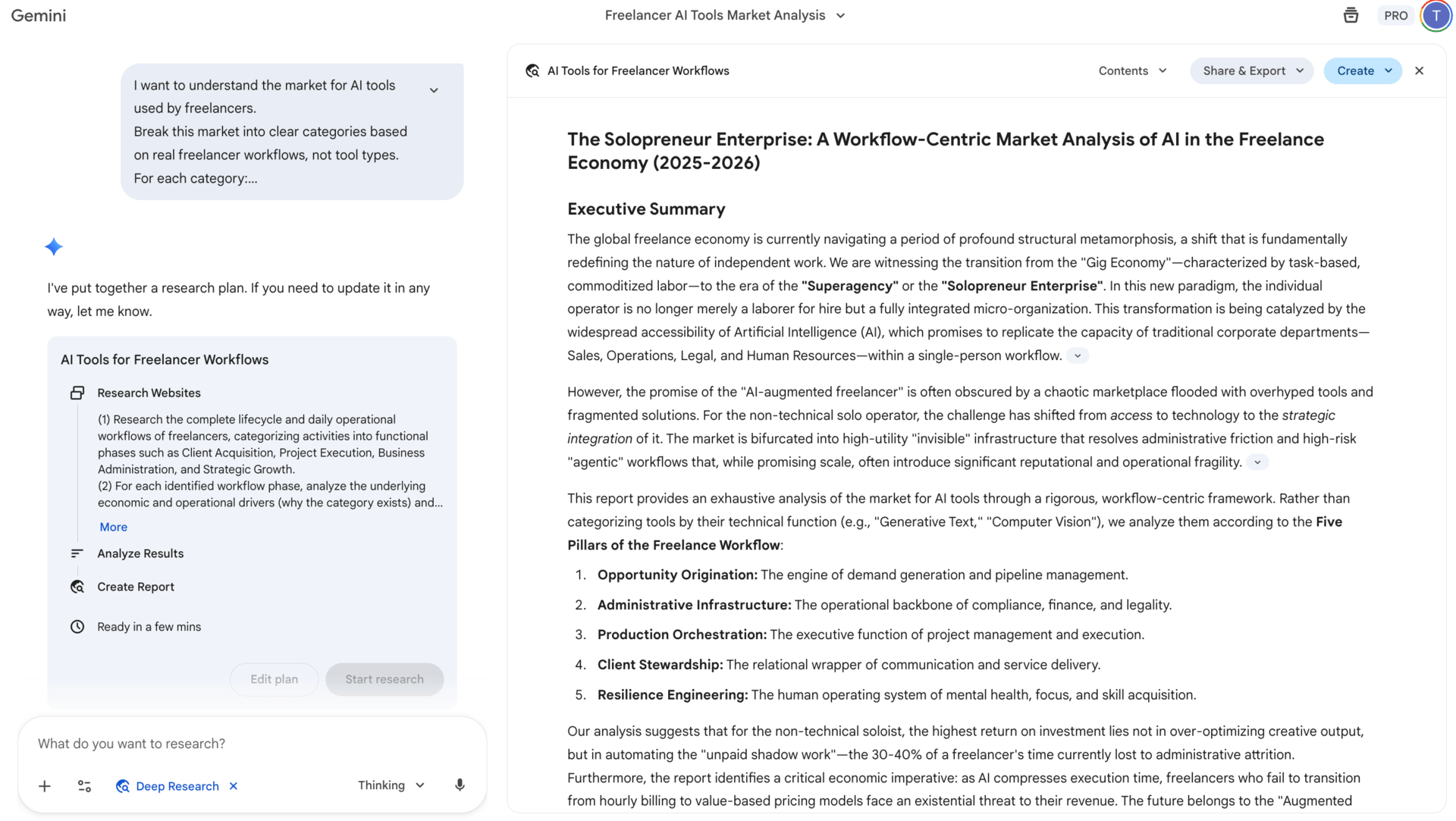
Most people compare Gemini to ChatGPT and stop there. That comparison misses what Gemini is actually best at. From my testing, Gemini’s strongest area is deep research. It handles broad topics well, especially when you need to understand a space rather than generate a quick answer. It’s good at pulling together many ideas, explaining complex topics step by step, and staying organized when the subject gets messy.

For example, if you ask Gemini to research a new market, like AI tools for freelancers, it tends to produce a clearer structure than many alternatives.
I want to understand the market for AI tools used by freelancers.

Break this market into clear categories based on real freelancer workflows, not tool types.

For each category:
– Explain why this category exists
– Describe the main problems freelancers are trying to solve
– Explain how these categories connect to each other in a typical workday

Then identify which categories matter most for solo, non-technical freelancers, and which ones they can safely ignore.

Do not list tools until the very end. Focus on structure, reasoning, and patterns.
It maps categories, explains why they exist, and connects patterns instead of listing random tools.
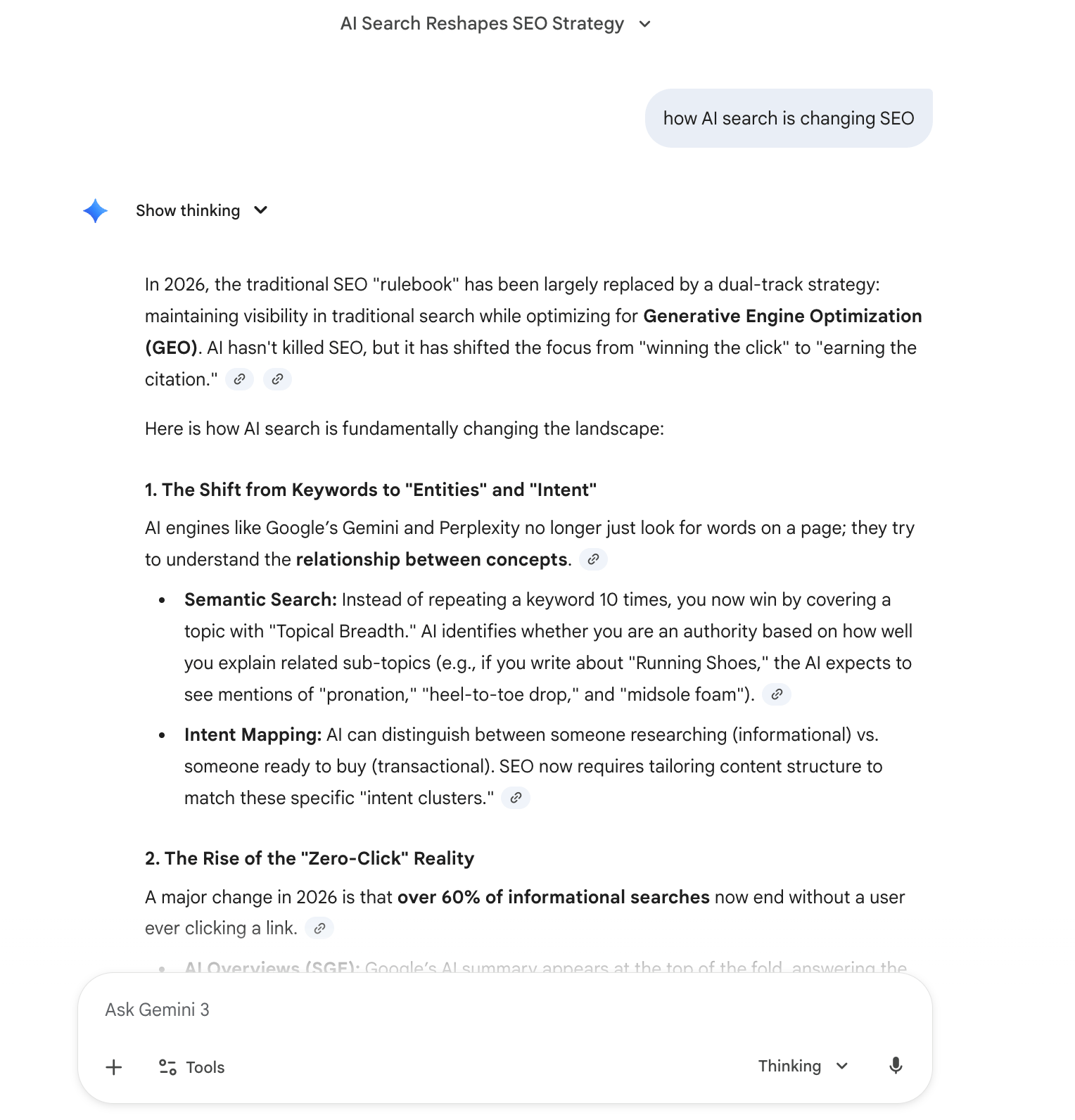
I also use it a lot when I need to understand technical or strategic topics quickly, like how AI search is changing SEO or how automation fits into different business models.
That said, Gemini has limits. Voice conversations still feel a bit less natural than ChatGPT. Customization options are also more limited unless you move into more advanced tools. And if you want very creative or opinionated writing, you usually need to guide it more carefully. Still, as a research and thinking partner inside the google generative AI stack, the free version is already very capable.
2. Gemini Advanced (Paid)
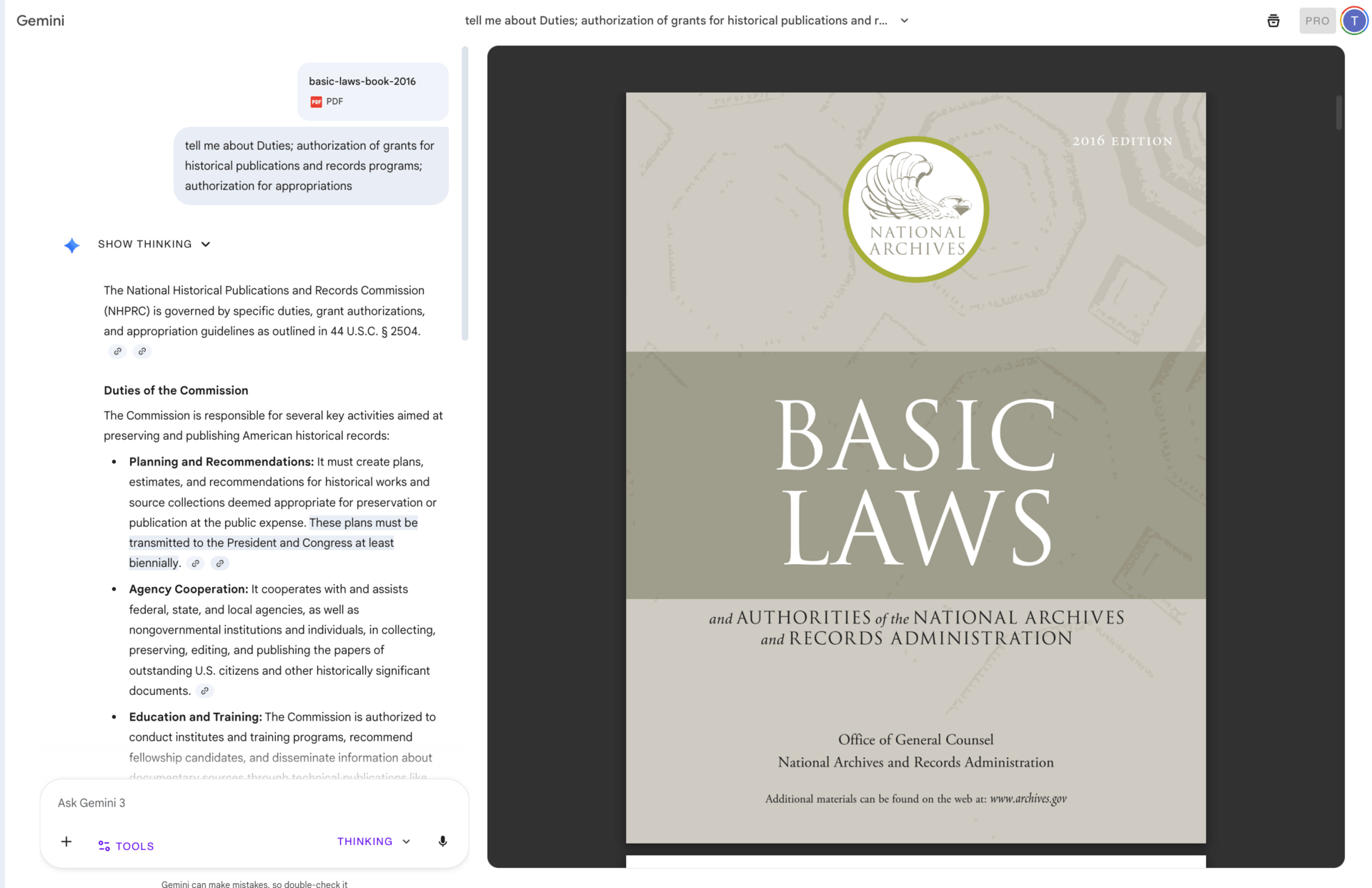
Gemini Advanced is where google generative AI starts to feel genuinely powerful for serious work. The headline feature is the 1 million token context window. Instead of thinking in technical terms, think of this as memory. A lot of memory.
With Gemini Advanced, you can upload entire books, large research folders, long legal documents, or full project documentation and work with all of it at once. The model doesn’t forget earlier parts of the conversation as quickly, which changes how you can use it.
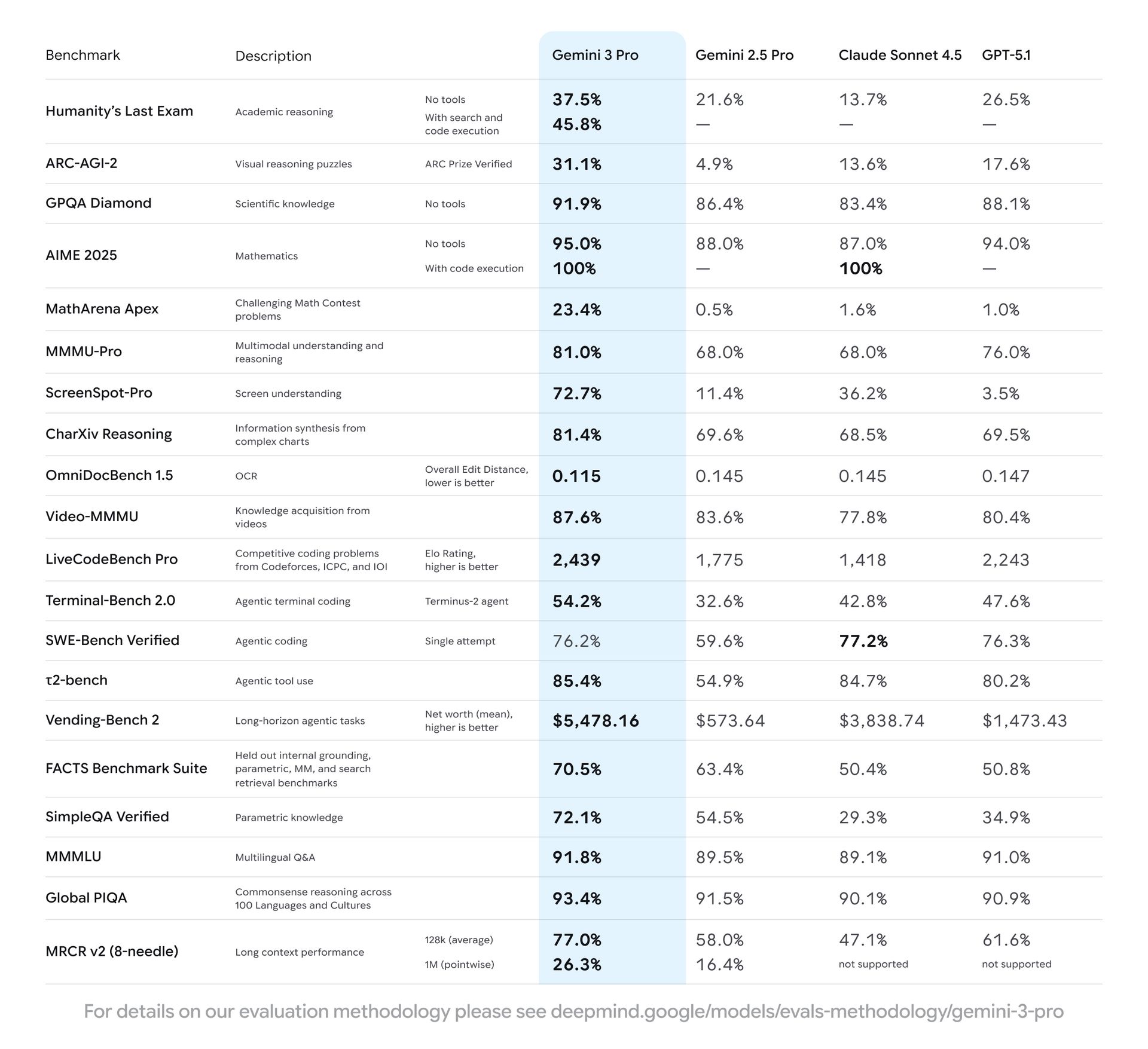
This matters because most real-world work is not short or clean. Projects stretch over weeks. Research builds on previous analysis. Decisions depend on earlier context. With Gemini Advanced, you can keep everything in one place and continue the conversation instead of restarting from zero every time.
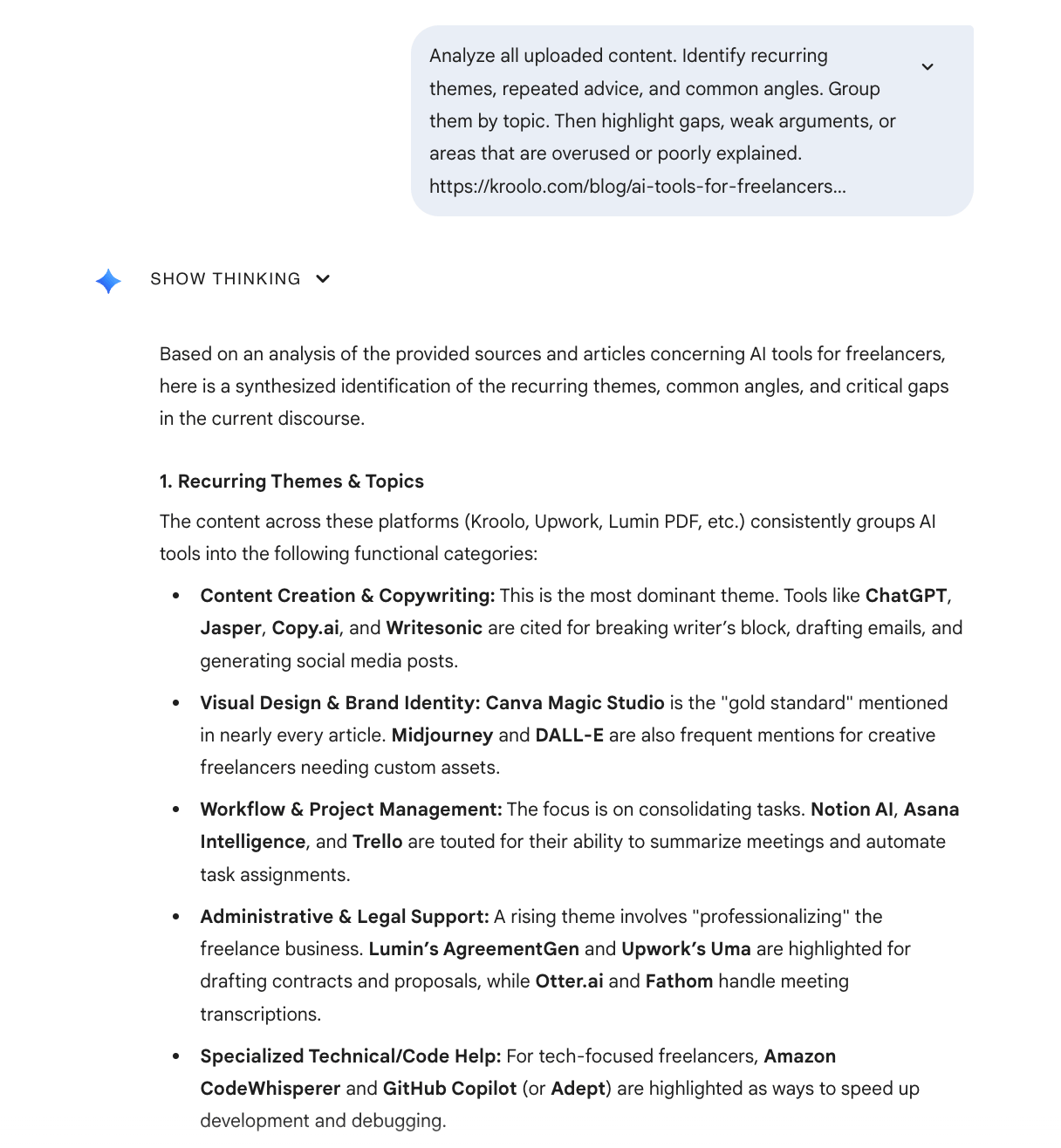
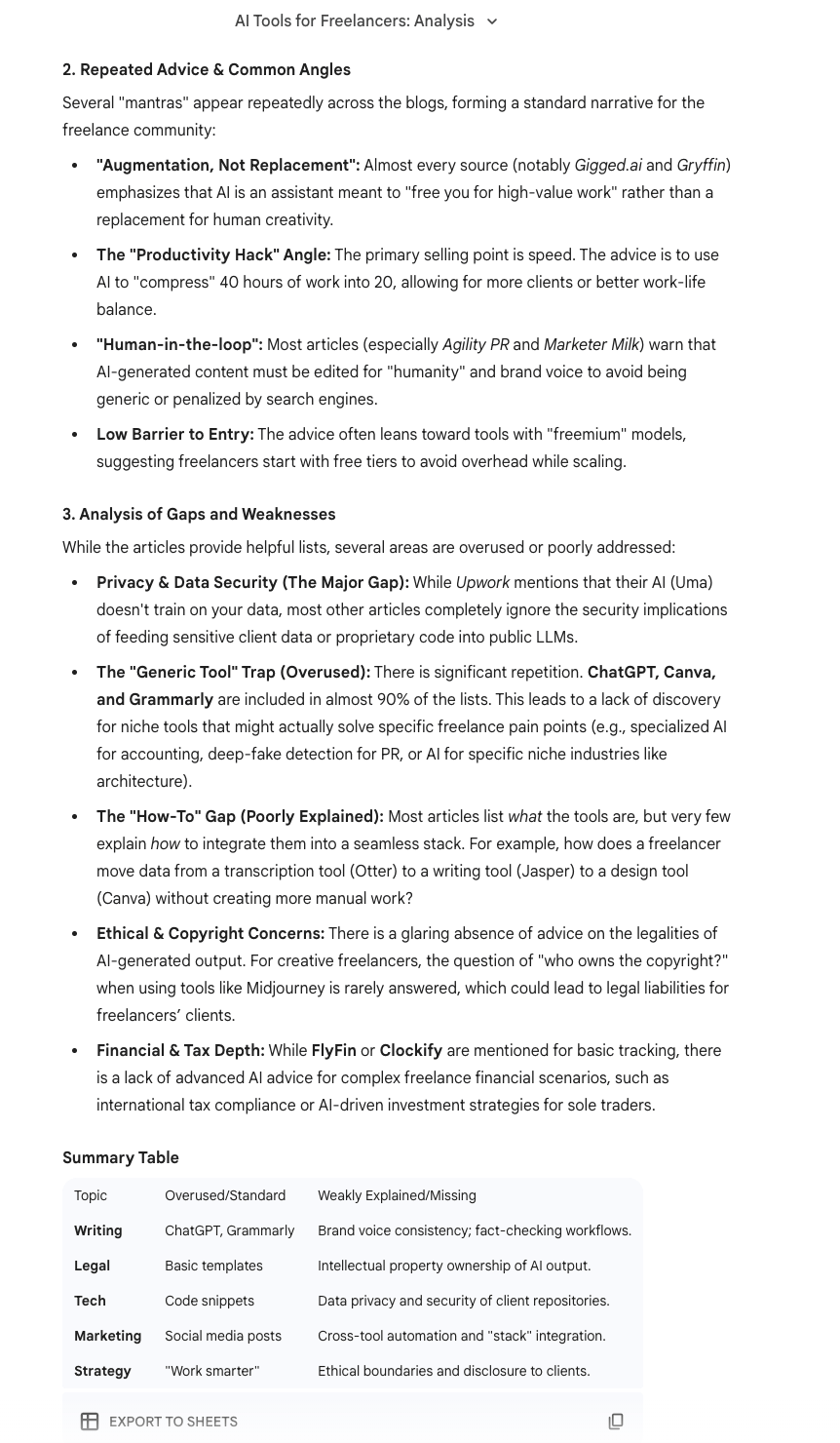
One practical workflow I use is competitive analysis. I’ll upload 20 or 30 competitor blog posts, then ask Gemini to extract recurring themes, identify gaps, and point out weak or overused angles.
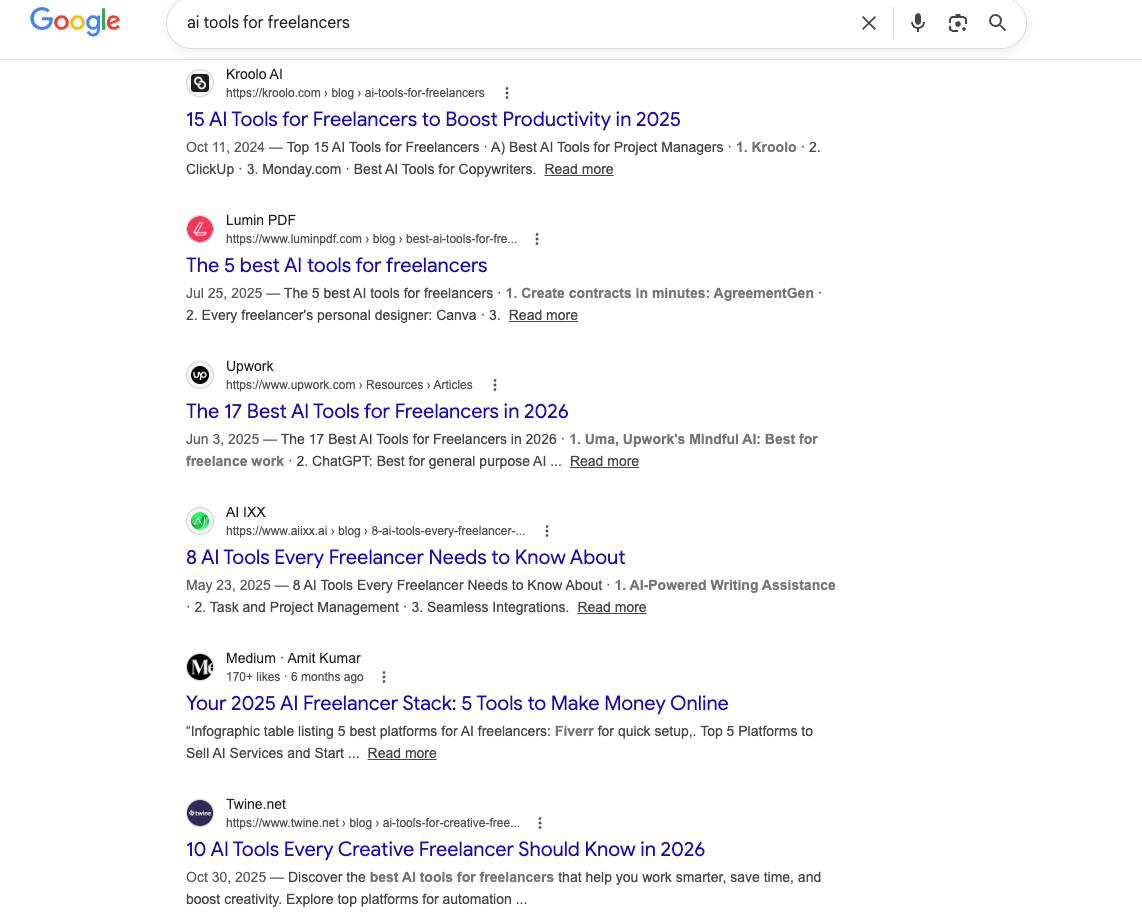
From there, I can ask it to suggest new directions that competitors are missing. Doing this manually would take days. With Gemini Advanced, it becomes a focused working session.
 |
 |
Other strong use cases include academic research, legal document review, and long-term planning for content, products, or strategy. If your job involves large amounts of text, this is one of the most useful upgrades in the entire google generative AI ecosystem.
3. Gemini in Google Search (AI Overviews)
This is the part of google generative AI that is quietly changing how people use the internet. Gemini now powers AI-generated summaries directly inside Google Search. For many queries, users see an answer before they ever see a list of links.
In practice, this means fewer clicks and more zero-click searches. Someone searches for “best AI automation tools,” reads the summary, and leaves. They may never visit a website at all.
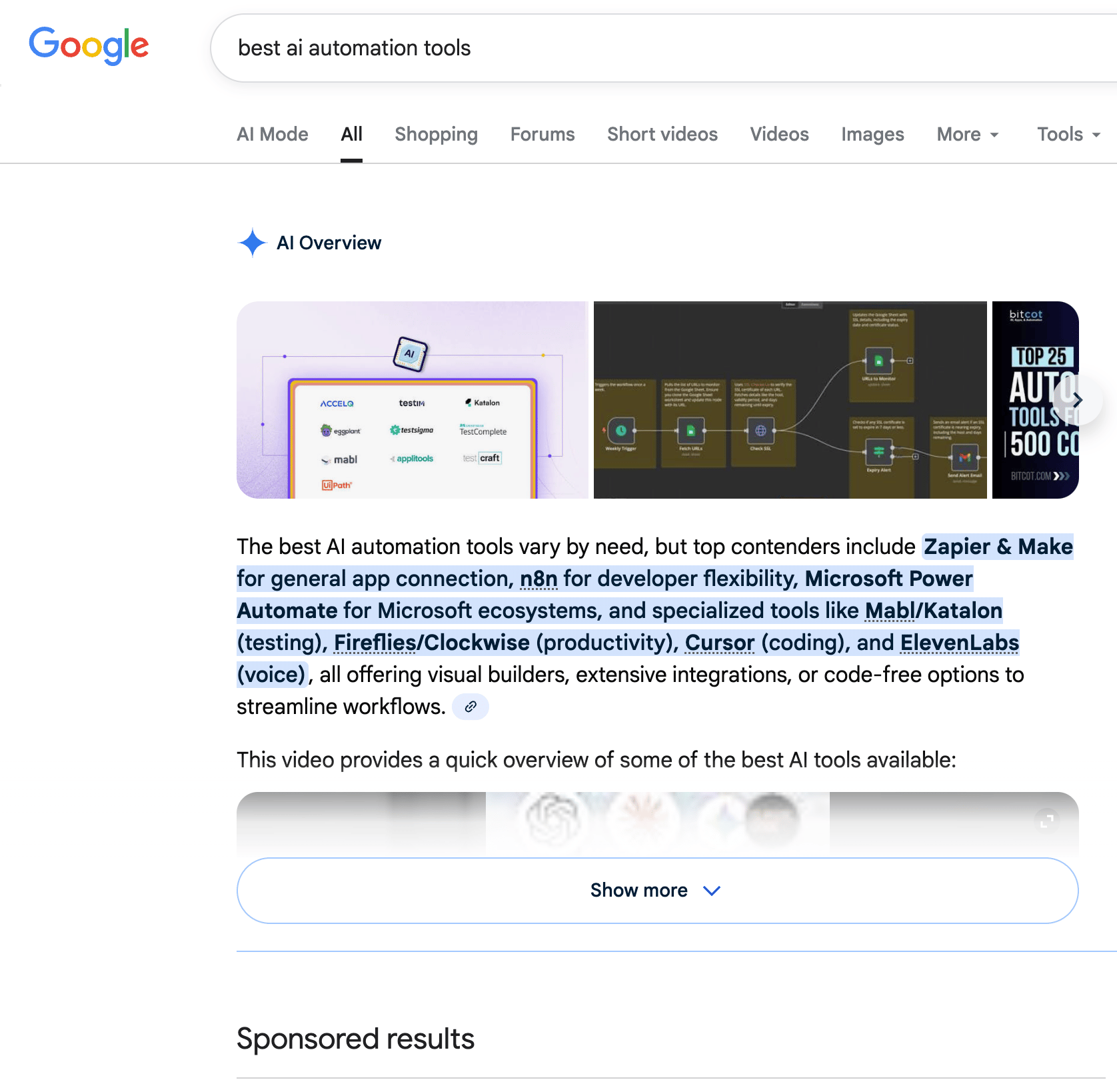
If you create content, this shift matters. You’re no longer writing only to rank on page one. You’re writing so google generative AI can understand your content, trust it, and summarize it accurately. Clear structure, direct answers, and strong topical focus matter more than ever.
SEO isn’t disappearing, but it is changing. And Gemini in Search is one of the biggest reasons why.
II. Swiss Army Knife Tools (Multi-Purpose Power)
Once you understand Gemini, the next layer of google generative AI is where things start to feel practical. These are the tools people reach for when they want output, not just ideas. Documents, summaries, plans, workflows, content. This is also where I see the most excitement and, at the same time, the most misuse.
These tools overlap on the surface, but they behave very differently once you actually work with them.
1. NotebookLM
NotebookLM is one of the most misunderstood tools in the google generative AI ecosystem, and also one of the best.
Most people know it because of the content it can generate. It can turn your documents into summaries, podcasts, infographics, even videos. That part is impressive, but it’s not why I keep coming back to it.
What makes NotebookLM special is that it is fully grounded in only the sources you give it.
That sounds small, but it fixes a huge problem with most large language models. Normally, you upload documents, ask a question, and the model quietly blends your content with its training data or the internet. That’s how hallucinations creep in.
NotebookLM doesn’t do that. If the answer isn’t in your sources, it won’t invent one. Everything it produces can be traced back to what you uploaded.
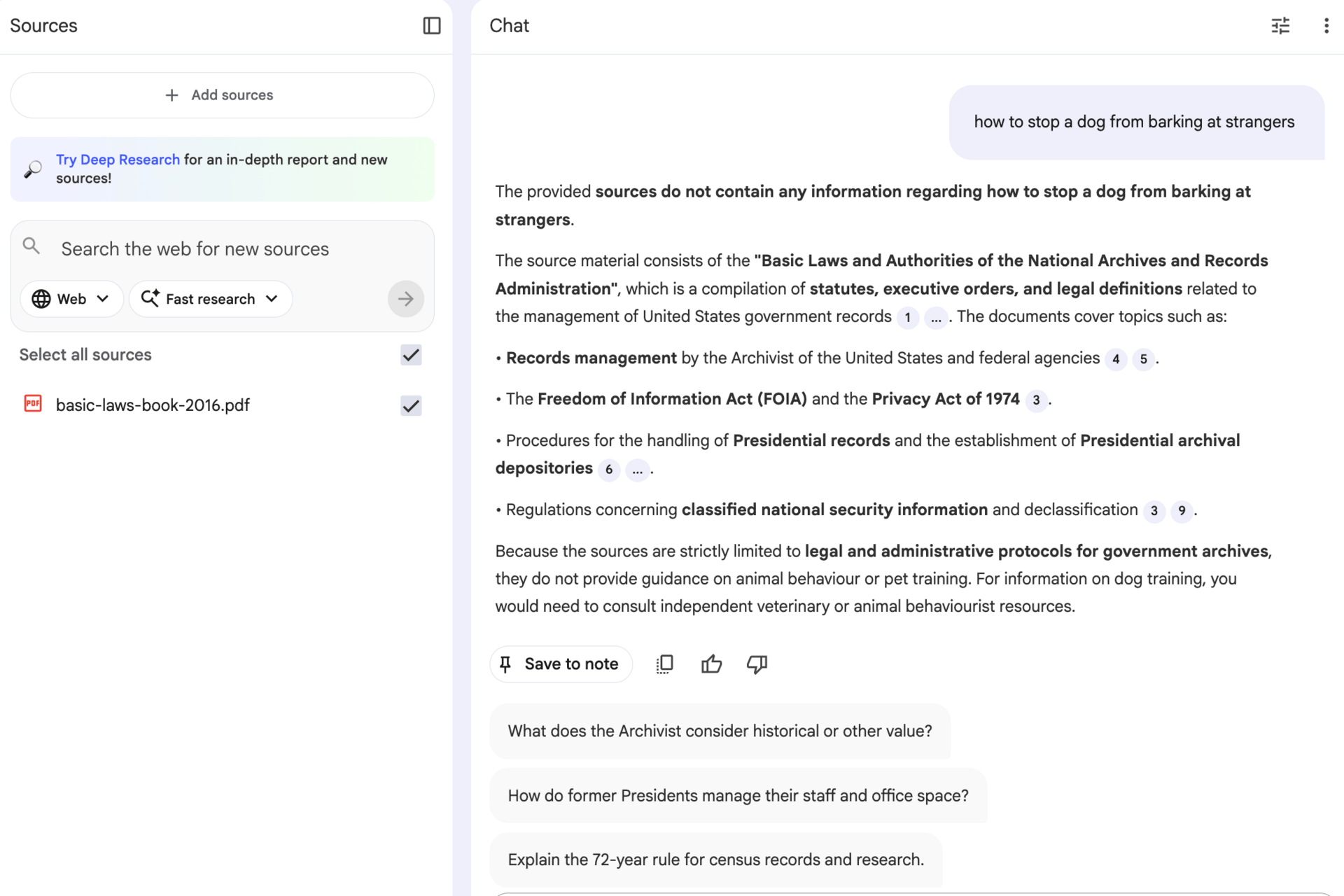
This makes it perfect for serious work. I use it when accuracy matters more than creativity. If you care about staying faithful to source material, NotebookLM is one of the strongest google generative AI tools available.
2. Gemini Gems (AI Agents)
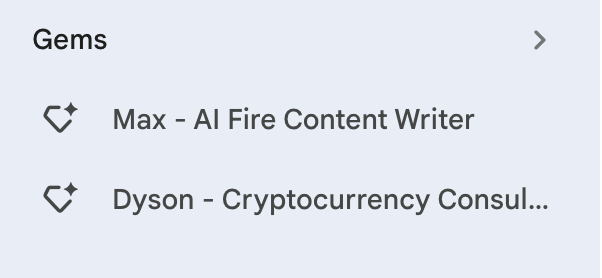
Gemini Gems are custom AI assistants built on top of Gemini. You can think of them as focused roles instead of general chatbots.
Instead of starting from a blank conversation every time, you define what the assistant does, how it thinks, and what kind of output you want. Once it’s set up, you reuse it again and again.
I’ve built Gems for things like proposal writing, quarterly planning, and client strategy.
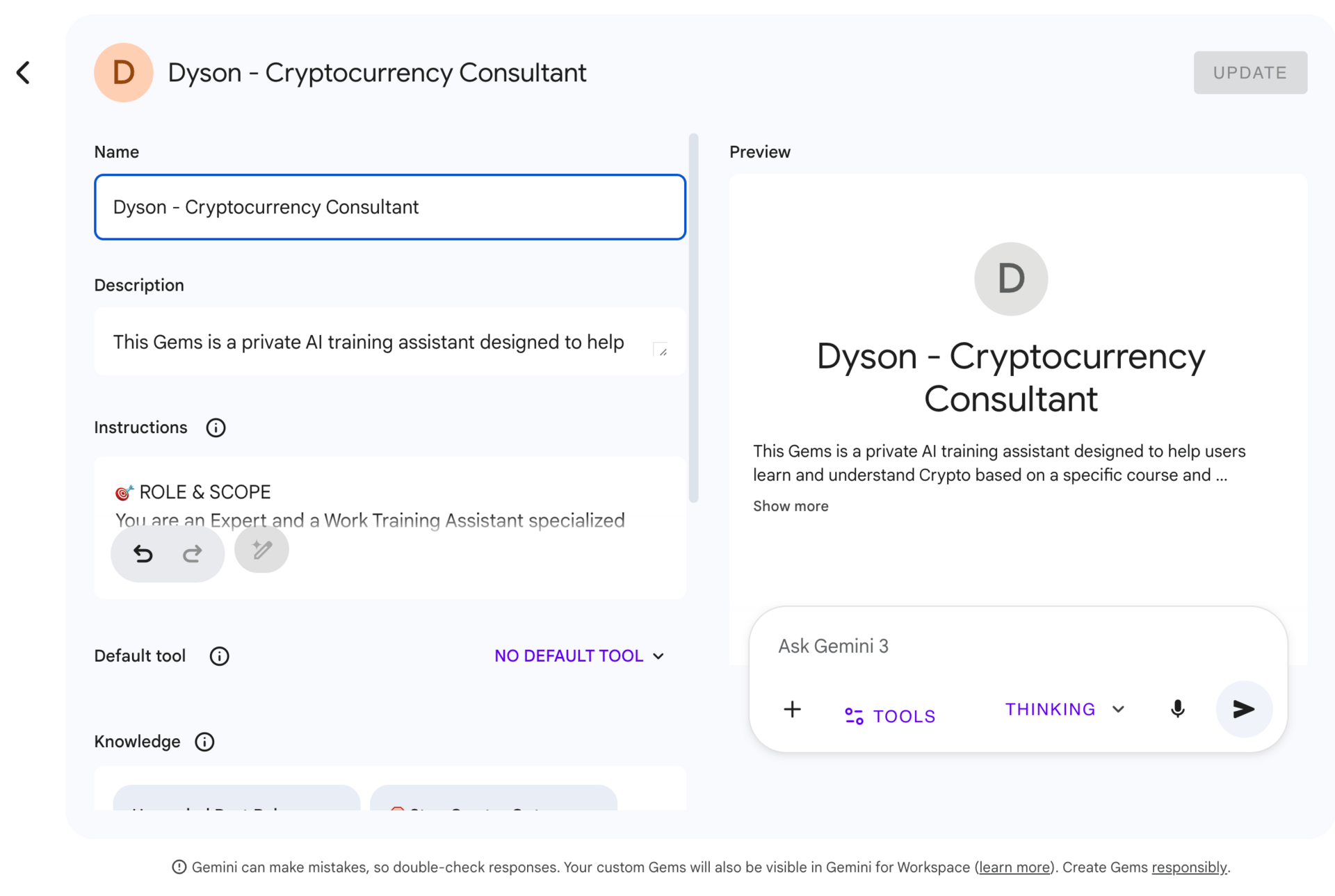
Gems are especially useful if you’re a freelancer, consultant, or solopreneur doing similar work repeatedly. They don’t replace thinking, but they reduce friction. Inside the broader google generative AI stack, Gems are about repeatability.
3. Opal (Automation Tool)
Opal is Google’s lightweight automation tool, and it often gets compared to Zapier, Make.com, or n8n. The comparison is fair, but the philosophy is different.
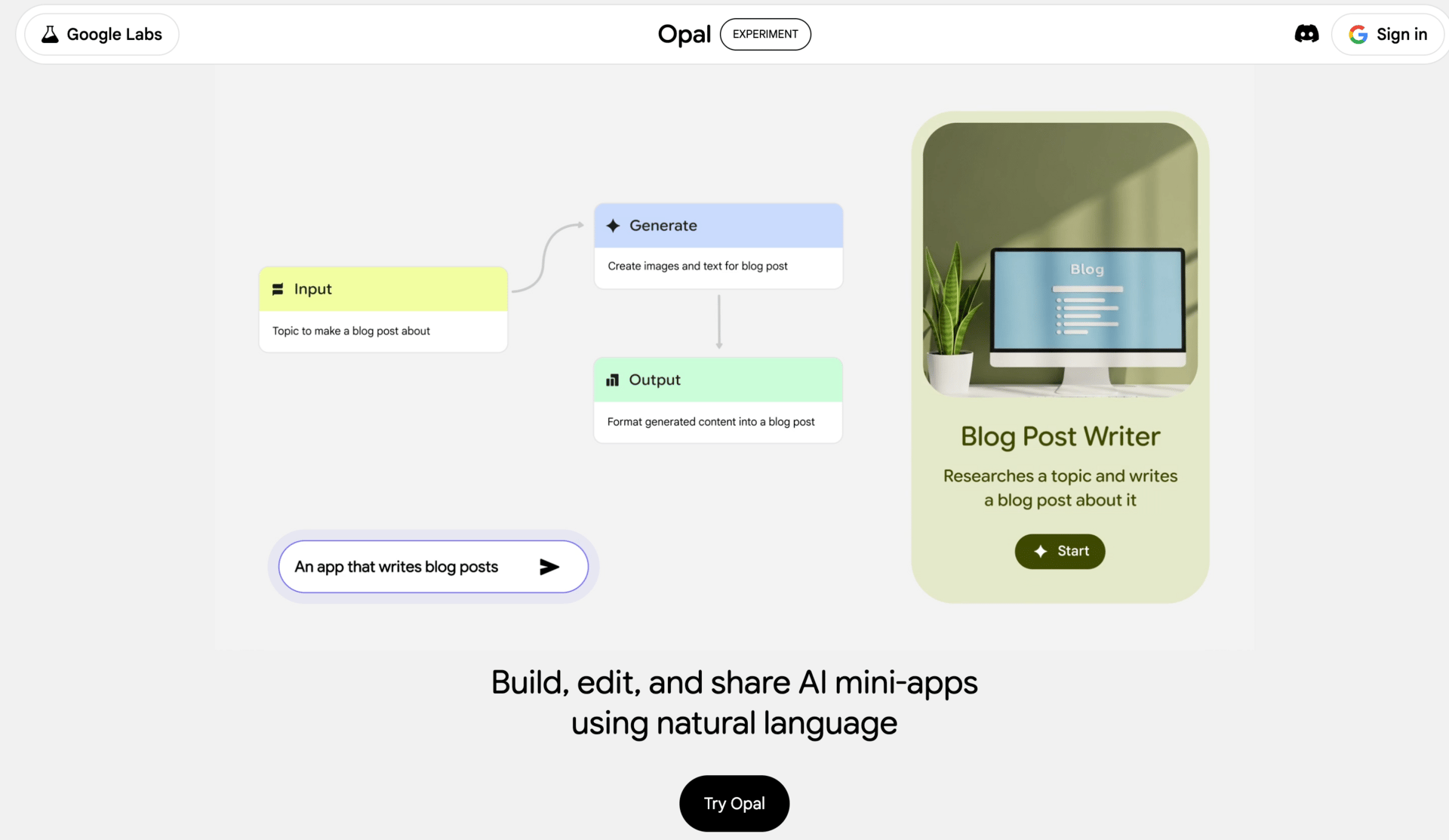
Opal is not trying to do everything. It focuses on simple, clear workflows and does them well. That’s why I like it.
You can connect different Google services and AI steps into small automations. For example, when a new Google Doc is created, summarize it with Gemini and email the summary to a client. Or take a website form submission, analyze it with Gemini, and push structured data into a CRM.
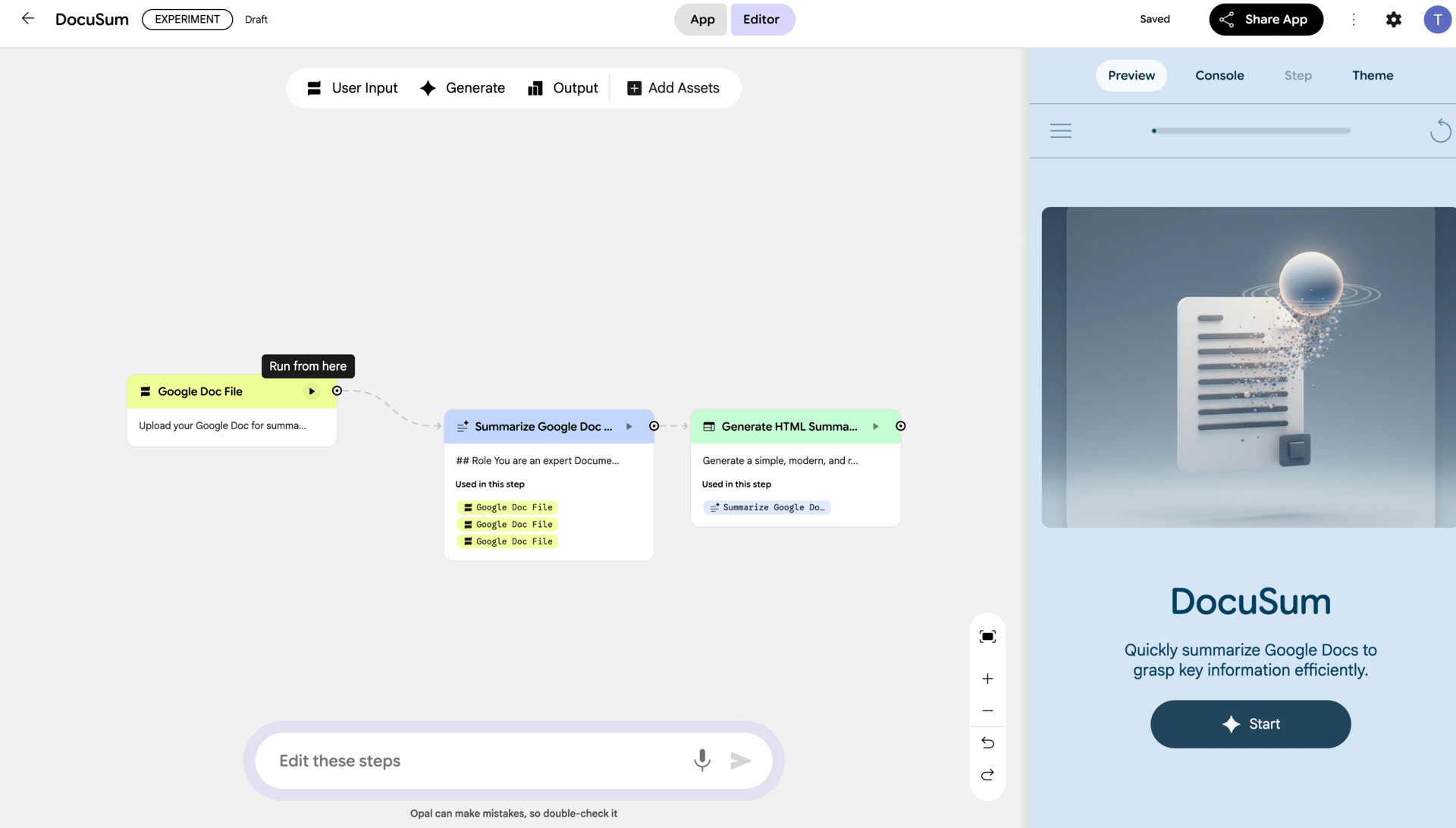
If you’re non-technical and want basic automation without drowning in options, Opal is a good entry point. It won’t replace complex automation platforms, but for everyday business workflows inside the google generative AI ecosystem, it’s often enough.
III. Developer & Builder Tools (From Experiments to Real Software)
This is the part of google generative AI where the audience usually splits. Some people skip it entirely because they think it’s “for developers only.” Others jump in too early and get frustrated. The truth sits in the middle.
You don’t need to be a hardcore engineer to understand this layer, but you do need to know what each tool is meant for. Otherwise, you’ll try to build real software with tools that were never designed for that.
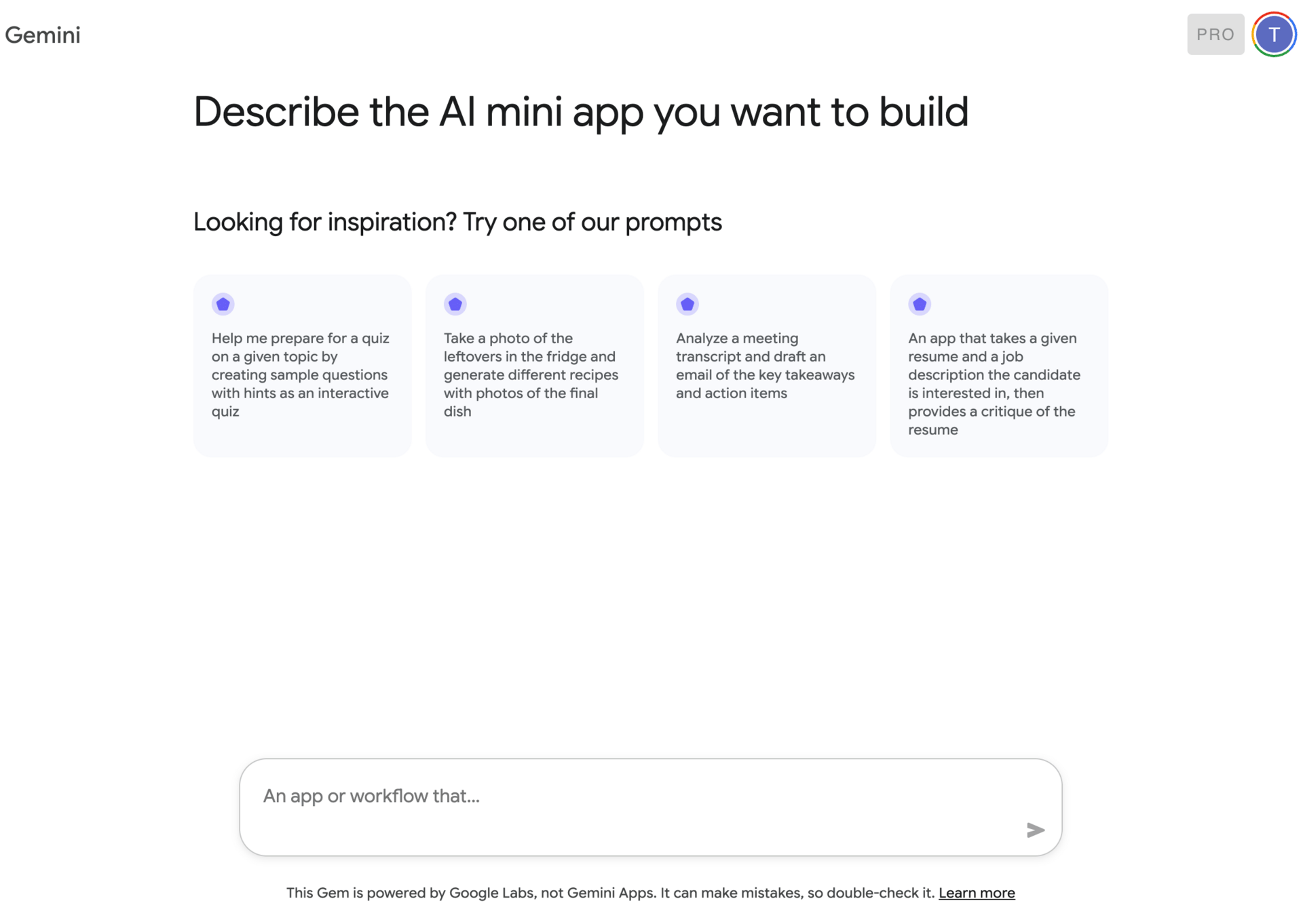
1. Google AI Studio
Google AI Studio is where a lot of confusion starts, so let’s clear it up.
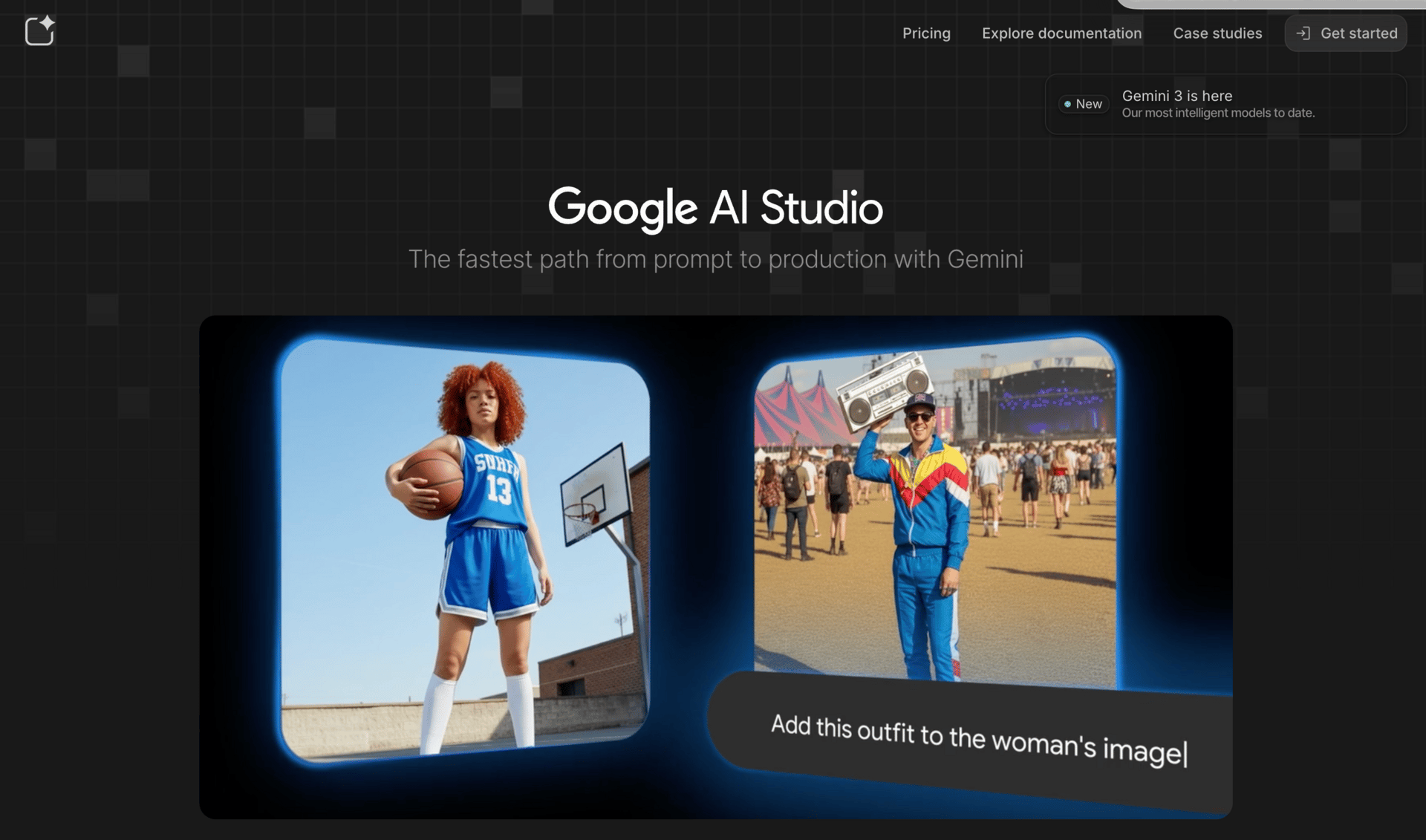
AI Studio began as a place for developers to test new models. Over time, Google opened it up so non-developers could experiment too. That’s why it feels half technical, half friendly.
What AI Studio is really good at is experimentation. You can test different Gemini models, compare outputs, play with prompts, and prototype ideas quickly. I often use it to explore how a feature might work before committing to anything serious.
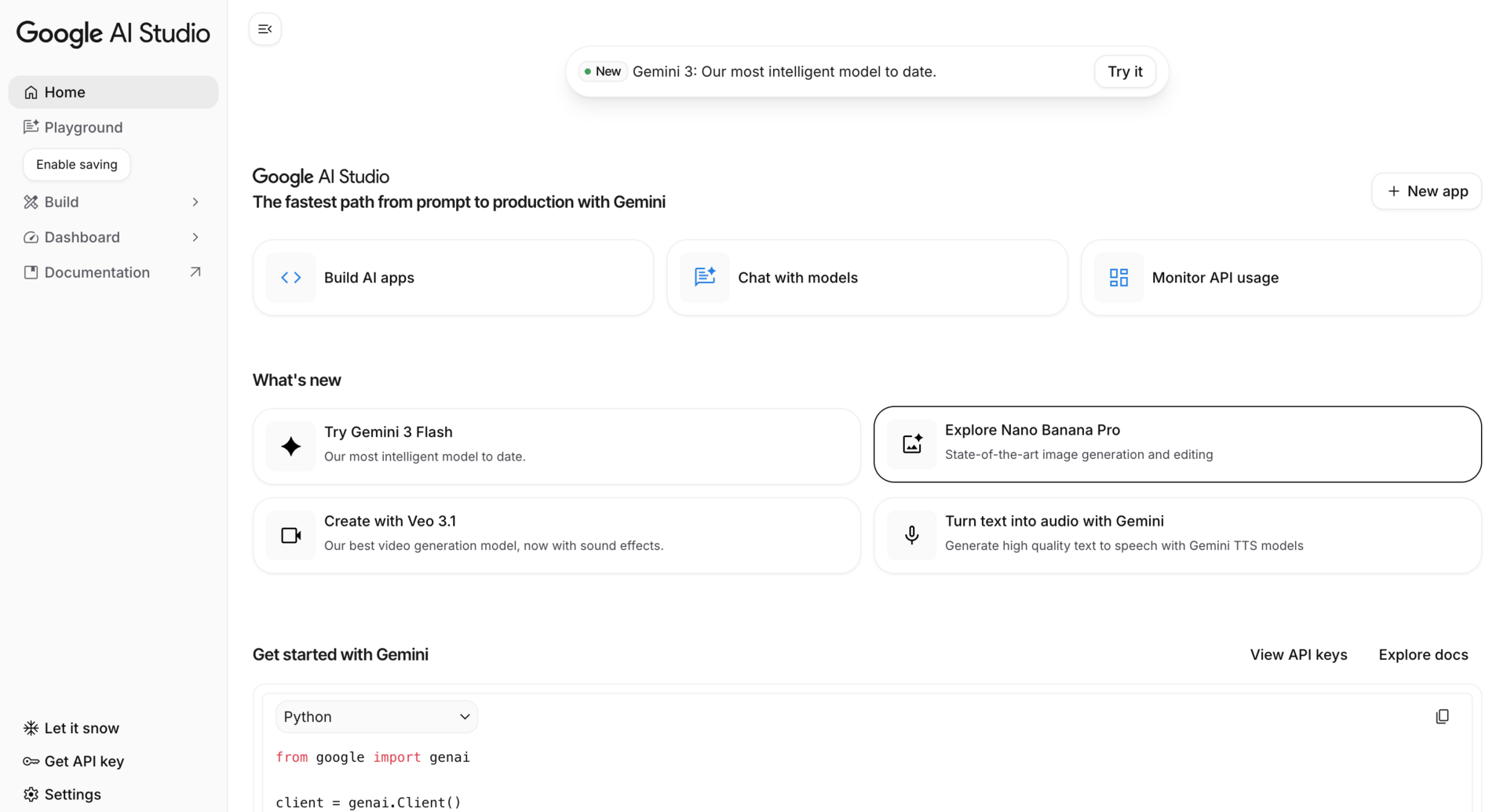
For example, you could prototype a chatbot for a SaaS landing page, test different system instructions, and see how responses change. That’s perfect for early-stage thinking.
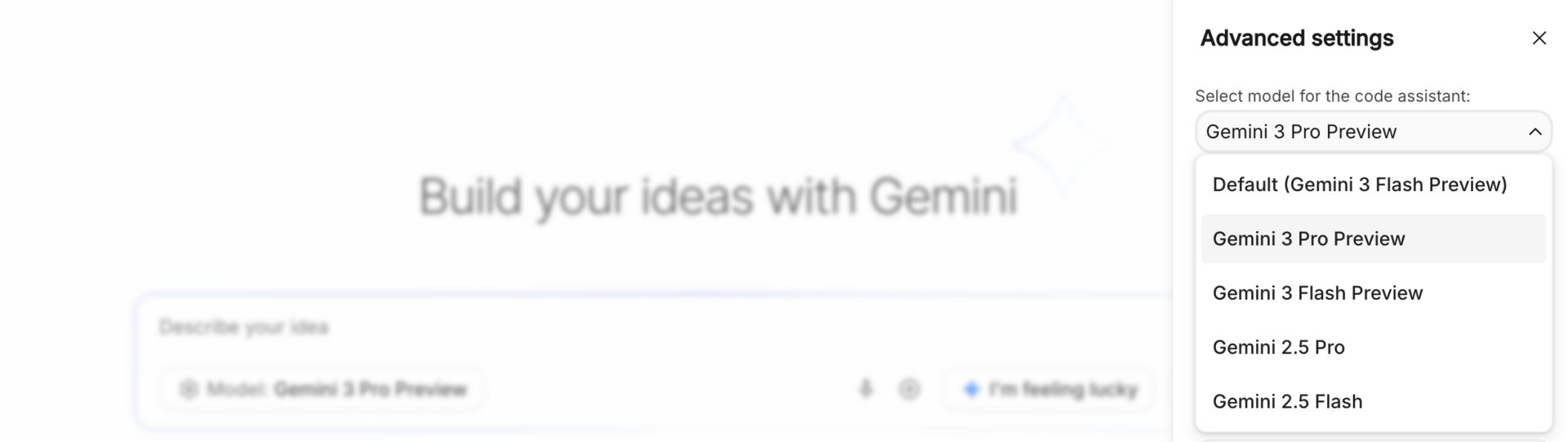
What AI Studio is not great at is building full production apps. You can’t ship complex software from here alone. Think of it as a lab bench, not a factory. Inside the google generative AI ecosystem, AI Studio is about learning and prototyping, not deployment.
2. Firebase Studio
Firebase Studio is where things move from experiments to real products.
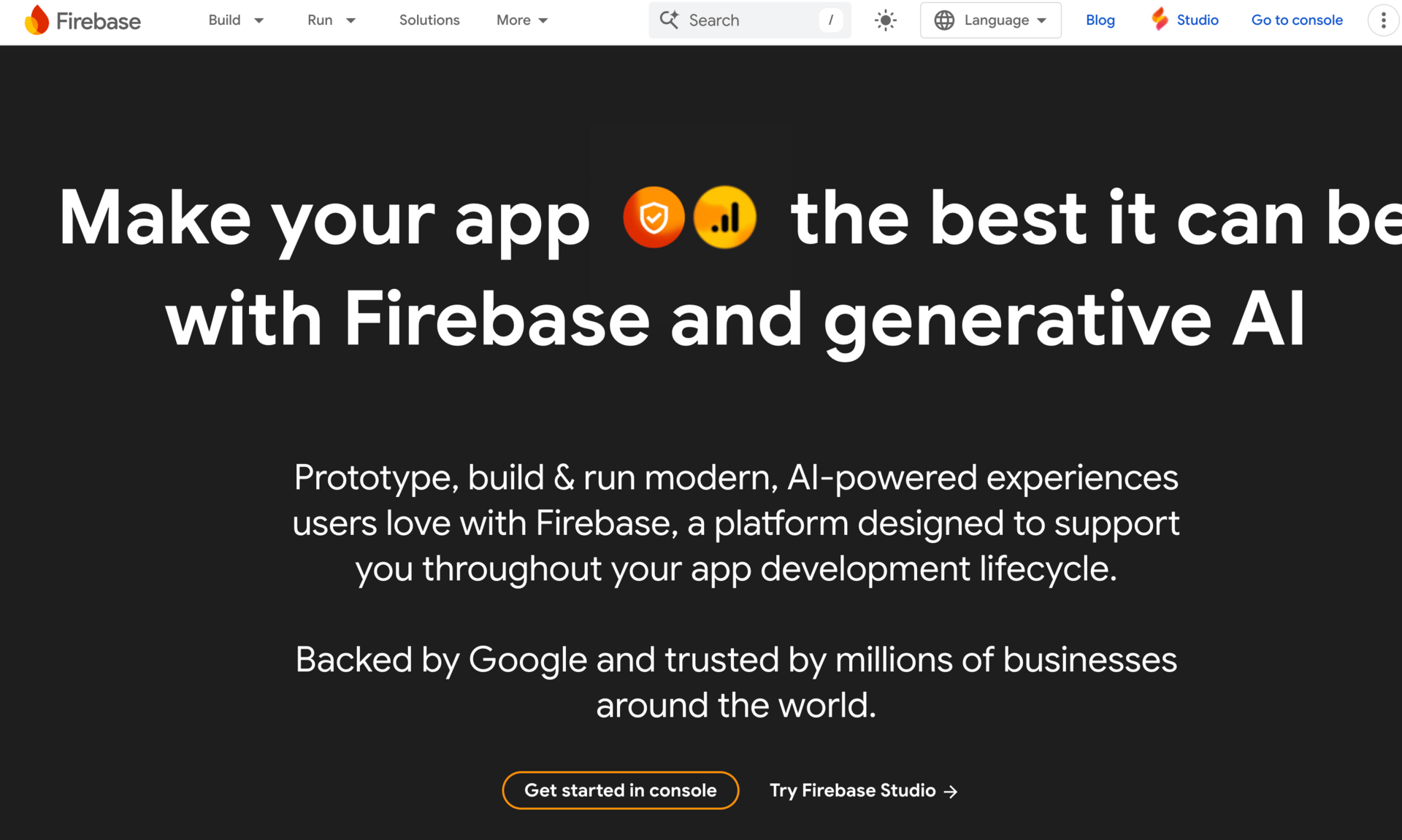
This is Google’s environment for building full applications, with backend, frontend, authentication, databases, and now AI built in. If AI Studio is where you test ideas, Firebase is where you turn them into something people can actually use.
With Firebase, you can build things like an AI-powered customer support app, a personalized recommendation system, or internal tools that rely on Gemini behind the scenes. It’s much closer to production-ready software.
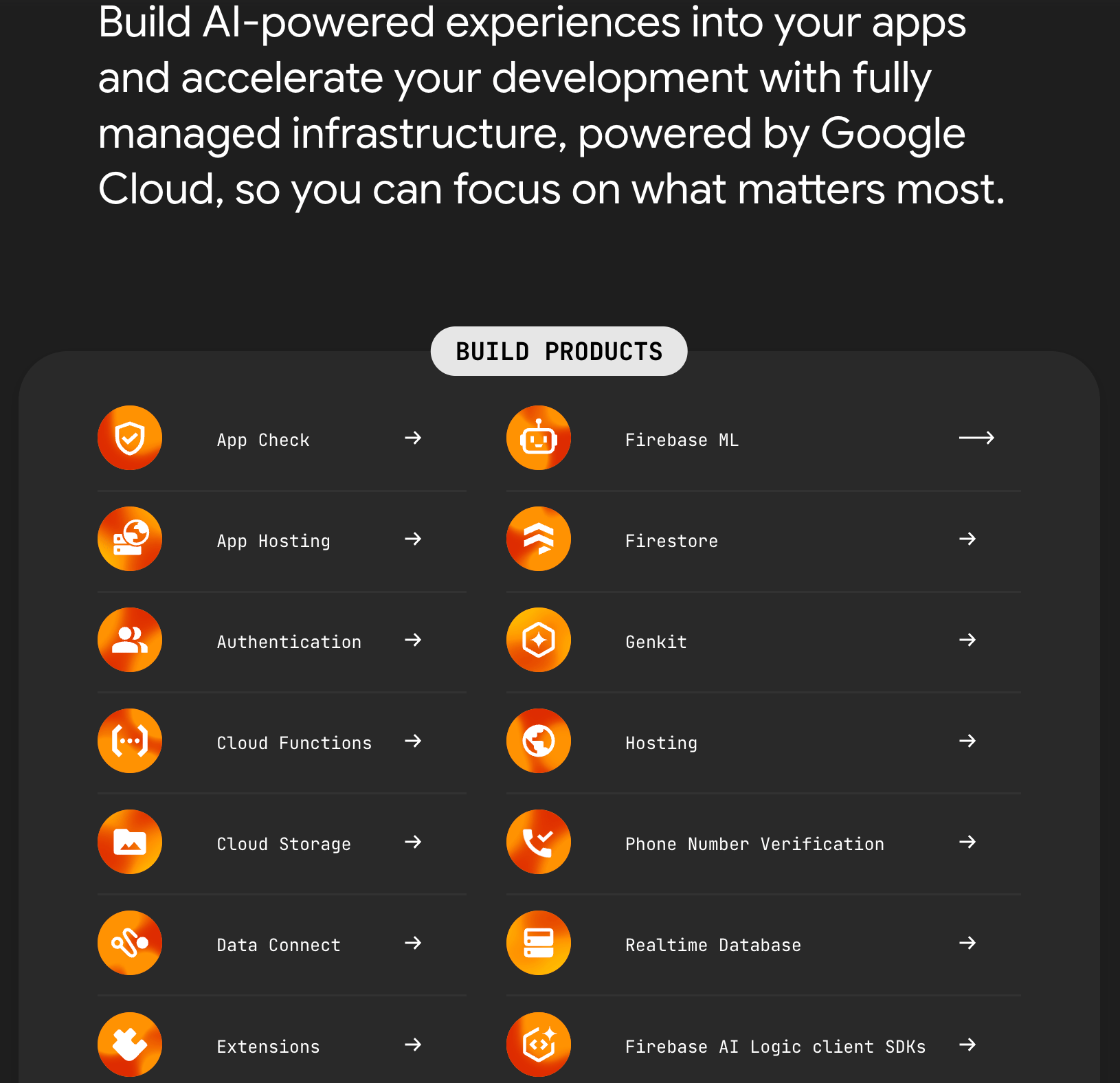
If you’re serious about building and shipping products with google generative AI, this is the layer you eventually end up in.
3. Google Anti-Gravity
Anti-Gravity is Google’s answer to tools like Cursor. It focuses on AI-assisted coding, helping you write, refactor, and understand code faster.
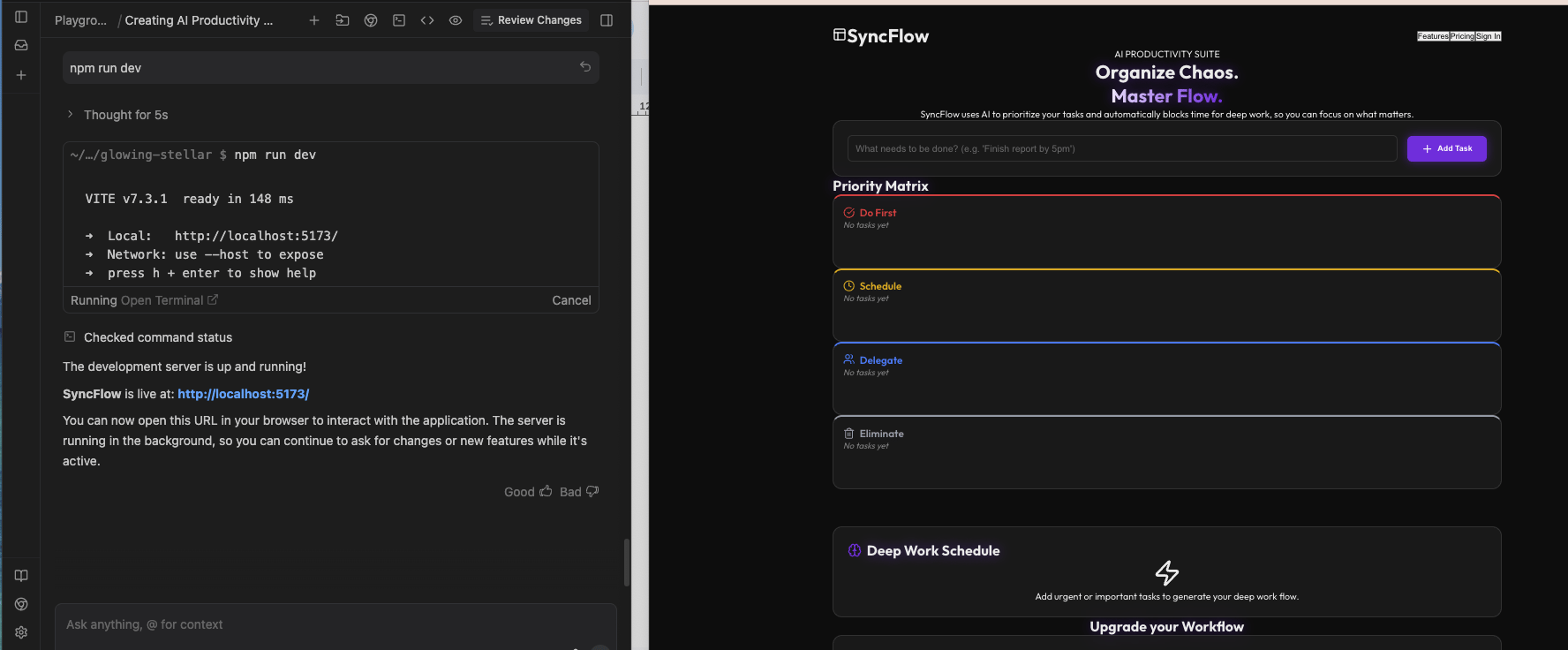
You might use it to clean up a large codebase, refactor repetitive logic, or understand unfamiliar parts of a project. It’s designed to sit alongside your development workflow rather than replace it.
That said, it’s still evolving. In my testing, it’s promising, but not yet the strongest option for very complex coding tasks.
4. Jules
Jules is an interesting one. Instead of helping you code line by line, it lets you delegate coding tasks.
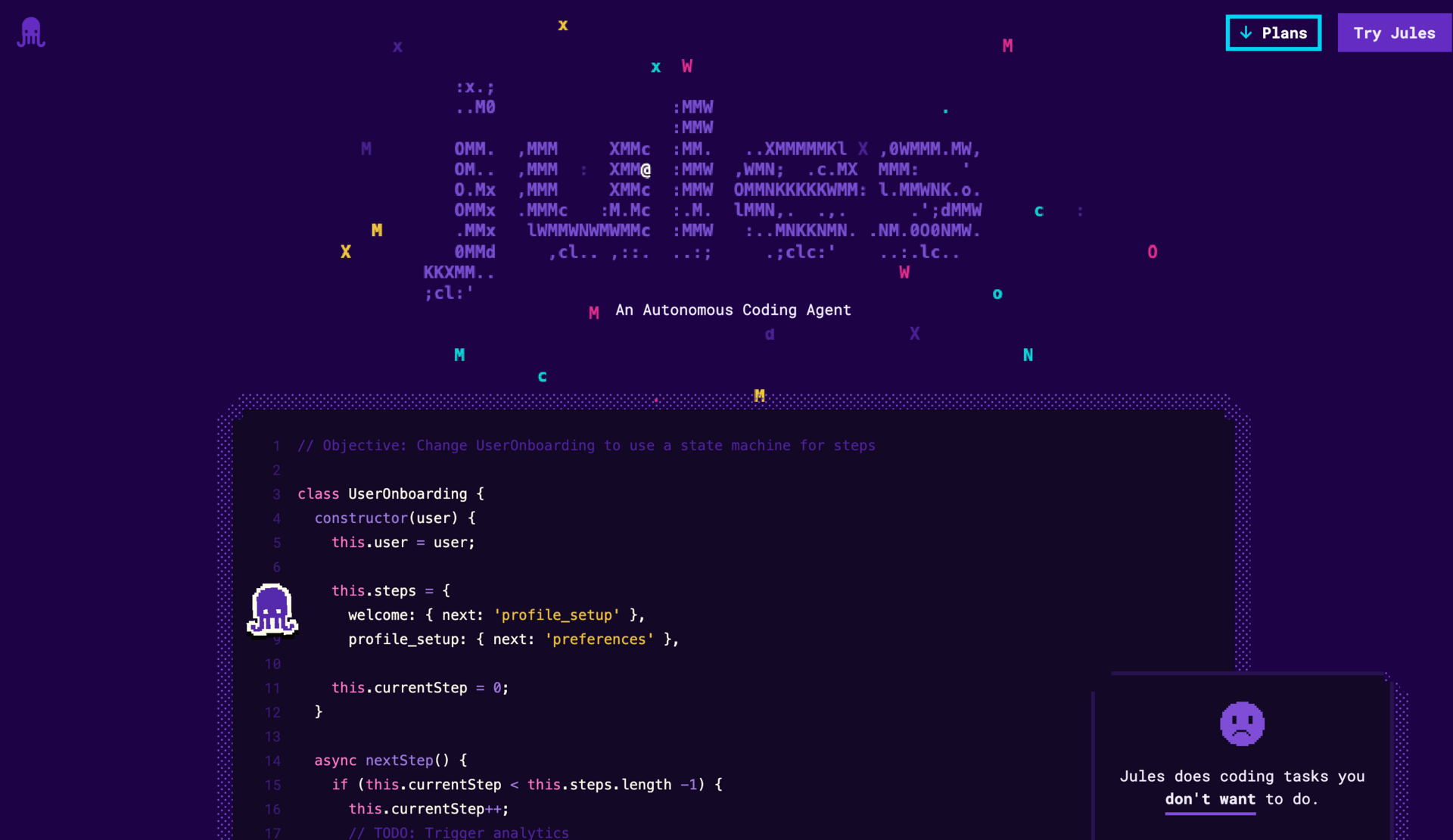
You describe what you want done, like “refactor the authentication system” or “add logging to all API routes,” and Jules works on it in the background. You don’t have to babysit every step.
This is useful when tasks are clear but time-consuming. Inside the google generative AI ecosystem, Jules is about parallel work. You think, it executes.
5. Stitch
Stitch is focused on UI and front-end design. It helps generate layouts, convert wireframes into real UI code, and speed up the design-to-code process.
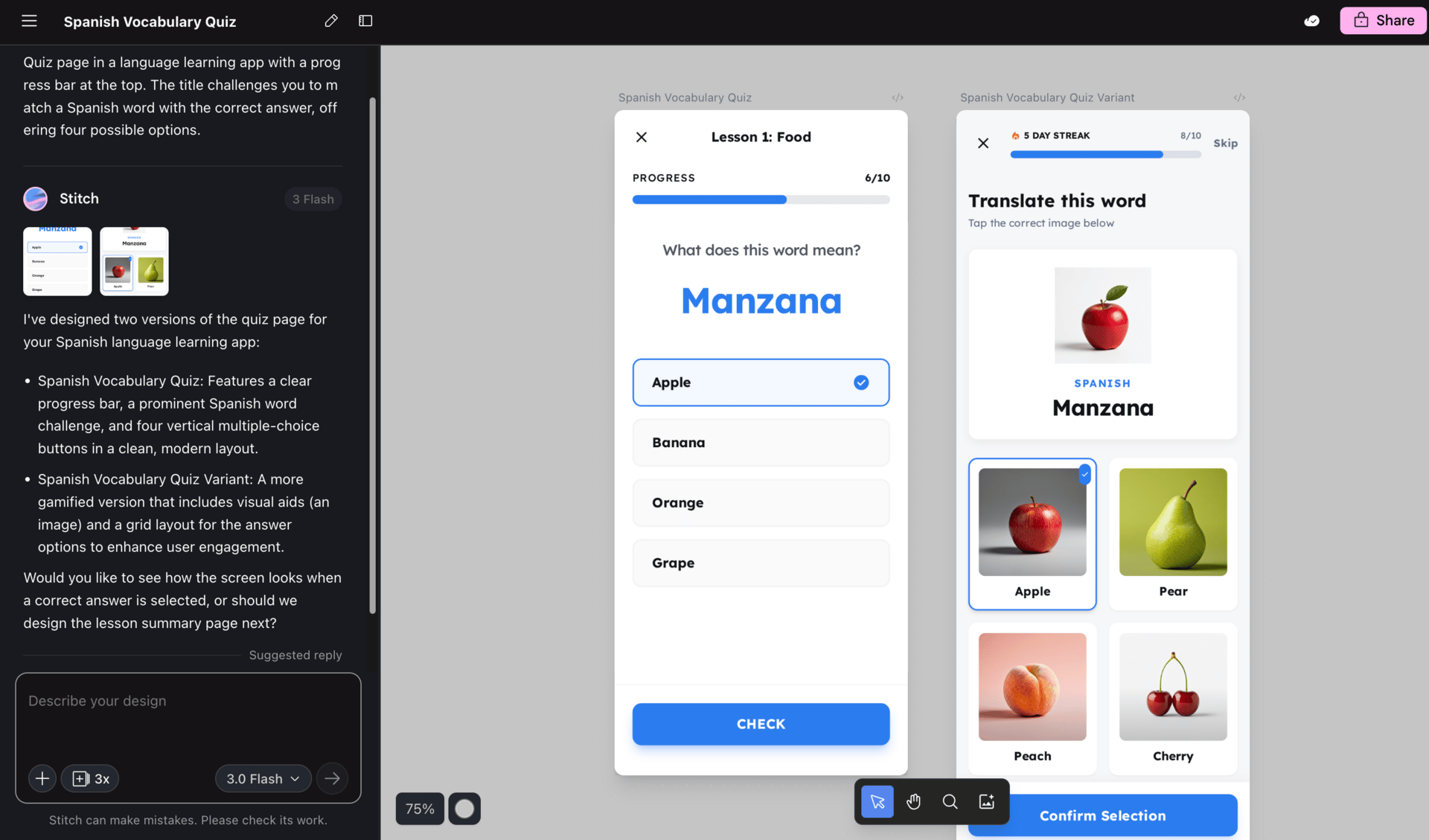
If you’ve ever had a decent wireframe but didn’t want to spend hours translating it into clean front-end code, this is where Stitch fits. It’s not a replacement for designers, but it shortens the gap between design and implementation.
6. Gemini Code Assistant & Gemini CLI
These tools bring Gemini directly into developer environments.
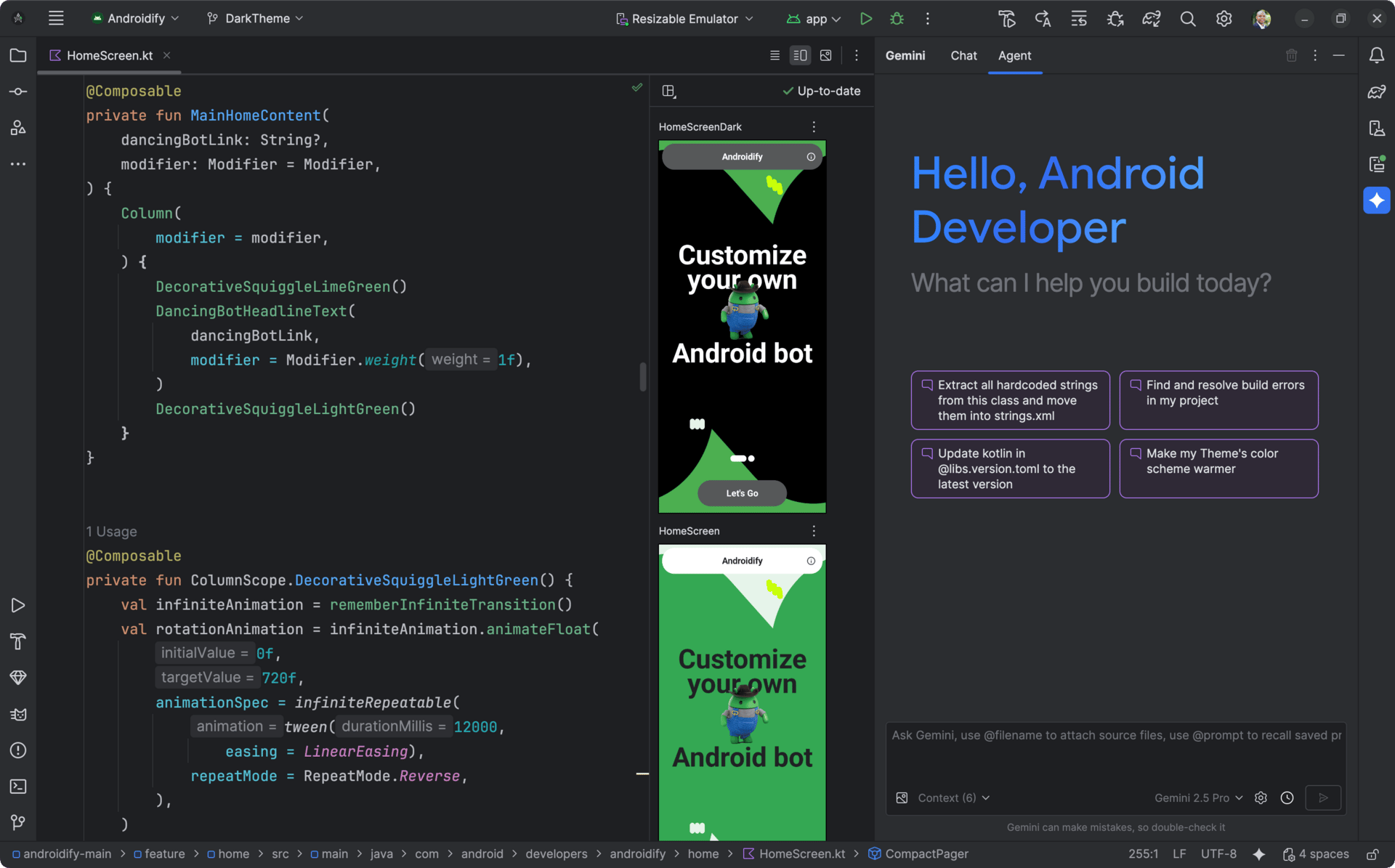
The Code Assistant works inside IDEs like VS Code, while Gemini CLI lets you interact with models from the terminal.
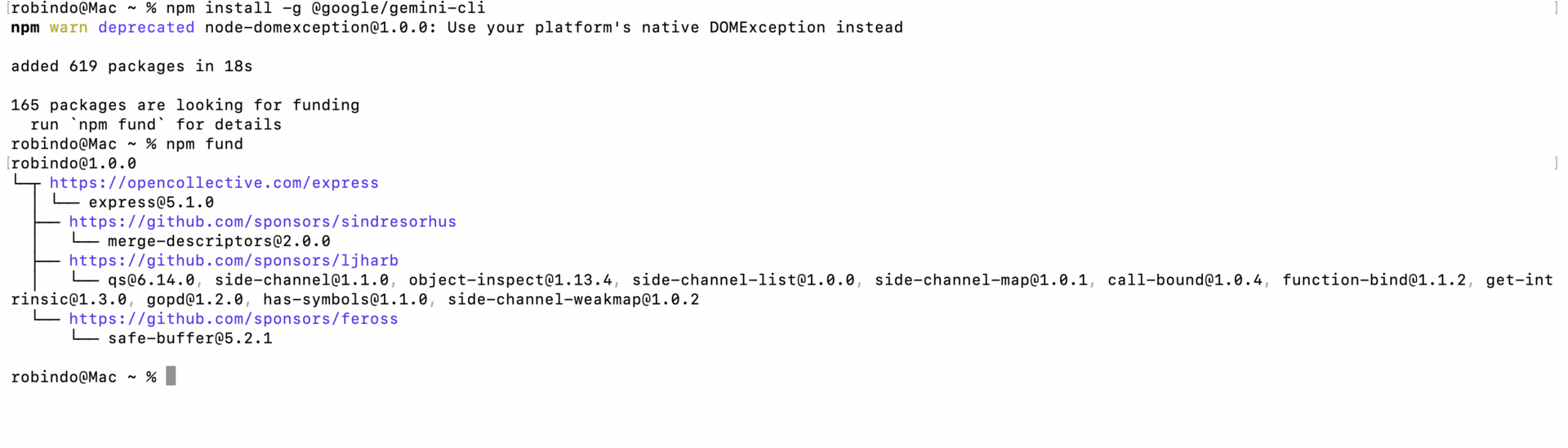
They’re useful for debugging, generating test cases, refactoring legacy code, and answering questions without context switching. If you already live in an IDE, this is the most natural way to use google generative AI.
7. An Honest Comparison: Google vs Cursor + Claude
After a lot of testing, here’s the honest take. If you’re building very complex code right now, Cursor paired with Claude still feels stronger overall. It’s faster, more flexible, and more mature.
That said, Google is catching up quickly. The advantage Google has is scale, data, and deep integration across its ecosystem. I expect this gap to shrink fast.
For now, my advice is simple. Use the best tool for the job today, and keep an eye on how google generative AI evolves. It’s moving faster than most people realize.
IV. Google Labs: Where the Future Is Born?
If there’s one habit I’d recommend to anyone serious about google generative AI, it’s this: check Google Labs regularly. Not because everything there is useful today, but because almost every meaningful new tool starts there first.
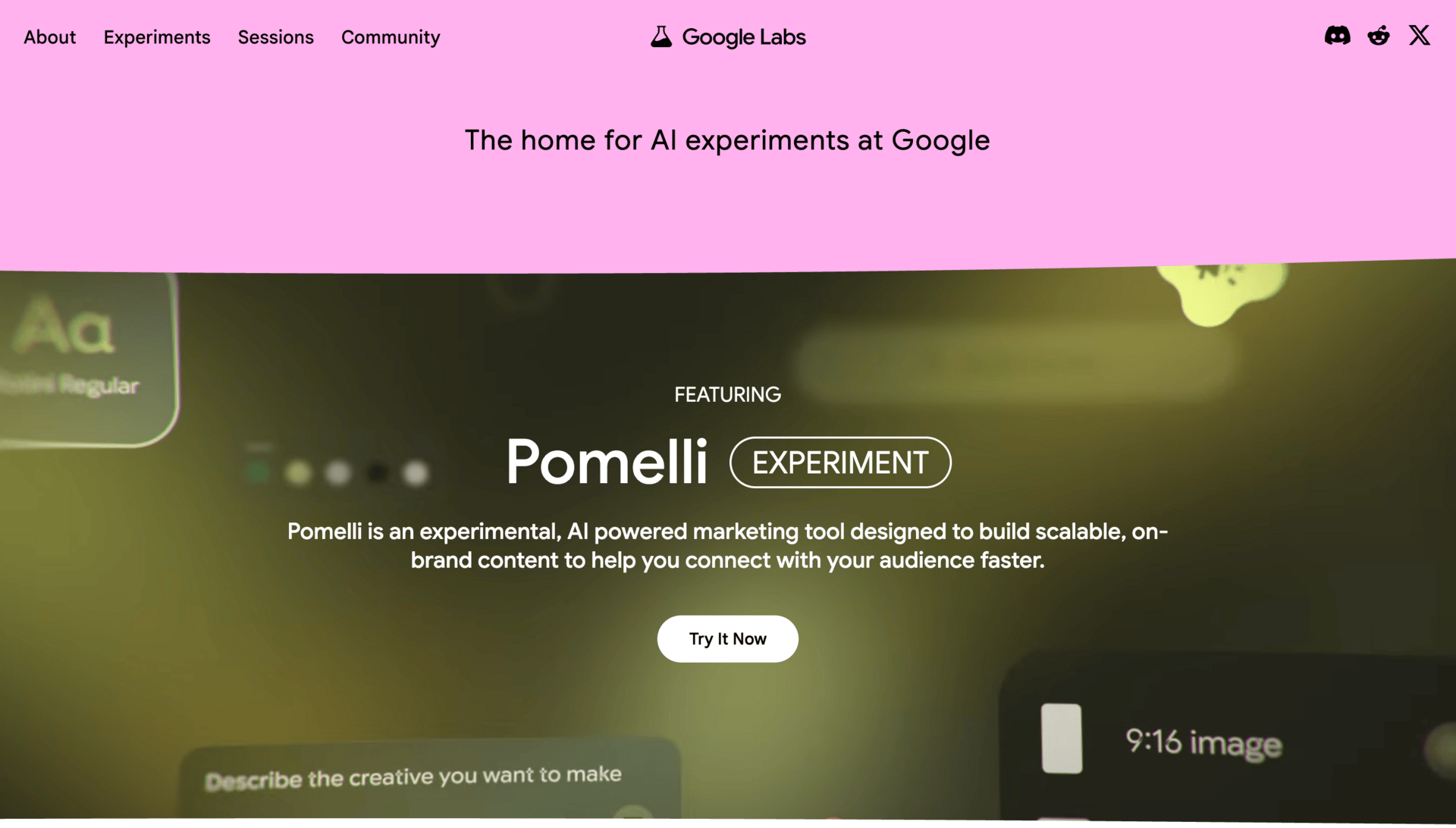
Google Labs is where ideas show up before they’re polished. Some experiments disappear. Some turn into core products. If you understand Labs, you get early signals instead of surprises.
1. Why Google Labs Matters
Labs is Google’s experimental playground. This is where the company tests new interfaces, models, and workflows without committing to them long term. The quality varies, and that’s the point.
What I like about Labs is not stability, but direction. You can see what Google cares about next. Many tools that now feel essential inside the google generative AI ecosystem began here as quiet experiments.
If you only take one thing from this section, it’s this: don’t ignore Labs just because things feel rough around the edges.
2. Pomelli (Business DNA Tool)
Pomelli is a good example of why Labs is worth watching. It scans a website and tries to extract what it calls a business DNA. In plain terms, that means brand voice, brand vibe, and identity.
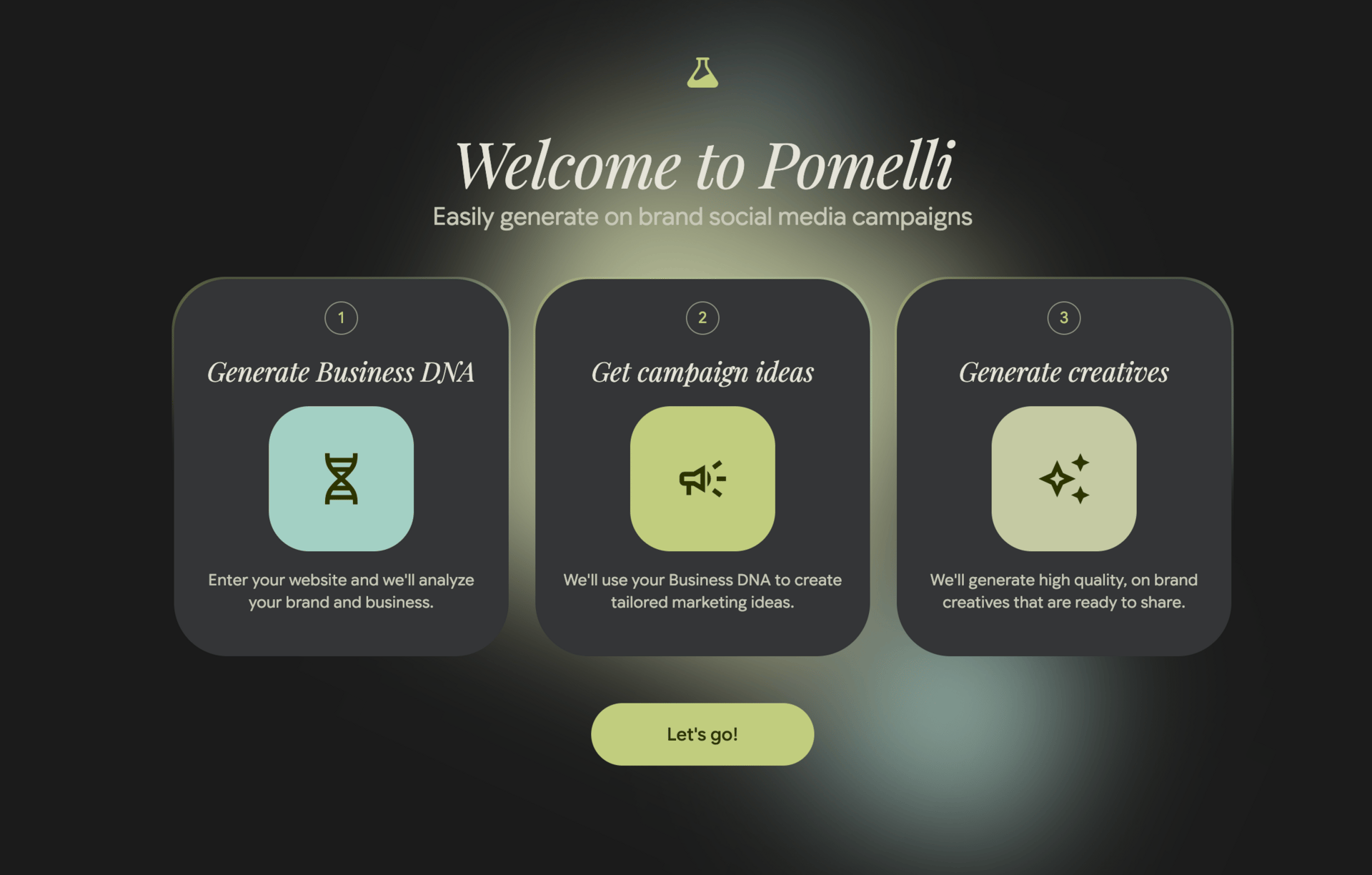
You point it at a client’s site, and it analyzes language, layout, and positioning. From that, it can generate social posts, image ideas, and marketing copy that actually sound aligned with the brand.
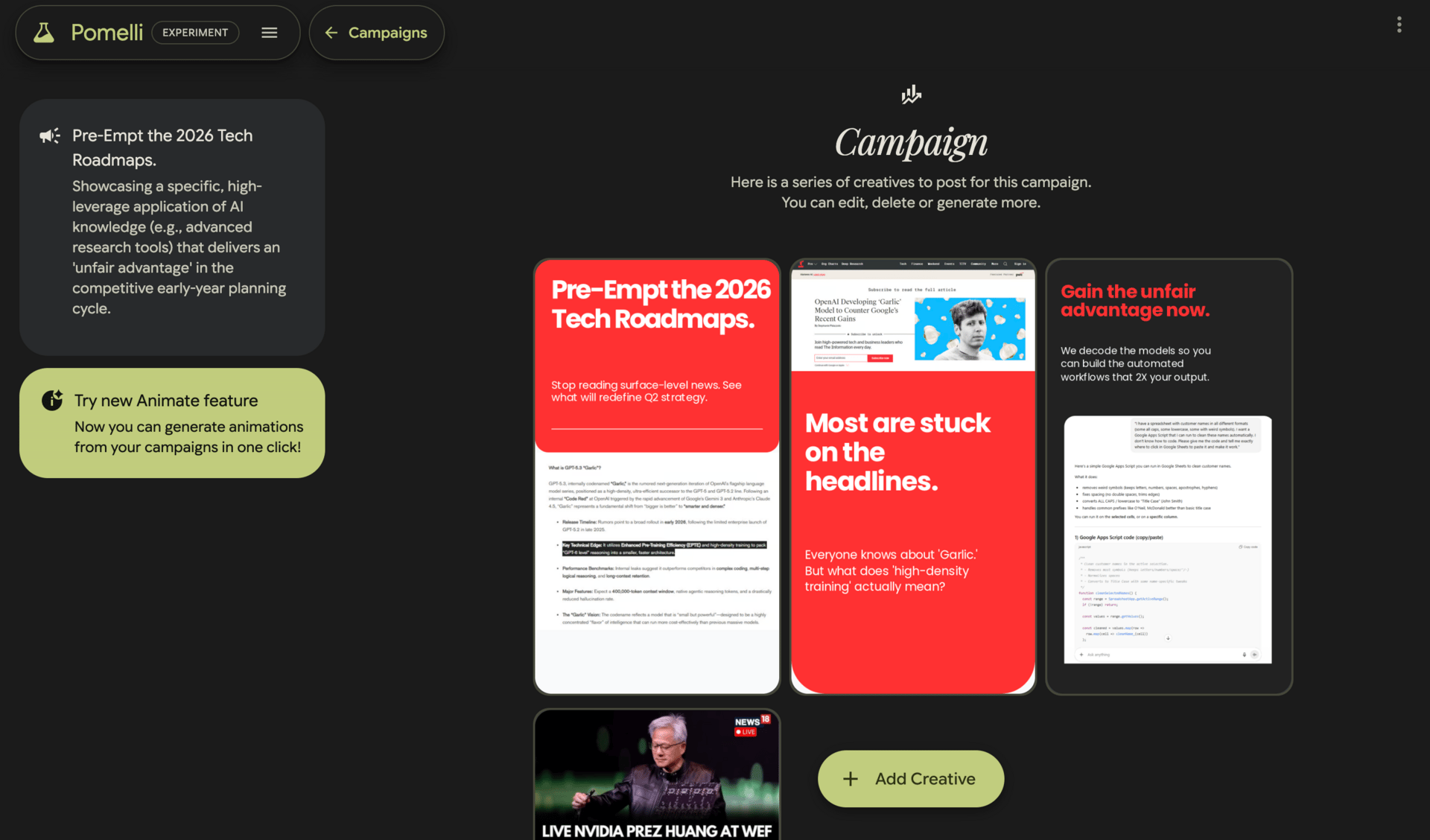
I’ve tested similar tools outside Google, and many feel generic. Pomelli is interesting because it grounds output in real brand signals instead of vague personas. It’s not perfect, but for early-stage marketing work, it’s surprisingly useful.
3. Mixboard
Mixboard focuses on mood boards and visual exploration. Instead of manually collecting references, you can describe a direction and let the tool generate and refine visual concepts.
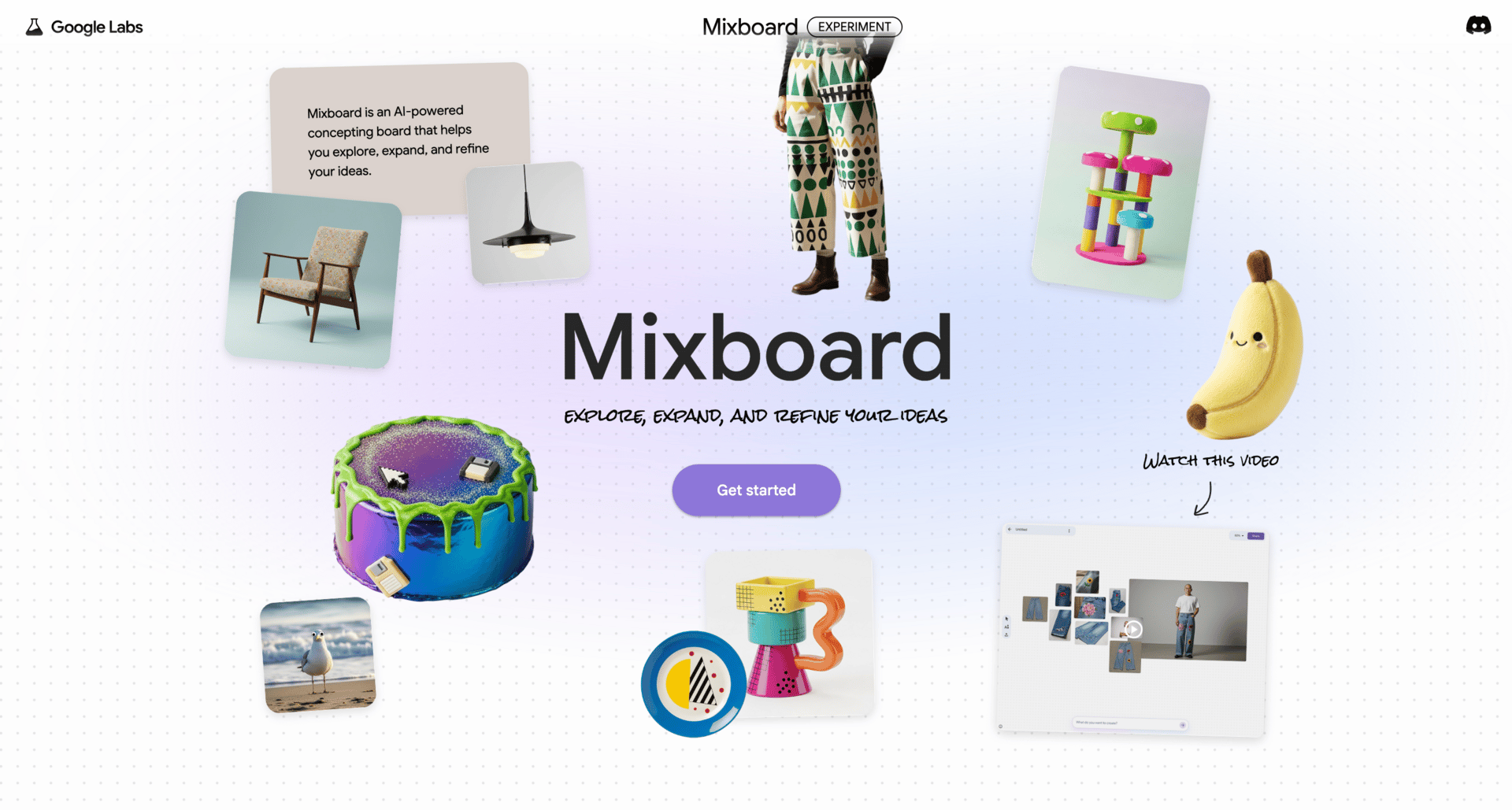
This is useful for branding, campaigns, or early creative exploration when you’re still figuring out the look and feel. It won’t replace designers, but it speeds up the messy early phase where you’re trying to align taste and direction.
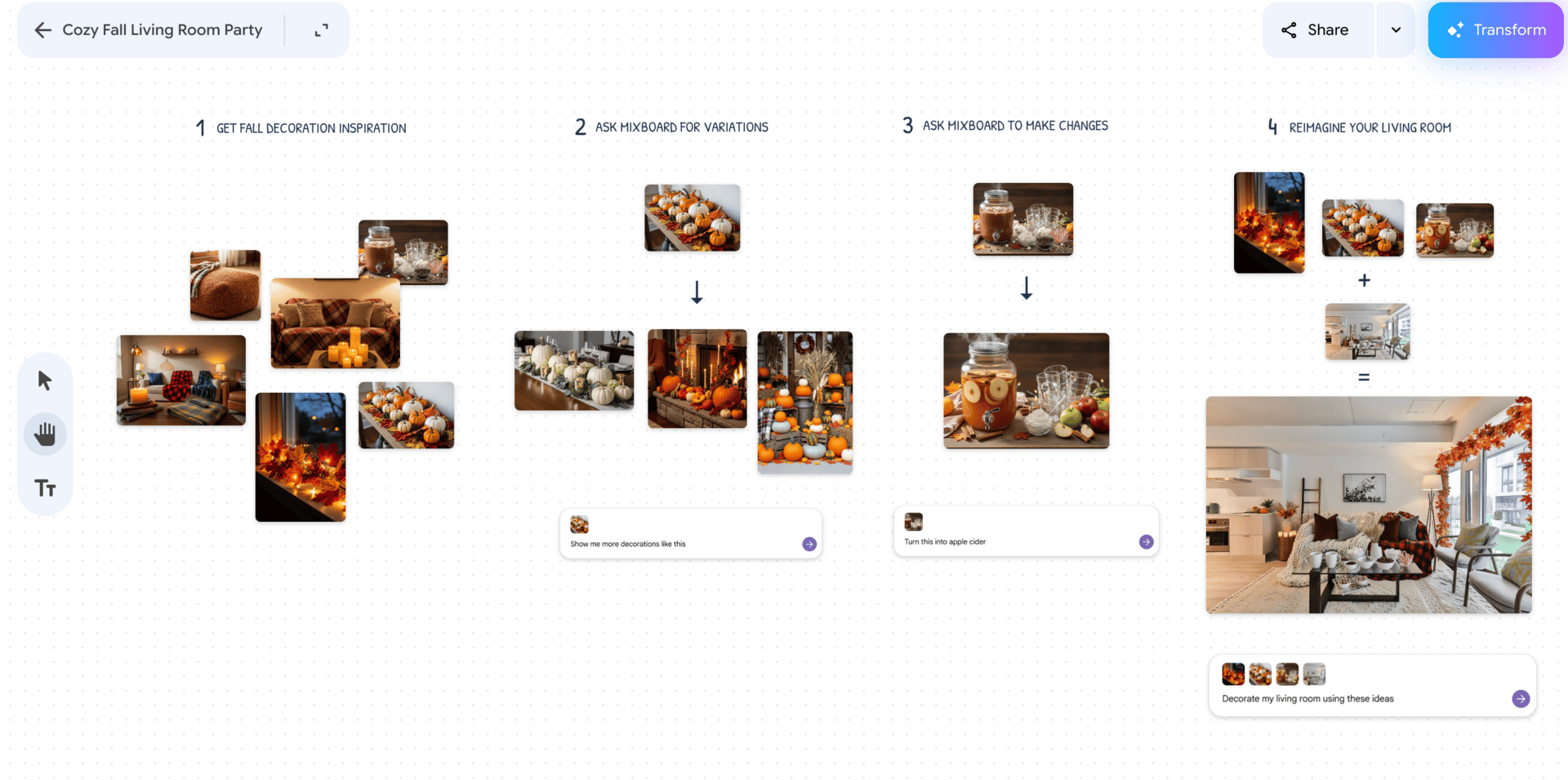
Inside the google generative AI landscape, Mixboard is about helping teams think visually faster.
4. Disco and Gen Tabs
Disco is a broader experimental area, but the part I’m watching closely is Gen Tabs. This tool turns the tabs you already have open into a custom interactive app.
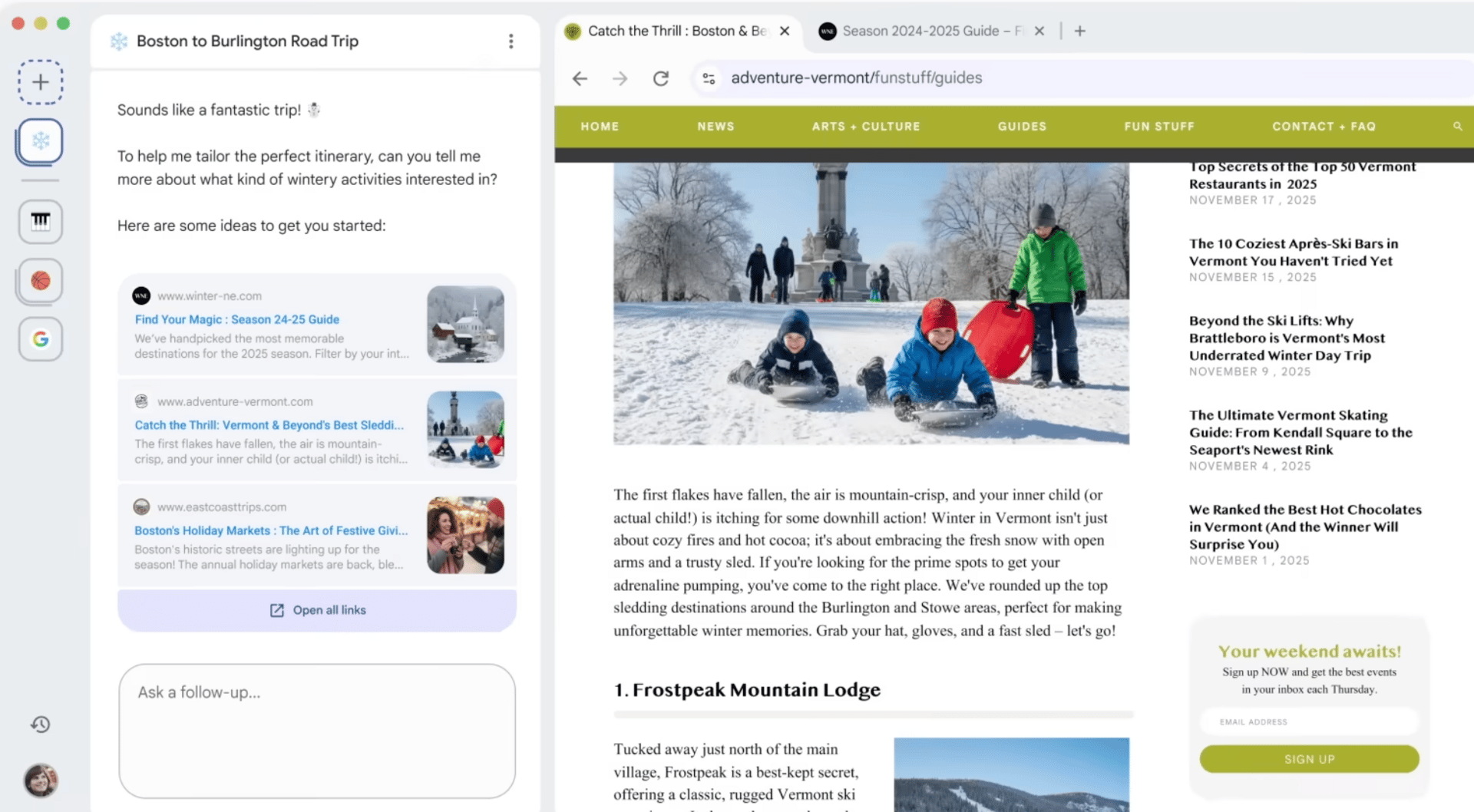
Imagine you’re researching a topic and have ten tabs open. Gen Tabs can turn that chaos into a structured dashboard or a small study app. Learning materials become interactive. Research becomes navigable.
It’s still early, but the idea is powerful. Instead of copying information into another tool, the tool comes to where you already work. That kind of thinking shows where google generative AI is heading.
V. Creative & Media AI Tools
This is the part of google generative AI that made a lot of people stop and pay attention. Text and research are useful, but creative tools change how people see what AI can do. Images, video, animation, music. This is where Google surprised a lot of experienced users.
I’ll be honest here. Not every tool in this section is equally strong. A few are genuinely impressive. Others are more about exploration than production. Knowing the difference saves a lot of time.
1. Nano Banana (Image Editing Revolution)
Nano Banana was a turning point. Before this, most image generation tools could create images, but editing them consistently was painful. Characters changed. Styles drifted. Fixing small details often meant starting over.
Nano Banana solved a big part of that with character consistency and real image manipulation. You can generate a character once and reuse that same character across different images without it falling apart. You can edit poses, expressions, and details instead of regenerating everything.

This matters if you’re doing ads, storytelling, comics, or any project where visual consistency is important. Inside the google generative AI ecosystem, Nano Banana is one of the strongest image tools available right now.
2. Veo3 Video Model
Google’s Veo 3 video model caught people off guard. High-quality video alone would have been impressive, but what made it stand out was the addition of dialogue and audio. That combination hadn’t been done well before.
With Veo 3, you can generate short films, ads, or explainers that include visuals, spoken dialogue, and sound in one workflow. When paired with consistent characters from tools like Nano Banana, this opens the door to full narrative projects.
If you’re serious about AI video, many people use external platforms to access and manage these models more professionally. Tools like specialized AI creative suites make complex workflows easier. If you want to stay fully inside Google, Flow is the closest option.
3. Flow
Flow is Google’s attempt to create end-to-end creative workflows. Instead of jumping between tools, Flow lets you experiment with images, video, and sequences in one place.
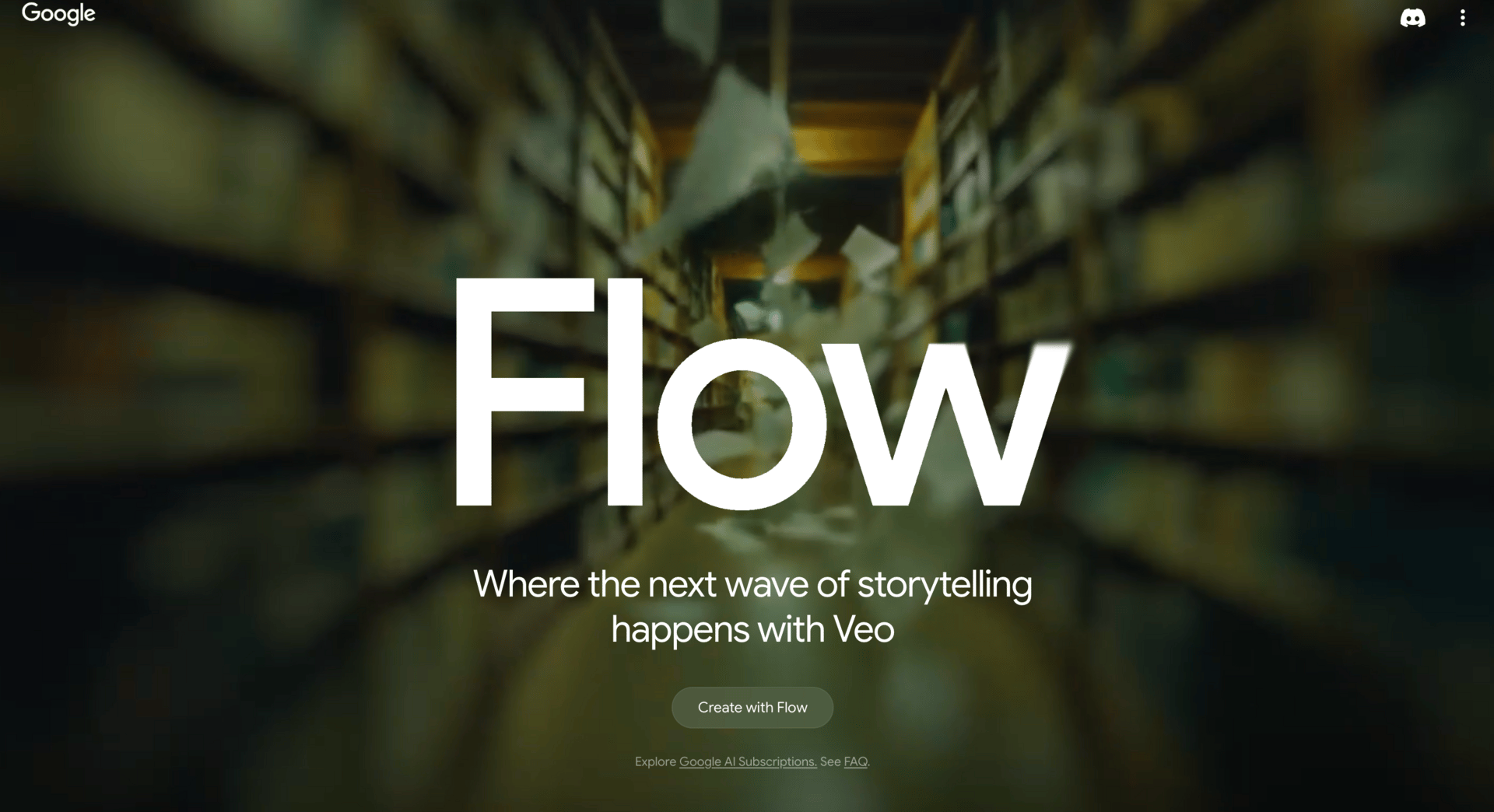
It’s useful if you want to stay inside the google generative AI ecosystem and keep things simple. That said, for advanced production, many creators still rely on external tools because they offer more control.
4. Imagen 4
Imagen 4 is an image generation tool that came before Nano Banana. It still works, but it’s no longer competitive for most serious use cases. Compared to Nano Banana, results are less consistent and harder to refine.
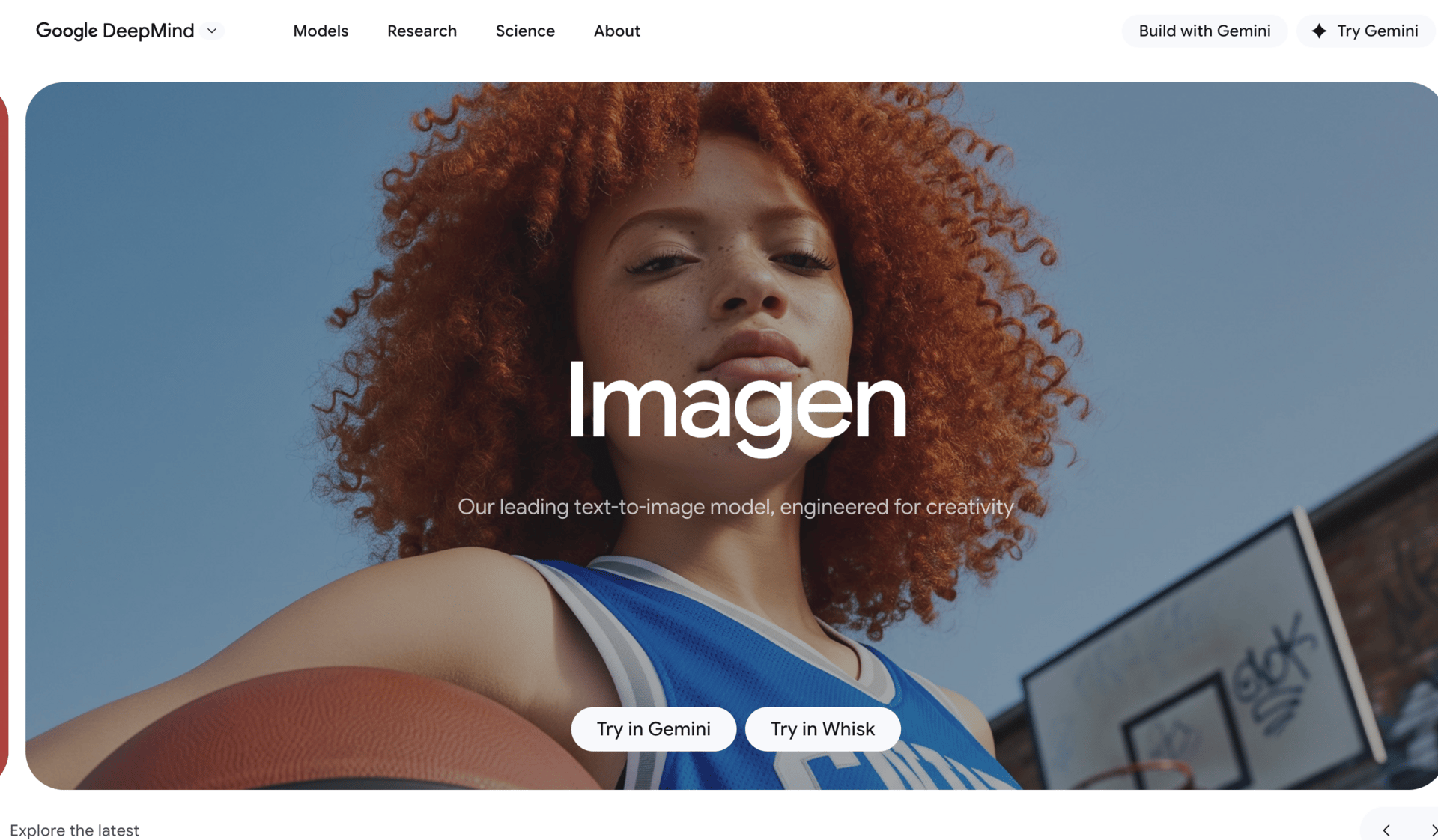
Because of that, it’s been quietly overshadowed. It’s fine for quick experiments, but I wouldn’t build workflows around it today.
5. Whisk and Whisk Animate
Whisk and Whisk Animate are built for rapid creative exploration. They’re useful when you’re brainstorming styles, motion ideas, or early animation concepts.
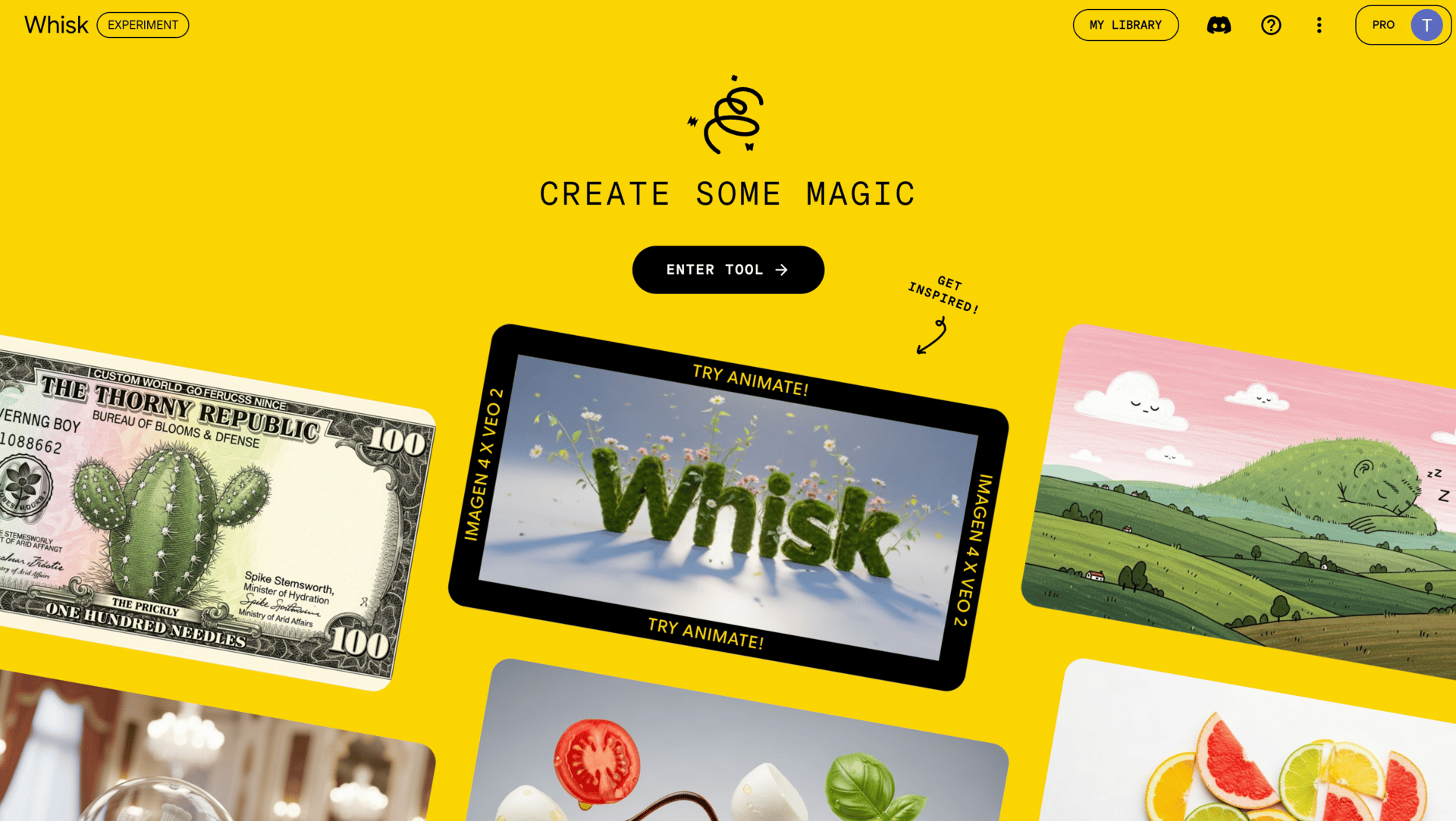
I see these as thinking tools rather than production tools. They help you explore directions quickly before committing to something more polished.
6. Music AI Sandbox
Music AI Sandbox is still early, but it’s worth watching if you work with sound. It focuses on music generation and experimentation rather than finished tracks.
Right now, it’s best for background music, sound exploration, and creative experiments. If you’re a musician or video creator, it’s one of those tools you check in on every few months to see how far it’s come.
VI. Small Models & Embedded AI
This is a quieter part of google generative AI, but it’s more important than it looks. Not everything needs a massive cloud model. Sometimes you want speed, privacy, or the ability to run AI on small devices without a constant internet connection. That’s where these models come in.
1. Gemini Nano
Gemini Nano is designed to run locally, especially on mobile devices. Instead of sending everything to the cloud, the model runs directly on the device.
This is useful for tasks that need to be fast and private, like smart replies, on-device summarization, or lightweight text processing. You’ll rarely “open” Gemini Nano yourself. You’ll feel it through smoother experiences in apps and on Android.
Inside the google generative AI ecosystem, Gemini Nano is about efficiency. Small model, quick response, minimal overhead.
2. Project Astra
Project Astra is Google’s vision for a multimodal assistant that understands the world in real time. It combines text, vision, and context, allowing the system to see what you see and respond immediately.
Imagine pointing your camera at something and asking questions about it, or getting real-time help while moving through the world. That’s the direction Astra is heading.
It’s still early, but conceptually, it shows how google generative AI is moving beyond chat and into continuous, real-world interaction.
3. Gemma
Gemma is a family of open-weight models released by Google. These are designed for experimentation, research, and custom projects.
Because they’re lighter and more flexible, Gemma models are popular for things like Raspberry Pi projects, offline applications, and controlled environments where you don’t want to rely on cloud APIs.
If you like experimenting or building custom systems, Gemma gives you more control than most other parts of the google generative AI stack.
VII. AI Inside Google Workspace & Apps
This is the part of google generative AI most people underestimate, mainly because it doesn’t feel like a separate product. There’s no new dashboard to learn. No setup step. It just shows up inside tools you already use.
That’s also why it matters so much.
1. Gmail, Docs, Sheets, and Slides
Google has embedded generative AI directly into Workspace, and each app uses it a little differently.
In Gmail, it helps draft emails, rewrite messages, and summarize long threads. This is useful when you’re tired, busy, or dealing with repetitive communication. I don’t let it fully replace my voice, but I use it to get past the blank screen faster.
In Google Docs, it’s more about writing and understanding. You can generate drafts, rewrite sections, summarize long documents, or clarify messy ideas. For long internal docs or first drafts, this alone can save hours.
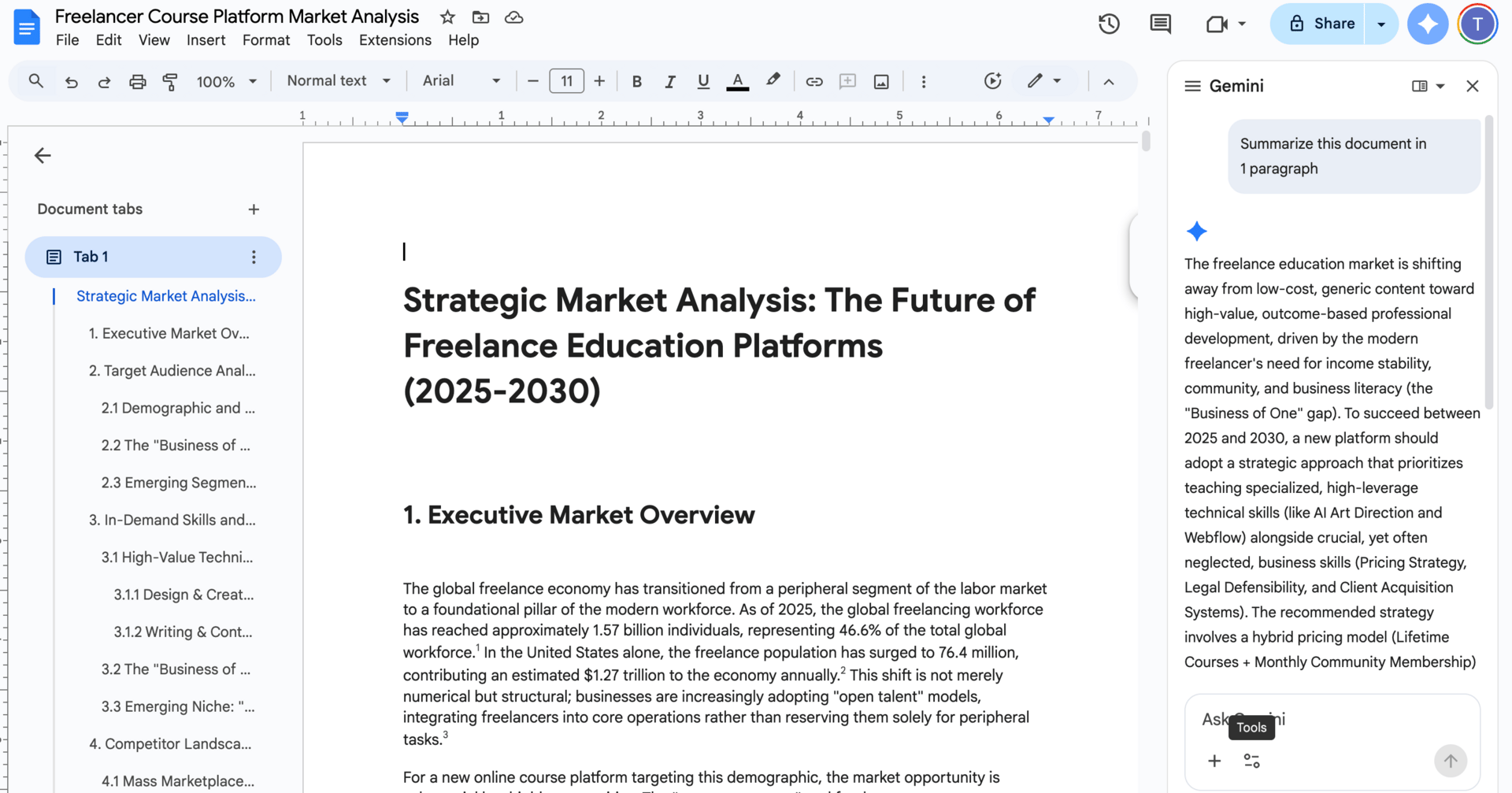
Sheets is where a lot of non-technical people quietly win. google generative AI can help generate formulas, explain what existing formulas do, and turn plain language into structured data logic. If spreadsheets ever felt intimidating, this lowers the barrier a lot.
Slides focuses on structure. You can generate outlines, turn notes into slide decks, and clean up messaging. It won’t replace good design sense, but it speeds up the thinking phase.
None of these features are perfect on their own. The value comes from friction reduction. Less staring at empty pages. Less context switching. More momentum.
2. Embedded AI Everywhere
Beyond Workspace, Gemini is running quietly inside many Google products.
Google Maps uses AI to improve routing and recommendations. Google Photos uses it to organize, search, and surface memories. YouTube relies on it heavily for recommendations and content understanding.
You don’t need to “learn” these features. They work in the background. This is part of Google’s advantage with google generative AI. Distribution matters, and Google already owns the surfaces people use daily.
3. Google Lens
Google Lens is one of the most practical examples of visual understanding. You point your camera at something, and it helps you identify, translate, or search based on what it sees.
This might feel basic now, but it’s an early example of how generative AI blends perception with action. Lens is especially useful for translation, shopping, and real-world discovery, and it continues to improve as models get better.
4. Gemini on Android
On Android, Gemini is becoming a system-level assistant. It’s not just answering questions anymore. It’s helping across apps, understanding context, and replacing the old Google Assistant.
This is where many people will experience google generative AI without ever thinking about it as “AI.” It’s just the system being more helpful, more aware, and more responsive.
VIII. Final Takeaways & Strategic Recommendations
At this point, you’ve seen the full picture. google generative AI is not one tool. It’s an ecosystem. And like most ecosystems, it feels messy while it’s still growing.
The mistake I see most people make is trying to keep up with everything. That almost always leads to burnout or shallow understanding. You don’t need that. You need priorities.
1. If You Remember Only 3 Things
First, make Google Labs part of your routine. You don’t need to use everything there, but you should look. Labs is where patterns show up early. The next major google generative AI product is very likely hiding there right now, just not polished yet.
Second, master Gemini deep research and NotebookLM. If your work involves thinking, writing, research, planning, or learning, these two tools give you the highest return for the least effort. Gemini helps you explore and connect ideas. NotebookLM helps you stay grounded in truth and sources. Together, they cover most real knowledge work.
Third, don’t force Google tools where they’re not ready. For advanced coding, tools like Cursor and Claude are still ahead. That’s fine. Use what works today and stay flexible. Google is improving fast, but productivity comes from choosing the right tool now, not from loyalty.
2. Who This Ecosystem Is Best For
Google generative AI works especially well for freelancers, solopreneurs, knowledge workers, creators, and developers who already live inside Google’s products. If you use Gmail, Docs, Search, Android, and YouTube daily, the integration alone is a big advantage.
It’s also strong for people who value research, structure, and long-term thinking over flashy one-off outputs. Google’s models tend to reward clarity and depth more than tricks.
That said, not every tool is for everyone. You don’t need developer tools if you don’t build software. You don’t need creative video models if you never touch media. The ecosystem is wide so you can choose, not so you can do everything.
Conclusion: Google AI Is a Long Game (And You’re Early)
If there’s one idea I want you to walk away with, it’s this: google generative AI is not finished. And that’s a good thing.
The ecosystem feels crowded and confusing because Google is still building in public. Tools overlap. Names change. Some products feel rough while others feel surprisingly mature. That’s not a sign of failure. It’s a sign of momentum.
Google’s real advantage has never been a single feature. It’s scale, data, and distribution. Gemini is embedded in Search. It’s embedded in Workspace. It’s embedded in Android. Most people in the world will use google generative AI without ever deciding to “try an AI tool.” It will just be there, helping them research, write, plan, navigate, and create.
That’s why this is a long game.
Right now, the ecosystem rewards people who understand structure, not people chasing every update. You don’t need to master 30 tools. You need to know the few that matter, how they connect, and when to ignore the rest. If you can do that, you’re already ahead of most users.
Being early doesn’t mean being perfect. It means building intuition while others are still overwhelmed. It means experimenting enough to recognize patterns. It means knowing where to look when something new appears.
The next breakout tool is already being tested. It’s probably sitting quietly inside Google Labs. And when it becomes mainstream, the people who took time to understand google generative AI as a system won’t need to catch up. They’ll already know where it fits.
That’s the real advantage.
If you are interested in other topics and how AI is transforming different aspects of our lives or even in making money using AI with more detailed, step-by-step guidance, you can find our other articles here:
-
Beginner-Friendly AI Automated Workflow to Stop You From Chasing Messy Data
-
How to Attract High-Value Clients in 2026 with Just One Clear Positioning Move*
-
Steal These 5 Elite AI Skills That Make Your Career Even More Profitable in 2026
-
Transform Your Product Photos with AI Marketing for Under $1!*
-
Proven Zero-Guessing Framework to Build What People Will Actually Pay For
*indicates a premium content, if any
Leave a Reply