
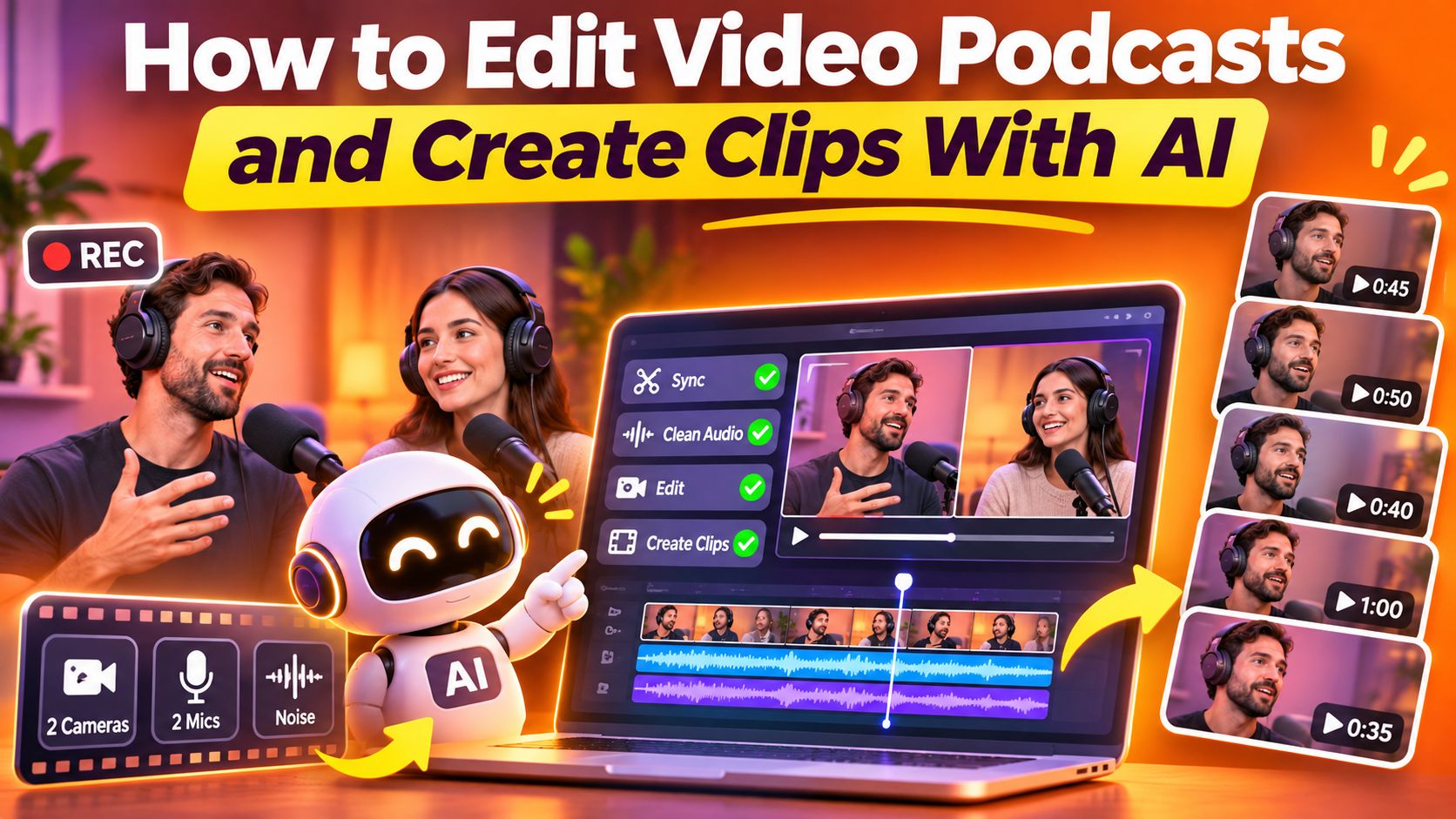
Learn how to edit video podcasts using AI, clean audio, sync cameras, and turn long episodes into engaging social media clips.. .
Table of Contents
You finish recording a 60-minute podcast with a guest. The conversation went well, but now you have two camera recordings, separate microphone tracks, several long pauses, and background noise to fix.
You also promised your social media team five short clips.
One recording now needs to become six finished videos.
AI podcast editing tools can help with this process. Instead of treating the full episode and short clips as separate projects, you can create one clean master version and build everything from it.
Here’s how that workflow looks using a business podcast as an example.
TL;DR: Start by synchronizing the recordings and cleaning the audio. Create a complete master episode before selecting highlights. AI can help remove filler words, balance voices, switch cameras, and prepare clips, but every edit should preserve the speaker’s meaning.
One Podcast Recording, Several Problems
Imagine you host a weekly podcast about small business growth.
Your guest discusses customer service automation, marketing workflows, and common mistakes businesses make with AI.
The recording includes:
|
File |
Problem |
|
Host camera |
Recording interruptions |
|
Guest camera |
Different start time |
|
Host microphone |
Mostly clear |
|
Guest microphone |
Low volume and background hum |
|
Episode notes |
Topics discussed out of order |
Your goal is to publish one full YouTube episode and five clips for Instagram, TikTok, LinkedIn, or YouTube Shorts.
Before editing, organize all the recordings and keep the original files untouched.
Choose the clearest microphone recordings as your audio reference.
Fix the Recording Before Editing the Conversation
The first stage should focus on technical problems.
Synchronize the Cameras
Separate cameras rarely begin recording at exactly the same moment.
Without synchronization, the speaker’s lips may move before you hear the words.
Use audio waveforms or supported automatic synchronization tools to align the recordings.
Check several points throughout the episode to make sure the audio and video remain in sync.
Once the recordings are aligned, you can begin switching between the host and guest.
Clean and Balance Both Voices
Next, listen for background noise, sudden volume changes, and microphone problems.
In our example, the guest speaks quietly while a steady hum remains in the background.
Noise reduction can help reduce consistent background sounds. Volume balancing can make both speakers easier to hear.
An AI podcast editor such as invideo Editor can assist with synchronizing camera recordings, removing filler words and unwanted silences, cleaning audio, and balancing voices. Its AI agent can prepare a base edit on a multitrack timeline, allowing creators to review and refine the result.
Start with a focused instruction:
Synchronize the host and guest recordings using the microphone audio. Reduce background noise on the guest track and balance both voices. Keep the speech natural and preserve the conversation.
Avoid heavy processing that makes voices sound robotic.
The Difficult Decision: Which Pauses Should Stay?
Once the recording sounds clear, begin removing unwanted sections.
AI can identify silences, repeated words, and false starts, but not every pause should disappear.
A guest may pause while considering a difficult question. Removing that silence can make the answer feel rushed.
A useful editing approach is to divide pauses into three groups.
Remove: Recording interruptions, abandoned sentences, unrelated setup conversations, and obvious mistakes.
Shorten: Long gaps between questions, repeated explanations, and pauses that interrupt the flow.
Keep: Natural breathing room, emotional pauses, and moments that help listeners understand complicated answers.
The goal isn’t perfect speech. It’s a conversation that sounds natural and stays easy to follow.
Finish the Master Episode Before Creating Clips
It’s tempting to start cutting highlights immediately after recording.
However, if you later clean the audio or change camera angles, those short clips may need additional editing.
Prepare the full episode first.
The master version should include a clear introduction, the main conversation, balanced audio, suitable camera changes, and a natural ending.
Keep answers in their original context, even when shortening the discussion.
Make Camera Changes Feel Natural
You don’t need to switch between speakers every few seconds.
A guest may give a long answer that works better with a steady shot. A wider angle may be more useful when both speakers respond quickly.
The camera should help viewers follow the discussion rather than distract them.
After completing the base edit, watch a few sections without sound to identify unnecessary camera movement. Then listen without watching to check whether the conversation flows naturally.
Turn One Episode Into Five Useful Clips
With the master episode ready, look for moments that can stand on their own.
For our business podcast, five clips might cover:
|
Clip topic |
Suggested length |
|
The biggest AI mistake small businesses make |
45 seconds |
|
One customer service task worth automating |
50 seconds |
|
When AI creates more work |
40 seconds |
|
A practical marketing workflow |
60 seconds |
|
Advice for AI beginners |
35 seconds |
These are example durations. The right length depends on the content.
Each clip should explain one useful idea without requiring viewers to watch the full podcast.
Let AI Find Potential Highlights
AI can review dialogue or transcripts and identify sections around particular topics.
Try this prompt:
Find five moments where the guest gives practical advice about using AI in small businesses. Choose complete answers that make sense independently. Include the question when necessary and suggest suitable start and end points.Review each suggestion before accepting it.
A sentence may sound interesting alone but carry a different meaning when removed from its surrounding conversation.
Give Every Clip a Clear Opening
Short clips should establish their subject quickly.
Suppose the guest says:
“The biggest mistake businesses make is automating processes they haven’t fully understood.”
That statement might work as an opening.
You could add a simple heading such as:
The AI Automation Mistake to Avoid
Keep headlines accurate and avoid promising information that the clip doesn’t provide.
Prepare the Clips for Mobile Viewing
A horizontal podcast recording usually needs adjustments before becoming a vertical short-form video.
For Instagram Reels, TikTok, and YouTube Shorts, a 9:16 layout is commonly used.
Simply cropping the center of a two-person recording may remove one speaker.
Instead, consider reframing around the active speaker or using a stacked layout showing both people.
Keep captions away from areas where platform controls may cover them.
Review AI-Generated Captions
Automatic captions save time, but errors are common with names, abbreviations, technical terms, and industry-specific words.
Check every clip against the recording.
Use short, readable caption groups rather than covering the screen with long sentences.
The captions should help viewers understand the conversation, not compete with it.
The Six-Video Publishing Check
Before publishing, review the full episode and every short clip separately.
Check that:
-
Both cameras remain synchronized.
-
Speaker volumes are consistent.
-
Background noise is not distracting.
-
Edited answers preserve their original meaning.
-
Captions match the spoken words.
-
Vertical clips keep faces and text visible.
-
Every clip has a clear beginning and ending.
These checks matter because a technically polished clip can still confuse viewers if an important part of the conversation has been removed.
Make the Next Episode Easier
Once you’ve built a reliable process, reuse it.
Keep consistent camera settings, recording formats, introduction styles, and caption designs.
Create a standard editing brief that can be adjusted for each episode.
You can also track which short clips perform best and use those insights when choosing highlights from future recordings.
A repeatable workflow makes weekly podcast production easier without sacrificing content quality.
Final Thoughts
A 60-minute podcast contains material for more than one video, but turning it into useful content requires planning.
Start by fixing the recording, then prepare a clean master episode. Once the full conversation is ready, choose complete moments that work as standalone clips.
AI can reduce repetitive editing work, but people still need to protect the conversation’s meaning and check the finished videos before publishing.
Leave a Reply