
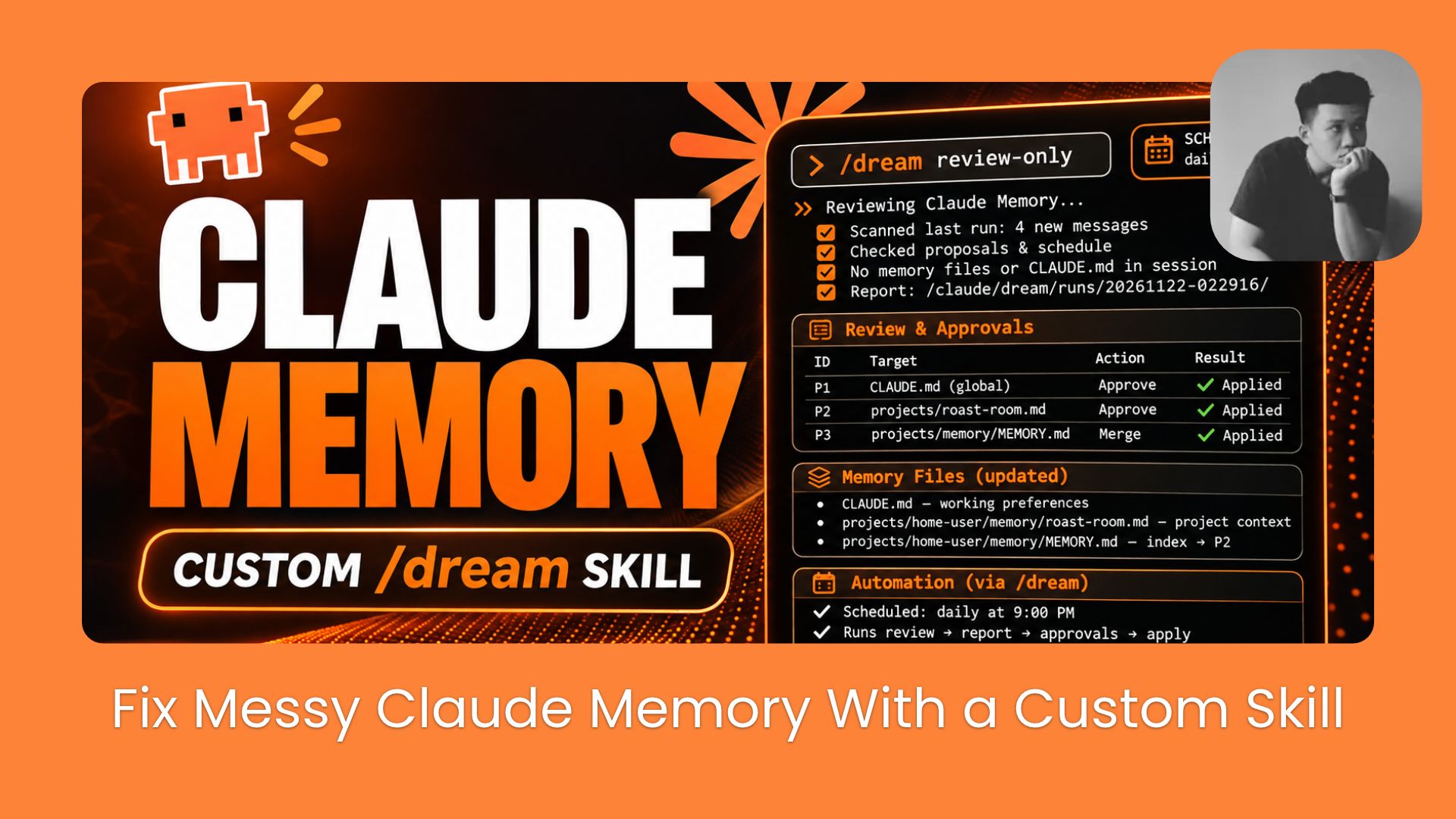
Build your own Memory Manager Skill to clean up outdated context, organize important information, and keep Claude focused on what matters. No need to wait for another official update!. Ai Tools, 🔥 Ai Fire Academy, Ai Automations.
TL;DR: You know that feeling when Claude keeps referencing how you used to do things, even though you changed your workflow months ago? That’s exactly what this guide fixes.
The
/dreamcommand is a real Anthropic feature but it’s still on a gradual rollout, so a lot of people don’t have it yet. The good news: you can build your own version as a custom Claude Code skill, and honestly, it gives you more control than the built-in version anyway. Here’s what this guide walks you through:
Building your own
/dreamskill from a single promptRunning a safe review-only analysis of your memory
Approving individual updates before anything gets changed
Setting up automated daily memory reviews (with the right caveats about what actually runs in the cloud)
Table of Contents
Introduction
Have you ever noticed Claude remembering outdated details even after you’ve changed the way you work? 🤔
Over time, Claude memory can get cluttered with old or duplicate information, making Claude’s responses less relevant to what you actually need.
Luckily, there’s a free /dream skill that can automatically clean up and organize your Claude Memory.
I’ll show you how to set it up and schedule regular updates so Claude can keep up with your latest preferences.
Quick note on
/dreamvs. auto-dream. Anthropic ships 2 related things: a manual/dreamcommand you trigger yourself, and “auto-dream,” a background process that runs on its own once two conditions are both met, roughly 24 hours since the last consolidation and more than 5 new sessions. Neither one modifies yourCLAUDE.mdinstructions file. They only touch your auto-memory notes, which are the files Claude writes itself. The custom skill in this guide goes a step further and can suggest changes toCLAUDE.mdtoo. That’s a useful extra, but it’s different from what the official version does, so it’s worth knowing.
First: How Claude Memory Actually Works
Before we build anything, let me explain how the memory system is set up, because it explains why things get cluttered in the first place.
Claude Code has two separate memory systems that load at the start of every session:
|
Memory type |
Who writes it |
What it’s for |
Where it lives |
|---|---|---|---|
|
CLAUDE.md |
You |
Instructions, rules, preferences, workflows |
|
|
Auto memory (MEMORY.md) |
Claude |
Things Claude learns from your corrections and patterns |
|
CLAUDE.md is your explicit instructions, things like “always use 2-space indentation” or “API handlers live in /src/api/.” You write it, Claude follows it, and it loads in full every session. It comes in three scopes: project (committed to your repo and shared with the team), personal (just yours), and an organization layer your team can’t override.
MEMORY.md is the index file for Claude’s auto-generated notes. Claude keeps the index to about 200 lines and loads it at the start of every session, then stores the details in separate topic files (like debugging.md) and reads those on demand. It writes these itself, based on what happened in your conversations.
The problem? Over time, both files accumulate outdated notes, conflicting rules, and duplicate information, without you noticing. That’s what the /dream skill is designed to fix.
Step 1: Build Your Own /dream Skill for Claude Memory
You’ve reached the locked part! Subscribe to read the rest.
Our Black Friday offer is currently running with 30% OFF. It ends on Nov 29. Then, this biggest deal will disappear FOREVER.
UPGRADE Translation missing: en.app.shared.conjuction.or Sign In
ONE LIMITED-TIME OFFER = ALL YOU NEED FOR AI IN 2027
- 10 on-demand courses covering the 27+ most productive AI tools on the market, with toolkits and over $300,000 worth of exclusive software discounts
- A vibrant network of 300K+ members on Facebook and 3.1K+ active hub participants
- 700+ ready-made AI workflows. We cover all the latest news and tools
- NEW: Ember AI Assistant: Find the guidance you need from AI Fire’s growing tutorial knowledge base
- NEW: AI Fire on Udemy: Take your AI skills further with expert-led courses built around our real-world experience
- COMING SOON: Your Next AI Secret Weapon: We’re building something BIG behind the scenes. You’ll get more sneak peeks as we get closer to the BIG reveal
- Everything above is included the second you join.
Leave a Reply