
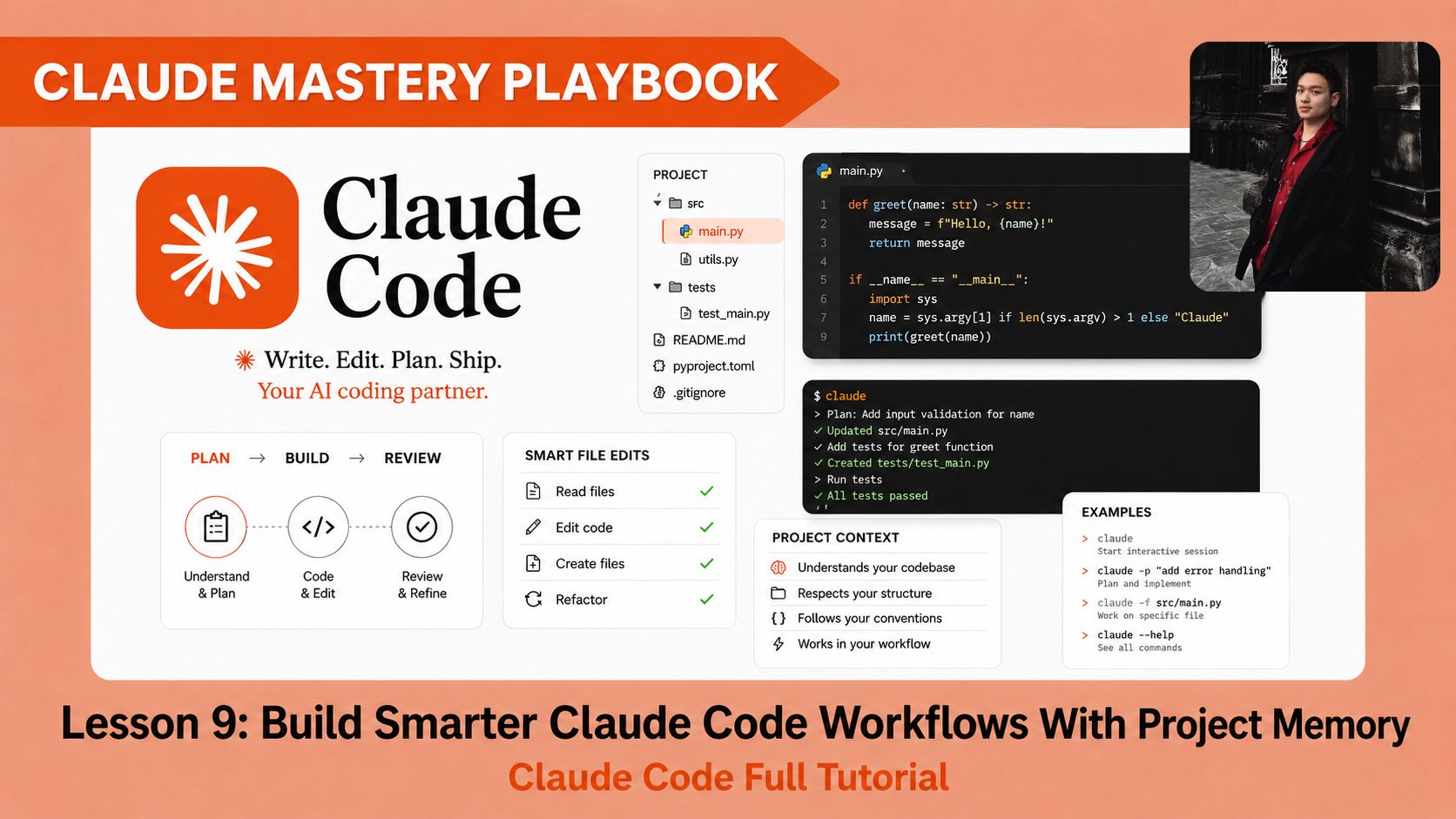
How to give Claude Code a project memory, build a healthcare app demo in VS Code, and continue your work later without explaining everything again.. Ai Tools, Ai Fire 101, 🔥 Ai Fire Academy, Ai Courses.
TL;DR
Claude Code works better when your project has a clear memory system. This lesson shows how to use five markdown files to help Claude understand the app, follow the plan, track tasks, and continue after context is cleared.
You will build a small healthcare app demo in VS Code. The app includes appointment booking, health notes, and a simple consultation message flow. It uses HTML, CSS, JavaScript, and localStorage only.
The main system includes PRD.md, CLAUDE.md, PLANNING.md, TASKS.md, and SESSION_LOG.md. These files tell Claude what to build, how to build it, what is done, and what should happen next.
Key points
Important fact: CLAUDE.md is the control file Claude Code can automatically read.
Common mistake: Letting Claude build before it reads the project files.
Practical takeaway: Review the plan and changed files before every new task.
Critical insight: Claude does not remember projects well by default; it works better when the project folder stores the memory for it.
Table of Contents
Introduction
Claude Code becomes much easier to control when your project has a clear memory system. In Lesson 8, you learned the loop:
Workflow loop:
open a clean folder → ask for a plan → build a small version → review the files → improve one thing at a time
That loop works well for a small website. Lesson 9 adds the next layer. You will create a project memory system that helps Claude Code handle larger projects.
By the end, Claude should feel less like a random coding assistant and more like a teammate who reads the project brief before touching the files.
You’ve reached the locked part! Subscribe to read the rest.
Get access to this post and other subscriber-only content.
Upgrade Translation missing: en.app.shared.conjuction.or Sign In
A subscription gets you
- Instant access to 700+ AI workflows ($5,800+ Value)
- Advanced AI tutorials: Master prompt engineering, RAG, model fine-tuning, Hugging Face, and open-source LLMs, etc ($2,997+ Value)
- Daily AI Tutorials: Unlock new AI tools, money-making strategies, and industry (ecommerce, marketing, coding, teaching, and more) transformations (with videos!) ($3,650+ Value)
- AI Case studies: Discover how companies use AI for internal success and innovative products ($1,997+ Value)
- $300,000+ Savings/Discounts: Save big on top AI tools and exclusive startup discounts
Leave a Reply