
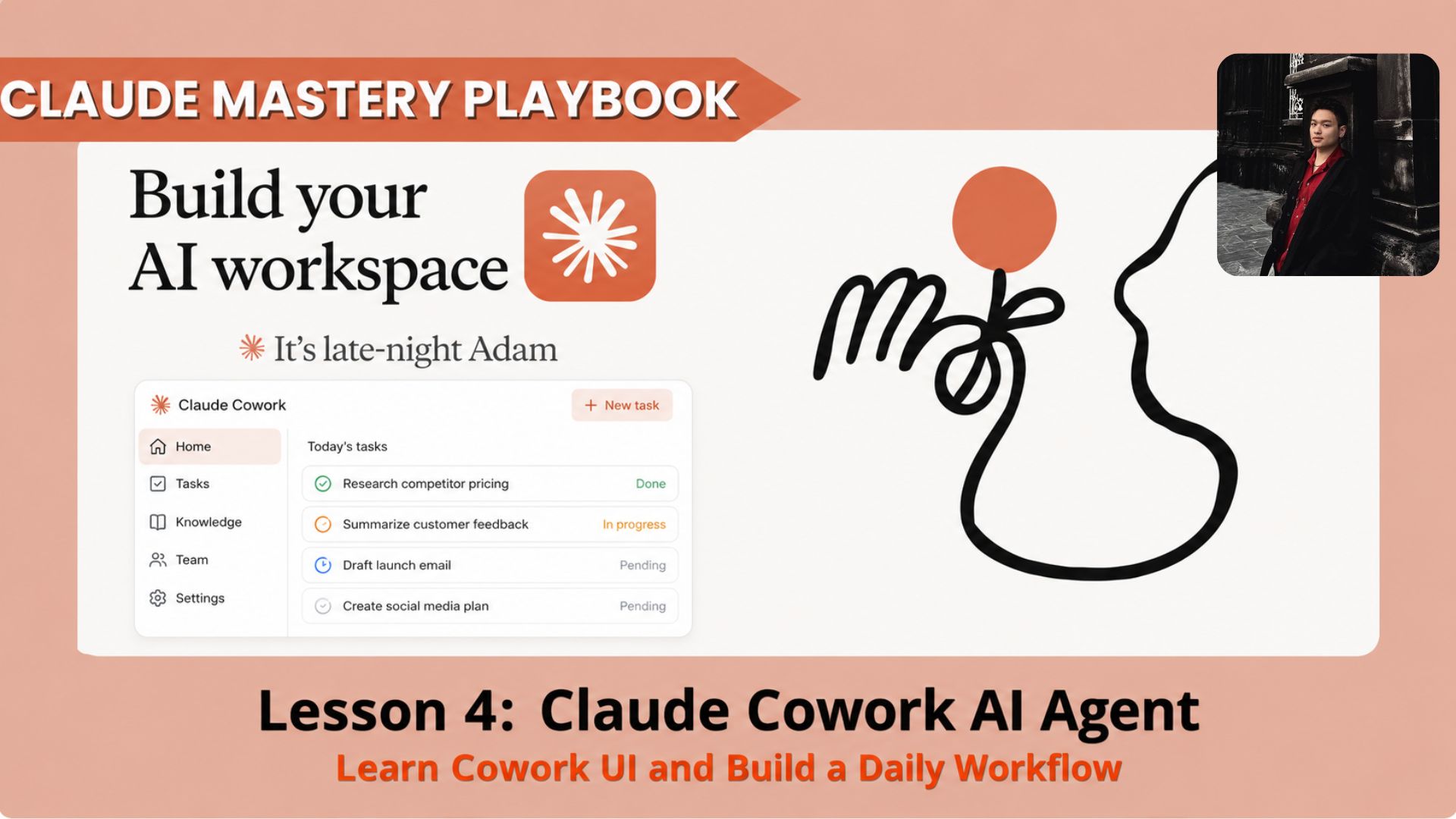
In this lesson, you’ll learn what Claude Cowork is, how the interface works, which tools matter, and how to build your first real Cowork workflow: a daily AI news dashboard that researches trusted sources and creates a useful report every morning.. How To Make Money With Ai, Ai Tools, Ai Jobs, Ai Deals, 🔥 Ai Fire Academy, Ai Automations, Ai Case Studies.
TL;DR BOX
Claude Cowork is a workspace for execution. It helps Claude work with selected folders, prepared files, available tools, task instructions, and saved outputs.
This lesson shows you how to use Cowork without feeling technical. You will learn the basic UI, what each main area does, how to prepare a safe workspace folder, and how to run a practical workflow.
The goal is to understand Cowork through one practical system. You will prepare source rules, dashboard rules, writing rules, an output template, and a repeatable task instruction.
Key points
Important fact: Cowork should work inside a dedicated folder, not your whole computer.
Common mistake: Starting with a vague task and no source list.
Practical takeaway: Prepare files before asking Cowork to execute.
Critical insight
A Cowork agent becomes useful when the workspace reduces guessing before the task starts.
Table of Contents
Introduction
Many people use Claude for quick questions, drafts, and summaries. That works well for simple tasks, but repeated work needs more structure.
Claude Cowork helps you create that structure. It can work inside a selected folder, read prepared files, follow rules, use available tools, create deliverables, and save outputs in the right place.
In this lesson, you will build a Daily AI News Dashboard workflow. Each run checks trusted AI sources, filters important updates, ranks them, and creates a dashboard for research, content planning, newsletters, or business insights.
I. What Claude Cowork Actually Does
The easiest way to understand Claude Cowork is to compare it with the Claude Chat you already know. Claude Chat is useful when you need quick answers, explanations, drafts, or ideas. Claude Cowork is built for work that needs files, task structure, tool access, saved outputs, and repeated use.
|
Claude Chat |
Claude Cowork |
|---|---|
|
Best for quick questions |
Best for structured tasks |
|
Works mainly inside a conversation |
Works inside a selected workspace folder |
|
Good for brainstorming and drafting |
Good for reports, dashboards, research, and file-based work |
|
You usually copy the answer somewhere else |
Cowork can create and save outputs into your folder |
|
Strong for one-time help |
Strong for repeatable workflows |
Instead of acting like another chat window, Cowork works more like a workspace. Claude can read your files, follow instructions, use available tools, and create deliverables in the right location.
In Module 1, you learned how to give Claude better context through Projects, memory, and instructions. Cowork builds on those foundations and works best when your files and goals are already organized.
Module 2 focuses on execution. In this lesson, you will build one practical Cowork workflow. Later lessons will cover multi-step agentic workflows, tool integrations, and a personal AI operating system.
If scheduled tasks are available in your account, the workflow can run each morning automatically. Otherwise, you can run it manually using the same workspace.
We will build it in four levels:
-
Level 1: Understand the Cowork interface
-
Level 2: Prepare the workspace folder
-
Level 3: Build the Daily AI News Dashboard workflow
-
Level 4: Run, review, and save the output
By the end of this lesson, you will understand how Cowork works and how to structure a simple but reusable workflow that produces useful outputs without rebuilding context every time.
You’ve reached the locked part! Subscribe to read the rest.
Get access to this post and other subscriber-only content.
Upgrade Translation missing: en.app.shared.conjuction.or Sign In
A subscription gets you
- Instant access to 700+ AI workflows ($5,800+ Value)
- Advanced AI tutorials: Master prompt engineering, RAG, model fine-tuning, Hugging Face, and open-source LLMs, etc ($2,997+ Value)
- Daily AI Tutorials: Unlock new AI tools, money-making strategies, and industry (ecommerce, marketing, coding, teaching, and more) transformations (with videos!) ($3,650+ Value)
- AI Case studies: Discover how companies use AI for internal success and innovative products ($1,997+ Value)
- $300,000+ Savings/Discounts: Save big on top AI tools and exclusive startup discounts
Leave a Reply