
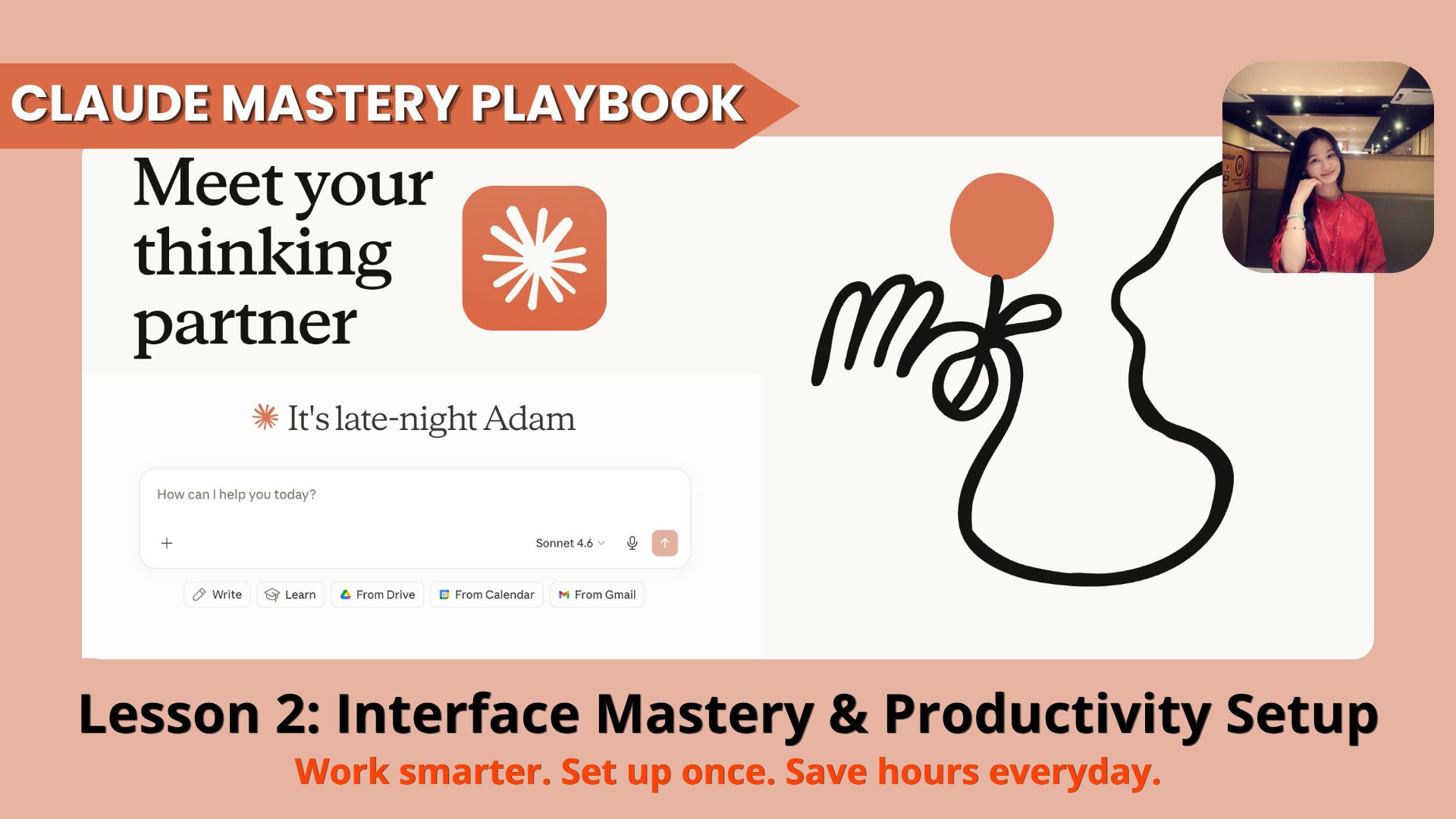
Build a professional, high-performance Claude workspace with smart Projects, 3-Layer Memory Systems, and organized workflows so you can work faster and more consistently every day.. How To Make Money With Ai, Ai Tools, 🔥 Ai Fire Academy, Ai Automations, Ai Workflows, Ai Courses, Ai Case Studies.
TL;DR
You can turn Claude into a reliable personal assistant in under 30 minutes by setting up a simple memory system, even if you’re not technical. The key is building four progressive Levels: basic memory + custom instructions, well-structured Projects, personal markdown memory files, and optional continuity tools.
This lesson teaches non-tech users how to make Claude remember your preferences, writing style, and work habits. You’ll learn to use built-in memory, create dedicated Projects for different areas of your work, and build simple markdown files (master context, decisions log, style reference) that Claude reads clearly.
Key Points
Important fact: Most users only use 20-30% of Claude’s potential because they skip proper setup.
Common mistake: Trying to implement all levels at once, start with Level 1 only.
Practical takeaway: Drag your master-context.md file into important chats for much better results.
Critical Insight
Claude’s output quality depends almost entirely on the quality and consistency of context you give it – good memory setup beats advanced prompting every time.
Table of Contents
Welcome to the next step in Module 1: Claude Foundations & Power User Mindset.
Now that you have a clear big-picture view of the Claude 2026 ecosystem, it’s time to stop using Claude like a regular user and start treating it like a professional command center.
Introduction
You don’t need to be a tech expert to use Claude effectively.
Many people think setting up Claude is complicated, but it doesn’t have to be. With just a few simple steps, you can turn Claude from a basic chat tool into a helpful assistant that actually remembers you, understands your style, and works the way you like.
This lesson is designed specifically for non-tech users. We’ll keep everything straightforward, easy to follow, and practical that anyone can do in a short time.
By the end of this lesson, Claude will feel much more personal and useful to you. It will remember your preferences, write in a way you like, and save you time every single day.
We will build your setup in 4 simple level:
-
Level 1: 5-minute basic memory setup (Built-in Memory, Custom Instructions, and Projects)
-
Level 2: Mastering Projects – Turning Projects into powerful, persistent “digital offices”
-
Level 3: Building Memory files that Claude can read (Master Context, Decisions Log, Style Reference, etc.)
-
Level 4: Simple advanced tricks for better results

Even if you’re not technical, you can follow along easily. All you need is a few minutes and the willingness to try.
Let’s create a simple but powerful Claude setup that works for YOU – not just for tech-savvy people.
You’ve reached the locked part! Subscribe to read the rest.
Get access to this post and other subscriber-only content.
Upgrade Translation missing: en.app.shared.conjuction.or Sign In
A subscription gets you
- Instant access to 700+ AI workflows ($5,800+ Value)
- Advanced AI tutorials: Master prompt engineering, RAG, model fine-tuning, Hugging Face, and open-source LLMs, etc ($2,997+ Value)
- Daily AI Tutorials: Unlock new AI tools, money-making strategies, and industry (ecommerce, marketing, coding, teaching, and more) transformations (with videos!) ($3,650+ Value)
- AI Case studies: Discover how companies use AI for internal success and innovative products ($1,997+ Value)
- $300,000+ Savings/Discounts: Save big on top AI tools and exclusive startup discounts
Leave a Reply