
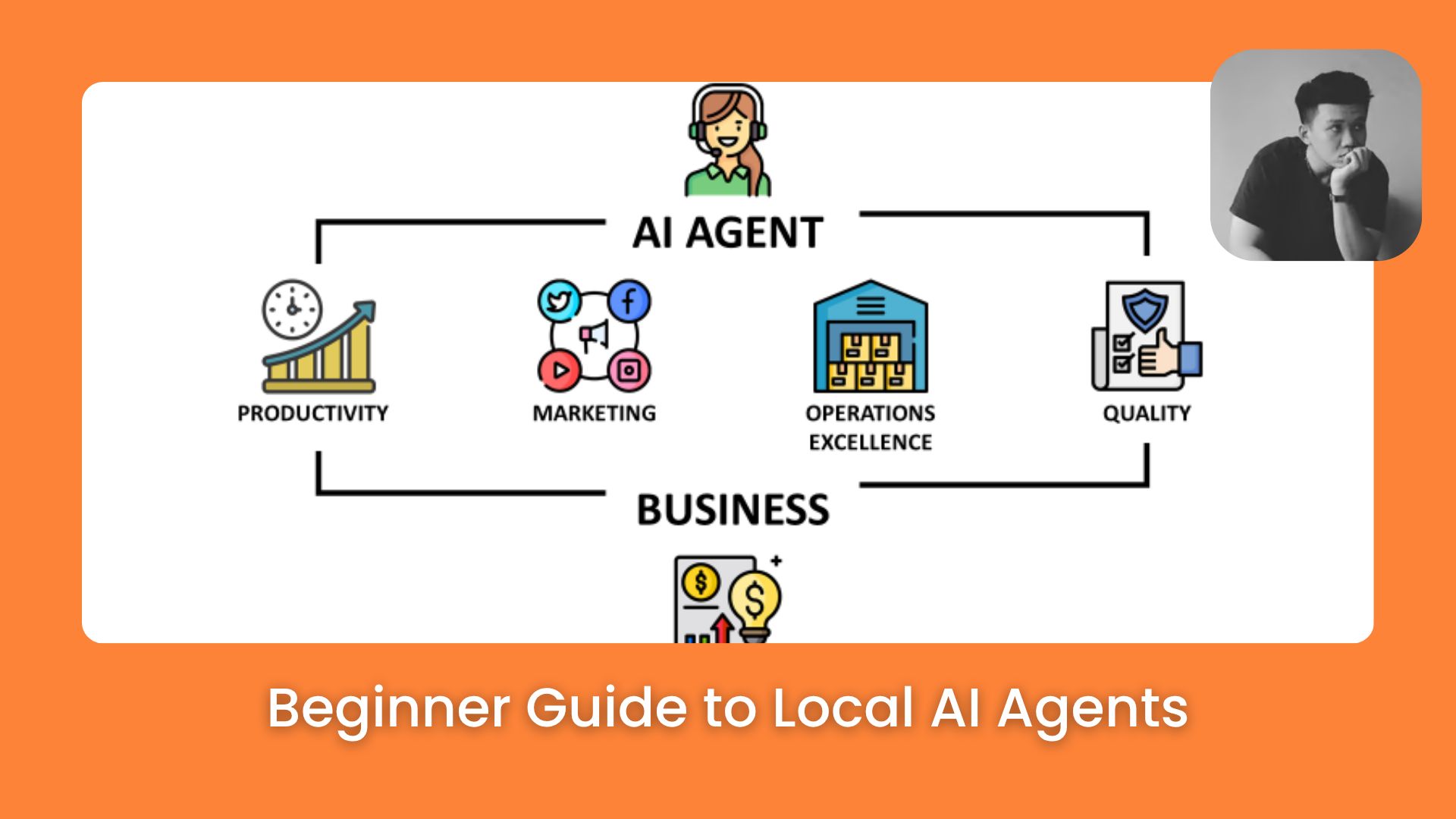
Learn how to build your own 24/7 AI agent locally in 2026. Complete beginner’s guide to local AI agents using OpenClaw, Claude Cowork, local models,…. Ai Tools, 🔥 Ai Fire Academy, Ai Automations.
TL;DR
Local AI agents are autonomous systems running on personal hardware to execute scheduled tasks and manage files directly. They use persistent memory and automated triggers to perform work without constant human input.
A local agent consists of seven parts including a model, text memory, and a schedule. Claude Cowork enables this setup without coding by linking local folders to the AI.
Readers will learn to build workers for research, scheduling, and reporting. This system allows for 24/7 operations and remote control via mobile apps.
Key points
Fact: One active agent saves 30 minutes of manual busy work daily.
Mistake: Do not use one agent for multiple complex roles to avoid context bloat.
Takeaway: Use Claude Sonnet for most tasks to optimize performance and costs.
Table of Contents
Introduction
Every morning, you open 14 Claude tabs. You type the same context, ask questions, and then forget. AI is supposed to save time, but you are still tired at the end of the day, it’s just a new kind of tired.
The problem is how most people use AI: like a search tool. It has no memory, no schedule, and no way to touch your real files. Local AI Agents fix this.
Companies like Anthropic, Microsoft, Asana, Notion, and Rakuten are already shipping real workflows on top of this idea.
These are AI workers that live on your computer. They remember your projects, run tasks on a schedule, and read or write files without you sitting there. A good agent can save you 30 minutes of busy work every day.
In this guide, we’ll build a Local AI Agent using Claude Cowork, no coding needed. By the end, you’ll have your first agent up and running.
I. Understand What Local AI Agents Are
In simple terms, AI agent = AI that can take action. Local = runs on your machine. So Local AI agent = autonomous assistant living on your laptop, PC, Mac mini, Mac Studio, VPS, or dedicated device.
A Local AI Agent has 7 core parts, and once you see them as a whole, the setup feels much less scary.
|
# |
Part |
What It Does |
Example |
|---|---|---|---|
|
1 |
A machine |
Where the agent lives and runs |
An old laptop or a Mac mini |
|
2 |
A messaging channel |
How it talks to you |
Telegram, Discord, or Dispatch |
|
3 |
A brain |
The model that thinks |
Claude Sonnet, Claude Opus, or open source |
|
4 |
Memory |
What the agent remembers |
Text files holding your context |
|
5 |
Tools |
How it interacts with the world |
Web search, file reader, screenshot taker |
|
6 |
A heartbeat |
A schedule that runs jobs at set times |
Cron-style triggers |
|
7 |
Eyes |
Ability to see your screen and click |
Computer use / screen reader |
You don’t need all 7 on day one. Start with a brain, a small memory file, and one tool. Add the rest week by week.
II. Pick Where the Local AI Agents Lives
You’ve reached the locked part! Subscribe to read the rest.
Get access to this post and other subscriber-only content.
Upgrade Translation missing: en.app.shared.conjuction.or Sign In
A subscription gets you
- Instant access to 700+ AI workflows ($5,800+ Value)
- Advanced AI tutorials: Master prompt engineering, RAG, model fine-tuning, Hugging Face, and open-source LLMs, etc ($2,997+ Value)
- Daily AI Tutorials: Unlock new AI tools, money-making strategies, and industry (ecommerce, marketing, coding, teaching, and more) transformations (with videos!) ($3,650+ Value)
- AI Case studies: Discover how companies use AI for internal success and innovative products ($1,997+ Value)
- $300,000+ Savings/Discounts: Save big on top AI tools and exclusive startup discounts
Leave a Reply