
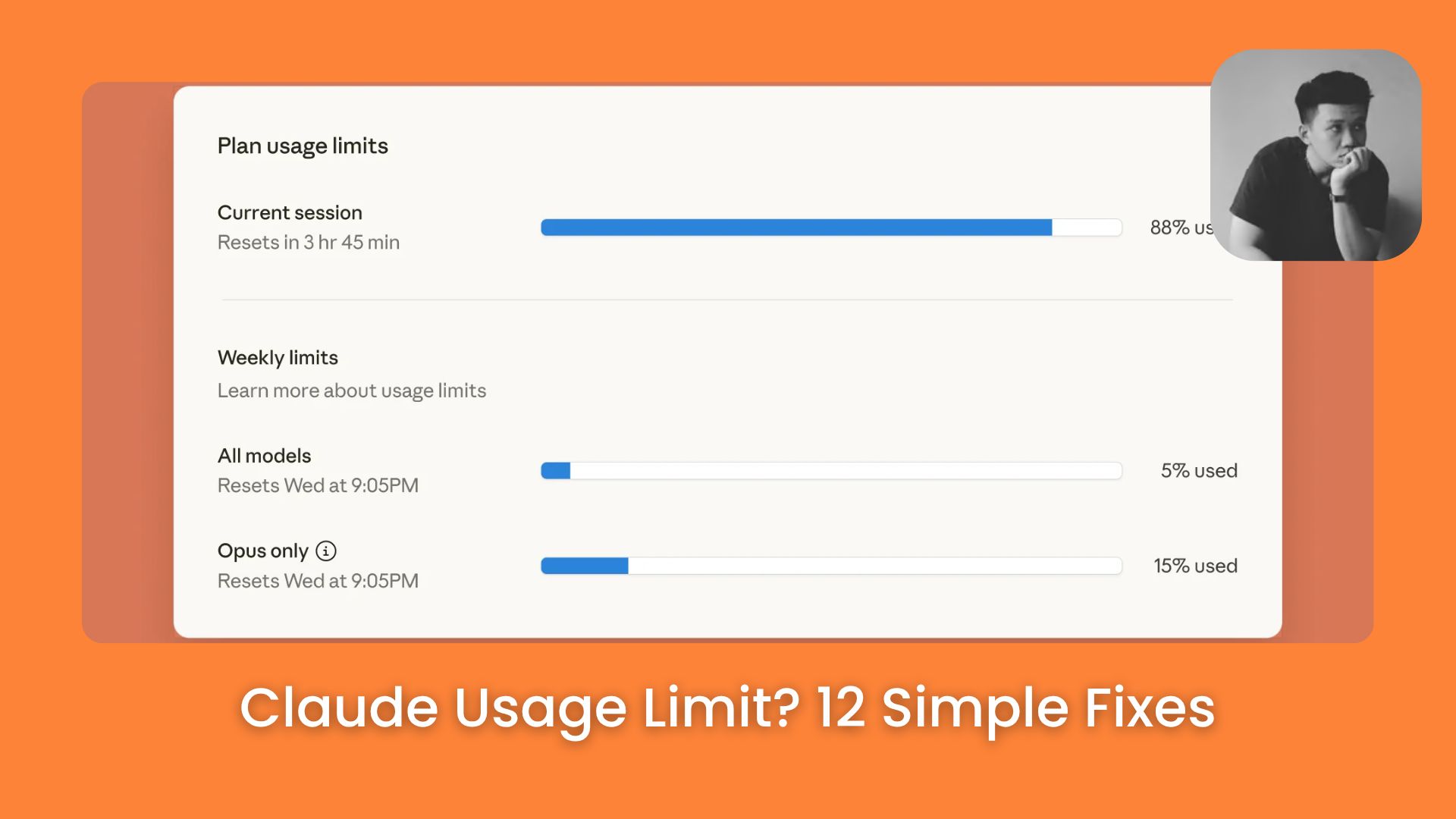
Your Claude Cowork credits may be draining faster than expected. Discover 12 hidden triggers that quietly increase usage, and simple ways to reduce waste today.. Ai Tools, Prompt Engineering, 🔥 Ai Fire Academy, Ai Automations.
TL;DR
Most people hit the Claude usage limit not because they work too much, but because their setup wastes credits before any real work starts. Fix the setup, and the same plan lasts much longer.
Claude Cowork costs more than regular chat because it loads files, memory, tools, and connectors before every task. Background loading is often just as expensive as the task itself.
Key points
Output tokens cost 5x more than input tokens on Claude Sonnet 4
Using Opus for simple tasks is one of the most common ways credits disappear fast
One task per session is the single easiest habit that saves the most credits
Table of Contents
Introduction
The Claude usage limit hits faster than most people expect. You open Claude Cowork, send a few tasks, go back and forth 2 or 3 times, and suddenly the limit is gone. You look at the clock and it has only been an hour.
That is frustrating, especially when you are on a paid plan and feel like you should be getting more done.
In this article, you will learn 12 specific ways to fix that. We’ll start with the simplest changes and move toward the smarter habits. By the end, you should be able to get noticeably more done before you hit your Claude usage limit again.
Critical insight: Most credit waste happens before you type anything, not during the task itself. Your Claude MD file, memory files, and active tools all load at the start of every single session.
I. Understand Where Your Credits Actually Go
Before fixing the problem, you need to understand where credits go. Most people assume they only pay for the task they send. That is only half the picture.
There are 2 places credits get spent in every session:
1. Background Loading (Often Invisible). These are things that load automatically every time. These load before you even type your first message, such as:
-
Your Claude MD file
-
Memory files from past sessions
-
Active tools and skills
-
Connector context
2. Actual Task Work. These can be:
-
Web search and file reading
-
Running code
-
Calling connectors
-
Generating your output
Here is what surprises most people: the background loading from oversized setup files and long chat histories is often just as expensive as the task itself. Sometimes it costs more.
Claude Cowork amplifies this. When you send a task, Cowork may read files, search the web, run code, call tools, pull memory, and write the full output all in one session.
According to Anthropic’s help page, usage depends on conversation length, complexity, the features you use, and which model you pick. That means changing how you set things up can make a real difference, without reducing the actual work you get done.

II. Tip 1: Match The Model to The Task
Claude Cowork gives you 3 model options. Each one has a different cost level. The mistake most people make is using Opus on everything because it feels safer. That habit pushes you toward the limit much faster than needed.
|
Model |
Cost level |
Best for |
|---|---|---|
|
Haiku 4.5 |
Lowest |
Short questions, quick formatting, simple email drafts |
|
Sonnet 4.6 |
Medium |
Daily writing tasks, light research, most standard work |
|
Opus 4.6 |
Highest |
Deep research, multi-step workflows, complex reasoning |

1. Haiku 4.5
This is the lightest model. Use it for simple tasks like short questions, quick formatting work, or drafting a basic email. It uses far fewer credits than the others and responds fast.
2. Sonnet 4.6
This is the best all-around model. Use it for normal daily work, writing tasks, light research, and anything that needs a bit more thinking. Most of your work should probably run on Sonnet.
3. Opus 4.7
This is the most powerful model, and it costs the most per task. Use it only when the task is genuinely complex, like deep research, multi-step workflows, or things that need strong reasoning and careful output.
III. Tip 2: Control Output Length
Do you know that what Claude sends back to you can cost more than what you send in? So if you write a short prompt and Claude replies with a 1,500-word answer, that long reply is one of the main reasons your credits disappear quickly.
1. Output Tokens Cost More Than You Think
Every word in Claude’s reply uses tokens. A 2,000-word response costs significantly more than a 200-word one.
You’ve reached the locked part! Subscribe to read the rest.
Get access to this post and other subscriber-only content.
Upgrade Translation missing: en.app.shared.conjuction.or Sign In
A subscription gets you
- Instant access to 700+ AI workflows ($5,800+ Value)
- Advanced AI tutorials: Master prompt engineering, RAG, model fine-tuning, Hugging Face, and open-source LLMs, etc ($2,997+ Value)
- Daily AI Tutorials: Unlock new AI tools, money-making strategies, and industry (ecommerce, marketing, coding, teaching, and more) transformations (with videos!) ($3,650+ Value)
- AI Case studies: Discover how companies use AI for internal success and innovative products ($1,997+ Value)
- $300,000+ Savings/Discounts: Save big on top AI tools and exclusive startup discounts
Leave a Reply