
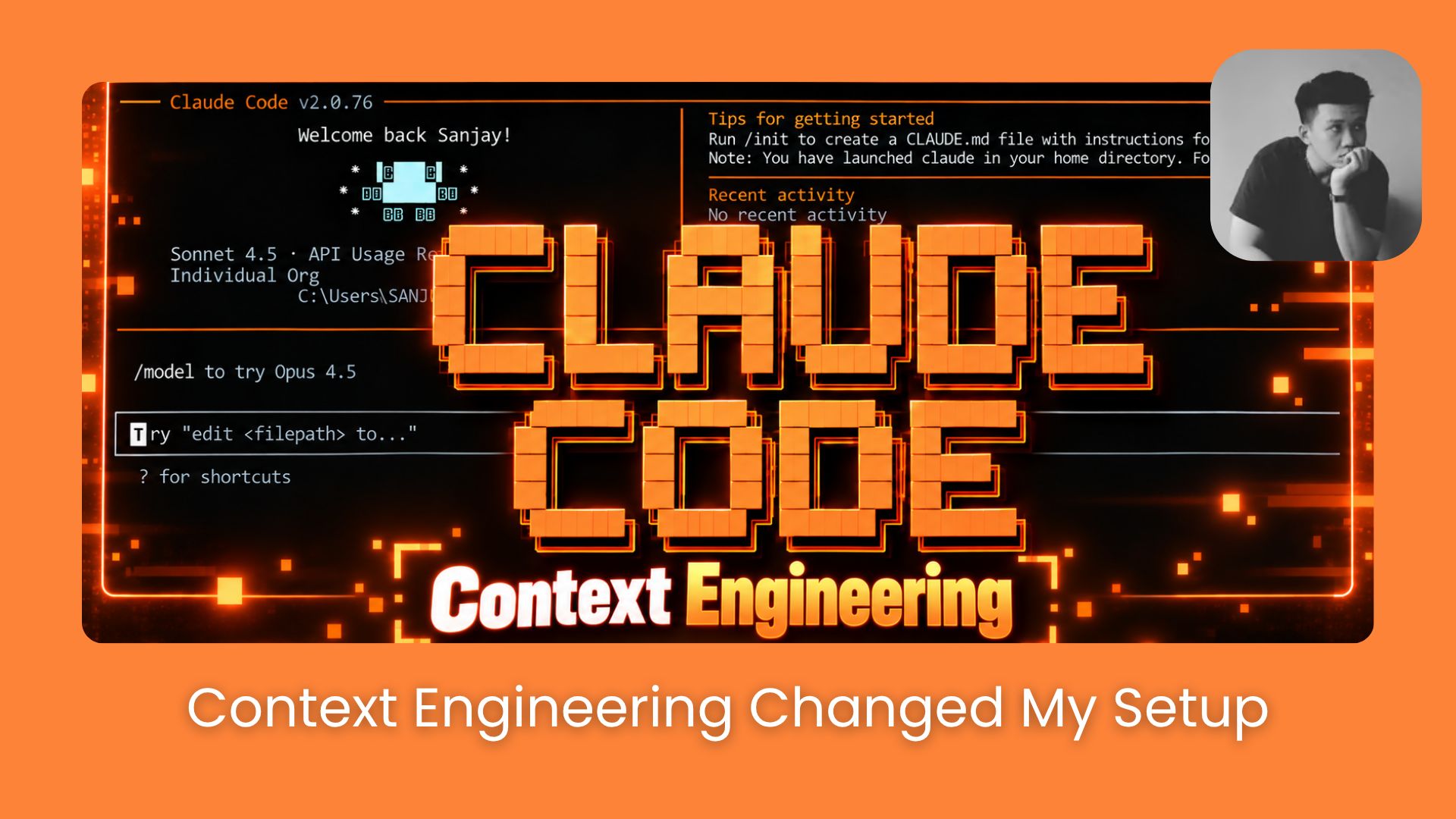
Context engineering starts with a surprising Anthropic finding: 80% less system prompt, no measurable coding loss. Here’s how to audit your Claude Code setup.. Ai Tools, Ai Automations.
TL;DR: Context Engineering helps you optimize Claude Code by removing unnecessary instructions, managing Skills, and reducing wasted tokens. You can use
/doctorand/contextto audit your setup before making changes.Anthropic removed over 80% of Claude Code’s system prompt for newer models without measurable performance loss in its coding evaluations. This shows why older instructions deserve a second look.
In my own audit, Claude Code identified 205 Skills using approximately 9.9K tokens. It also estimated potential savings of 6K–7K tokens per session, although I haven’t tested those changes yet.
Key points
System Prompt: Anthropic removed over 80% without measurable coding performance loss.
Context Management: Keep
CLAUDE.mdlightweight and load Skills only when needed.Claude Code Optimization: Use
/doctorto review your setup and/contextto measure token usage.Keywords: Context Engineering, Claude Code Setup, Claude Code System Prompt, Context Window Optimization, Claude Code Skills, Claude Code Memory.
Table of Contents
Introduction
Anthropic removed over 80% of Claude Code’s system prompt, and its coding performance barely changed.
Meanwhile, some of us are still adding more instructions and Skills, hoping Claude will somehow get smarter. Pretty funny, right?
Now I think Context Engineering matters more than ever.
I found that even unused instructions can load into Claude Code without you knowing.
I’ll show you how to clean up your Claude Code Skills, Memory, and CLAUDE.md files to reduce token usage and improve your workflow.
I. Why Context Engineering Matters for Claude Code
For a long time, people believed that giving Claude Code more instructions would lead to better results. But Anthropic’s latest findings suggest that too much context can actually make things worse.
That’s where Context Engineering comes in. The idea is simple: you give Claude Code the information it needs for the task and remove anything that doesn’t help.
1. What Anthropic Changed in Claude Code
According to Anthropic’s official research, the company recently removed over 80% of the Claude Code system prompt for its newer models. Surprisingly, its coding tests showed no measurable drop in performance.

The reason makes sense when you think about it. Older models needed detailed rules to avoid mistakes, but newer models can make many of those decisions on their own.
For example, Anthropic used to set strict limits on how long code comments could be. Now, Claude can simply follow the coding style already used in your project.
Imagine keeping hundreds of rules for problems Claude Code already knows how to solve. You’re just adding extra instructions for no good reason.
Learn How to Make AI Work For You!
Transform your AI skills with the AI Fire Academy Premium Plan – FREE for 14 days! Gain instant access to 700+ AI workflows, advanced tutorials, exclusive case studies and unbeatable discounts. No risks, cancel anytime.
Start Your Free Trial Today >>
2. How Too Much Context Affects Performance
More context sounds useful until you realize Claude Code has to process all of it, including instructions that have nothing to do with your current task.
A 2025 study found that longer inputs could reduce model performance by 13.9% to 85%, depending on the model and task. That doesn’t mean every long prompt is bad, but it shows why Context Window Optimization matters.

Anthropic also tested loading MCP tool definitions only when needed instead of including everything upfront.
The results were impressive:
-
85% fewer tokens used in the tested example.
-
Claude Opus 4: MCP evaluation scores improved from 49% to 74%.
-
Claude Opus 4.5: Scores increased from 79.5% to 88.1%.

These tests show how better Context Management can improve token efficiency without removing access to important tools.
The lesson is pretty simple. You don’t need to delete useful instructions or make every prompt extremely short. You just need to stop making Claude Code read information it doesn’t need.
II. Apply Context Engineering to Your Claude Code Setup
You might have a CLAUDE.md file, several Skills, and instructions you’ve added over time. But how much of that does Claude Code actually need?
Good Context Engineering starts with keeping useful information and removing outdated or repeated instructions.
Key points
-
Context Management: Keep
CLAUDE.mdlightweight and load Skills only when needed. -
Prompt Optimization: Give Claude Code clear goals, reasons, and constraints without unnecessary instructions.
Rule 1: Keep CLAUDE.md Lightweight
According to Anthropic’s guidelines, your CLAUDE.md should be lightweight and focus on information Claude Code can’t easily find on its own.

Here’s what you should keep:
-
Goals: What you want to achieve.
-
Preferences: How you want Claude Code to work.
-
Project constraints: Important rules and requirements.
-
Project-specific knowledge: Details Claude Code can’t figure out from your codebase.
What to cut:
-
Instructions that duplicate what Claude can already infer from the repo
-
Rules that existed for older Claude models (check the date you wrote them)
-
Anything you’d tell a senior engineer once and never again
Rule 2: Only Load Important Skills (Progressive Disclosure)
Anthropic also recommends progressive disclosure, which lets Claude Code load detailed instructions only when needed.
For example, you can keep video editing instructions inside a dedicated Skill instead of loading them while you’re building a website. This makes Context Management more efficient.
According to Anthropic’s research, newer Claude models can make more decisions on their own without detailed instructions.

For example, don’t load your video editing workflow instructions while you’re building a website. Keep those in a dedicated Skill that gets loaded on demand.
Rule 3: Use Goals, Not Micro-Instructions
Newer Claude models are genuinely good at figuring out the how on their own. What they still need from you is the what and the why.
For better results, frame your prompts around:
|
What to give Claude |
Example |
|---|---|
|
Result, what you want delivered |
“Improve the page load time” |
|
Reason, why it matters |
“Users on mobile are bouncing because it’s slow” |
|
Constraints, what not to touch |
“Don’t change the visual design” |
Then let Claude inspect the codebase, propose an approach, and wait for your approval before changing anything. This keeps your context clean while still giving Claude full situational awareness.
III. Audit & Optimize With Context Engineering
Now let’s see what your Claude Code setup is actually loading. Anthropic recommends using /doctor to help review your Skills and CLAUDE.md files as part of better Context Engineering.
I’ll walk you through a real audit I ran, including what Claude Code found and how I checked its token usage.
Step 1. Run Claude Code Doctor
You can start a fresh Claude Code session and enter:
/doctorClaude Code will inspect your setup and generate a report showing potential configuration issues and recommended changes.
In my test, the report confirmed that my installation was healthy, but it also flagged several things worth reviewing.

The report highlighted a few interesting findings:
-
Unused plugin:
token-weatherhad no recorded usage. -
Cloud-synced plugins: Around 14 plugins had a large combined Skill listing.
-
Configuration: Claude Code wasn’t available through my normal terminal PATH.
-
Old installation: A leftover executable was taking up 239 MB of storage.
The plugin listing was particularly interesting because it suggested that some Skills might be using context even when I wasn’t actively using them.
Step 2. Review the Suggested Fixes
I scrolled to the bottom of the Doctor Report to see what Claude Code recommended.

Claude Code offered to fix the PATH configuration, delete the old executable, and disable the unused token-weather plugin.
I could choose individual fixes or apply the recommended cleanup.
For this test, I selected No, keep everything because I wanted to measure the existing setup before making changes.
One important detail: the report found no CLAUDE.md files requiring cleanup. If you’re using project-level or user-level instructions, you should still review them for outdated rules and unnecessary duplication.
Step 3. Check Your Context and Token Usage
Here’s where Context Engineering gets more interesting.
The Doctor Report warned that my cloud-synced plugin Skills might be taking up too much context, but it didn’t give an exact token count.
To check, I ran:
/contextClaude Code displayed a breakdown of my current context usage.

Here’s what my setup showed:
-
Total context: 93.8K tokens out of 1M (9%).
-
Skills: 205 Skills using approximately 9.9K tokens.
-
System Prompt: Around 2.5K tokens.
-
MCP Server Instructions: Around 5.6K tokens.
-
Custom Agents: 5 agents using approximately 1.9K tokens.
-
MCP Tools: 614 tools available on demand, with 0 tokens reported for their unloaded definitions.
That last detail is a good example of progressive disclosure. Claude Code can access MCP tools without loading every tool definition into the context upfront.
The Skills were also worth investigating. Even though 9.9K tokens represented only about 1% of my available context window, that doesn’t tell me whether all 205 Skills are useful.
Step 4. Dig Deeper With This Audit Prompt
After reviewing both reports, I had a clearer picture of my Claude Code Setup.
The biggest potential opportunity was the large Skill listing, but I still needed to identify which Skills were unnecessary before removing anything.
You can also ask Claude Code to investigate further with this prompt:
Please audit my current Claude Code setup, including installed Skills, CLAUDE.md files, and memory.

Identify outdated, duplicated, or unnecessary instructions.

Show me the exact files involved, explain the impact of each proposed change, and estimate token savings where possible.

Don't modify or delete anything until I approve.
Before you change anything, make sure you know what you’re removing. Some instructions might look unnecessary but still protect important parts of your workflow.
I kept my setup unchanged for this test, but Claude Code found a potential saving of 6K–7K tokens per session.
If you decide to clean up yours, I’d recommend running /context before and after. That way, you can see how many tokens you’ve actually saved instead of just trusting the estimates.
IV. What to Do With What You Find
Once you know what’s loaded, you have 3 moves:
1. Delete what’s truly dead weight. Unused plugins, Skills you haven’t touched in months, rules that made sense for an older Claude model but are now redundant.
2. Convert loaded context into deferred context. If you have Skills that only apply to specific tasks, don’t load them globally. Reference them in CLAUDE.md so Claude can pull them in when needed.
3. Rewrite bloated instructions as goals. If you have multi-paragraph instructions telling Claude how to do something, try replacing them with a one-sentence goal and a constraint. Newer models often figure out the rest.
Conclusion
Anthropic removed over 80% of Claude Code’s system prompt without a measurable drop in its coding evaluations. That alone is a good reason to rethink how much context you’re feeding Claude Code.
My own audit found 205 Skills using around 9.9K tokens, with a potential saving of 6K–7K tokens per session. I haven’t applied those changes yet, so the actual savings still need testing.
If you haven’t checked your setup recently, I’d recommend running /doctor and /context. You might be surprised by how many unnecessary instructions have piled up.
And remember, Context Engineering is about keeping Claude Code focused on what actually matters. A little cleanup now could save you a lot of wasted tokens later.
Sources used in this article:
-
The New Rules of Context Engineering for Claude 5 Models — Anthropic (Thariq Shihipar, Jul 24, 2026)
-
Context Length Alone Hurts LLM Performance Despite Perfect Retrieval — arXiv:2510.05381 (Oct 2025)
If you are interested in other topics and how AI is transforming different aspects of our lives or even in making money using AI with more detailed, step-by-step guidance, you can find our other articles here:
-
Claude Haiku 5.5 is the BEST Cheap Model Yet? But It’s Not the GPT-6 Luna Killer…
-
I Tested GPT-6.1 Sol Inside Codex on 3 Hard Tasks. Can THIS Beat Claude Sonnet 5.5?
-
Claude Code Mods Are Game Changers. You Need to Set Up These 4 NOW*
-
Nano Banana 2.1 is Here! I Tested with GPT Image 2.5 & Nano Banana Pro So You Don’t Have To*
-
The Ultimate 30-Day Roadmap for Beginners: Go From “I Use ChatGPT” to Using AI’s Full Power*
*indicates a premium content, if any
Leave a Reply