
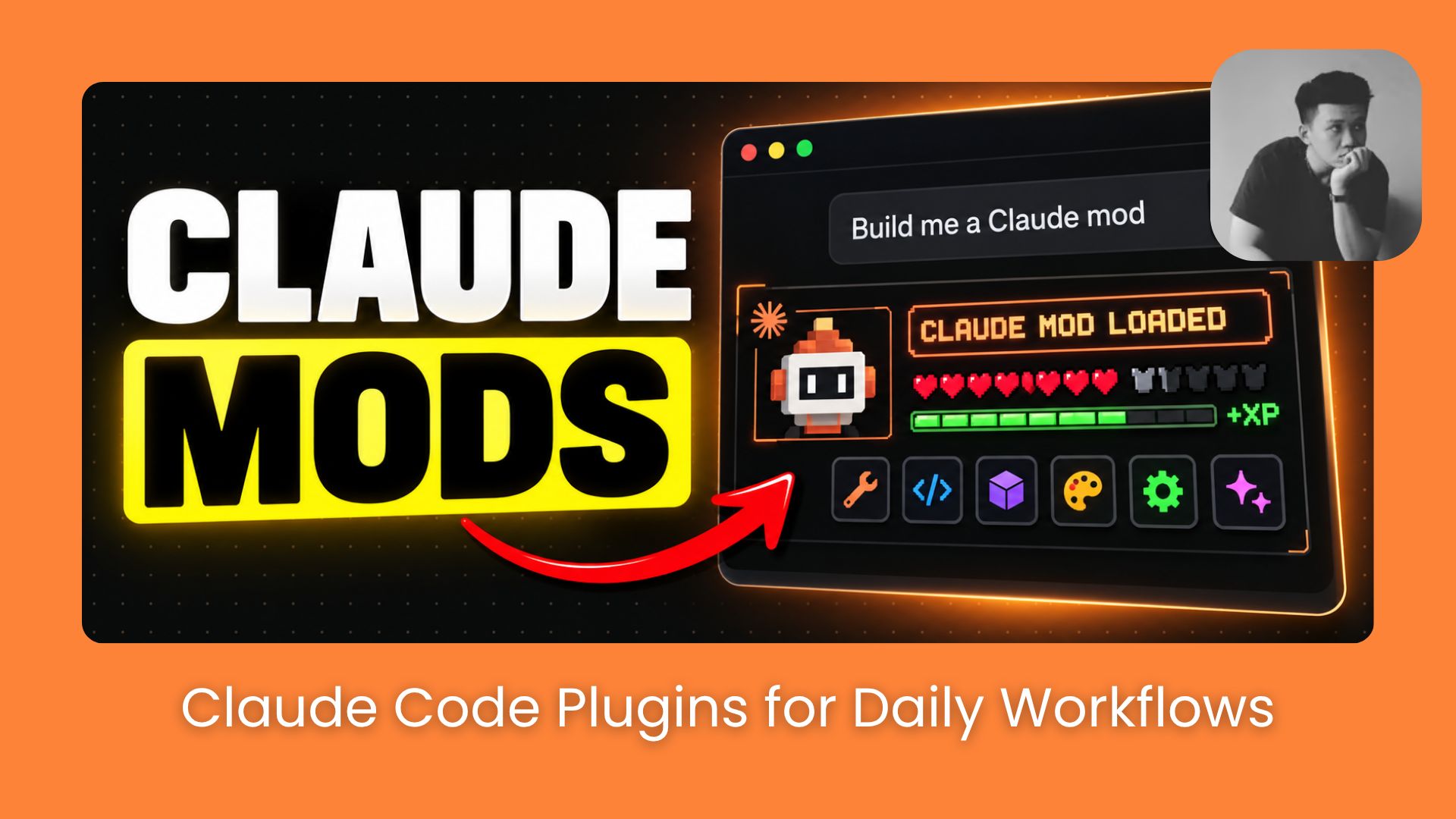
Claude Code mods are small plugins that change how the desktop app looks and behaves. See what mods are, 4 mods to supercharge your workflow, and how to build, keep and share one.. Ai Tools, 🔥 Ai Fire Academy, Ai Automations.
TL;DR: Claude Code Mods let you add custom features right inside Claude Code, things like tracking your context window, hiding sensitive info during screen recordings, and catching file conflicts before they happen. You don’t need to know how to code to use these Claude Code Plugins in Claude Code Desktop.
In this guide, I’ll show you how to build one from scratch (Token Weather), then walk you through 4 community Mods worth trying: Cache Keeper, Recording Mode, Goal Meter, and Collision Guard.
Each Mod solves a different problem. You don’t need to install all four, and choosing the right one depends on how you work with Claude Code.
Key Points
Build Your Own Mod: Learn how to create Token Weather to display context and token information.
Install and Test Four Mods: Use Cache Keeper for cache status, Recording Mode for screen privacy, Goal Meter for progress tracking, and Collision Guard for file conflicts.
Choose the Right Mod: Compare their uses and find a practical starting point.
Table of Contents
Introduction
Mods let you change Claude Code’s behavior without waiting for Anthropic to release new features. You can create your own or ask Claude Code to build one for you.
For example, a mod can:
-
Customize the interface: Add dashboards, new panels inside Claude Code.
-
Control tool actions: Block commands, automatically retry failed actions.
-
Improve privacy: Remove sensitive information before Claude reads it.
-
Change AI behavior: Rewrite prompts before they reach the model or replace built-in features with your own.
With Claude Code Mods, you can add custom features to Claude Code Desktop just by describing what you want. You don’t even need to know how to code.
I’ll walk you through 5 Claude Code Mods that are actually worth trying. What’s covered:
-
What Claude Code Plugins and Mods actually are, and how they differ
-
How to build your own Mod step by step
-
4 Mods worth installing, with honest notes on what each one does well
-
A quick comparison table to help you choose where to start
You’ve reached the locked part! Subscribe to read the rest.
Get access to this post and other subscriber-only content.
Upgrade Translation missing: en.app.shared.conjuction.or Sign In
A subscription gets you
- Instant access to 700+ AI workflows ($5,800+ Value)
- Advanced AI tutorials: Master prompt engineering, RAG, model fine-tuning, Hugging Face, and open-source LLMs, etc ($2,997+ Value)
- Daily AI Tutorials: Unlock new AI tools, money-making strategies, and industry (ecommerce, marketing, coding, teaching, and more) transformations (with videos!) ($3,650+ Value)
- AI Case studies: Discover how companies use AI for internal success and innovative products ($1,997+ Value)
- $300,000+ Savings/Discounts: Save big on top AI tools and exclusive startup discounts
Leave a Reply