
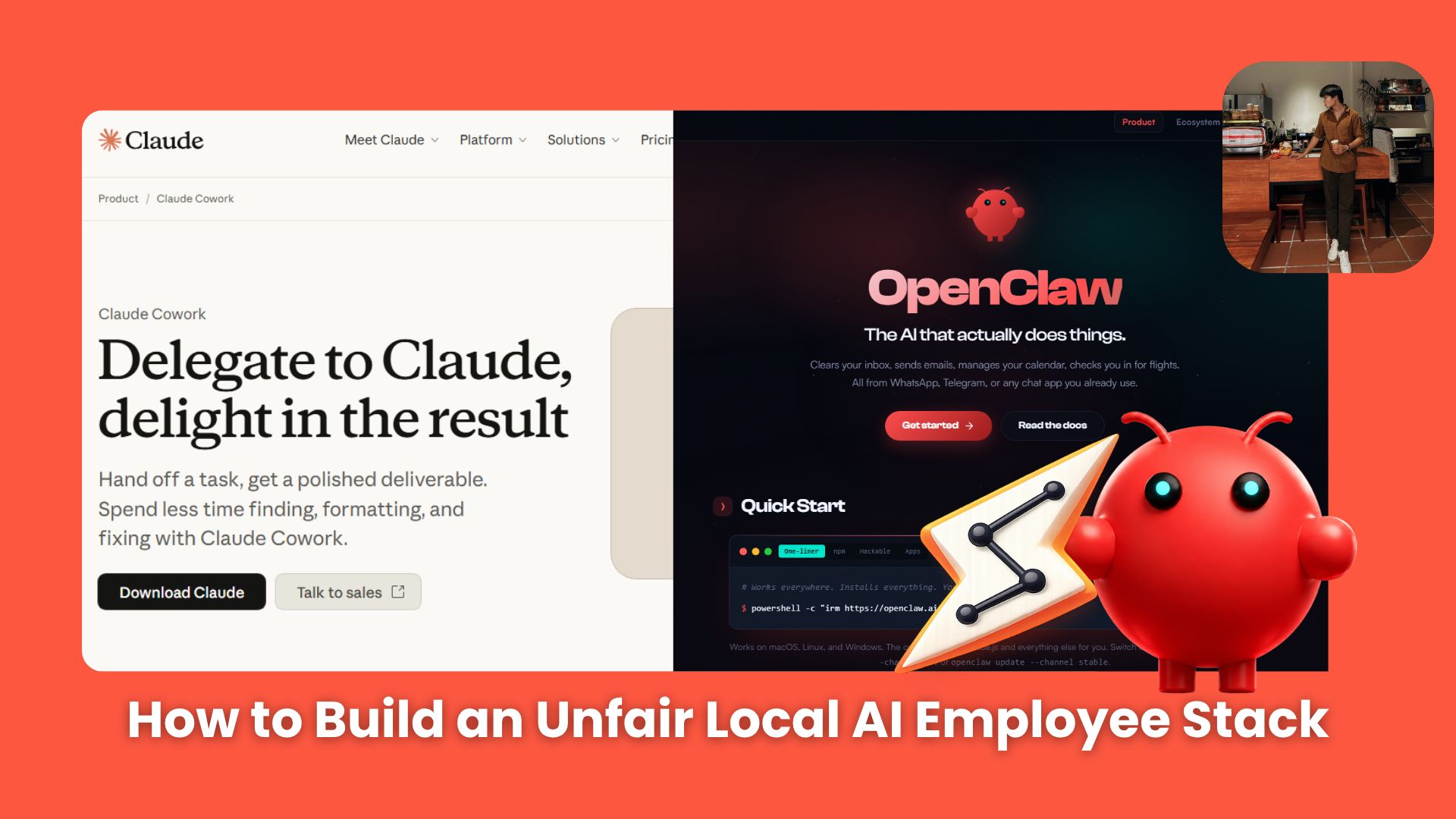
Learn AI agent fundamentals through real-world use cases with OpenClaw and Claude Cowork, and see how modern AI agents automate everyday workflows.. Ai Fire 101, 🔥 Ai Fire Academy, Ai Automations.
TL;DR BOX
AI agents are useful when they can use tools, edit files, browse sources, and send results without constant prompting. OpenClaw fits scheduled cloud automation; Claude Cowork fits local research and document workflows.
This article explains the agent stack: hosting, model, memory, channels, browsing, skills, and scheduling. The OpenClaw demo shows an RSS pipeline that filters AI updates and sends summaries to Telegram.
Claude Cowork shows the file-work side of agents. It creates local documents, rebuilds them with new research, organizes the output, and continues editing the result inside Notion.
Key points
Important fact: An AI agent can be understood through 6 core parts: hosting, model and memory, channels, browsing, skills, and scheduling.
Common mistake: Treating copy-paste chatbot work as real automation.
Practical takeaway: Use cloud agents for recurring tasks and local agents for sensitive documents.
Table of Contents
Introduction: The Broken Math of Modern Workflows
Most business owners THINK they operate on the absolute cutting edge because they maintain three premium AI subscriptions pinned to their desktops. This is what’s happening right now that most people are still sleeping on.
Let’s audit a standard day-to-day routine: You write a text prompt, wait 10 seconds, copy the raw markdown text, manually generate a local computer directory, open an Excel or Word document, paste the text, scrub the broken layout formatting, and manually hit save.
That is not scaling an enterprise. That is just active micro-management using an expensive, slightly faster typewriter. You haven’t built a real operational asset; you have just hired a digital intern that you are required to babysit line by line, minute by minute.
We have officially crossed the threshold into the 2026 operational paradigm shift: The Era of Agentic AI.
The primary bottleneck of standard AI models is that they are trapped inside a static web browser window. They lack system context, they lack local execution hands, and they cannot touch your infrastructure.
An AI agent behaves entirely differently. It does not merely talk to you about a task; it coordinates multi-step business goals completely in the background while you focus on high-leverage strategic decisions. You stop writing prompts; you start assigning corporate roles.
I. The 6-Part Anatomy of an AI Agent
You need to understand how an agent functions before you deploy one. Every autonomous system relies on six specific components working in harmony to achievebig goals.

-
Hosting Environment: This is the place where your AI agent lives and runs. You can use your physical computer or deploy a cloud server like Agent37 to keep the system active all day without draining your hardware battery.
-
Brain and Memory: The AI model serves as the thinking brain. Long-term storage systems like vector databases save your documents so the AI agent remembers your instructions permanently.
-
Communication Channels: This is how you send tasks and receive finished work. You link the AI agent directly to Telegram, Slack, or corporate email networks.
-
Web Browsing: The agent uses headless automation tools like Playwright to look at website layouts, click buttons, and scrape charts exactly like a human operator.
-
Skills: These are the tools that let the AI agent edit spreadsheets and write files. Connecting your agent to automation tools like n8n allows it to control thousands of everyday apps without complex code.
-
Schedule: A traditional chatbot stays dead until you type a text. An autonomous AI agent wakes itself up, monitors data streams, and completes tasks on a fixed timer.
II. Step-by-step OpenClaw Setup Workflow
OpenClaw is an open-source AI agent framework for building autonomous agents that use web scraping and mobile triggers to create continuous data pipelines.
Nobody has sat down and explained this clearly, step by step, for people who are smart but not developers. So, for this demo, I will set up OpenClaw to gather information on technology and AI every six hours from major news sites – such as Wired, TechCrunch, The Verge, VentureBeat and of course, AI Fire – then send it directly to my personal Telegram.

Step 1: Prepare your cloud accounts and access keys
Open your OpenRouter account and generate an API key (Save it).

Create an Agent37 workspace. Open your Agent37 cloud dashboard, create a new workspace, and choose OpenClaw as your primary agent engine. This stage establishes the physical hosting environment and the model processing gateway for your automated digital employee.

Step 2: Set up terminal onboarding and configuration
Open the workspace terminal (on Agent37), type the onboarding command, press Enter, and select as shown in the image:

Type openclaw onboard and press enter to start the configuration flow
openclaw onboard
Choose OpenRouter as your provider and paste your API key in Step 1.

Select Telegram as your communication channel. Open Telegram, message BotFather, and run the command to create a new application:
/newbotName your bot and copy the token string into the Agent37 terminal.

Step 3: OpenClaw demo: finding and summarizing information
Go back to Agent37’s interface, then click Open. Click connect to enter the main OpenClaw interface. Then activate the built-in RSS reader skill to grant your agent web crawling capabilities.
openclaw skill enable rss_reader
Input your preferred tech news feeds into the configuration layout and command the agent to build an automated curation pipeline.
Please create a file named "rss_sources.txt" in my workspace and write these exact practical RSS feeds inside it, one per line:
https://techcrunch.com/feed/
https://www.theverge.com/rss/index.xml
https://venturebeat.com/category/ai/feed/
https://www.wired.com/feed/rss
https://www.aifire.co/news
https://www.aifire.co/archive
The agent executes a multi-step workflow. It browses the feeds, filters out information noise, and streams a clean, curated brief directly to your mobile Telegram channel

📌 SECRET for YOU:
You can even control OpenClaw and execute tasks entirely through your own Telegram bot, turning Telegram itself into a command interface for your AI agent!!
Command the agent inside your chat app to run this on a fixed schedule. OpenClaw instantly generates a background cron job that executes the scraping sequence every six hours completely unprompted.
Perfect, the Telegram delivery works! Now, please register a permanent Cron Job in the system to run this exact workflow automatically every 6 hours.

On every run, it must:

1. Trigger the `rss_reader` skill to fetch updates from `rss_sources.txt`.

2. Filter and summarize the top 3 most important tech updates via OpenRouter (using your configured OpenRouter default model).

3. Automatically route and send the final summary to my verified Telegram session.
Then, in the Cron Jobs tab, you can see that OpenClaw is scheduled to send you a summary of the hottest AI and technology news from your four selected major news sites to your own Telegram bot for every six hours. Pretty great, right?

III. Step-by-step Claude Cowork Integration Workflow
While OpenClaw offers unmatched flexibility for local AI agent workflows, Claude Cowork stands out by executing administrative tasks directly on your filesystem, eliminating the latency typically caused by network uploads.

Step 1: Create Your Local Workspace
Create an empty directory on your desktop. Then open the Claude Cowork desktop tool and link it with your mobile authentication profile. Target your newly created folder. This action establishes a secure local sandbox where the agent operates without exposing the rest of your hard drive data.

Step 2: Customize your own workflow with Claude Cowork
Yes, literally, you’ve completed 90% of the setup for Claude Cowork, so you can use it just as easily as Claude Chat.
That pretty much wraps up the setup. From here on out, everything is very straightforward, especially for those who don’t know how to code because you simply need to give Claude Cowork instructions, just like in a standard Claude chat. You can immediately instruct Claude Cowork to make adjustments and add content directly to your local folder.
Use case 2.1: Automatically create and adjust files in a folder.
Now, you can order the system to act as your lead operations manager. Tell it to build launch email text assets and pricing spreadsheets directly inside that folder.
I connected you to an empty folder named [Your name]. I am launching a product called "AI Toolkit".

Please create these folders and files inside it right now:
1. A folder named /Marketing with a file `ads.docx` (write 3 Facebook ad ideas inside).
2. A folder named /Emails with 3 files: `email1.txt`, `email2.txt`, `email3.txt` (write a 3-day email series inside).
3. A folder named /Finance with a file `prices.csv` (create a table with 3 pricing tiers: Basic $10, Pro $20, Enterprise $50).
4. A `README.md` file showing the folder structure.

Do not just talk, create the files directly on my computer now.
Then, Claude finds sources online on its own, and then, all of a sudden, document files pop up out of nowhere in your previously empty folder. All these files contain information and strategies for launching your demo product, “AI Toolkit.”

This is one of the result files that Claude generated for me in the folder.

You can change this context whenever your business goals shift. For example, command the agent to rewrite the folder into an Apple marketing knowledge base. Claude deletes the old files and populates the directory with fresh history sheets and strategy documents.
Convert all of these files into a comprehensive knowledge base about Apple and Apple's marketing campaigns. Analyze, rewrite, and reorganize the content so that it focuses entirely on Apple, including its brand strategy, advertising campaigns, product launches, and marketing history
All the files in that folder have completely turned into documents about Apple. Here is the result
Use case 2.2: Practical applications with Notion
Cowork isn’t limited to just your local machine; it can also run on a wide range of different platforms. Here, we’ll try it out with Notion.
To get started, I headed to the Cowork settings panel, navigated to Customize → Connectors, located the Notion integration, and connected it to my personal Notion workspace. The setup process was straightforward and took only a few clicks.

After exporting everything in the previous use case to Notion, I asked Cowork to turn the collected information into a complete overview of Apple. While the initial draft was a good start, I felt it needed stronger visuals and more supporting details. I then asked Cowork to search the web for additional sources, images, and illustrations to create a more compelling final document with just a basic prompt.
In my Notion workspace, I have a folder called "Apple Marketing — Knowledge Base". Can you turn it into a well-structured and visually appealing document? Please make it as comprehensive as possible by searching for relevant information, images, charts, and illustrations from the web to fully demonstrate and enrich the content.
And almost instantly, Claude Cowork started finding relevant images and visual references on its own, complete with descriptions, as you can see here. In this example alone, it was able to read existing documents, search for and evaluate relevant information, and automatically revise the original file – all from a single, simple prompt. That’s a pretty compelling demonstration of what an agentic workflow can actually do in practice.
IV. Head-to-Head System Comparison
After exploring these two use cases, it’s clear that both AI agents are incredibly capable and practical. However, each agent comes with its own strengths, weaknesses, and unique characteristics, making them better suited for different types of workflows and users.
|
System Dimension |
Cloud Pipeline OpenClaw |
Desktop Assistant Claude Cowork |
|---|---|---|
|
Interface Channel |
Messaging tools like Telegram |
Native desktop file workspace UI |
|
Hosting Deployment |
Cloud container or remote server |
Local isolated hardware sandbox |
|
Primary Strength |
Constant background scraping loops |
Native document generation logic |
|
Primary Bottleneck |
Limits complex document layout design |
Execution stops if you close the client |
|
Optimal Use Case |
Continuous data collection alerts |
Private directory synthesis |
V. Common Security and System Mistakes
However, regardless of which AI agent you choose, there are a few common mistakes that beginners – and even experienced users – often overlook.
-
Exposing your token keys: Your Telegram bot token serves as the master key to your hosting container. If a viewer spots that text string in an unblurred video or screenshot, they will hijack your server link and run up thousands of dollars in model usage fees on your accounts.
-
Letting your hardware sleep: Claude Cowork processes local directories on your computer hardware. If your operating system enters an automatic power-saving mode mid-run, the file write connection breaks instantly and your task fails. Change your desktop power settings to keep the drive active.
-
Chasing every new daily app tool: Business owners waste significant time switching between random tool releases. Choose a stable core stack of two tools, master their operational boundaries, and stick to a clear skill progression roadmap.
Conclusion
After exploring the fundamentals of AI agents and testing tools like OpenClaw and Claude Cowork, it’s clear that AI agents are much more than just advanced chatbots. They can plan, use tools, access external systems, and complete multi-step tasks with very little human input.
At the same time, our examples show that every AI agent has its own strengths and limitations. OpenClaw and Claude Cowork are both incredibly capable, but they’re designed for different types of workflows. As AI agents continue to evolve, the question won’t simply be “Which AI is best?” but rather “Which AI agent is best for the job?”
And if these early examples are any indication, we’re still only at the beginning of the agentic era.
If you want to go deeper into real AI workflows (not just tools), you can explore another course many readers start with: 🔓 From Zero to Profit: Passive AI Money-Making Machine
This course focuses on turning simple AI workflows into real use cases you can apply immediately (automation, content systems, and small AI assets that can generate value over time).
Here are some of the most read lessons inside:
-
The 24/7 AI Influencer Revolution: Top 10 Niches To DOMINATE 2026
-
“Is She Real?” NO. The 4-Step Formula To Build A Virtual Influencer *
-
How I Built an AI Dropshipping Empire (And Now Make $1,000/Day)
*indicates a premium content, if any
Leave a Reply