
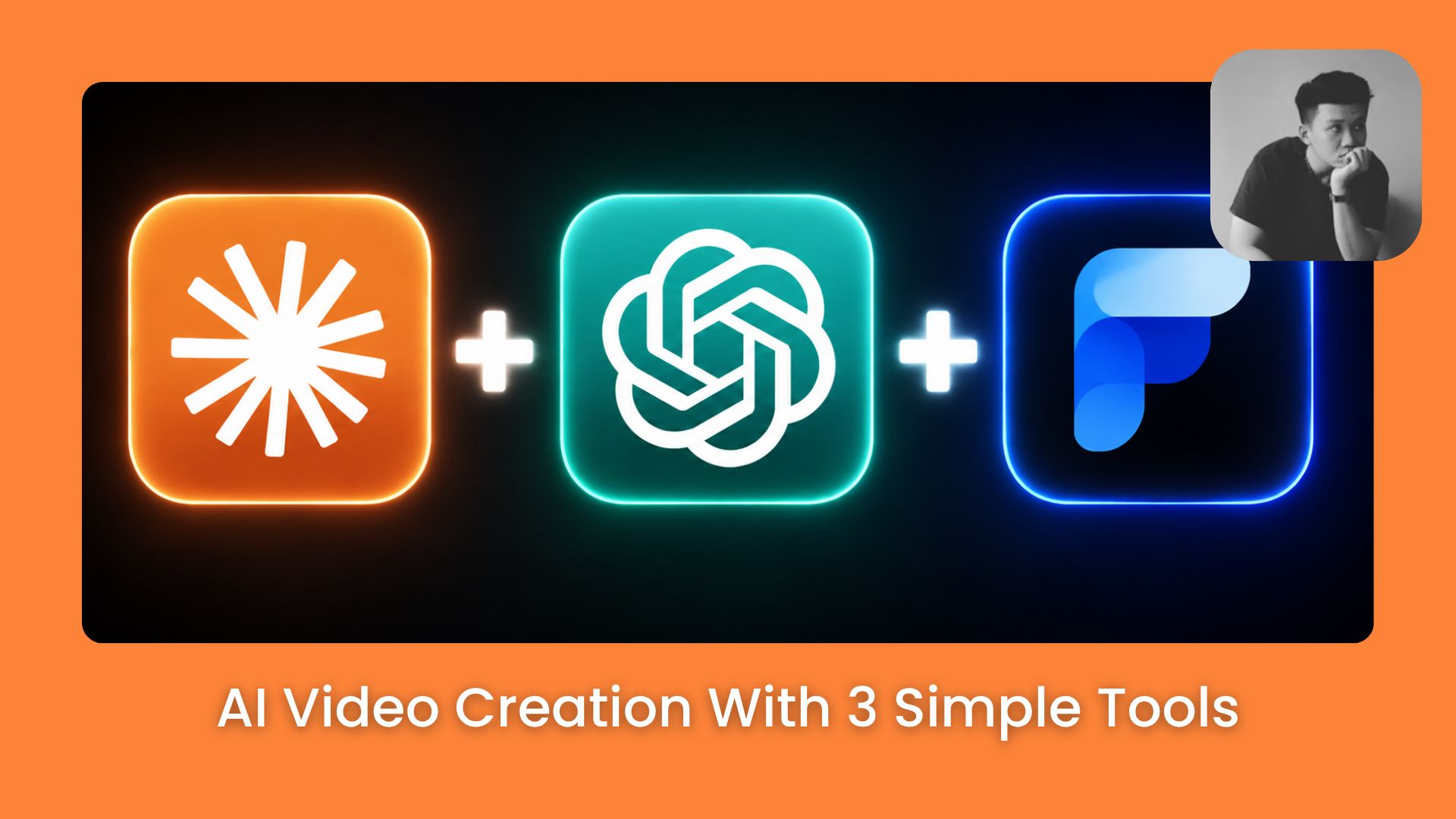
You’ll discover hidden tricks to make your videos look professional, customized, and ready to share, without wasting time on random apps.. Ai Tools, 🔥 Ai Fire Academy, Ai Automations.
TL;DR
AI video works best in a clear sequence: Claude AI for prompts, ChatGPT for images, Google Flow for animation. Build visuals before animating.
Start with a simple story idea. Claude AI turns it into a design sheet, storyboard, and video prompts. ChatGPT generates high-resolution visuals. Fix any errors before animating.
Animate in Google Flow using smaller storyboard groups to control pacing. Add short dialogue if needed. Review and adjust clips for smooth transitions. Join clips in a video editor to make a polished 45-second scene.
Key points
Design sheets and storyboards save time.
Common mistake: animating before visuals are locked.
Takeaway: build visuals first for consistency.
Table of Contents
Introduction
If you’ve tried making AI videos, you already know the chaos: hundreds of tools, confusing tutorials, and zero results.
What if I told you that you don’t need dozens of apps, hacks, or subscriptions?
That in fact, you can make studio-quality AI videos using just 3 tools, and a workflow that practically runs itself?
In this guide, I’m going to show you exactly how to use them step-by-step, and how to go from idea → storyboard → fully animated AI video without losing your mind.
|
Step |
Tool |
Job |
|---|---|---|
|
1. Plan |
Claude AI |
Write prompts, design sheet, storyboard |
|
2. Build |
ChatGPT |
Generate and verify all visuals |
|
3. Animate |
Google Flow |
Turn storyboard panels into moving clips |
I. AI Video Creation Phase 1: Plan with Claude
Before you open any image or video tool, you need a clear visual plan for AI video creation. Claude AI handles this entire stage, turning your raw story idea into ready-to-use prompts for every step that follows.
What you’ll have at the end of this stage:
-
A design sheet prompt (characters, environment, color palette, lighting)
-
A storyboard prompt (shot-by-shot breakdown)
-
Individual video prompts for each shot, already formatted for the next tools
You’ve reached the locked part! Subscribe to read the rest.
Get access to this post and other subscriber-only content.
Upgrade Translation missing: en.app.shared.conjuction.or Sign In
A subscription gets you
- Instant access to 700+ AI workflows ($5,800+ Value)
- Advanced AI tutorials: Master prompt engineering, RAG, model fine-tuning, Hugging Face, and open-source LLMs, etc ($2,997+ Value)
- Daily AI Tutorials: Unlock new AI tools, money-making strategies, and industry (ecommerce, marketing, coding, teaching, and more) transformations (with videos!) ($3,650+ Value)
- AI Case studies: Discover how companies use AI for internal success and innovative products ($1,997+ Value)
- $300,000+ Savings/Discounts: Save big on top AI tools and exclusive startup discounts
Leave a Reply