
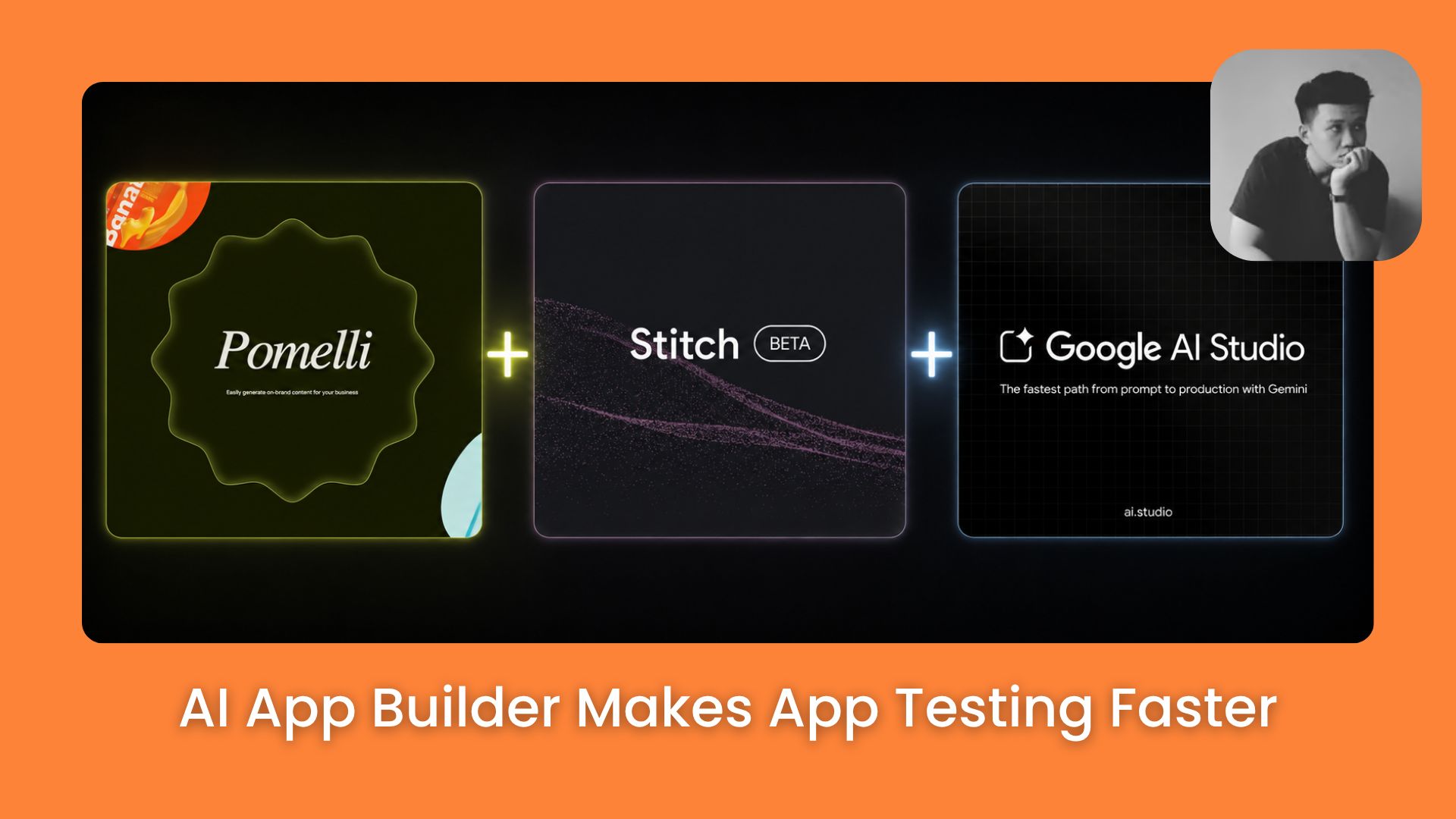
This Google workflow lets you go from brand files → website → app design → installed Android app with almost no coding. 3 free tools. One complete build path.. Ai Tools, 🔥 Ai Fire Academy, Ai Automations.
TL;DR
Google’s workflow shows how to move from brand files → website design → app screens → testable Android app flow using Pomelli, Stitch, and Google AI Studio.
Pomelli creates the base brand direction: Business DNA, first website draft, and brandbook.
Stitch uses those outputs to build cleaner website designs and app screens.
Google AI Studio turns selected Stitch screens into an app flow you can preview or prepare for publishing.
Key points
Important fact: This workflow uses 3 Google tools: Pomelli, Stitch, and Google AI Studio.
Common mistake to avoid: Don’t move to Stitch without saving the Business DNA, brandbook, and website screenshots.
Practical takeaway: Keep the first app simple with 2–3 screens.
Table of Contents
Introduction
Google now has a free AI workflow that can turn any brand files into a website design, then into a working Android app. Each tool has one clear job, and they connect in a single forward-moving flow:
-
Pomelli → reads your brand files, creates a brand system, and builds the first website.
-
Stitch → improves the website design, creates app screens, edits specific elements, and adds motion.
-
Google AI Studio → turns selected Stitch screens into an Android app that can run on a real phone.
Below, I’ll show you how this workflow works.
I. Tool Stack to Copy This Google AI Workflow
Before we go step by step, you need to understand what this workflow creates. The flow is:
Brand files → brand system → website design → app screens → working Android app
1. What You’ll Have at the End
After completing all 3 levels, you’ll have:
-
A brand system with colors, fonts, tone, and visual direction
-
A first website based on your brand files
-
Cleaner website and app screens built in Stitch
-
A working Android app you can install and test on a real phone
You won’t stop at a mockup. You keep going until you have something you can put in someone’s hands.
2. Tools Used
This workflow uses 3 Google tools.
-
Pomelli → reads your brand files, creates the brand system, and builds the first website.
-
Stitch → uses that brand direction to improve the website design, create app screens, edit specific elements, and add motion.
-
Google AI Studio → takes selected Stitch screens and builds an Android app you can test on a real phone.

Each tool has one clear job. Pomelli starts the brand. Stitch improves the design. Google AI Studio turns the selected screens into an app.
If you jump straight to Stitch without a clear brand direction, the design drifts. If you jump to AI Studio without clean screens, the app breaks.
Follow the order. The output of each level is the input of the next.
II. Level 1: Create Brand DNA, Brandbook & First Website
The first level starts with Pomelli. You don’t need a finished design to begin, just your current brand materials. Pomelli reads them and creates the first brand direction.
In this step, we’ll use Pomelli to turn brand materials into 3 main outputs: Brand DNA, a simple brandbook, and the first website.
You’ve reached the locked part! Subscribe to read the rest.
Get access to this post and other subscriber-only content.
Upgrade Translation missing: en.app.shared.conjuction.or Sign In
A subscription gets you
- Instant access to 700+ AI workflows ($5,800+ Value)
- Advanced AI tutorials: Master prompt engineering, RAG, model fine-tuning, Hugging Face, and open-source LLMs, etc ($2,997+ Value)
- Daily AI Tutorials: Unlock new AI tools, money-making strategies, and industry (ecommerce, marketing, coding, teaching, and more) transformations (with videos!) ($3,650+ Value)
- AI Case studies: Discover how companies use AI for internal success and innovative products ($1,997+ Value)
- $300,000+ Savings/Discounts: Save big on top AI tools and exclusive startup discounts
Leave a Reply