
More information does not always improve results. Here’s how to detect context rot and use compacting techniques to keep Claude (or any chatbots) accurate in long chats.. Prompt Engineering, Ai Fire 101, Ai Reports, 🔥 Ai Fire Academy.
TL;DR BOX
In 2026, the primary hurdle for advanced AI users is Context Rot, the measurable decline in output quality as a conversation grows. Despite Claude’s 200,000-token window, research shows that the AI starts making mistakes when the conversation is only 25% full. This occurs because of the “Lost in the Middle” effect, where the model prioritizes the very beginning and very end of a prompt while ignoring the middle and Recency Bias, where it favors the most recent messages over your initial core instructions.
Key Points
Fact: Context rot is a structural limitation of the Transformer architecture used by Claude, GPT-4/5 and Gemini; it is not a “bug” that a single update can fix.
Mistake: Re-pasting instructions into a rotting thread. Adding more text to a “confused” AI lowers the Signal-to-Noise Ratio (SNR), making the model even more generic and prone to contradictions.
Action: Monitor for the 5 Signs (Section IV), especially “Constraint Drift” (ignoring formatting rules). When these appear, immediately use the Summarize-and-Reset fix (Section V).
Critical Insight
The defining shift of 2026 is treating AI like working memory, not a storage cabinet. Like a human, an AI performs best when its “current thought space” is lean and focused. Short, sharp context windows consistently outperform long, exhaustive threads because the model can apply 100% of its attention to your immediate goal.
Table of Contents
I. Introduction
Have you ever spent 20 minutes writing the perfect setup for Claude?
You explain the background, define the audience, set the tone, add formatting rules and paste in examples so the output matches exactly what you need.
Then, about 15 messages later, Claude stops following your instructions. Claude supports a 200,000-token window. But quality starts slipping at just 25% capacity.
Naturally, you’ll add more context, paste instructions again. But instead of improving the output, Claude gets even worse. You weren’t doing it wrong. Too much context can overload the system and reduce clarity over time.
This experience has a name: context rot. It’s one of the most common and least talked about mistakes AI users make.
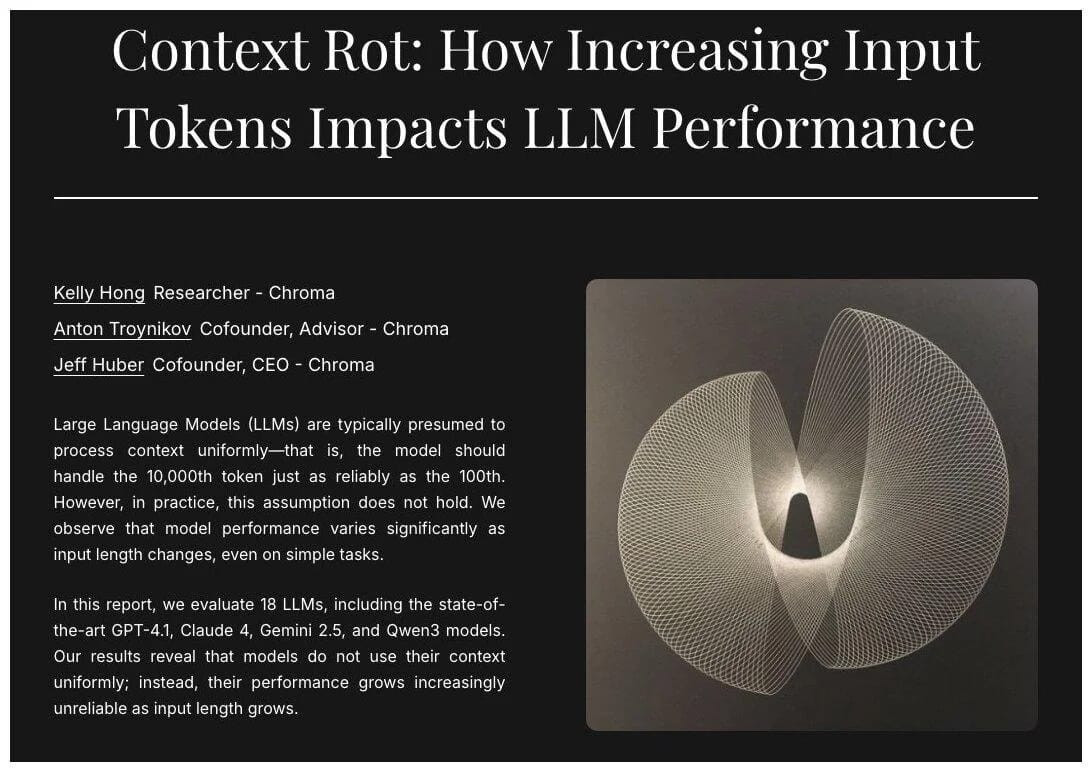
Source: Chroma Technical Report.
And once you understand what’s actually happening inside the model, you’ll immediately change how you work with Claude, ChatGPT and Gemini alike.
This guide is useful if:
-
You notice AI responses get worse in long conversations.
-
You want consistent tone, format and accuracy across long threads.
-
You want Claude, ChatGPT or Gemini to follow instructions better.
-
You want a repeatable framework to keep AI output sharp.
-
You want a professional workflow for long, complex AI tasks.
You’ve reached the locked part! Subscribe to read the rest.
Get access to this post and other subscriber-only content.
Upgrade Translation missing: en.app.shared.conjuction.or Sign In
A subscription gets you
- Instant access to 700+ AI workflows ($5,800+ Value)
- Advanced AI tutorials: Master prompt engineering, RAG, model fine-tuning, Hugging Face, and open-source LLMs, etc ($2,997+ Value)
- Daily AI Tutorials: Unlock new AI tools, money-making strategies, and industry (ecommerce, marketing, coding, teaching, and more) transformations (with videos!) ($3,650+ Value)
- AI Case studies: Discover how companies use AI for internal success and innovative products ($1,997+ Value)
- $300,000+ Savings/Discounts: Save big on top AI tools and exclusive startup discounts
Leave a Reply