
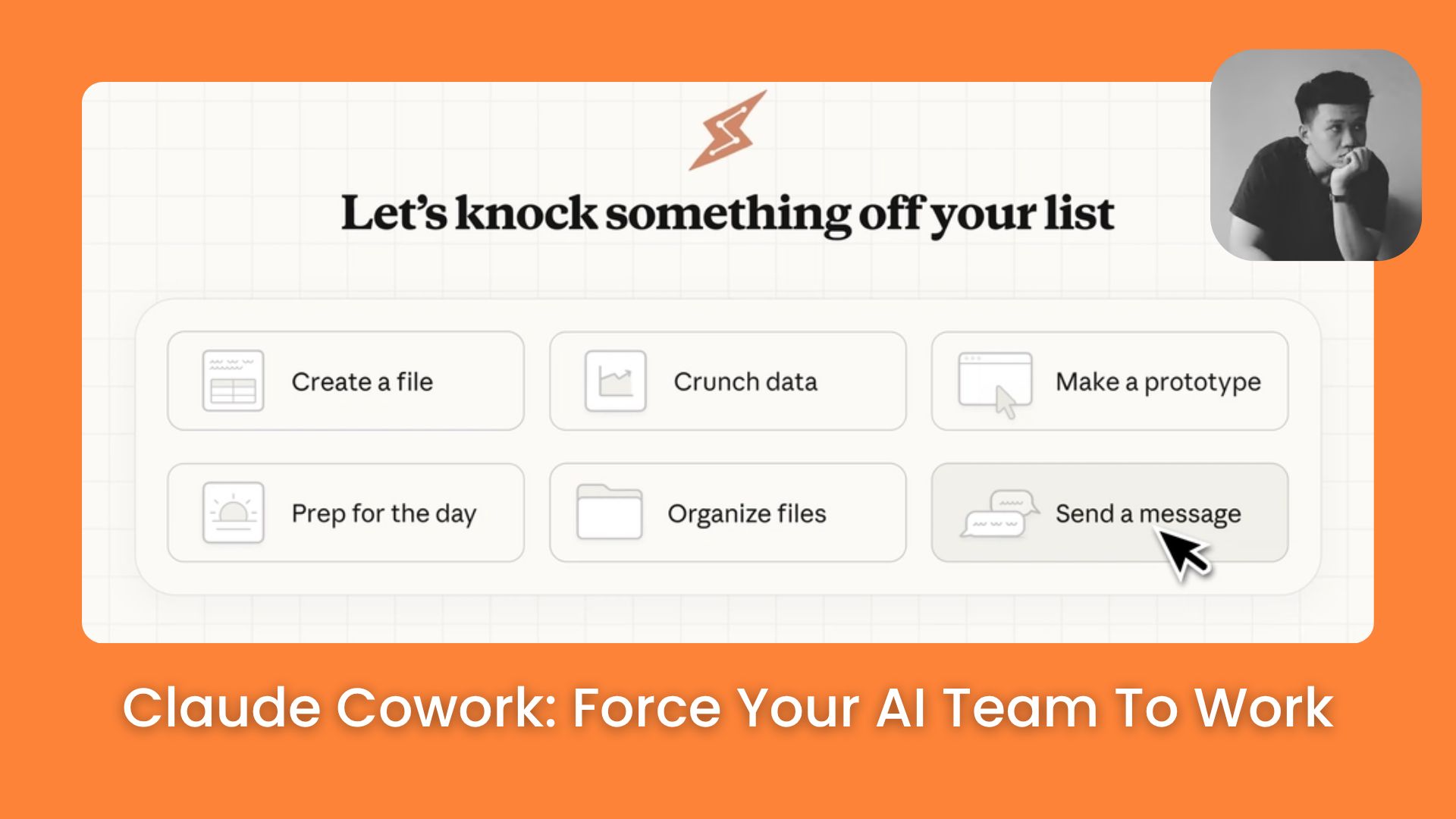
Claude Cowork sub-agents crush hours of research in seconds. Link your memory and skills to build a personal workforce that stays active for you all day.. Ai Tools, 🔥 Ai Fire Academy, Ai Automations.
Table of Contents
TL;DR
Claude Cowork, the desktop-based agentic evolution of Anthropic’s AI, moves beyond simple chat to provide an autonomous workforce on your computer. By leveraging local Folders, saved Skills, and Memory, you can build a self-operating research team that integrates with tools like Notion and Slack. The system utilizes Sub-Agents to perform parallel tasks, allowing you to automate high-volume data analysis on a 6:00 AM schedule so you can start your day with insights rather than raw data.
Key points
-
Local Agency: Unlike the web version, Claude Cowork lives on your desktop and can directly see, touch, and organize your files.
-
Skill Playbooks: Create permanent instructions (Skills) for repetitive tasks like “Research Analyzer” to ensure consistent results.
-
Parallel Workflows: Sub-Agents allow Claude to process multiple streams of data like YouTube videos and competitor newsletters at the exact same time.
Critical insight
In 2026, the real productivity gain isn’t in how fast you use AI, but in how effectively you transition from being a “prompter” to being a “director” of autonomous AI systems.
Introduction
Stop researching AI. Start building an army that researches for you. Claude Cowork is currently one of the hottest trends in AI productivity. If you only use it as a normal chatbot, you’re missing a huge chance to escape this mess.
By the time you finish your morning coffee, your Sub-Agents will have scanned dozens of articles, updated your Notion, and briefed your private channels.
Whether you need to track industry trends or hunt for client-specific tips, this guide shows you how to assemble your digital workforce like a Lego set. This guide is useful if:
-
You feel overwhelmed by many new tools and industry trends
-
You want your daily research reports sent to Notion early
-
You need to find specific productivity tips for your clients every day
-
You need to research dozens of articles at once
-
You want automatic AI updates posted directly into your private channels
-
You want to turn difficult research tasks into saved skills
Bonus: You’ll get a complete plan to build your own personal AI team that runs on autopilot. This guide includes ready-to-use templates, copy-paste prompts, step-by-step flows, and troubleshooting tips if the workflow breaks.
You’ve reached the locked part! Subscribe to read the rest.
Get access to this post and other subscriber-only content.
Upgrade Translation missing: en.app.shared.conjuction.or Sign In
A subscription gets you
- Instant access to 700+ AI workflows ($5,800+ Value)
- Advanced AI tutorials: Master prompt engineering, RAG, model fine-tuning, Hugging Face, and open-source LLMs, etc ($2,997+ Value)
- Daily AI Tutorials: Unlock new AI tools, money-making strategies, and industry (ecommerce, marketing, coding, teaching, and more) transformations (with videos!) ($3,650+ Value)
- AI Case studies: Discover how companies use AI for internal success and innovative products ($1,997+ Value)
- $300,000+ Savings/Discounts: Save big on top AI tools and exclusive startup discounts
Leave a Reply