
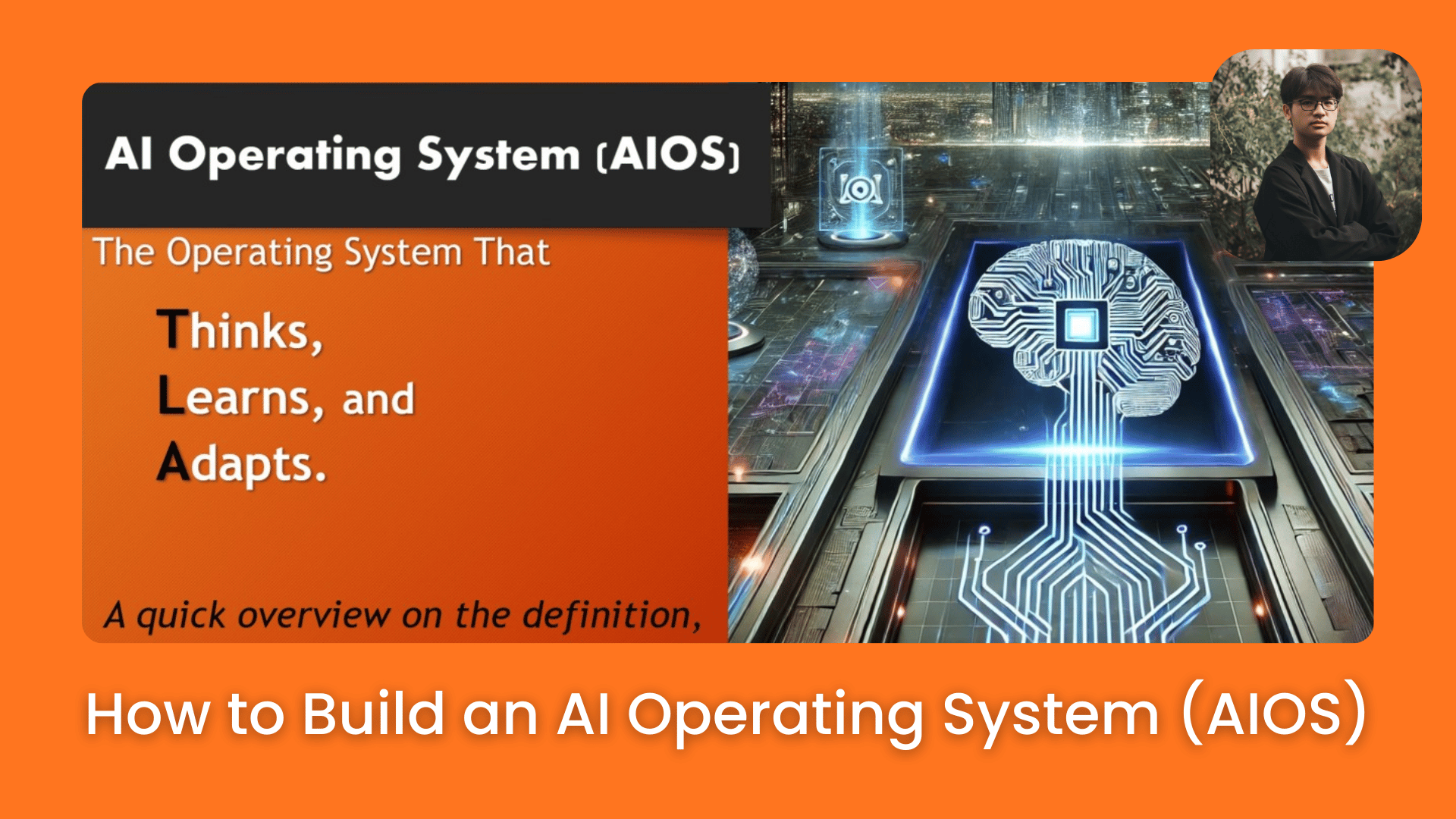
AI tools were only step one. An AI operating system organizes them into one system that actually works. Here’s how it changes business.. How To Make Money With Ai, Ai Fire 101, Ai Automations, Ai Workflows.
TL;DR BOX
The “Bandwidth Trap” is the biggest reason business owners cannot grow. They spend 80% of their time on small tasks instead of big goals. In 2026, top-tier entrepreneurs are deploying an AI Operating System (AIOS) to flip this ratio. Most AI tools forget everything after you close the chat. An AIOS has a “permanent memory” that knows your whole business (your voice, your team and your data).
By building this system in five distinct layers, you move from “reactive prompting” to an “autonomous workflow” where AI sends Daily Briefs automatically via Telegram, monitors your Stripe revenue and KPIs in real-time and executes complex tasks like client onboarding or report generation without being asked. This framework helped one founder generate $1M NZD in a single week by reclaiming enough bandwidth to focus exclusively on a high-leverage product launch.
Key Points
-
Fact: Claude Code (launched in late 2025/early 2026) is the preferred “engine” for an AIOS because it can interact directly with your computer files, terminal and external APIs (Stripe, Slack) with zero context resets.
-
Mistake: Attempting to automate everything at once. Start with Layer 1 (Context OS), teaching the AI who you are once, before connecting live data or building complex cron jobs.
-
Action: Make a list of every task you do every day. Mark, which ones can be done by AI. Try to automate 60% of them in the next 30 days.
Critical Insight
The defining metric of 2026 is Away-From-Desk Autonomy. Your AIOS is only successful if you can run your business for 48 hours using only a Telegram link to your AI agent while your laptop remains closed.
Table of Contents
I. Introduction
Let me ask you something: how much of your workday actually pushes your business forward?
Not answering emails, fixing client issues or sitting in meetings where nothing gets decided. I mean real progress, building products, creating new revenue, growing the business.
For most founders, the honest answer is: maybe 20% of the day and the other 80% is just keeping the lights on.
This is called the Bandwidth Trap. And it slows down more businesses than people realize.
One automation entrepreneur who spent years building AI agencies, SaaS products and content businesses noticed this pattern and decided to solve it. He built something he calls an AI Operating System (AIOS).
After setting up his own version using Claude Code, he recovered enough time to plan and execute a full product launch (slides, offer, funnel, traffic, everything) and generated over $1 million NZD in a single week.
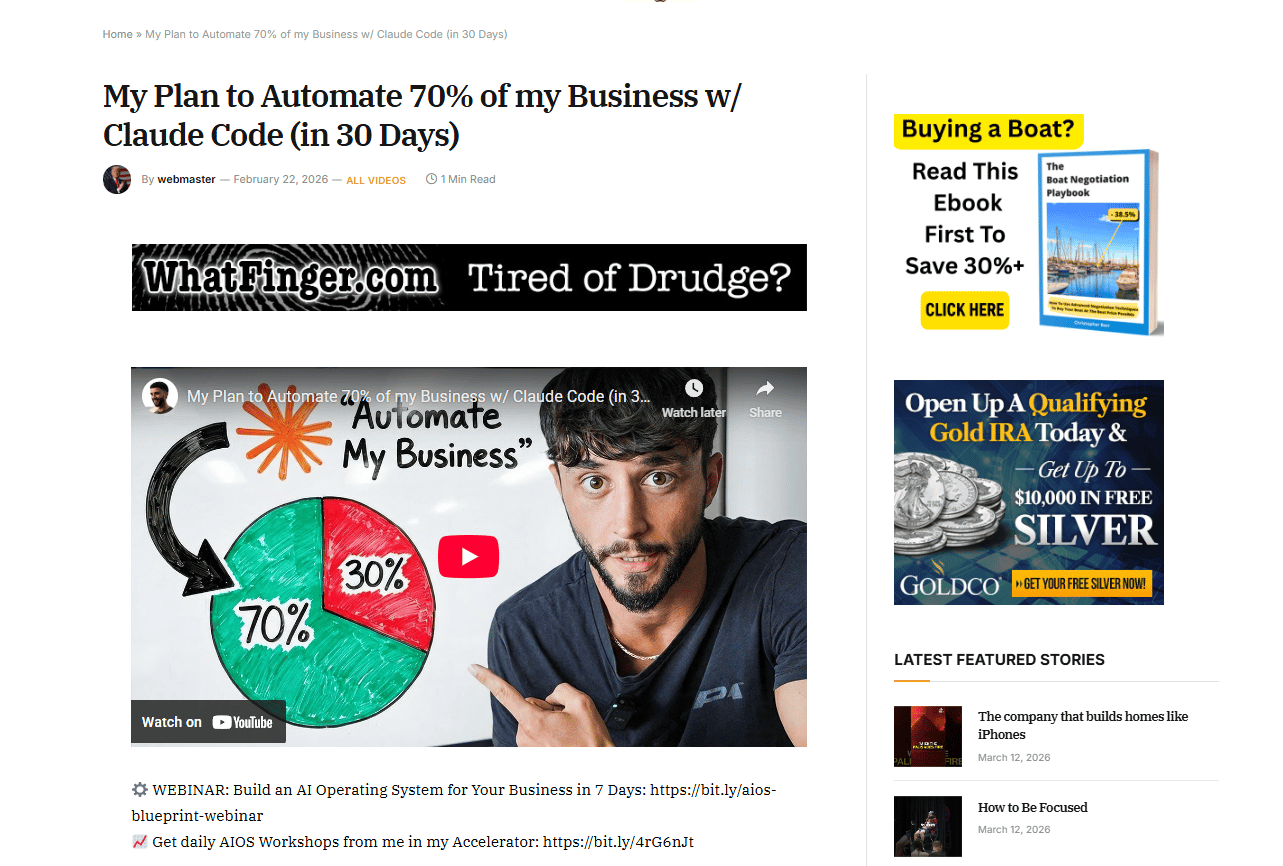
Source: Whatfinger.
That result didn’t come from working longer hours. It came from reclaiming time that was buried in maintenance work.
II. Bandwidth Trap: Why Most Businesses Are Just Surviving?
Almost every founder knows the feeling when the calendar is packed, the to-do list never ends and yet the business doesn’t seem to move forward.
The reason is a hidden time split.
1. The 80/20 Problem
Most businesses spend about 80% of their time working IN the business answering emails, delivering client work, updating teams, handling admin and fixing problems.
Only 20% goes to working ON the business, such as building new products, entering new markets, improving systems and driving real growth.
That 20% is where all the real value gets created but it’s constantly squeezed out by the 80% that’s just maintenance.
So the company stays busy but rarely advances. They’re just surviving, day after day, with founders too buried in operations to actually build.
2. What AIOS Does to That Ratio
An AI Operating System is built to flip that balance. Instead of founders spending most of their time managing operations, AI handles the routine flow of work.
The result looks more like this:
-
15-20% working IN the business.
-
80-85% working ON the business.
It’s a structural shift in how the company runs and the tools to make that shift already exist today.
Learn How to Make AI Work For You!
Transform your AI skills with the AI Fire Academy Premium Plan – FREE for 14 days! Gain instant access to 500+ AI workflows, advanced tutorials, exclusive case studies and unbeatable discounts. No risks, cancel anytime.
Start Your Free Trial Today >>
III. What an AI Operating System Actually Is
An AI Operating System is a framework that integrates artificial intelligence into everyday business operations. Instead of using AI for occasional tasks, the system surrounds the business with automated workflows and contextual intelligence. It operates as a layer on top of existing processes. This layer helps manage tasks, analyze data and streamline decision-making.
Key takeaways
-
AIOS sits on top of an existing business model.
-
It integrates automation and context into workflows.
-
The system improves efficiency across departments.
-
It supports operations rather than replacing them.
An AI Operating System (AIOS) isn’t a product, a service or a business model.
It’s a way of running your business. It’s the AI-powered layer that sits on top of whatever your core operation already does, whether that’s e-commerce, an agency, a SaaS product or a content business.
You can think of your business model as the engine, the part that creates value for customers. AIOS surrounds that engine. It adds intelligence, automation, context and structured workflows that help everything run faster and with less friction.
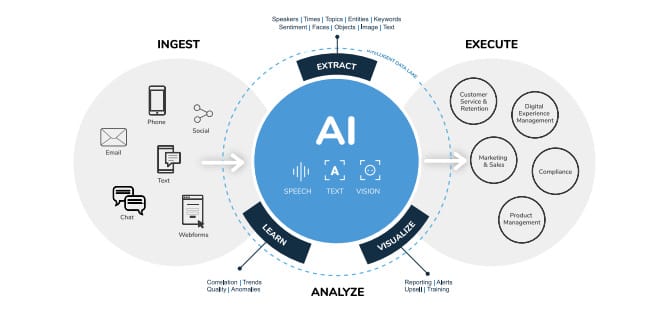
It’s Built in Layers, Not All at Once
This is exactly where most people go wrong when they try to “add AI to their business”. They try to automate everything at once, get overwhelmed and end up abandoning the effort.
In my experience, the AIOS approach works very differently. You add one layer, let it stabilise, then build the next layer on top.
Each piece works on its own and each new layer expands what the system can do. So instead of building the whole thing in a week, you simply build it gradually, phase by phase, until the entire system starts working together.
IV. Why AI Operating System Is Nothing Like Using ChatGPT
If you use ChatGPT or Claude regularly, you probably know this ritual: You open a new chat → paste in your business context → you explain who you are, describe your product, outline your audience → then finally ask your actual question.
The next time you start a session, the process repeats.
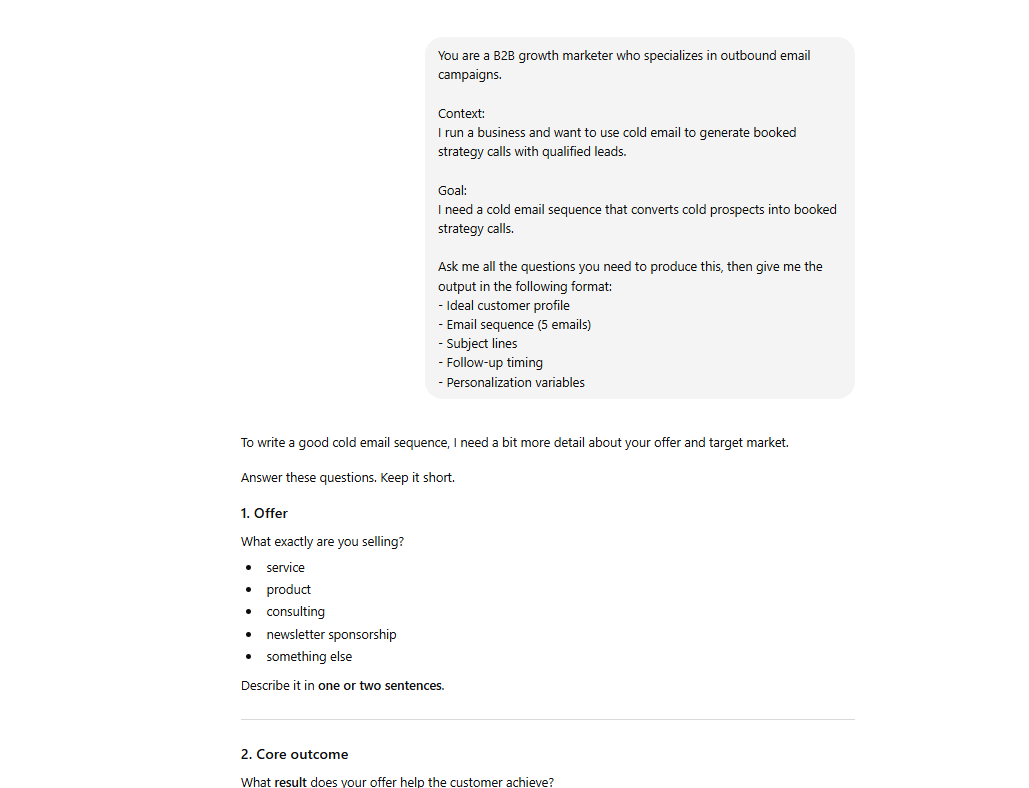
Most AI tools are basically stateless, meaning they forget everything between conversations, so each session begins from zero. That works for quick questions but it breaks down when you’re trying to run real workflows or manage a business.
The AIOS Difference
An AI Operating System (AIOS) removes that reset button.
Instead of starting from zero every time, the AI already knows your environment, such as your products, your team, your strategy, your brand voice and your numbers.
From the first message, every answer is grounded in your real context.
Here’s a simple comparison:
|
Standard AI (ChatGPT / Claude) |
AI Operating System (AIOS) |
|---|---|
|
Forgets everything between sessions |
Persistent memory, always knows your context |
|
Generic responses |
Fully personalized to your business |
|
You paste context every time |
Context is permanently embedded |
|
Chat interface only |
Accessible from phone, desktop or Telegram |
|
You go to it when you need it |
It sends you daily briefs, reports and alerts |
|
Assists with tasks |
Automates tasks AND makes you faster on ones you keep |
V. The Engine Behind AI Operating System: Claude Code
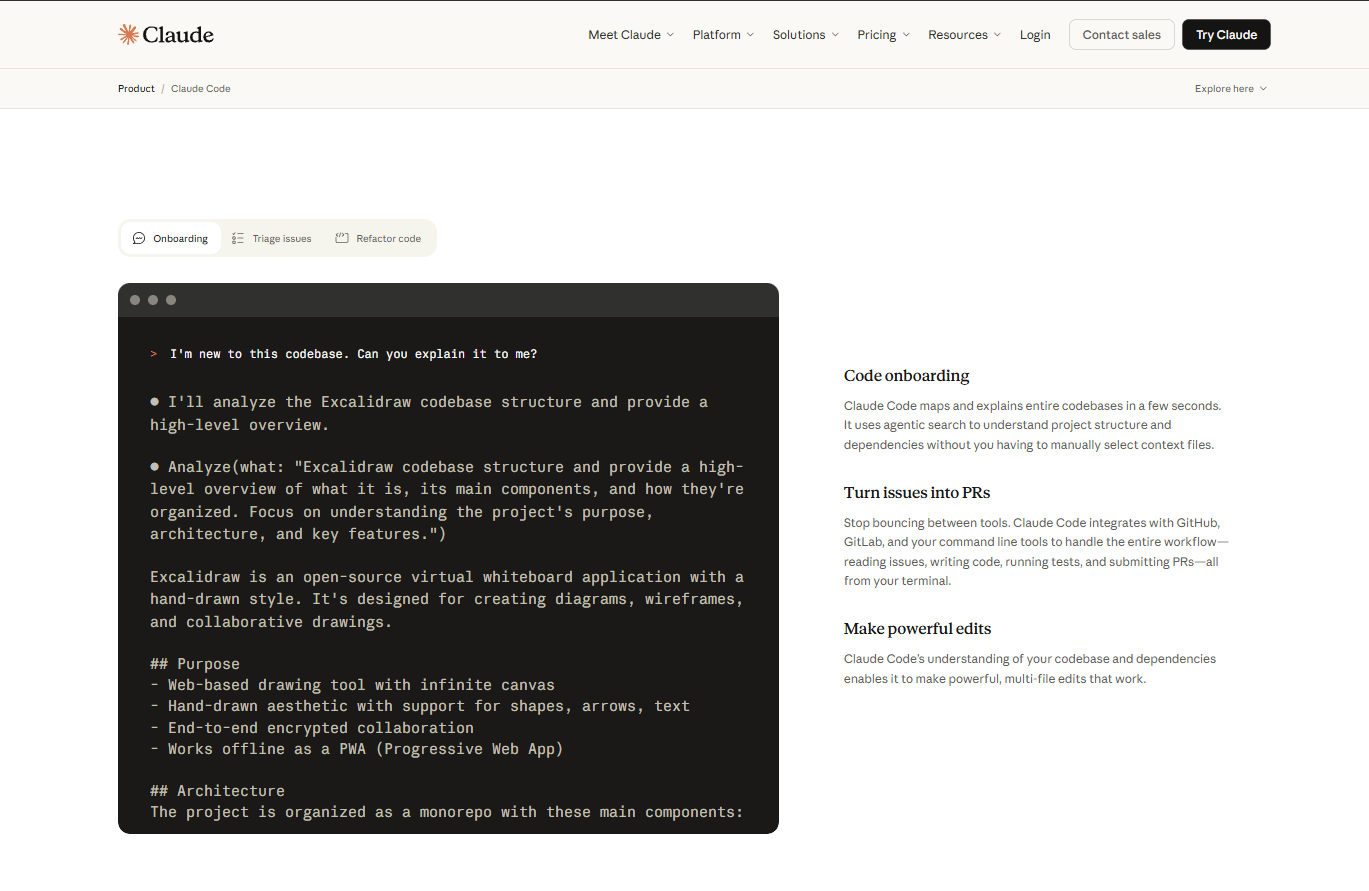
Claude Code is often described as a coding tool but that label can be misleading. It isn’t just for developers.
I like to explain it this way: it’s a version of Claude that lives inside a dedicated workspace on your computer. Instead of a temporary chat window, it operates inside an environment where your files, data and business context are always available.
The environment persists between sessions. Here’s what lives inside that workspace:
-
Context files: who you are, your team, your products, your values, your strategy
-
Data integrations: Stripe, Google Sheets, Bitly or any other metric source
-
Intelligence feeds: meeting recordings, Slack history, internal communications
-
Skill folders: documented workflows that Claude knows how to execute repeatedly
-
Multiple active sessions: content, reports, funnels and projects all open at the same time
What Claude Code Can Actually Do
-
Search the web on your behalf.
-
Build and deploy projects.
-
Connect to APIs like Calendly, email platforms or data sources.
-
Run scheduled tasks automatically (called cron jobs).
-
Be accessed remotely from a phone through Telegram.
One important detail is that it explains everything in plain language. Non-technical founders can ask it to walk through setup steps without needing to understand the code.
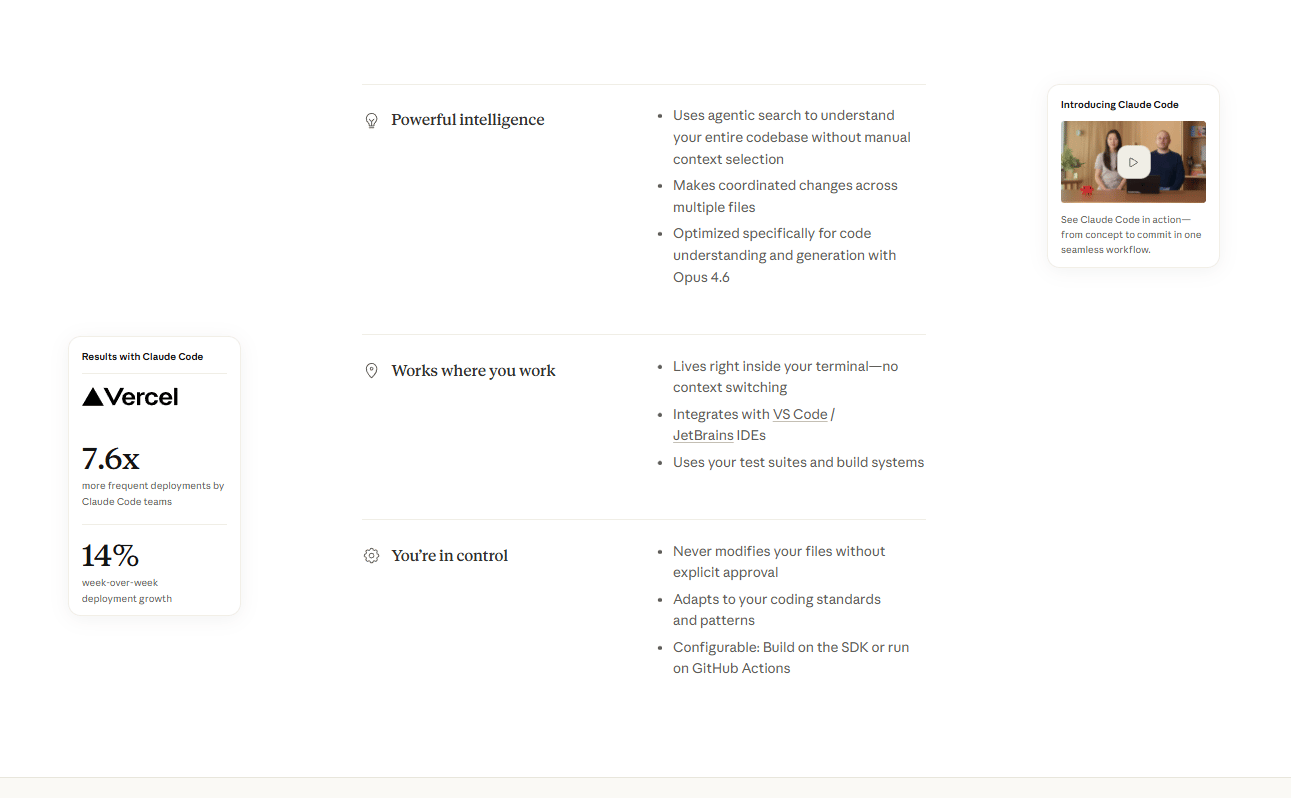
For people who want something even simpler, there’s also the Claude Desktop app. It offers many of the same benefits but without the need to work inside a developer-style environment.
Now that we understand the engine behind the system, let’s break down how the AI Operating System is actually built.
VI. 5 Layers of an AI Operating System
Building an AI operating system for a business usually follows five layers. Each layer adds a new capability, turning AI from a simple tool into an integrated system.
1. Layer 1: Context OS
The first layer, the foundation, is the permanent knowledge base of the business.
Before building any automations or dashboards, the AI needs to deeply understand your business. That means feeding it the core knowledge:
-
Who you are and what you do.
-
Your products and services.
-
Your team structure and roles.
-
Your brand values and voice.
-
Your quarterly and annual strategy.
-
Your client personas and target markets.
Once this layer is in place, the AI never asks who you are again. Every single response, from writing copy to answering a data question, comes from a foundation of full business context.
That’s what separates a real AIOS from a generic chatbot.
2. Layer 2: Data OS
The second layer connects the AI to live business data.
Instead of working from static information, the system links to real sources such as Stripe for revenue, Google Sheets for metrics and KPIs, Bitly for traffic data and other tools through APIs.
Once this layer is active, you can ask natural questions like:
-
“What’s the relationship between the YouTube videos I posted this month and revenue?”
-
“Where are we against our Q3 targets right now?”
-
“What’s the current conversion rate across all our funnels?”
This means you no longer have to dig through spreadsheets or wait for weekly reports. The AI becomes a live interface for the company’s data.
3. Layer 3: Intelligence Layer
Now the AI starts understanding what’s actually happening inside the company.
This layer captures the human side of the business: meetings, conversations and decisions. Meeting tools like Fireflies.ai (or any similar tool) can record and store transcripts, while Slack conversations can be logged and indexed.
That means you can ask questions like:
-
“What were the key decisions from last week’s team meetings?”
-
“What did we discuss about the product launch two weeks ago?”
-
“Give me a summary of everything that happened across the business in the last 30 days”.
But the most powerful feature this layer enables is the Daily Brief.
4. The Daily Brief: The Feature That Changes Everything
Every morning, the AI generates a full update on the business:
-
A Telegram message with the must-know highlights from the past 24 hours.
-
An AI-generated dashboard image showing a full funnel breakdown and key metrics.
-
A 5-10 page PDF report with deep analysis across all business areas.
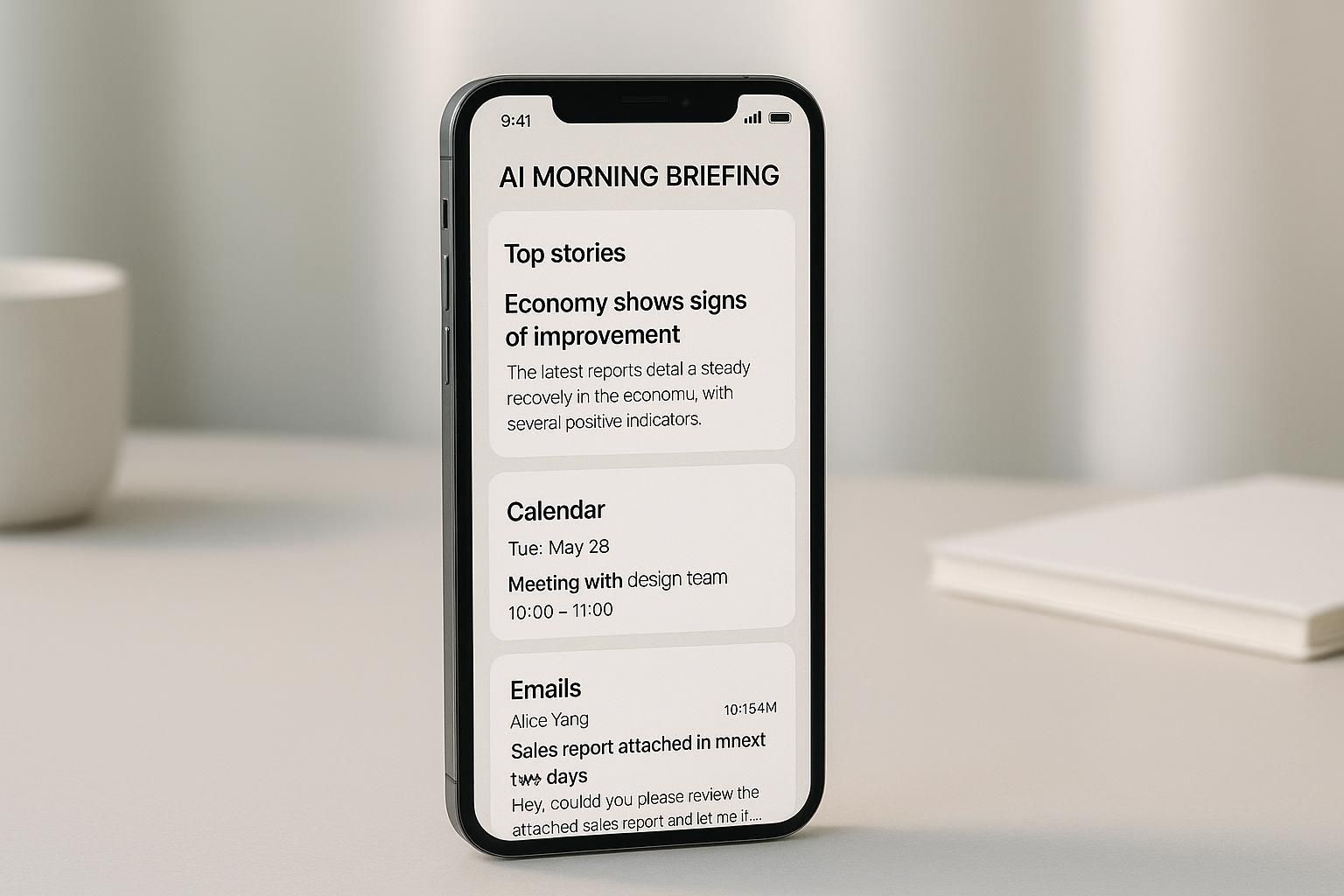
Instead of searching through dashboards, emails and meetings to understand what happened, founders receive a clear snapshot before the workday begins. For many founders, this single feature removes hours of daily admin.
5. Layer 4: Automate
Once the system understands the business and the data, this fourth layer removes repetitive work.
This is where the bandwidth reclamation really happens. The process starts with a Task Audit, a complete inventory of every task you perform across your business.
Here’s how to do it:
-
Step 1: List every task you do organized by business area or role.
-
Step 2: Tag each task, automate it, augment it (do it faster with AI help) or keep it fully human.
-
Step 3: Prioritize by bandwidth freed. Which automations clear the most time first?
-
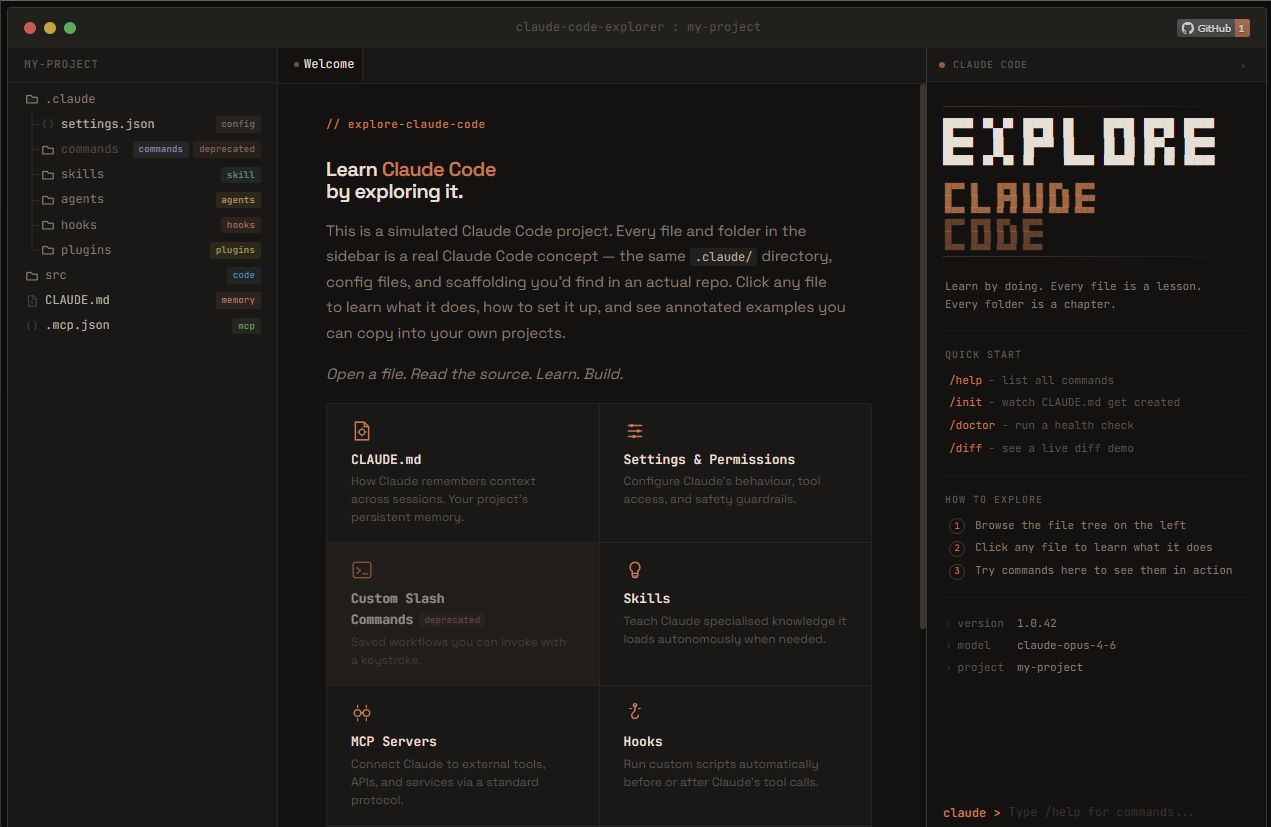
Step 4: Use Claude Code’s
/explorecommand to figure out exactly how to automate each task. Describe what you want to automate in plain English and it searches the web plus your entire business context to walk you through a step-by-step solution without any coding knowledge required.
-
Step 5: Set up cron jobs for recurring tasks that now run on autopilot.
One real example of scale: documenting 83 tasks across a business and targeting 60-70% automation within the first 30 days.
That’s roughly 54 tasks either fully automated or heavily augmented. Each one gives you bandwidth back and those gains compound quickly.
6. Layer 5: Build
The final layer focuses on how the freed time is used. With 60-80% of your operational tasks automated, you have two valid options:
-
Option A: Build. You can reinvest that time into growth, launching products, expanding into new markets and building campaigns that were always on your list but never had space.
-
Option B: Or honestly… just live your life. You can run the business efficiently without it consuming your entire life. So you can work from the beach, skip the Sunday anxiety and enjoy your life.
Neither option is wrong but the point is that you get to choose, which is something most founders don’t currently have.
VII. Teaching AI Operating System Your Workflows
Skills are simple files or folders that show Claude Code how to perform a task exactly the way you want it done.
You can think of them as documented workflows that the AI can follow whenever you need them.
Examples of what a skill can cover:
-
How to create a thumbnail in your style.
-
How to write a content brief.
-
How to onboard a new client.
-
How to generate a weekly report.
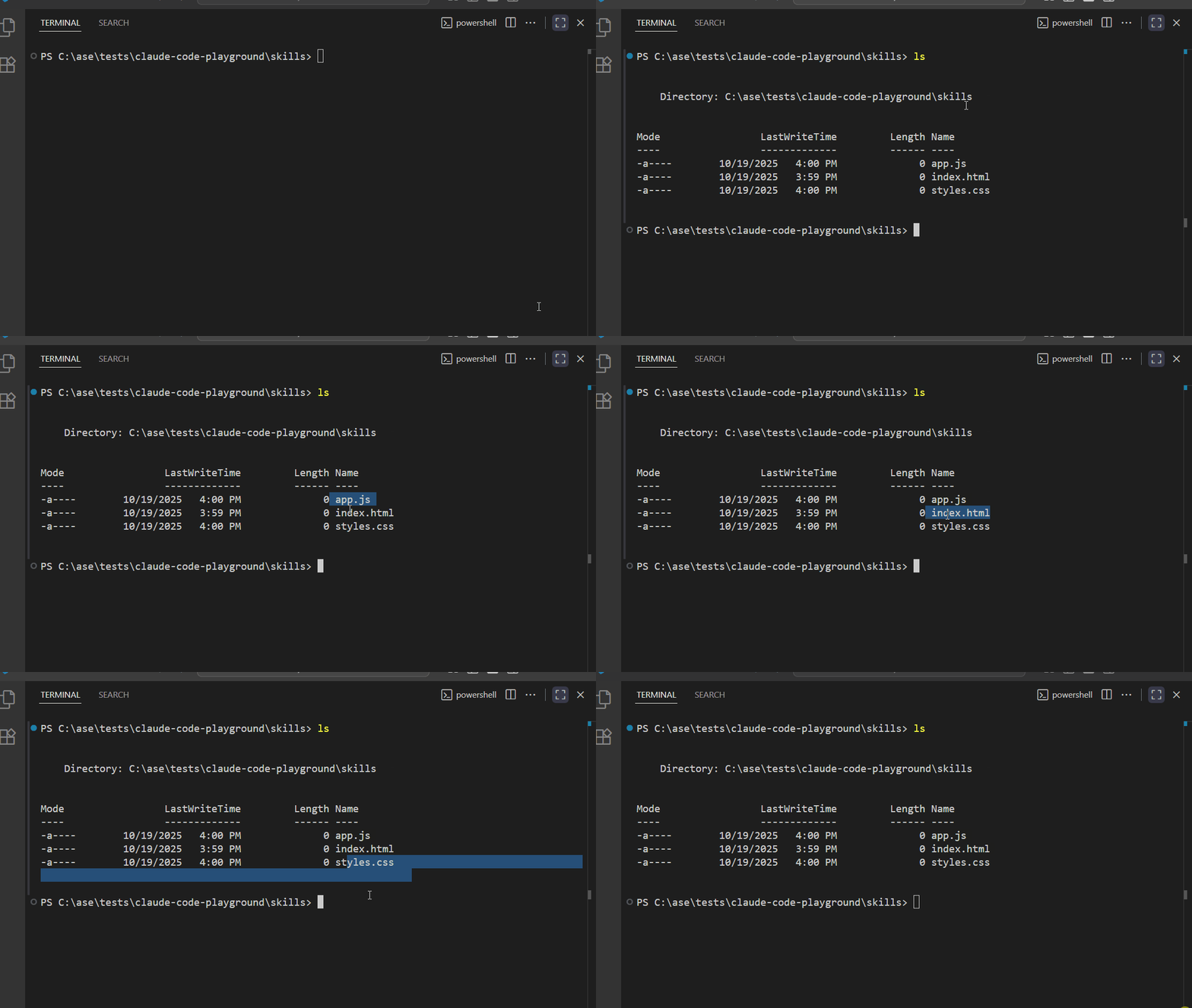
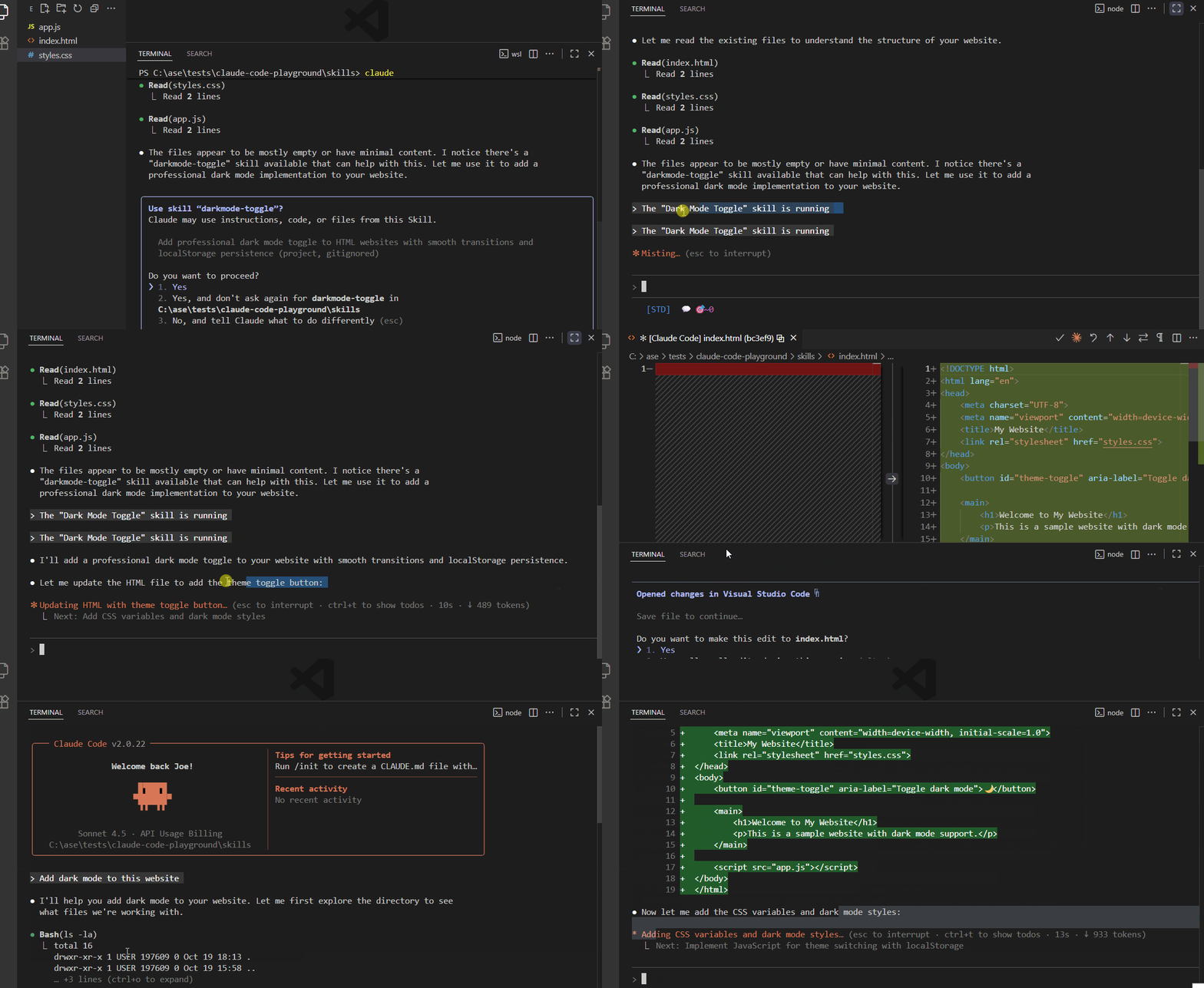
So, when you ask Claude Code to run one of these tasks, it opens the related skill file, reads the steps and executes the workflow the same way each time. With it, you don’t need to repeat instructions or explain the process again.
This is one of the most overlooked pieces of the AIOS system but it becomes powerful once teams start sharing skills.
If someone has already spent weeks refining the best way to produce thumbnails, you can simply import that skill and use it immediately. The benefit of their experimentation transfers directly into your system.
For teams and communities, this creates a powerful effect: one person builds the workflow and everyone else can use it.
You can also grab a starter AIOS system prompt template here to build your first automation skills.
VIII. 3 KPIs of Your AI Operating System
If you don’t measure it, you’re just assuming it works. An AI operating system should make your work faster and lighter but you need a few clear signals to know if it’s actually doing that.
KPI #1: Away-From-Desk Autonomy
Ask yourself a simple question: How much of your work can run without you sitting at a laptop?
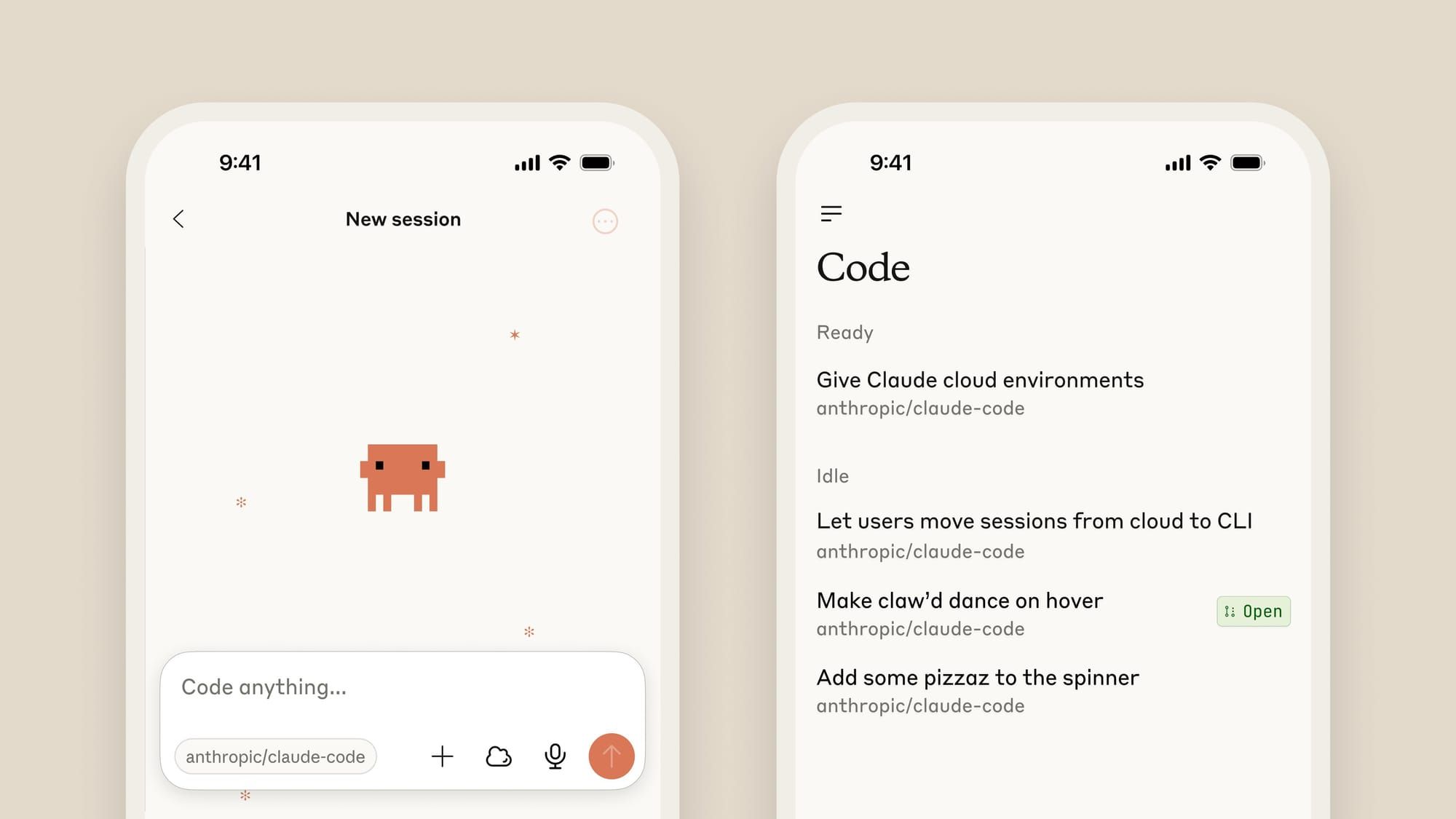
A simple test is to run your business for an entire day using only your phone connected to Telegram and Claude Code. Leave your desk, go somewhere else and see what breaks. Notice which tasks still run smoothly and which ones stop.
The real goal is that you should be able to disappear for an entire weekend with no laptop and have the business keep moving. When something fails during that test, you’ve just found the next process that needs automation.
KPI #2: Task Automation Percentage
Next, measure how much of your original workload is now automated or heavily assisted by AI.
The formula is straightforward:
Task Automation % = (automated or augmented tasks ÷ total tasks) × 100.Track this weekly after you audit your task list. In the first 30 days after building your system, a good target is 60-70% automation. Every percentage point is bandwidth returned to you for growth work.
KPI #3: Revenue Per Employee
Finally, track the metric that defines efficiency in the AI era: revenue per employee.
Here is the formula:
Revenue Per Employee = Total Revenue ÷ Total Headcount.This has quietly become the defining business metric of the AI era. Many AI-native teams already report revenue above $1 million per employee.
As your AI operating system improves, one of three things should happen:
-
Revenue goes up, headcount stays flat.
-
Revenue stays flat, headcount decreases.
-
Revenue goes up AND headcount decreases.
If none of those is happening, the system isn’t creating enough leverage yet.
Creating quality AI content takes serious research time ☕️ Your coffee fund helps me read whitepapers, test new tools and interview experts so you get the real story. Skip the fluff – get insights that help you understand what’s actually happening in AI. Support quality over quantity here!
IX. Why Small Businesses Win This Game
Small companies can move quickly because they have fewer internal constraints. Large organizations rely on legacy systems and complex approval processes. Implementing new automation often takes months or years. Smaller teams can experiment and implement changes much faster.
Key takeaways
-
Large companies rely on complex legacy infrastructure.
-
Implementation requires long approval cycles.
-
Small teams can adopt new tools quickly.
-
Faster experimentation leads to quicker innovation.
Large companies face a built-in problem: inertia.
They’re locked into legacy ERP systems that took years and millions of dollars to install. Every change passes through layers of approvals, procurement processes, compliance checks and internal politics.
Rolling out something like an AI operating system inside a Fortune 500 company can take years if it happens at all.
On the other hand, small businesses have none of those constraints. They can:
-
Drop old tools and switch to new ones in days.
-
Connect APIs freely without IT approval cycles.
-
Implement new automations the same week they’re identified.
-
Build a fully customized AIOS in days, not months.
-
Share skills and workflows across a small team instantly.
The structural advantages of being small (speed, flexibility, low bureaucracy) are exactly what make AIOS implementations fast and effective at this scale.
X. Conclusion
Most founders are running their businesses backwards. 80% of their time goes to maintenance and 20%, maybe, goes to actual growth. The business survives but it doesn’t really move.
An AI operating system changes that balance. Not someday but now, using tools that already exist and cost very little to begin.
-
The five layers form a system that progressively takes work off your plate and gives you back your bandwidth.
-
The Daily Brief alone removes hours of weekly admin.
-
The Task Audit reveals exactly where time is being lost.
-
The Skills system makes your best workflows repeatable and shareable.
-
And the three KPIs tell you at any moment whether it’s actually working.
Companies that build this layer now, while most competitors are still copying context into ChatGPT every morning, will look far ahead in a couple of years.
Start by teaching the AI about your business. Everything else will become easier.
If you are interested in other topics and how AI is transforming different aspects of our lives or even in making money using AI with more detailed, step-by-step guidance, you can find our other articles here:
-
Ready? Here’s Everything You Need to Know To Master Al in 2026 (No Tech Skills Needed)*
-
How To Build A RAG Agent For Pennies (Using This n8n Workflow)
-
Everyone Generates Cinematic B-Roll on Demand in Minutes (No Stock Footage)
-
If You Only Use ONE Al, Watch This First to Stop All Average Results!
*indicates a premium content, if any
Leave a Reply