
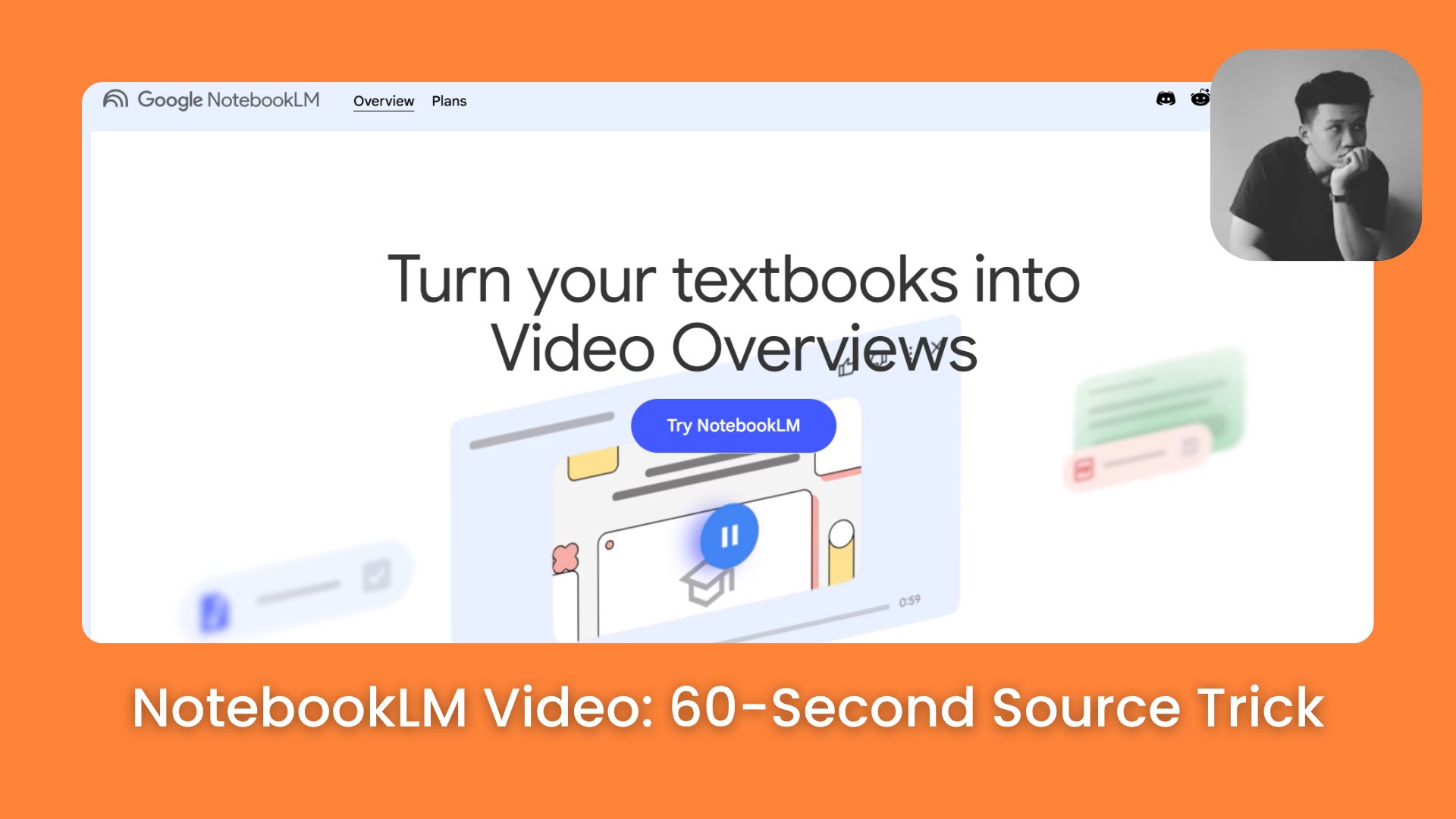
Turn any focused sources into a short video with the right format, prompt, and review process so your short doesn’t feel generic online. Everyone’s going to copy this hack.. Ai Tools, 🔥 Ai Fire Academy, Ai Automations.
TL;DR
NotebookLM video works best when your sources, topic, and prompt point to one clear idea. The goal isn’t to cover the whole notebook, but to turn one useful takeaway into a short visual explanation.
I’ll show you how to create a NotebookLM video from your own sources, choose the right format, and write a prompt that keeps the video focused.
Short is best for quick mobile videos, while Cinematic and Explainer fit longer or structured summaries. NotebookLM video is useful for research notes, chart summaries, learning content, short explainers, and article concepts.
Key points
Fact: Short Video Overviews are around 60 seconds.
Mistake: Don’t ask NotebookLM to summarize a whole notebook in one short video.
Currently rolling out to Google AI Pro and Ultra subscribers, free users, hang tight, it’s coming soon
Table of Contents
Introduction
Google just gave NotebookLM a feature called Short Video Overviews. It’s the thing that turns every document you’ve ever written into a narrated, animated 60-second vertical video.
That vertical shape is the whole point. Every platform that matters right now runs vertical video: Reels, Shorts, TikTok. Most AI video tools still hand you landscape footage you have to crop and reformat before you can post it anywhere.
→ This one skips that step completely.
Right now it’s on Google AI Pro and Ultra, English only, 18+. Free access is coming, but no date yet.
This isn’t a feature to bookmark for later. It isn’t something to try next quarter. Learn this now, while most people haven’t noticed it exists.
I. What Even Is a NotebookLM Short Video Overview?
Let me give you the quick version.
A NotebookLM Video Overview is exactly what it sounds like. NotebookLM takes the sources inside your notebook and turns them into a visual explanation you can watch.
With the Short format, you get a vertical video of around 60 seconds that helps viewers quickly grasp key concepts from your sources.
Google’s official NotebookLM account also shared a Short Video Overview demo showing complex sources turned into a 60-second vertical video.
Twitter tweet
Here’s the simple difference:
|
Compare |
Audio Overview |
Video Overview |
Short Video Overview |
|---|---|---|---|
|
Shape |
Audio only |
16:9 landscape video |
9:16 vertical video |
|
Length |
Several minutes |
Several minutes |
Around 60 seconds |
|
Focus |
Conversation-style deep dive |
Narrated visual walkthrough |
One core insight |
|
Best For |
Study, review, listening |
Reports, lessons, briefings |
Quick lessons, charts, takeaways |
|
Feel |
Like two hosts explaining |
Like a guided presentation |
Like a 60-second mini lesson |
|
Main Risk |
Can be too long |
Can cover too much |
Can feel shallow if the topic is too big |
The clip can include voiceover narration, on-screen text, images, and motion, so the main idea feels easier to watch on a phone.
But the video content is still based on the documents you uploaded. NotebookLM explains things according to your own materials.
The catch? Garbage in, garbage out. Clear, focused sources lead to a clear, focused video. A messy notebook full of unrelated links? You’ll get a messy, forgettable video.
II. Focus is Everything (Especially for Short Videos)
The Short format bets on immediacy. That’s a tight window. There’s simply no room to cover “everything about AI automation” or “all the key points from my research.”
If you try, the video ends up touching 5 ideas and explaining none of them.
Key points
-
A good NotebookLM video needs one narrow topic, especially in the Short format.
-
Broad topics usually lead to generic videos that viewers won’t remember.
-
A clear topic, learning goal, and audience help NotebookLM stay focused from the start.
The difference between a good topic and a bad one
|
❌ Too broad |
✅ Focused enough |
|---|---|
|
AI automation in 2026 |
Why AI automation ROI depends on workflow design |
|
Climate change |
The one chart that explains rising sea levels since 2000 |
|
My startup research |
The three mistakes first-time founders make in year one |
|
Digital marketing |
Why email still outperforms social for B2B conversion |
See the pattern? The right-hand column has a point of view. It tells NotebookLM what the video is for, not just what it’s about.
A quick test before you generate
Before hitting generate, ask yourself: “What should someone understand after watching this video?”
If the answer is still fuzzy, make it smaller. Pick one useful idea from your notebook. That’s the job you’re giving NotebookLM.
A better NotebookLM video starts with one clear concept, question, mistake, chart, or takeaway.
III. Create a NotebookLM Short Video, Step by Step
Here’s the clean order that makes this process easy: sources first → format second → topic third → review last. Don’t skip steps.
Step 1: Add Focused Sources
Open an existing notebook in NotebookLM, or create a new one. Then add the sources related to your topic, whatever you have.
For this guide, I’m using an AI automation notebook as the example. The sources cover automation ROI, agentic workflows, cybersecurity risks, low-code tools, and compliance.

One thing to do before you move on: remove anything that doesn’t directly support the topic you want to explain. If your notebook mixes too many angles, the final video tends to drift. Curate 3–5 strong, on-topic sources, that’s genuinely enough.
Step 2: Open Studio and Select Video Overview
Once your sources are ready, open the Studio panel inside your notebook. This is where you access all of NotebookLM’s output options.
Click Video, then choose your format. You’ll see 4 options, more on those in Section V, but for this guide, select Short.


Step 3: Write a Focused Steering Prompt
NotebookLM will sometimes suggest a topic automatically, and if it matches what you want, great, use it. But when it feels too broad, write your own.
Use this template and fill in the blanks:
Create a short NotebookLM video from these sources.

Topic:
[Write your topic here]

Target audience:
[Write who this video is for]

Specific focus:
[Write the exact question, problem, mistake, chart, or takeaway the video should focus on]

Main goal:
[Write what viewers should understand after watching]

Make the video simple, focused, and easy to follow. Do not try to cover the whole notebook. Use clear narration, short on-screen text, and a practical takeaway at the end.
Here’s what that looks like filled in for the AI automation example:
Create a short NotebookLM video from these sources.

Topic:
AI automation ROI in 2026

Target audience:
Business owners and team leaders deciding whether AI automation is worth investing in

Specific focus:
Why ROI depends on picking the right workflow first — not just buying the right tool

Main goal:
Viewers should leave with a clear test they can apply to their own workflow this week

Source focus:
Use the sections on automation ROI, workflow design, agentic workflows, human review, and business outcomes

Make the video simple, clear, and easy to follow. Focus on the main idea without covering the whole notebook. Use clear narration, short on-screen text, and a practical takeaway at the end.
This prompt gives NotebookLM a specific angle, a specific audience, and a specific job. The video needs to help viewers understand what makes the investment worth it.
Step 4: Generate and Review
Click generate. NotebookLM builds the video in the background, so you don’t need to stay on the same screen.
⚠️ Heads up on timing: Video generation can take more than 30 minutes for more complex source material. Just start the generation and check back later.

When it’s ready, watch it once all the way through. Ask yourself:
-
Does it stay on the topic I asked for?
-
Does it explain the key point clearly?
-
Does it end with one useful takeaway?
If it feels too broad, tighten your steering prompt and generate again. The prompt is your main lever, the more specific your intent, the more useful the output.
IV. Writing Prompts That Get Better Results
Once you know the steps, the prompt is where you actually control quality. Here’s how to sharpen it.
The difference between a forgettable video and a useful one usually comes down to one thing: does the prompt have a point of view?
A topic like “AI automation” is too wide for 60 seconds. NotebookLM could talk about workflows, agents, ROI, risks, tools, and compliance all at once, and it’ll try to. The result sounds fine and remembers nothing.
A better prompt picks one angle and gives NotebookLM one job.
Prompt pattern that works:
Topic: [specific angle, not a category]
Audience: [specific person, not a demographic]
Focus: [one question, one mistake, one chart, one "aha" moment]
Goal: [what the viewer should do or understand differently after watching]
Create a short NotebookLM video from these sources.
Topic:
AI automation ROI in 2026
Target audience:
Business owners, startup founders, and team leaders who want to understand whether AI automation is worth investing in
Main takeaway:
AI automation creates real ROI when it improves a specific workflow, reduces manual work, and gives the business a clear way to measure results
Source focus:
Use the sections about automation ROI, workflow design, agentic workflows, human review, and business outcomes
Video direction:
Make this video simple, clear, and easy to follow. Focus on the main idea without covering the whole notebook. Use clear narration, short on-screen text, and a practical ending that helps viewers understand what to do next.
V. Which Format Should You Actually Use?
The original three-format table you might have seen elsewhere is missing one option. NotebookLM currently offers 4 video formats: Short, Cinematic, Explainer, and Brief.
Here’s what each one actually does:

|
Format |
Length |
Best for |
The real difference |
|---|---|---|---|
|
Short |
~60 sec |
Quick mobile viewing, one concept |
Vertical format, built for phones, the newest addition |
|
Brief |
2–3 min |
Fast summaries, one core idea |
Like a condensed Explainer, single voice, quick pace |
|
Explainer |
Longer |
Full structured overview |
Connects the dots within your sources in a comprehensive walkthrough: single voice, single visual style, more linear |
|
Cinematic |
2–5 min |
Rich, immersive stories |
Animated clips, generated images, stock-footage cuts, much more cinematic but requires Pro/Ultra and is English-only |
So which one should you pick?
-
Short when you want one idea, fast, on a phone. Best for mobile content, revision clips, or quick explainers to share.
-
Brief when you need a fast summary but want slightly more depth than 60 seconds allows.
-
Explainer when you need a structured walkthrough of your whole source set for teaching, onboarding, or internal sharing.
-
Cinematic when the output needs to look polished, like a mini-documentary. But note: this is Pro/Ultra only, English only, and has a 20-generation daily cap.
For this guide’s AI automation example, Short is the right call: one narrow topic, one takeaway, built for someone to watch quickly and then act.
VI. Limits Worth Knowing Before You Start
Availability: Short Video Overviews are currently for Google AI Pro and Ultra subscribers. Free users are expected to get access soon, but no exact date has been given.
English only (for now): Short Video Overviews launch in English only. Cinematic Video Overviews are also English-only. Standard Explainer and Brief formats support 80+ languages.
No post-generation editing: You can’t edit a video after the initial generation step. If the structure or narrative doesn’t match what you wanted, you regenerate from scratch. This is why getting the steering prompt right matters so much.
Generation time: It can take more than 30 minutes. The video generates in the background, so you can close the notebook and check back later.
Visual style can repeat: The aesthetic across videos can feel similar over time. That’s fine for quick learning content, but if you’re creating branded videos, treat the output as a strong first draft and edit from there.
Factual drift is real: Like all AI outputs, Short Video Overviews can overstate or smooth over details from your sources. Cross-check against your primary sources before using these in papers, decks, or anything high-stakes.
Where it genuinely shines
NotebookLM Video is most useful when you have one small idea worth explaining and you want it in a watchable format fast. Good use cases:
-
Turning research notes into a 60-second study recap
-
Explaining one chart or data trend to a non-technical audience
-
Creating a learning clip from a long PDF or paper
-
Turning a single article concept into a shareable short
-
Preparing draft content for YouTube Shorts, TikTok, or Reels
For the AI automation example in this guide, the right angle stays narrow: why ROI depends on workflow design, not tool selection. That’s a 60-second idea. The whole topic of AI automation is not.
Personal data may also feel a bit general. NotebookLM can explain the idea well, but the video may not always sound as personal as a story you’d tell yourself.
Visual style can repeat across videos too. That’s fine for quick learning, but for branded content, you may want to treat the output as a strong draft and edit it further.
For more NotebookLM use cases and case studies, check the guides below:
-
How to Use Gemini + NotebookLM to Keep Your AI Accurate Every Time (For Free)
-
3 Claude + NotebookLM Setups That Feel Completely Unfair for Creators & Founders
Conclusion
A good NotebookLM video starts with a focused source set, a clear topic, and the right format. When you give NotebookLM one specific job, the final video is much easier to follow.
For quick mobile content, Short is the best place to start. It works well when you want to turn one research takeaway, chart, learning point, or article concept into a short visual explanation.
Just remember to review the result before publishing. NotebookLM can help you create a useful first version, but you’ll still want to check the facts, audio, visuals, and branding before sharing it publicly.
Start with one narrow idea, write a simple steering prompt, and let NotebookLM turn your sources into a focused video people can actually understand.
If you are interested in other topics and how AI is transforming different aspects of our lives or even in making money using AI with more detailed, step-by-step guidance, you can find our other articles here:
-
5 Best AI Productivity Apps Worth Keeping on Your Phone in 2026
-
How to Build Your Own Future-Proof Career While AI Gets Smarter Every Month*
-
How to Use Gemini Omni: 5 Practical Use Cases Most People Miss
-
10 Fastest AI Productivity Hacks You Can Do in Under 1 Minute: Quick Wins for Any Creator*
*indicates a premium content, if any
Leave a Reply