
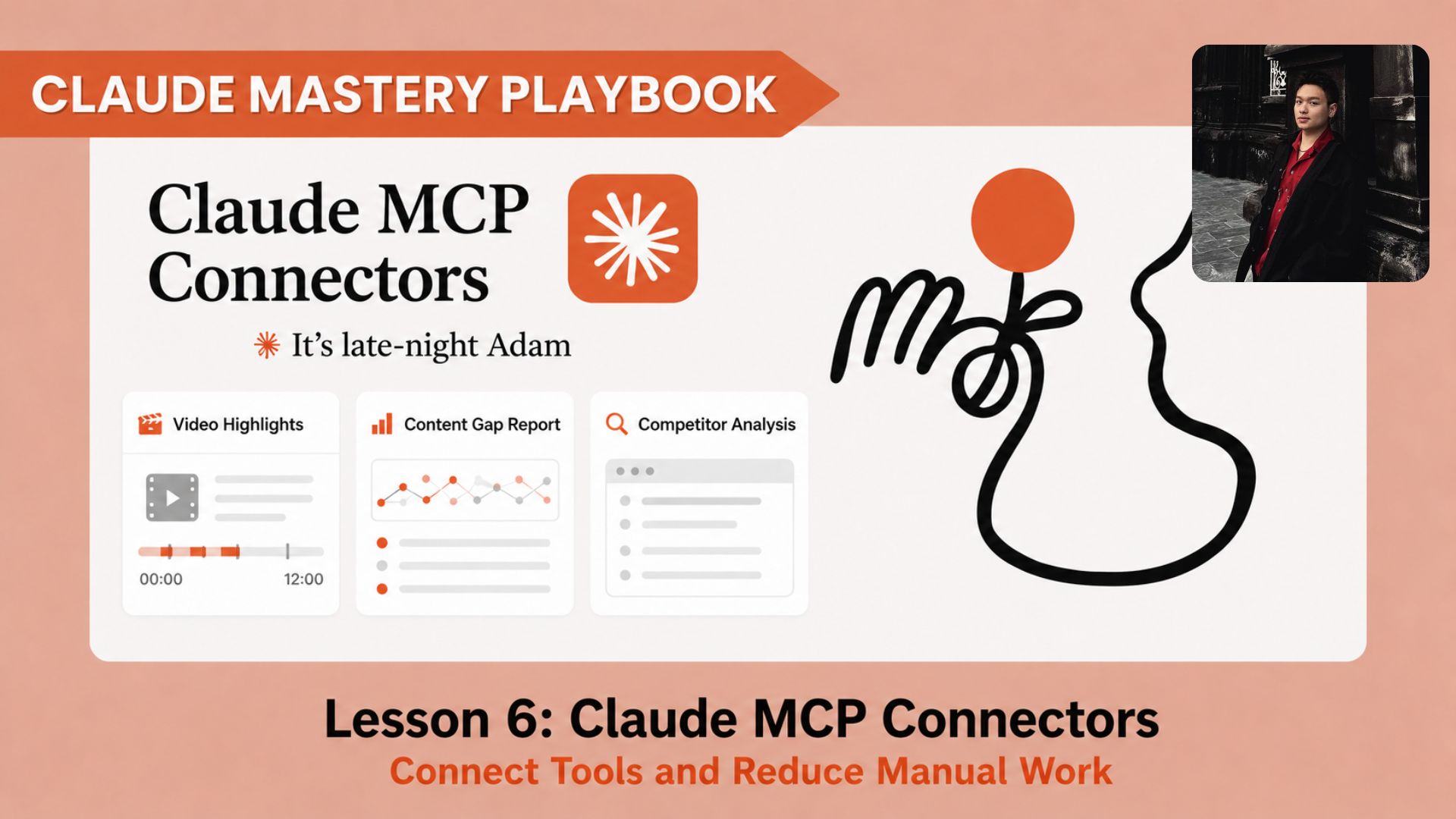
How to connect Claude Cowork with Gmail, Google Drive, Notion, and Canva so your AI workflows stop depending on copy-paste. Ai Tools, Ai Fire 101, 🔥 Ai Fire Academy, Ai Automations, Ai Workflows, Ai Courses.
TL;DR
Most AI workflows feel slow because the user still has to move the data by hand. Claude MCP Connectors fix a big part of that problem by letting Claude Cowork work with the tools where your real work already lives.
In this lesson, you will build two connected workflows: a Daily Business Briefing from Gmail, and a Content Brief Builder for marketers using Notion, Google Drive, and Canva.
Key Points:
Important Fact: MCP Connector allow Claude to access approved external tools, so it can work with real data sources instead of waiting for you to paste everything into the chat.
Common Mistake: Many beginners connect the tools but skip the quick Connector test, then wonder why the workflow fails halfway through.
Practical Takeaway: Before running any Cowork workflow, prepare the tracker, database, source files, output destination, and review step first.
Critical Insight: The biggest upgrade is the system around the prompt. Once your data, tools, and output destinations are ready, Claude can handle much more of the workflow without forcing you to copy and paste everything by hand.
Table of Contents
Introduction
Most people use Claude every day, but their workflow still feels manual. They open Gmail, copy an email, paste it into Claude, wait for the answer, then copy the output into another tool.
Model Context Protocol (MCP) Connector solves this by letting Claude Cowork work closer to your real workspace. Instead of dragging data into Claude, you can let Claude access the right tools, read the right context, and prepare the output where it needs to go.
In this lesson, we will build two practical workflows: a Daily Business Briefing from Gmail, and a Content Brief Builder for marketers using Notion, Google Drive, and Canva.
You’ve reached the locked part! Subscribe to read the rest.
Get access to this post and other subscriber-only content.
Upgrade Translation missing: en.app.shared.conjuction.or Sign In
A subscription gets you
- Instant access to 700+ AI workflows ($5,800+ Value)
- Advanced AI tutorials: Master prompt engineering, RAG, model fine-tuning, Hugging Face, and open-source LLMs, etc ($2,997+ Value)
- Daily AI Tutorials: Unlock new AI tools, money-making strategies, and industry (ecommerce, marketing, coding, teaching, and more) transformations (with videos!) ($3,650+ Value)
- AI Case studies: Discover how companies use AI for internal success and innovative products ($1,997+ Value)
- $300,000+ Savings/Discounts: Save big on top AI tools and exclusive startup discounts
Leave a Reply