
Stop generating disconnected clips. This guide shows how to use video references and sequential generation to keep characters, physics, and motion consistent across scenes.. How To Make Money With Ai, Ai Tools, Ai Fire 101.
TL;DR BOX
In April 2026, Seedance 2.0 (by ByteDance) has emerged as a formidable “Sora-alternative”, specifically optimized for Commercial Production and Character Consistency. Unlike models that prioritize abstract cinematic beauty, Seedance 2.0 focuses on “Identity-Lock” technology, ensuring that a character’s face, clothing and proportions remain identical across multiple separately generated shots. With its unified Multimodal Audio-Video architecture, it generates 15-second 2K clips with native, perfectly synchronized audio (music and dialogue) in a single pass.
Key Points
Fact: Seedance 2.0 was officially launched on February 12, 2026 and immediately went viral for its “ultra-realistic” human motion, particularly in complex scenarios like figure skating and martial arts.
Mistake: Treating AI video as a series of isolated prompts. The Pro Move: Use the “All-Round Reference” system (@Image, @Video, @Audio tags) to build a multi-shot sequence where the last frame of one clip anchors the first frame of the next.
Action: Try the model on Jimeng/Dreamina for around $9.60/month (69 RMB). This provides the highest success rate and access to 2K upscaling and 60 FPS output, which is essential for professional social media and ad campaigns.
Critical Insight
Seedance 2.0 moves away from “text-only” guessing. By providing a shooting script or storyboard as a reference image, you can dictate specific camera movements (Dolly zooms, rack focuses) that the model will follow precisely, effectively turning you into an AI Cinematographer rather than just a prompt writer.
Table of Contents
I. Introduction
AI video has always looked impressive at first but the illusion often breaks after a few seconds. A scene would start strong, then small details would fall apart, hands distort, faces shift or movement would stop feeling natural.
The result felt more like a short demo than something you could actually use in real projects.
Right now, Seedance 2.0 is trying to change that. Early tests suggest the focus is maintaining consistency across scenes so the output holds together from start to finish.
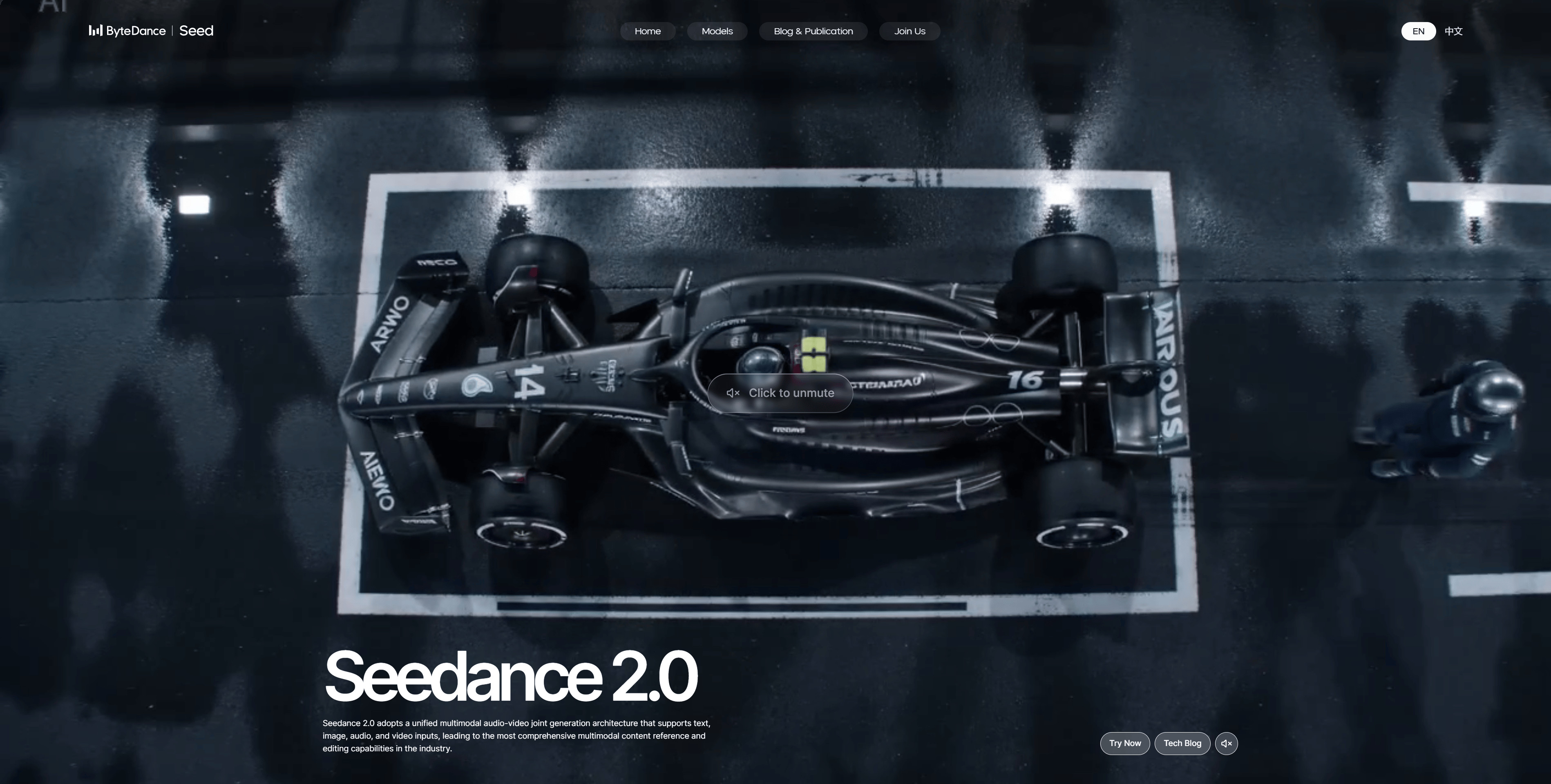
The biggest improvement is maintaining character stability, maintaining logical motion and controlling how sequences connect.
Learn How to Make AI Work For You!
Transform your AI skills with the AI Fire Academy Premium Plan – FREE for 14 days! Gain instant access to 500+ AI workflows, advanced tutorials, exclusive case studies and unbeatable discounts. No risks, cancel anytime.
Start Your Free Trial Today >>
II. One Advanced Feature from Seedance 2.0!
Most AI video tools give you 2 options: text-to-video or image-to-video. The result can look good but the process often feels unpredictable.
Seedance 2.0 adds a third workflow that most tools still don’t have: video-to-video.
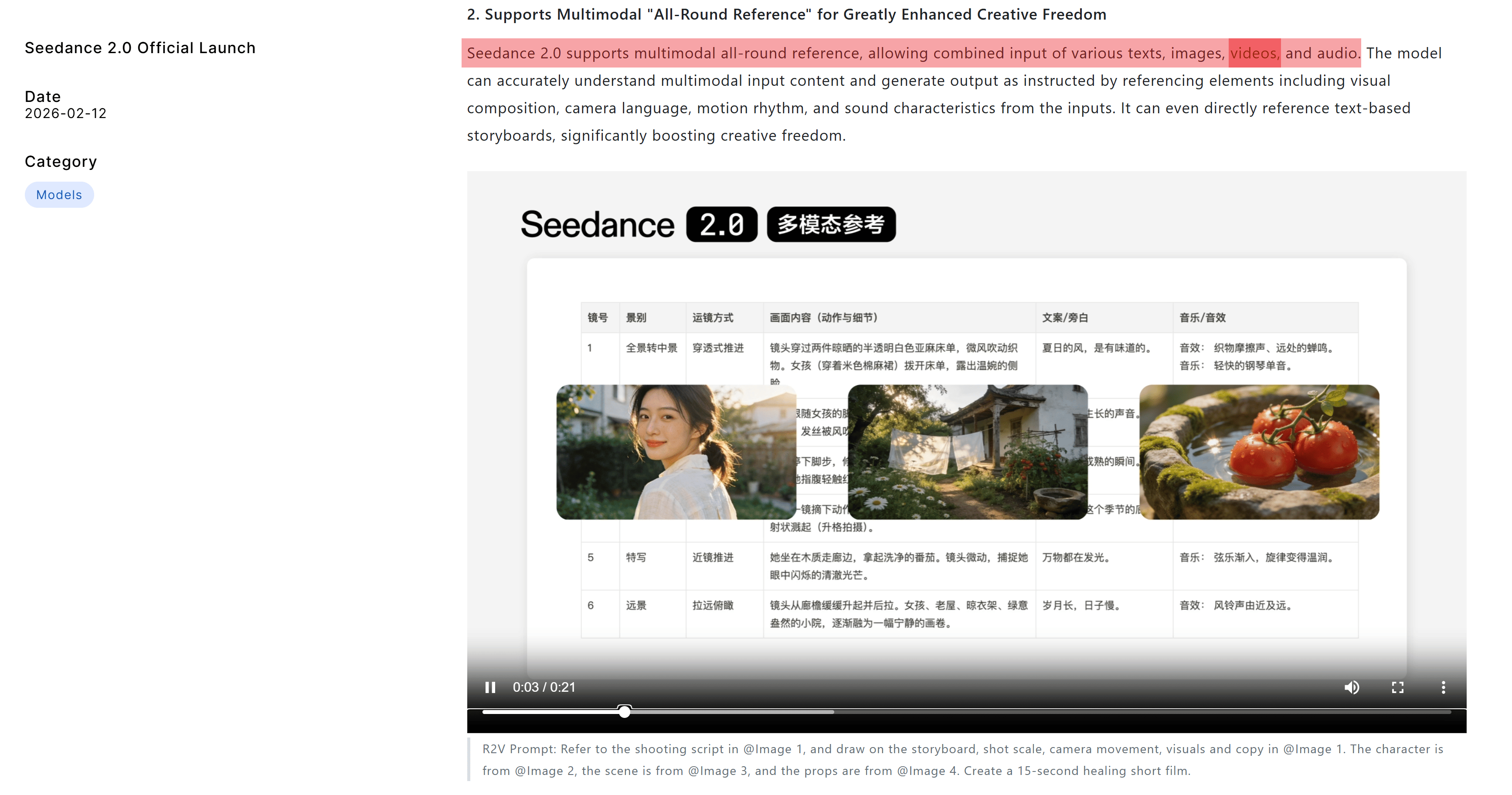
In one generation, you can upload up to 3 reference videos, 6 images and 1 audio file, all of which guide the camera movement, actions, visual style and overall mood.
→ Rather than describing everything in words and crossing your fingers, you provide visual direction that helps the model understand what you actually want.
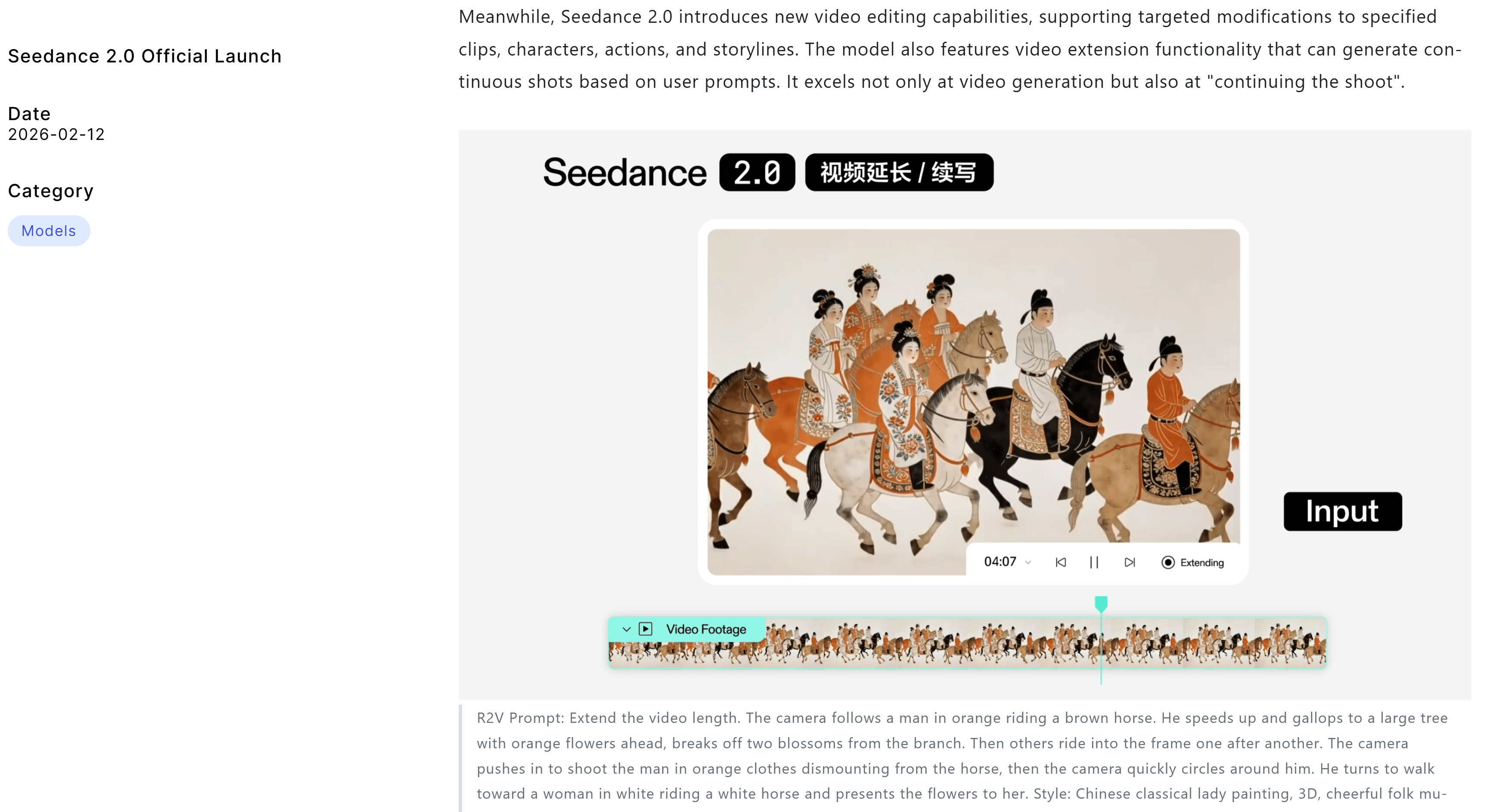
The workflow becomes even more powerful because the ending of one generated clip can become the starting point for the next, allowing scenes to connect smoothly instead of feeling isolated.
This makes it possible to build sequences that feel continuous, as if they were planned as part of the same production instead of being generated separately.
Why This Matters More Than You Think
Every other AI video tool treats each generation as a standalone result. You create a clip, download it and the next clip starts again from zero, often with different motion, lighting or visual consistency
Seedance 2.0 approaches generation as a sequence instead of isolated attempts. Each clip can build on the previous one, allowing scenes to develop step by step.
This is more than a technical feature. It represents a shift in how AI video can be planned, moving closer to structured storytelling instead of isolated outputs.
III. 5 Things Seedance 2.0 Actually Gets Right
Seedance 2.0 isn’t just a benchmark improvement.
It changes a few things that actually matter when you’re trying to make an AI video look like real footage instead of a tech demo.
5 improvements stand out and each one solves a problem that has been limiting AI video quality for months.
1. Character Consistency That Doesn’t Fall Apart
One of the biggest problems in AI video has always been characters changing from shot to shot. When faces shift, proportions change or details disappear, the result stops feeling like a film and starts feeling like disconnected clips.
In longer tests with sequences approaching one minute, viewers often couldn’t tell where one generation ended and the next began. Faces remained stable, body proportions stayed consistent and background elements such as text on walls did not randomly change or disappear.
It may sound basic but in AI video, this level of stability is hard to achieve.
Let’s take the slow-motion fight demos as an example. The sweat, the motion blur, the text visible in the background, all of it stays stable through multiple shots. That kind of detail is exactly what makes the brain accept footage as “real” instead of flagging it as “AI”.
Twitter tweet
2. Physics That Actually Look Like Physics
Many AI video tools can make things look impressive in a still frame but once motion begins, problems often appear. Movements can feel unnatural, liquids behave incorrectly and objects react in ways that break immersion
Seedance 2.0 appears to improve physical realism, with some comparisons being made to Sora 2, which had previously been considered the benchmark for physical realism.
The most telling examples: a sports-ad style sequence showing realistic punches, water entry and shadows. And a Formula 1 clip where suspension behavior, rain spray, camera angle matching and text on the moving car all hold together.
Twitter tweet
One detail reviewers often highlight is text staying stable on fast-moving objects. If a sponsor logo stays readable on a car moving at 200 km/h through rain, that’s not a small improvement.
Twitter tweet
Small details like this strongly influence whether viewers perceive footage as believable.
3. Humans That Actually Look Human
UGC-style footage is often the hardest test for AI video.
Cinematic action scenes get a pass because they’re stylized. But everyday human footage is much harder to fake. Small details give everything away:
-
how a hand holds an object
-
how skin moves
-
whether the eyes focus naturally
One test that’s worth paying attention to: a simple clip of someone applying moisturizer to their face. The brand name remains readable, lip sync appears accurate and the lighting doesn’t feel polished, which actually helped; it felt more like real UGC than a produced ad.
Twitter tweet
That’s the paradox of AI realism: sometimes the imperfections are what make something believable.
If this level of realism remains stable across more examples, Seedance 2.0 becomes useful not only for experimentation but also for practical commercial production.
4. Multi-Shot Sequences That Actually Stick Together
In the past, creating a multi-shot AI video that felt coherent required a lot of effort. Different tools, manual editing and a fair amount of compromise when visuals didn’t quite match between shots.
Seedance 2.0 can generate sequences with multiple camera angles, transitions, interactions and visual effects from a single prompt while maintaining continuity across shots.
One example often mentioned is a sword-fight scene with broken windows, a falling lamp and multiple camera angles. What stands out is not just the visual quality of each frame but the way the sequence feels connected from start to finish.
Twitter tweet
The improvement is not only in individual frames but in how scenes connect logically across edits.
5. Motion Precision That Doesn’t Make Your Brain Itch
AI video’s big moments get the attention but tiny motion precision is where the uncanny valley lives. A movement that feels slightly off, an object that behaves in an unrealistic way or a subtle distortion in the scene can make everything feel artificial.
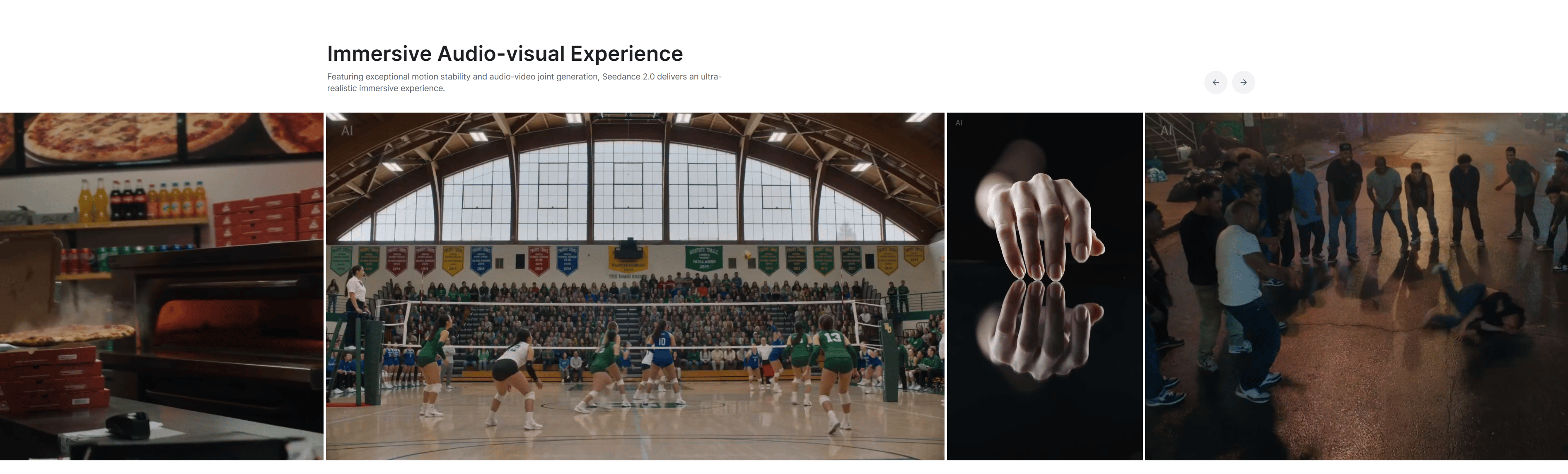
One example reviewers point to is an arrow splitting cleanly in half. Not roughly but precisely, without strange morphing or visual artifacts. The motion follows physical expectations closely enough that it doesn’t distract you.
There are still minor imperfections, like slight number distortion in one motion design clip but the fact that these small details stand out shows how much progress has been made.
When viewers focus on tiny inconsistencies instead of major visual flaws, the baseline quality has clearly moved forward.
Creating quality AI content takes serious research time ☕️ Your coffee fund helps me read whitepapers, test new tools and interview experts so you get the real story. Skip the fluff – get insights that help you understand what’s actually happening in AI. Support quality over quantity here!
IV. Get Clean Results With Seedance 2.0 Using One Workflow
With Seedance 2.0, results improve when you build with references and test in the right order, not just write more detailed descriptions.
1. Stop Prompting. Start Referencing
The biggest mindset shift Seedance 2.0 requires is about how you think about generation. Instead of relying on one perfect description, you should collect examples that guide the output.
Before creating anything, collect the materials that define the direction:
-
If the scene needs a specific camera style, find video references.
-
If character appearance matters, lock it down with image references.
-
If audio mood is important, include that too.
These references give the model something concrete to follow instead of leaving everything open to interpretation.
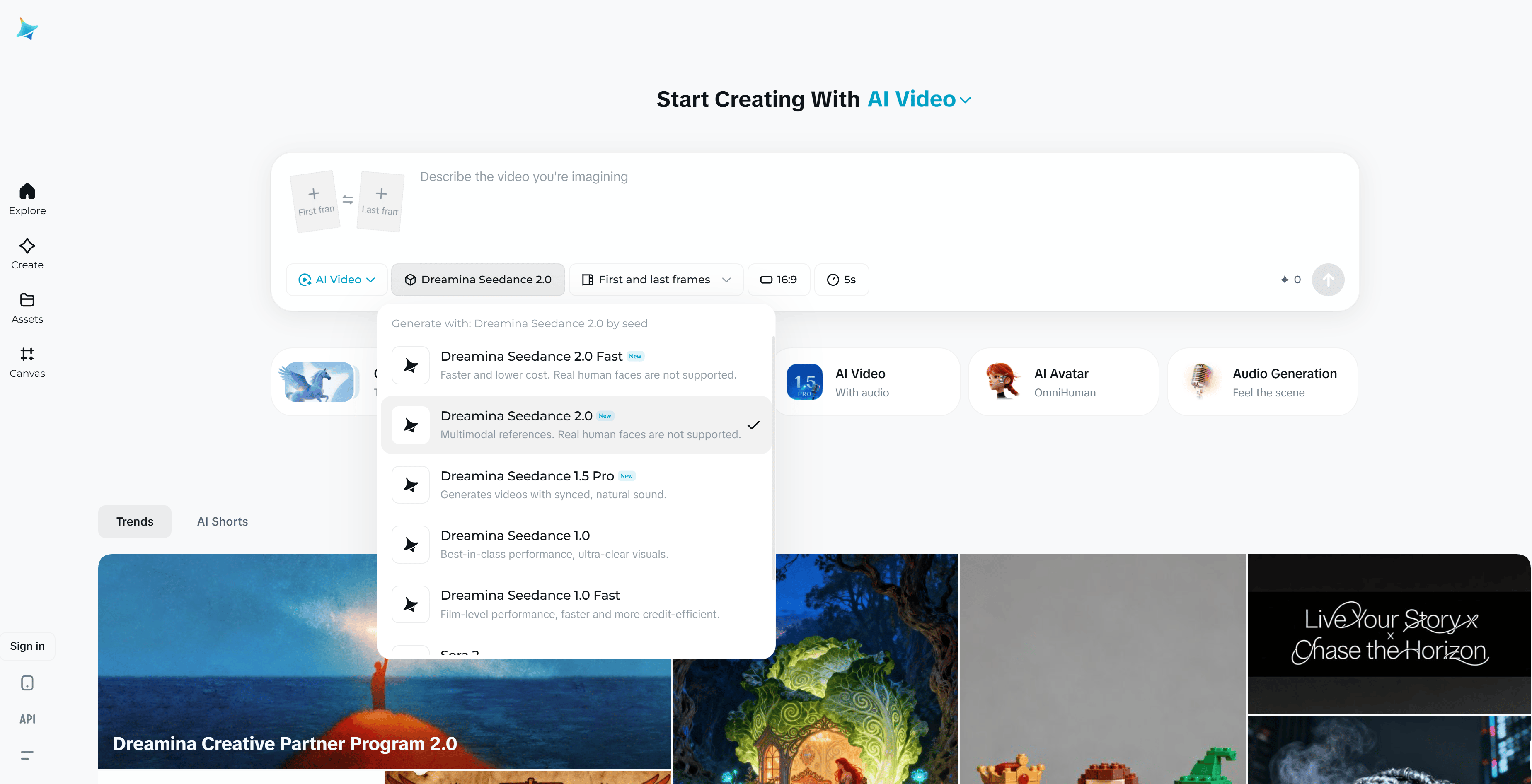
Then build the video step by step instead of generating everything at once. Create one short scene, use its ending to guide the next scene and continue building the sequence piece by piece, just like a video editor assembling a timeline.
2. Test the Boring Stuff, Not Just the Flashy Stuff
Strong results come from testing everyday scenarios, not only cinematic shots. Cinematic lighting, dramatic landscapes or stylized characters often look convincing because they hide small imperfections.
A more useful test is everyday realism. Observe how the model handles hands interacting with products, subtle human movements, consistent brand details, fast camera angle changes or small objects in motion.
When a tool can produce stable results in simple, realistic scenarios, it becomes much more reliable for real projects. If it handles basic scenes well, it is more likely to perform consistently in complex productions.
Access the complete AI Film Storyboard Template here so you can easily copy the structure and begin planning consistent multi-shot AI videos.
V. Seedance 2.0’s Honest Limits Worth Knowing
No tool is perfect, and this one is no exception.
Some reviewers have already pointed out inconsistencies, such as small visual errors in action scenes or elements changing shape between frames. These issues are real and worth keeping in mind.
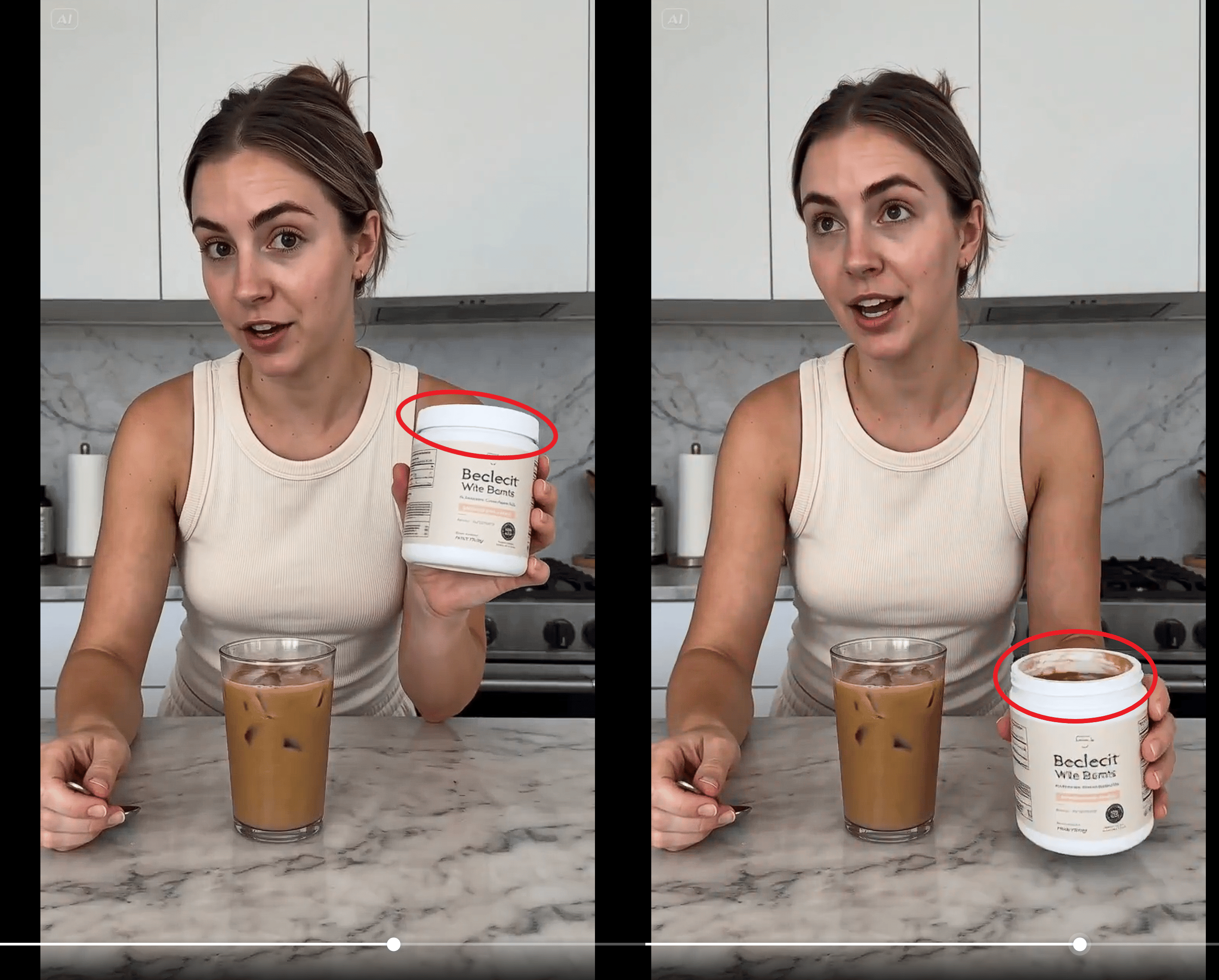
There is also the usual problem with AI demos. Showcase videos often highlight the best results but real performance only becomes clear when you run 50 prompts instead of the 5 cherry-picked ones in the promotional video.
That level of performance still needs careful evaluation.
Access limitations are worth noting. Seedance 2.0 is available through Higgsfield and depending on when you’re reading this, full access may require a paid Business plan subscription.
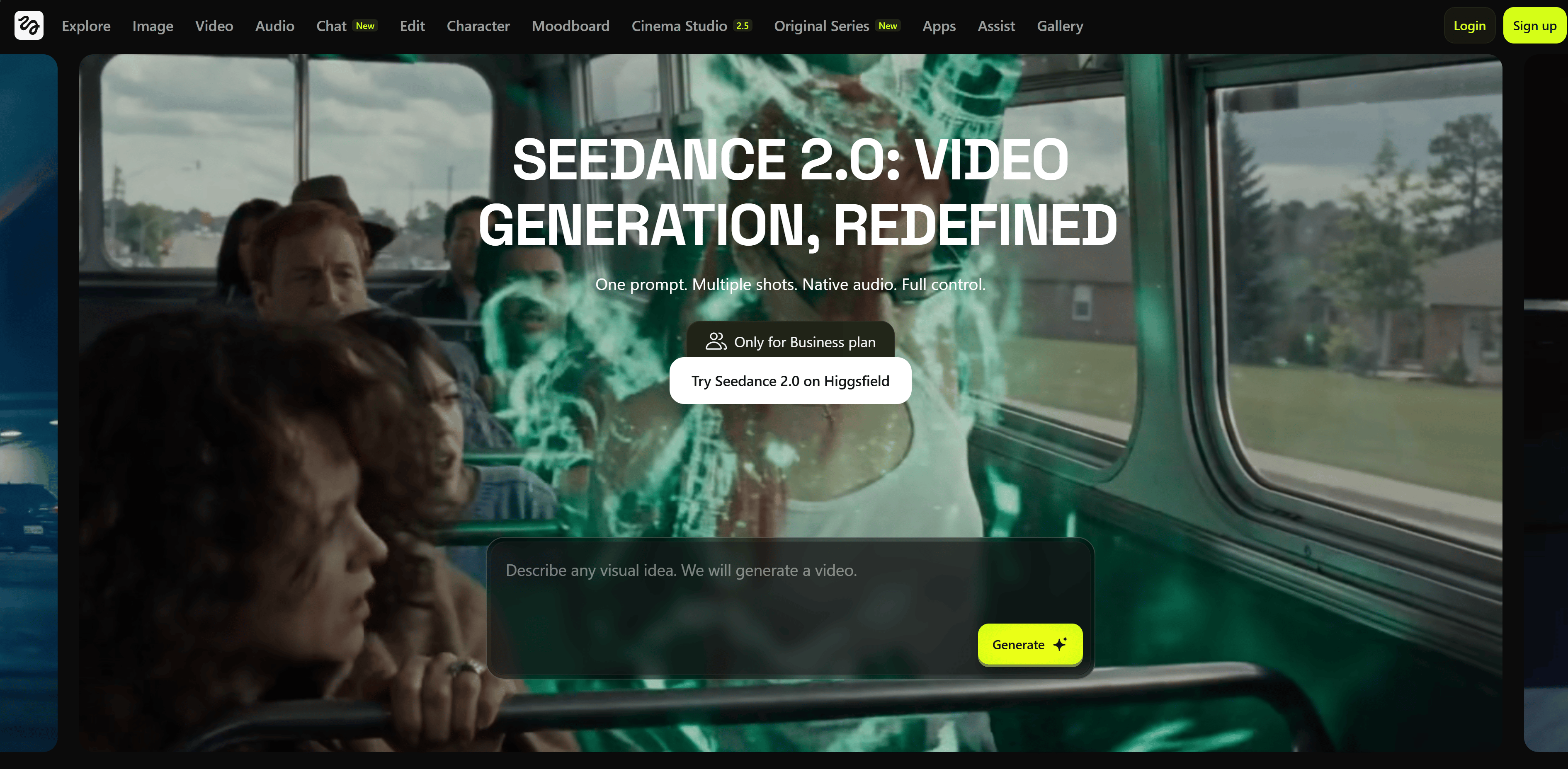
This means testing the tool may involve a paid subscription rather than a completely free trial.
VI. What This Means for Creators Right Now
For creators, Seedance 2.0 is worth testing because it improves the exact issues that have made AI video frustrating. It does not replace traditional production but it does narrow the gap between small creators and higher-end output. The most useful move right now is to learn the workflow, not just admire the demos.
Key Takeaways:
-
This tool may be more practical than earlier AI video models.
-
Better continuity helps creators build more usable projects.
-
The gap between small teams and polished video is shrinking.
-
Workflow matters as much as model quality.
-
Creators should test with references and sequences, not just prompts.
For creators working on short films, ads, motion graphics, user-generated content, concept trailers or branded videos, this tool is worth paying attention to.
Not simply because it produces visually appealing clips but because it seems to solve the three things that make AI video maddening: characters that drift, physics that break and human footage that feels dead inside.
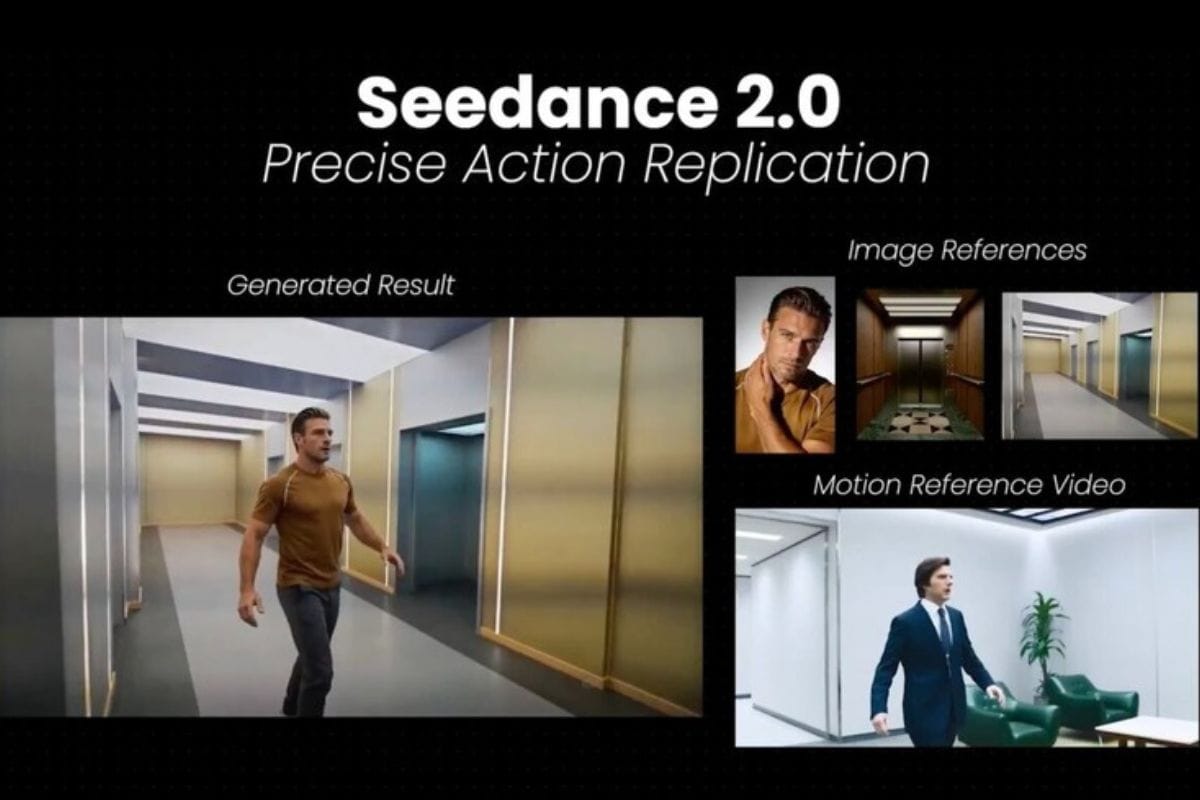
A practical approach is to begin by collecting strong references rather than focusing only on prompt writing. Build scenes in segments, test on simple footage as well as dramatic scenes and use the ending of one clip as the starting point for the next to maintain continuity.
That workflow is where the improvements become most visible.
VII. Conclusion
Most AI video releases follow a familiar pattern: slightly better visuals, fewer strange artifacts and another benchmark result that does not change how people actually create.
Seedance 2.0 is making a different argument: the focus is shifting from generating single impressive clips to building sequences that connect logically and can be edited more naturally.
If you are interested in other topics and how AI is transforming different aspects of our lives or even in making money using AI with more detailed, step-by-step guidance, you can find our other articles here:
-
NEW Claude Cowork Feature That Automates 90% of Repeated Work (Beginner Guide)
-
LTX Just Dropped a First AI-Native Video Editor and It Is Wild (Completely Free)
-
Top 4 Sites That Let You Test ALL Pro AI Models for Free & Unlimited in 2026*
-
How I Copied a $1K/Day YouTube Channel With AI. Here’s the Automated System!*
-
Google Mixboard: Turn Ideas Into Mockups + Brand Boards in 30 Minutes
*indicates a premium content, if any
Leave a Reply