
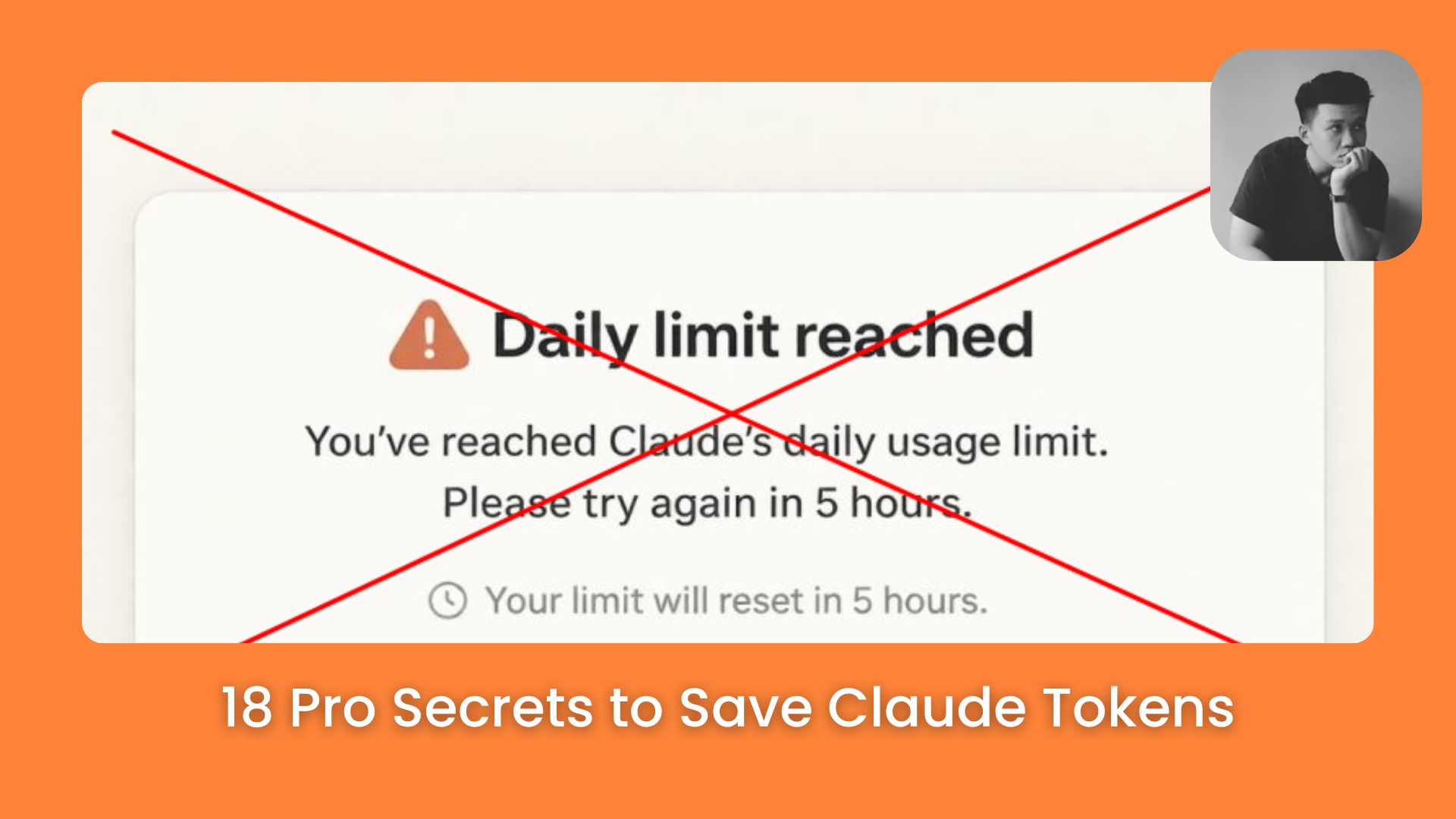
Tired of hitting limits? Master 18 elite methods to minimize context waste. Keep your coding flow active for hours without paying for useless history.. Llms (Large Language Models), Ai Tools, Prompt Engineering, 🔥 Ai Fire Academy.
TL;DR
In 2026, hitting your Claude limit is often a result of poor “context hygiene” rather than reaching actual work capacity. Every message you send forces Claude to reread the entire conversation history, creating a compounding snowball effect on token consumption. By adopting habits like using the /clear command for new tasks, batching prompts, and disconnecting unused MCP servers, you can stretch your sessions significantly. Managing your files specifically keeping claude.md lean and using specific @file references – ensures you aren’t paying for data the AI doesn’t need to see.
Key points
Context Snowball: Cost grows exponentially, not linearly, because Claude rereads all previous messages with every new turn.
Tool Overhead: Unused MCP servers can silently add up to 15,000 tokens per message; disconnect them to save budget instantly.
Strategic Compaction: Manually summarize and restart sessions at 60% capacity to maintain model sharpness and low costs.
Table of Contents
Introduction
If you were at our last AI Fire workshop on Claude CoWork, you already saw how fast things can move when the setup actually works.
One question came up more than once during that session: “Why do I keep hitting the token limit, and what do I do when I do?”
It’s a fair question. You’re in the middle of something that’s actually working, the workflow is clicking, and then, You’ve reached your limit. Everything stops.
Most of the time, it’s not because you’re working too much. It’s because the session is carrying a lot of invisible weight. The tokens are draining in the background before the real work even begins.
So, this guide walks you through 18 practical tips to help you stretch your sessions, cut the waste, and stay in flow longer without spending a single extra dollar.

Bonus: This guide includes ready-to-use templates, copy-paste prompts, step-by-step flows, and troubleshooting tips. By the end, you’ll know how to maintain peak AI performance while spending significantly less on every message.
I. Why Claude Tokens Disappear Faster Than You Expect
Before diving into the tips, it helps to understand why this happens in the first place.
A Claude token is just a small piece of text, think of it like a syllable or a few letters grouped together. But the way Claude reads those tokens is where things get expensive.
Every time you send a new message, Claude doesn’t just read that message. It rereads the entire conversation from the very beginning. Every single time.
Key takeaways
-
Compounding Cost: Claude doesn’t just read your latest message; it processes the full thread with every interaction.
-
Token Definition: Tokens are small clusters of characters; even a “Yes” can cost thousands if the history is long.
-
The Snowball Effect: Cost grows exponentially as the conversation history gets heavier.
-
History Weight: The primary drain on your budget is not what you are currently typing, but what the AI is forced to “carry” from previous turns.
Picture it like this:
-
Message 1: Claude reads 1 page
-
Message 2: Claude reads pages 1 and 2
-
Message 3: Claude reads pages 1, 2, and 3
By message 20, Claude is rereading 19 messages just to process your latest request. That’s why the cost doesn’t grow in a straight line, it compounds. A session that starts at 500 tokens can quietly balloon into a 20,000-token bill before you even notice.
That’s the real problem. Not how much you type, but how much Claude has to carry.
II. Claude Tokens Tips 1-2: Start Every Session the Right Way
The way you start a session matters more than most people think. A clean start keeps the context tight, the costs low, and the focus sharp.
Key takeaways
-
Task Isolation: Use /clear for every new Jira ticket or bug fix to keep the context window focused and cheap.
-
MCP Management: Connected servers can add up to 15,000 tokens of hidden “definitions” per message; only keep active tools linked.
-
Clean Slates: Starting a fresh chat can save thousands of tokens by removing irrelevant history from the AI’s current “thought process.”
-
Tool Definitions: Even if you don’t use a tool, its “instruction manual” is sent to the AI if the server is connected.
Tip 1: Use /clear for Every New Task
The simplest thing you can do is start a fresh chat for every new task. Finished fixing a bug in the login page and now moving on to footer CSS? Don’t keep going in the same window.

The /clear command wipes the entire history, which means your next message costs a few hundred Claude tokens instead of thousands.
If the new task doesn’t need anything from the old conversation, there’s no reason to make Claude carry it. It’s the easiest habit to build and one of the highest-impact ones.
Tip 2: Disconnect MCP Servers You Don’t Need
If you’re using Claude Code, you might have several MCP servers running in the background at all times.
You’ve reached the locked part! Subscribe to read the rest.
Get access to this post and other subscriber-only content.
Upgrade Translation missing: en.app.shared.conjuction.or Sign In
A subscription gets you
- Instant access to 700+ AI workflows ($5,800+ Value)
- Advanced AI tutorials: Master prompt engineering, RAG, model fine-tuning, Hugging Face, and open-source LLMs, etc ($2,997+ Value)
- Daily AI Tutorials: Unlock new AI tools, money-making strategies, and industry (ecommerce, marketing, coding, teaching, and more) transformations (with videos!) ($3,650+ Value)
- AI Case studies: Discover how companies use AI for internal success and innovative products ($1,997+ Value)
- $300,000+ Savings/Discounts: Save big on top AI tools and exclusive startup discounts
Leave a Reply