
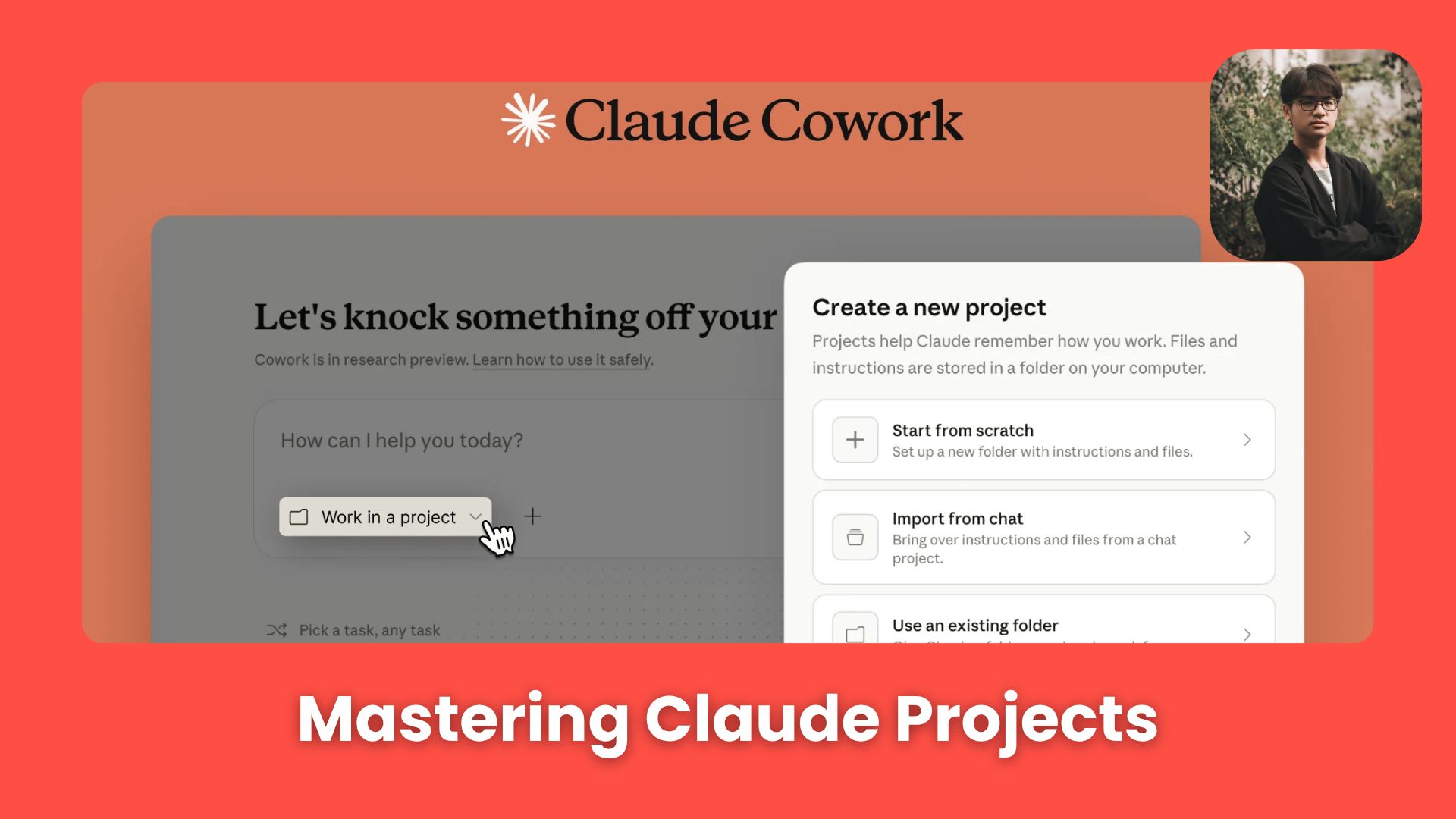
Turn Claude into a long-term collaborator instead of a one-time chatbot using Projects, Skills, and scheduled workflows.. How To Make Money With Ai, Ai Tools, Ai Fire 101, 🔥 Ai Fire Academy, Ai Workflows.
TL;DR BOX
In April 2026, the biggest AI problem is no longer “how to ask questions”. It is “how to make the AI remember you”. While normal AI chats are like a goldfish (they forget your rules and your style the moment you start a new conversation) Claude Projects (within the Claude Cowork desktop app) creates a persistent, 24/7 operating environment. By pointing Claude Cowork at a local folder and defining your “Project Buckets”, you transition from a “vending machine” interaction to a long-term working relationship where the AI maintains long-term memory of your files, past decisions and recurring tasks.
The defining breakthrough of 2026 is the “Agentic Workflow” layer: you no longer just ask for a draft; you assign a “Skill” (a reusable action module) and a “Scheduled Task” to have Claude autonomously scan your inbox, summarize research or generate HTML reports while you are away from your desk. On April 3, 2026, the new “Computer Use” and “Dispatch” tools became ready. Now, you can control your computer from your phone.
Key Points
Fact: On April 3, 2026, Anthropic launched Claude Computer Use for Windows, matching the macOS release and enabling Claude Cowork to natively open apps and manage files across both major OS platforms.
Mistake: Building a separate project for every tiny task. Action: Maintain a “Clean Stack” of 8 or fewer core Project Buckets (Section VI). Ask Claude to look at your old chats. It can tell you which “Project Buckets” you should create.
Action: Connect your Microsoft 365 or Google Workspace today. As of April 4, 2026, these connectors are now free for all users, eliminating the need for manual file uploads and allowing Claude to pull context directly from your OneDrive or Drive.
Table of Contents
I. Introduction
Here’s something that probably sounds familiar.
You spend 10 minutes explaining your business, your tone, your workflow and your preferences to Claude.
It gives you a great answer but when you come back the next day, open a new chat and then realize you have to explain everything again from the beginning.
When this happens repeatedly, you are not really using AI efficiently. You are repeating the same setup work again and again because the system does not remember the context.
Claude Projects, part of Claude Cowork, is designed to solve that.
When used correctly, this becomes more than a simple chatbot improvement. It starts to function like an operating layer for your workflow that remembers key details and helps handle repetitive tasks without constant re-explanation. This guide is useful if:
-
You want to turn repeated tasks into reusable Skills.
-
You want scheduled research and reports to run automatically.
-
You want better continuity, context and consistency across sessions.
-
You want Claude to act more like an operator than a vending machine.
You’ve reached the locked part! Subscribe to read the rest.
Get access to this post and other subscriber-only content.
Upgrade Translation missing: en.app.shared.conjuction.or Sign In
A subscription gets you
- Instant access to 700+ AI workflows ($5,800+ Value)
- Advanced AI tutorials: Master prompt engineering, RAG, model fine-tuning, Hugging Face, and open-source LLMs, etc ($2,997+ Value)
- Daily AI Tutorials: Unlock new AI tools, money-making strategies, and industry (ecommerce, marketing, coding, teaching, and more) transformations (with videos!) ($3,650+ Value)
- AI Case studies: Discover how companies use AI for internal success and innovative products ($1,997+ Value)
- $300,000+ Savings/Discounts: Save big on top AI tools and exclusive startup discounts
Leave a Reply