
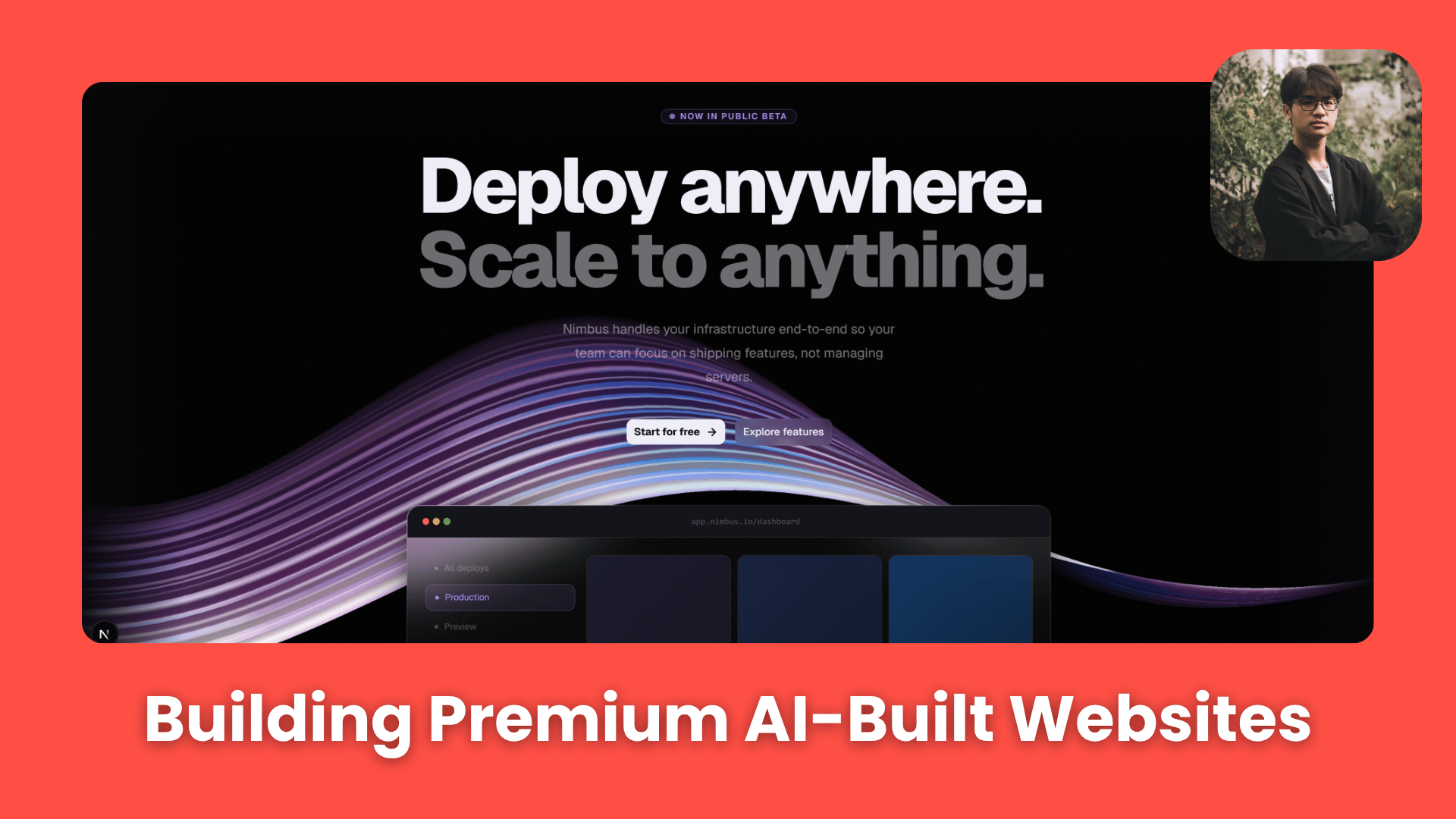
Stop accepting generic layouts. A few small Claude Code techniques can completely change how a website looks. Once you see these, basic designs will feel outdated.. How To Make Money With Ai, Ai Tools, Ai Fire 101, 🔥 Ai Fire Academy, Ai Workflows.
TL;DR BOX
The gap between generic AI layouts and premium UI is mostly about design direction. Claude Code produces average aesthetics unless guided with clear references, structured components and strong visual standards.
The modern AI web stack now centers on Next.js, Tailwind CSS and shadcn/ui, which provide consistent spacing, typography and accessibility out of the box. Adding GSAP for motion and Spline for 3D visuals helps transform static AI-generated website into an interactive product experience that feels professionally engineered.
Key Points
Fact: In early 2026, Claude Code integrated native support for Visual Diffing, allowing it to “see” your current browser state and compare it to your design references in real-time.
Mistake: Accepting default system fonts. Safe, generic fonts like Arial or system-sans signal “unpolished”. Action: Force a typography upgrade using Space Grotesk or Inter with tight letter-spacing for an immediate “premium” feel.
Action: Create your
CLAUDE.mdfile (Section II) before writing a single line of code. Without this “Identity Anchor,” your AI-generated website will drift back to average patterns within 15 messages.Critical Insight
The defining shift of 2026 is precise iteration with screenshots. Words like “make it look better” are useless to an AI. Instead, take a screenshot of a specific section, highlight the flaw and tell Claude: “Fix the alignment in this specific box to match the 4×2 grid in the reference”. This removes the “guessing gap” and gets you to a final, polished product 5x faster.
Table of Contents
I. Introduction: Most AI-Generated Websites Look the Same?
We’ve all seen it: the same faded gradient, the blocky hero section and the generic “We help teams collaborate” headline in a font that doesn’t inspire much emotion.
This is what happens when you let Claude Code operate without design direction. But actually, the tool itself isn’t the problem; it’s the instructions you give it.
Because most people use Claude Code like a search engine. They type in what they want, hit enter and accept whatever result they get. This works fine for functional code but completely misses the mark for design.
Here’s the good news: you don’t need to be a designer to fix this. All you need is better input with clearer instructions, better inspiration and better tools, so Claude has something strong to work with.
This guide covers 8 practical techniques that turn AI-generated websites from “yep, that sure is a webpage” into something that looks like a real product someone paid real money for. You can just copy-paste our prompt or download the full package.
This guide is useful if:
-
You want AI-generated websites that look premium, not generic.
-
You want a repeatable workflow from idea → polished UI.
-
You want copy-paste prompts for each design upgrade.
-
You want websites that look like $10k products, not templates.
You’ve reached the locked part! Subscribe to read the rest.
Get access to this post and other subscriber-only content.
Upgrade Translation missing: en.app.shared.conjuction.or Sign In
A subscription gets you
- Instant access to 700+ AI workflows ($5,800+ Value)
- Advanced AI tutorials: Master prompt engineering, RAG, model fine-tuning, Hugging Face, and open-source LLMs, etc ($2,997+ Value)
- Daily AI Tutorials: Unlock new AI tools, money-making strategies, and industry (ecommerce, marketing, coding, teaching, and more) transformations (with videos!) ($3,650+ Value)
- AI Case studies: Discover how companies use AI for internal success and innovative products ($1,997+ Value)
- $300,000+ Savings/Discounts: Save big on top AI tools and exclusive startup discounts
Leave a Reply