
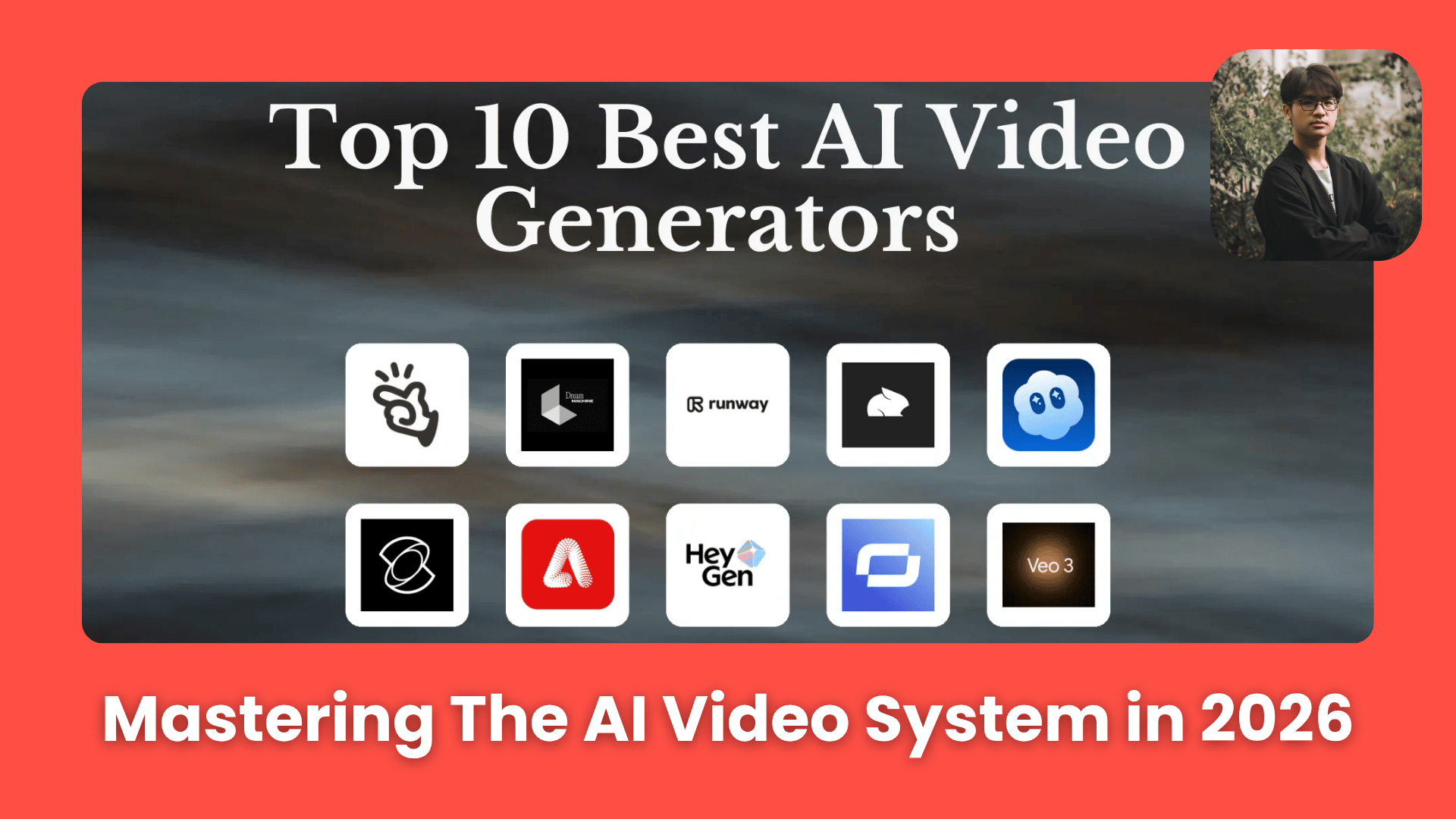
OpenAI shut down Sora. The exact workflow pro AI filmmakers use in 2026: right method, stable characters, director-style prompts. Every method, tool, prompt template & workflow. Ai Tools, Ai Fire 101, 🔥 Ai Fire Academy, Ai Workflows.
TL;DR BOX
In March 2026, the barrier to cinematic AI filmmaking has shifted from “having a budget” to “mastering the system”. While most beginners burn credits on the “Slot Machine” of text-to-video (generating random, inconsistent clips), professional creators use a Three-Foundation Framework: choosing the right Method (Image-to-Video over Text-to-Video), maintaining Visual Consistency (using character reference sheets) and Prompting like a Director (focusing on slow, executable motion).
By anchoring your video in a high-quality still image, you lock the “Visual DNA” of your characters and environments before animating. This prevents the identity drift that ruins most AI short films. In 2026, the winning workflow is modular: generate the world, then the character, then the motion.
Key Points
Fact: In early 2026, Kling 3.0 and Google Veo have become the industry standards for high-fidelity Image-to-Video, offering up to 20 seconds of stable motion.
Mistake: Prompting like a novelist. AI models struggle with complex, multi-stage sentences. Use the “Slow” Rule: describe one gradual movement per shot for 99% better stability.
Action: Create a Character Reference Sheet (Front, Side, 3/4 view) before animating. This is the only way to ensure your hero looks the same in Shot 1 and Shot 10.
Critical Insight
The defining shift of 2026 is Component-Based Production. Great AI video isn’t “found” in a single prompt; it is assembled by layering stable environments, consistent characters and isolated motions. If the character’s face changes in every shot, you don’t have a film. You just have a collection of pictures.
Table of Contents
I. Introduction
OpenAI announced it was shutting down Sora – the video app that landed a landmark $1B deal with Disney Variety, racked up a million downloads in less than a week, and was supposed to change filmmaking forever.
Just 6 months after its standalone launch, it’s gone, and a lot of confused creators wondering what to do next.
BUT if you built your entire AI video workflow around one tool, Sora’s exit is actually a useful wake-up call. Remember: tools come and go. Systems are what last. And that’s really what this guide is about. So who exactly is this for?
-
You’ve tried text-to-video but your results feel random and hard to control
-
Your characters look completely different from one shot to the next and you’re not sure why
-
You’re creating content, short films or branded videos and you want a workflow you can actually repeat
-
You want to stop wasting credits on unusable clips and start producing work that looks intentional
Along the way, you’ll also get the exact tool stack that’s actually working in 2026, ready-to-use prompt templates, and a simple pipeline that takes you from your first character image to a fully voiced, animated scene! Let’s start.
You’ve reached the locked part! Subscribe to read the rest.
Get access to this post and other subscriber-only content.
Upgrade Translation missing: en.app.shared.conjuction.or Sign In
A subscription gets you
- Instant access to 700+ AI workflows ($5,800+ Value)
- Advanced AI tutorials: Master prompt engineering, RAG, model fine-tuning, Hugging Face, and open-source LLMs, etc ($2,997+ Value)
- Daily AI Tutorials: Unlock new AI tools, money-making strategies, and industry (ecommerce, marketing, coding, teaching, and more) transformations (with videos!) ($3,650+ Value)
- AI Case studies: Discover how companies use AI for internal success and innovative products ($1,997+ Value)
- $300,000+ Savings/Discounts: Save big on top AI tools and exclusive startup discounts
Leave a Reply